
Off-the-Shelf CRM (Zoho, HubSpot) vs a Custom CRM: How Egyptian Companies Should Decide
Zoho and HubSpot can be running within days, while a custom CRM fits your exact process and systems. This guide compares both fairly on cost drivers, fit, integration, Arabic, data location and ownership, with a checklist for Egyptian companies.
Should an Egyptian company subscribe to a ready-made CRM such as Zoho CRM or HubSpot, or build a custom CRM? The short answer: start with an off-the-shelf CRM when your sales process is standard and you need to move fast; choose a custom CRM when your process, integrations or data rules are specific enough that you would spend more time working around a product than using it.
Both options are legitimate, and both fail when chosen for the wrong reasons. A real estate brokerage in New Cairo, a pharmaceutical distributor in the Delta and a chain of clinics have very different needs, even though all three "need a CRM".
This guide compares the two approaches fairly, explains the cost drivers behind each, and gives you a checklist to decide.
Key takeaways
- Off-the-shelf CRMs are fast to start and include mature features; HubSpot has a free CRM tier and Zoho CRM has a free edition for up to 3 users (per their websites, 2026).
- Subscription costs usually grow per user and per tier, so the long-term cost depends on team size and the features you unlock.
- A custom CRM makes sense when you need deep integration with your ERP, WhatsApp, booking or field operations, or an unusual process.
- Under Egypt's Data Protection Law 151/2020, where customer data is hosted and who can access it matter; ask every vendor.
- A hybrid path, a SaaS CRM connected to your own systems through APIs, is often the most practical middle ground.
What off-the-shelf CRMs offer
Global CRM products have had years to refine contact management, pipelines, email tracking and reporting. According to HubSpot's CRM page, its free CRM has no expiry and includes contact management, deal pipelines, reporting dashboards and tools such as meeting scheduling, live chat and forms; paid Starter, Professional and Enterprise tiers are billed per seat. Zoho's CRM page states that its free edition supports up to 3 users, and Zoho also offers Bigin, a lighter CRM aimed at small businesses.
Strengths
- Speed: a small team can be working within days.
- Mature features: pipelines, email integration, mobile apps and dashboards are ready.
- Ecosystem: marketplaces of integrations with email, calendars and marketing tools.
- No development project: the vendor handles hosting, updates and security of the platform.
Limitations to check
- Cost growth: per-user pricing and feature tiers mean costs rise as you hire and as you need advanced features such as custom objects or permissions.
- Fit: your process must adapt to the product's model. Unusual flows, such as van sales, clinic packages or unit reservations, may need workarounds.
- Local integrations: connecting to Egyptian systems (your local ERP, ETA e-invoicing through your accounting system, local payment links, courier companies) usually needs custom integration work anyway.
- Language and reporting: check Arabic interface quality, Arabic search and Arabic printed documents in your chosen tier.
- Data location: global SaaS products usually host data outside Egypt, which matters under the data protection regulations (see below).
What a custom CRM offers
A custom CRM is built around your process and your existing systems. It is not automatically better; it is a different trade-off.
Strengths
- Exact fit: stages, fields, approvals and screens match how your team actually sells.
- One database with operations: customers, quotations, orders, stock, invoices and collections in one place, often as a module of your ERP.
- Integrations you control: WhatsApp Business Platform, your booking system, your online store, your call centre.
- Ownership: with the right contract you own the code and the data, and choose where it is hosted.
- No per-user licence: adding salespeople does not add licence fees, although hosting and support still cost money.
Risks to manage
- Upfront investment and time: weeks or months of analysis, development and testing.
- Dependence on the developer: you need documentation, source code access and a support agreement.
- Scope creep: trying to copy every feature of a global product is a mistake; build what you use.
- Maintenance: security updates, backups and hosting are your responsibility or your vendor's under contract.
Side-by-side comparison
| Factor | Off-the-shelf (Zoho, HubSpot and similar) | Custom CRM |
|---|---|---|
| Time to start | Days to weeks | Weeks to months |
| Upfront cost | Low (subscription, setup, training) | Higher (analysis and development) |
| Ongoing cost driver | Users multiplied by tier, plus add-ons | Hosting, support and enhancements |
| Process fit | Configure within the product's model | Built to your process |
| Integration with local ERP and systems | Via APIs or connectors, often extra work | Designed in from the start |
| Arabic interface and documents | Varies by product and tier; test it | Specified as a requirement |
| Data hosting location | Vendor's chosen regions | Your choice |
| Code and roadmap control | Vendor controls | You control (by contract) |
Thinking in total cost, not monthly price
Comparing a monthly subscription with a one-off development quote is misleading. Compare total cost over three to five years, including:
- For SaaS: licences for your expected headcount in year three, the tier you will really need, paid add-ons, implementation partner fees, integration work with your ERP and WhatsApp, and training.
- For custom: development, hosting, support and maintenance, security updates, and a budget for new features each year.
- For both: data migration and cleaning, internal time spent on setup, and the cost of switching later.
Also note currency exposure: many global SaaS subscriptions are billed in US dollars, which matters for budgeting in Egyptian pounds.
Data location, access and Egypt's data protection law
Egypt's Personal Data Protection Law 151/2020 has executive regulations issued in November 2025, with a one-year compliance period ending on 1 November 2026. According to CMS (2026) and Access Partnership (2026), the regime includes licensing for controllers and processors, a registered data protection officer, and licences plus a transfer impact assessment for cross-border transfers.
For a CRM decision, that means asking:
- Where will customer data be hosted, and does that count as a cross-border transfer for your company?
- Can you set role-based permissions so that salespeople cannot export the full customer list?
- Is there an audit log of who viewed, edited and exported records?
- Can you record marketing consent and handle deletion requests?
- Can you set retention periods for leads that never became customers?
Neither option is automatically compliant or non-compliant; it depends on configuration, contracts and your own processes. Take legal advice on the transfer question.
A decision checklist
Lean towards off-the-shelf if
- Your sales process is close to a standard lead-to-deal pipeline.
- You have a small team and need to start this month.
- You do not need deep integration with operations yet.
- You are comfortable with the vendor's data hosting and currency terms.
Lean towards custom if
- Your process is specific: clinic packages, unit reservations, van sales, contract renewals, multi-branch approvals.
- The CRM must share data with your ERP, stock, invoicing and collections in real time.
- WhatsApp, a booking system or field operations are central to how you sell.
- You want control over hosting, data and roadmap, and your team size makes per-user licences expensive.
Consider the hybrid path
Many companies start with a SaaS CRM and build custom integrations to their ERP and WhatsApp through APIs. Others run the CRM as a module of a custom ERP and use SaaS tools for email marketing. The right answer is the one your team will use every day.
Questions to ask before you sign
- SaaS vendor: which tier do we really need for permissions and reporting? How do we export all our data if we leave? Which local partner supports us in Arabic? What does integration with our accounting system cost?
- Custom developer: who owns the source code? What warranty and support agreement follow delivery? Where is data hosted and how are backups kept? Will we get documentation that lets another developer continue?
Written answers to these questions matter more than any demo; they protect you from surprises a year into operation.
How Nilex helps
Nilex builds custom CRM systems, usually as part of a custom ERP system, and integrates existing tools with your operations through a REST API. If a ready-made CRM fits you better, we will say so and help connect it to your systems. Custom builds include role-based permissions, audit logs and hosting you choose, on a stack of Node.js and PostgreSQL.
Frequently asked questions
Is Zoho or HubSpot better than a custom CRM?
Neither is better in general. Off-the-shelf CRMs win on speed and ready features; custom CRMs win on fit, integration and control. The deciding factors are your process, your integrations, your team size and your data requirements.
Is there a free CRM I can start with?
Yes. HubSpot advertises a free CRM with no expiry, and Zoho CRM has a free edition for up to 3 users, according to their websites in 2026. Check the limits of free tiers before you build your process around them.
How much does a custom CRM cost in Egypt?
It depends on scope: number of modules, integrations (ERP, WhatsApp, payments), user roles, reports and hosting. Ask for a quote based on a written list of processes and compare total cost over three to five years with the subscription alternative.
Can I start with a SaaS CRM and move to custom later?
Yes, if you keep your data clean and exportable. Check export options and API access in the tier you choose, and avoid building critical processes on features you cannot move.
Do ready-made CRMs support Arabic?
Support varies by product and plan. Test the Arabic interface, Arabic search, right-to-left documents and printed quotations with your own data during the trial.
Not sure which path fits your company? Book a free consultation with Nilex. Bring your sales process and team size, and we will help you compare the options honestly, including when a ready-made CRM is the better choice.
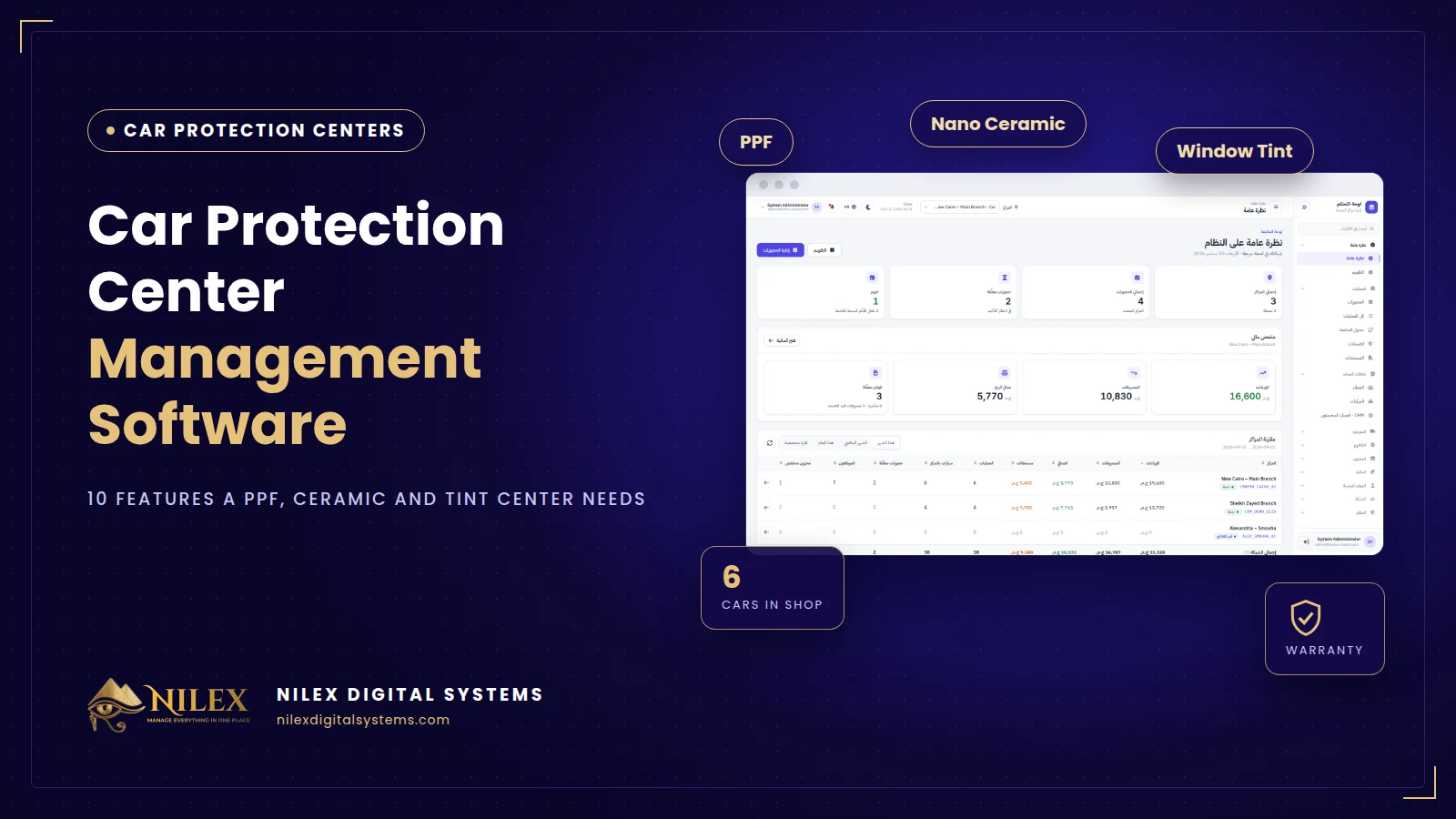 Car Protection Center Management Software: 10 Features a PPF, Ceramic and Tint Center Needs30 September 2026 · 7 min
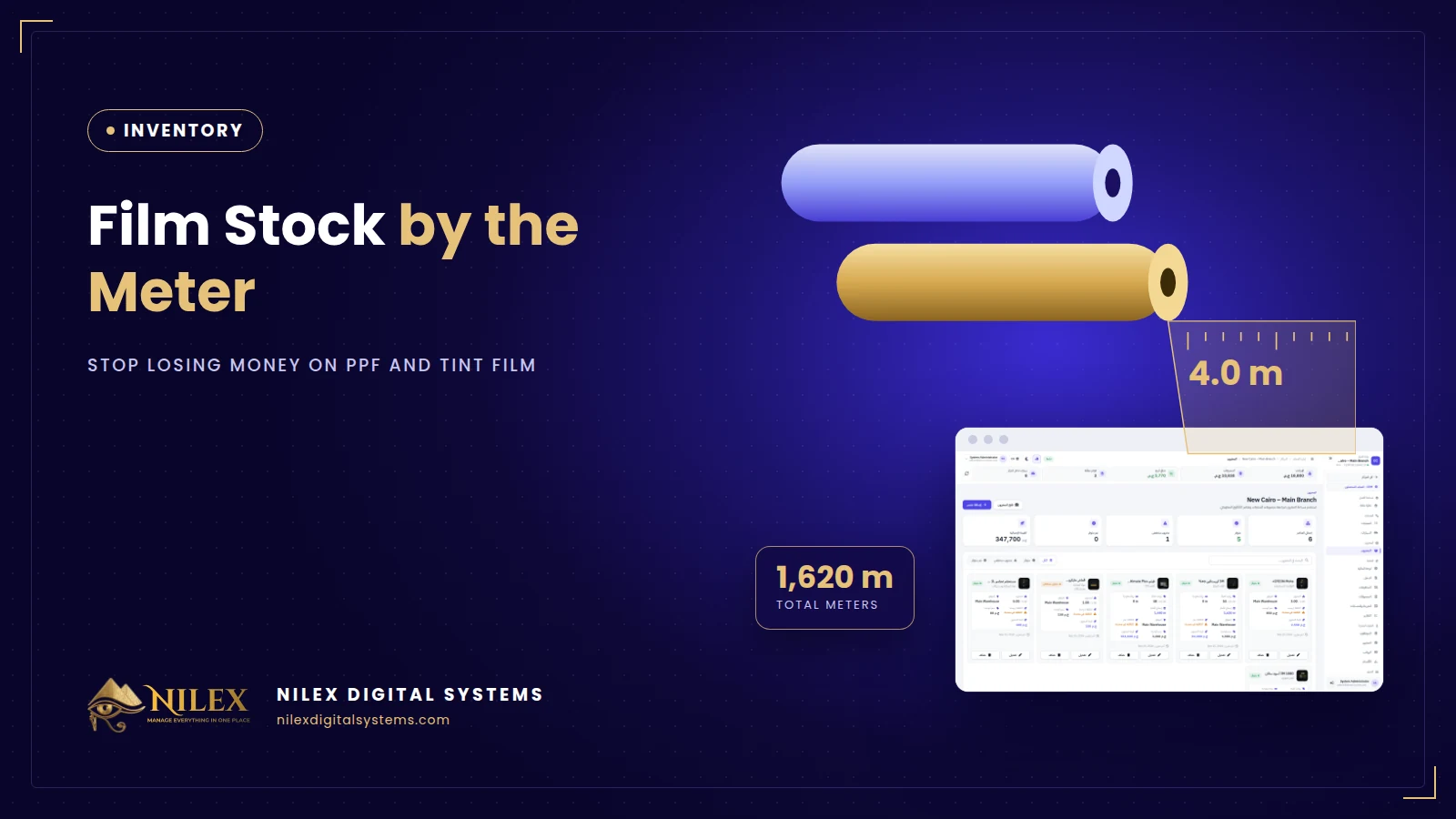 Film Stock by the Meter: How PPF and Tint Centers Stop Losing Money on Film30 September 2026 · 6 min
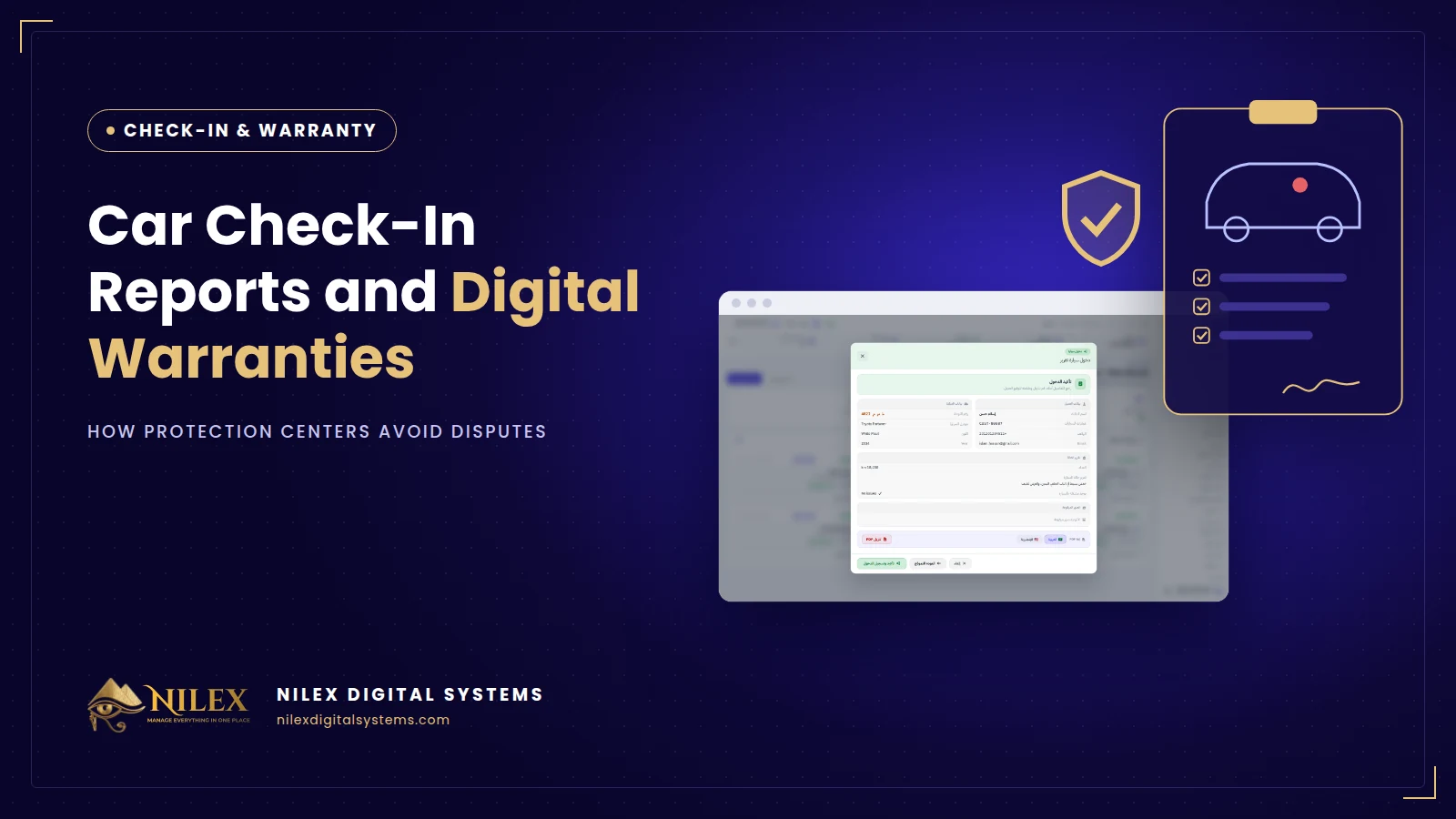 Car Check-In Reports and Digital Warranties: How Protection Centers Avoid Disputes30 September 2026 · 5 min