

Clinic Management System for Every Specialty: One Professional Core, Built Around Your Clinic
A clinic management system should fit dental, dermatology, pediatric, eye, physiotherapy and multi-specialty clinics alike. Here is the shared core every clinic needs, the parts that change by specialty, and how Nilex builds a system around your clinic.
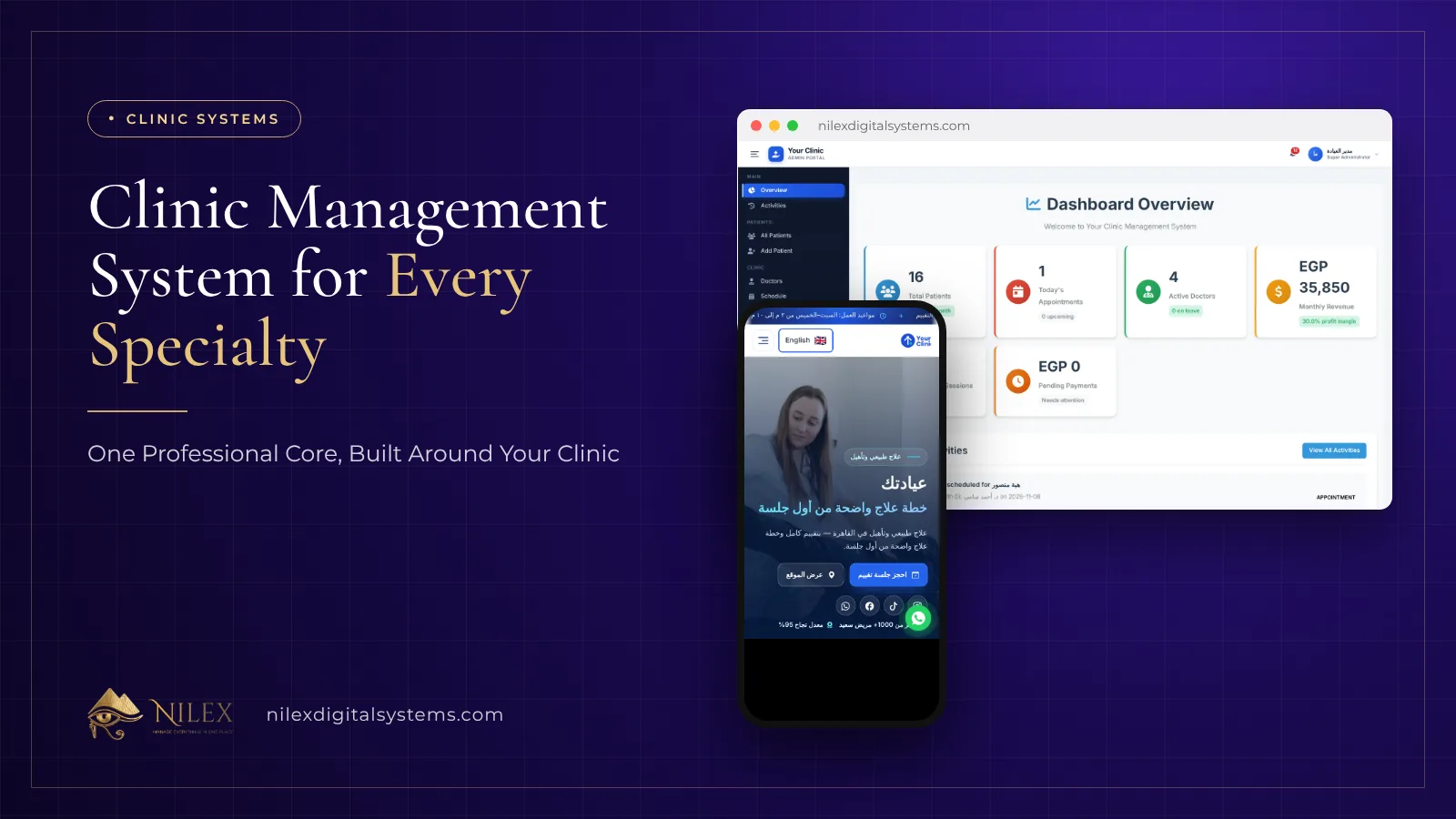
A good clinic management system is not built for one specialty. Every clinic, whether dental, dermatology, pediatric, eye, physiotherapy or a multi-specialty medical center, runs on the same core: booking, patient files, doctors' schedules and rooms, visits or sessions, payments and reports. What changes from one specialty to another is a smaller layer on top, such as a dental chart, an eye exam form or a vaccination schedule. A professional system gets the core right and builds that layer around the clinic, instead of forcing every clinic into the same screens.
This guide is for clinic owners, medical directors and practice managers in Egypt, Saudi Arabia and Kuwait who are choosing their first system or replacing a notebook, a spreadsheet or software that never fitted. It explains what every clinic needs, what depends on the specialty, and how Nilex builds clinic systems.
Key takeaways
- About 80% of what a clinic needs is shared across specialties: booking, patient files, schedules and rooms, visits, payments, roles and reports.
- The specialty layer (dental chart, eye exam, lab results, vaccinations, session packages) is what makes the system feel made for your clinic.
- Portals matter: the doctor, reception, accountant, manager and patient should each see their own screen, not one shared admin panel.
- Payments must be tied to the patient and the visit or package, or the clinic never knows who still owes what.
- A website with online booking feeds the system with patients and tells you where they came from.
- Nilex builds the core from its ready clinic system and adds the specialty parts your clinic needs, in Arabic and English, after a written quote.
What does a clinic management system actually do?
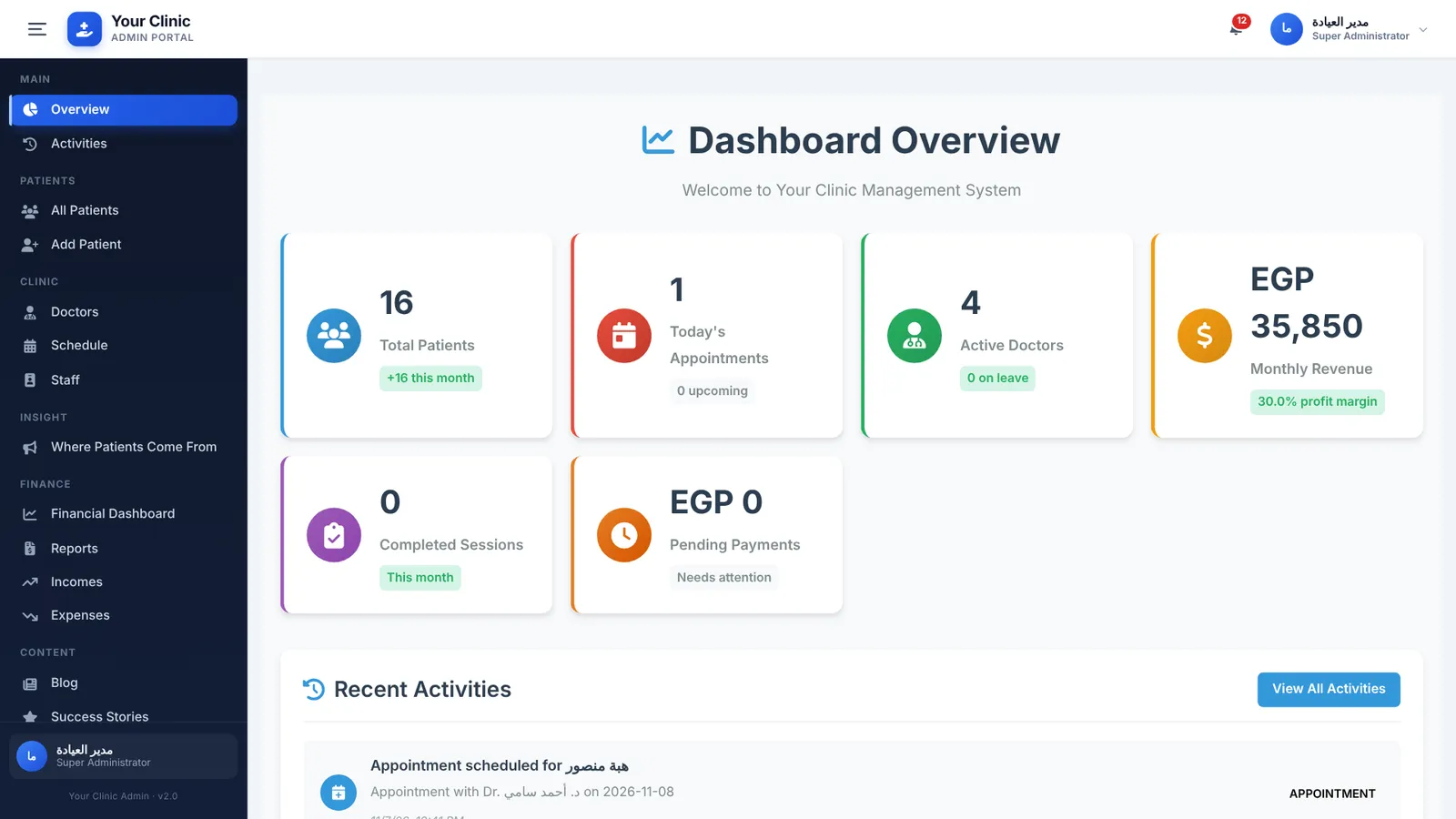
It replaces the appointment diary, the paper file, the receipt book and the end-of-month calculation with one place where every person in the clinic works. When a patient books, reception sees the request. When the patient arrives, the doctor opens the file and records the assessment or the visit. When the patient pays, the payment is recorded against that patient and that treatment. At the end of the day the manager sees what happened without asking anyone.
If you want the full feature checklist, our article on 12 must-have features in clinic management software lists them one by one. This article looks at the question from another side: which parts are the same for every clinic, and which parts must be built for yours.
The core every clinic shares
Whatever the specialty, these modules carry the daily work:
- Patients: a file per patient with a code, contact details, medical history, allergies, current medications and how they heard about the clinic.
- Booking and requests: bookings made by reception and requests that arrive from the website with a reference number, so nothing is lost on a phone or a paper note.
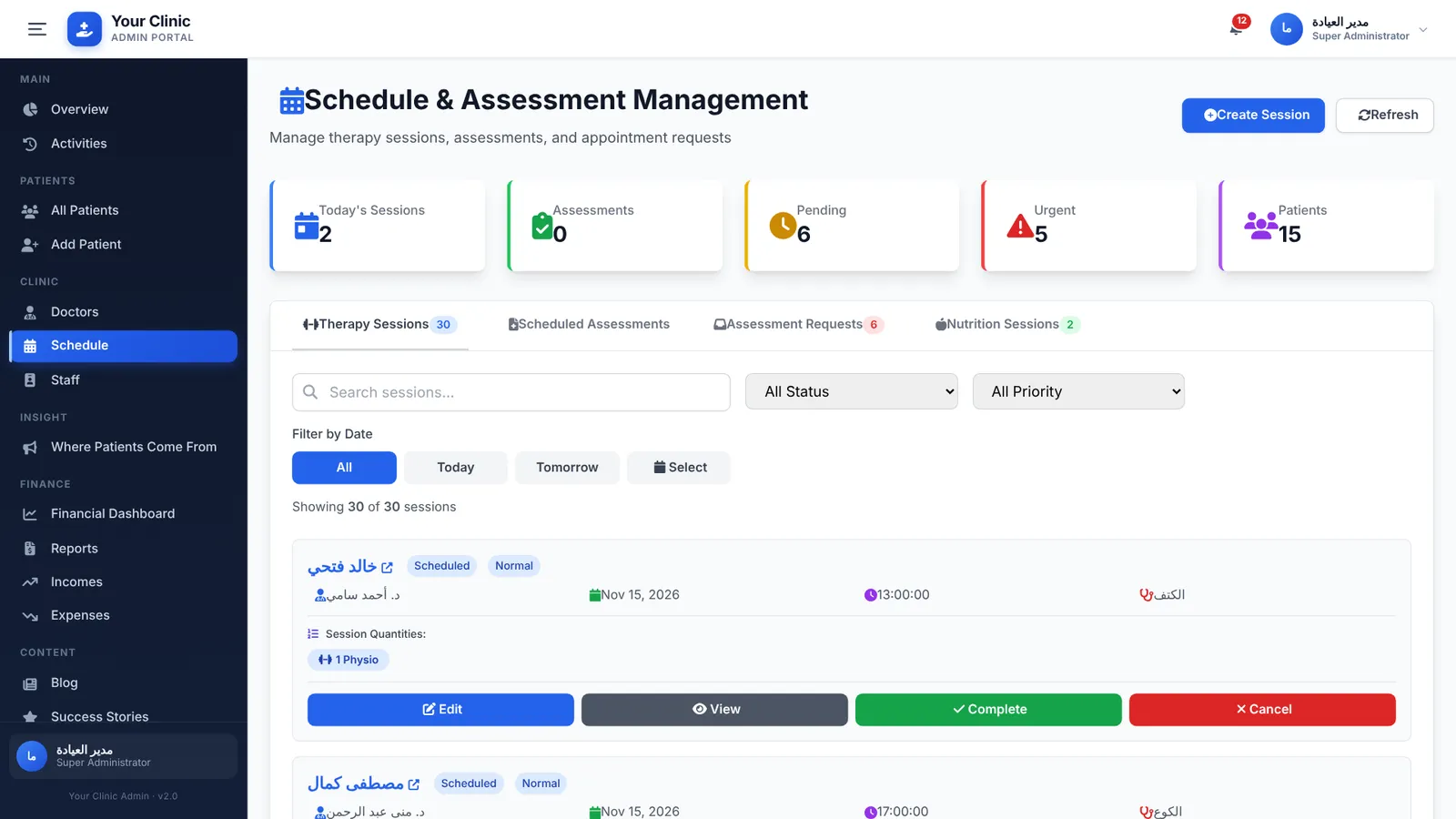
- Schedule and rooms: every doctor's day and every room or chair, with a check that stops two bookings in the same room at the same time.
- Assessments and visits: an initial assessment and follow-ups with findings, diagnosis and the treatment plan, written by the doctor and visible to the next doctor who sees the patient.
- Payments and packages: what the patient paid, for which visit or package, and what is still due.
- Staff, roles and the activity log: every user with their own role and a record of who did what and when.
- Reports: revenue, expenses, profit, patient sources and doctor activity by day, month and year.
What changes from one specialty to another?
The specialty layer is usually a few screens, but they are the screens the doctor uses all day. That is why a generic system often fails: the core works, but the doctor's part does not match how the specialty works.
| Specialty | What the specialty layer usually includes | Read more |
|---|---|---|
| Dental | Tooth-by-tooth treatment plan, multi-visit procedures, chairs as rooms, installments on long treatments | Dental clinic software |
| Dermatology and laser | Session packages (laser, peeling, hair removal), before-and-after photos, consent forms | Dermatology and laser clinics |
| Pediatrics and family medicine | Fast short visits, a family file, growth measurements, vaccination follow-ups | Pediatric and family clinics |
| Eye clinics | Structured exam forms, device readings, glasses prescriptions, surgery follow-ups | Eye clinics |
| Physiotherapy | Plans of many sessions, session types, pain scores, therapists and rooms | Physiotherapy centers |
| Multi-specialty centers | Departments, many doctors, revenue per doctor and specialty, shared reception | Medical centers |
| Labs and radiology | Test catalogue, sample tracking, results and reports for the patient and the referring doctor | Labs and radiology centers |
Some of these parts already exist in the Nilex clinic system, such as packages of different session types, initial and progress assessments, and a nutrition module. Others, such as a dental chart, an eye exam form or lab results, are built for the clinic that needs them and are listed in the written quote.
Why does every role need its own portal?
A clinic has very different users. The receptionist needs today's bookings and requests. The doctor needs their own schedule and their patients' files. The accountant needs payments and expenses. The owner needs the numbers. The patient wants to see their plan and sessions. When all of them share one admin panel, people either see too much or cannot find what they need.
The Nilex clinic system has separate screens for the clinic's management, for each doctor, for the nutritionist and for the patient. A doctor sees their schedule, their patients, their treatment plans and their performance. The idea behind this is explained in a portal for every role.
How should a clinic system handle money?
Most clinics lose money quietly: a session that nobody charged, a package paid halfway and forgotten, a discount nobody approved. A professional system ties every payment to the patient and to the visit or package, shows the balance on the patient file and reports what is still due.
In the Nilex clinic system a package can hold different session types, each with its own price and remaining count, and a session cannot be booked from a package that is less than half paid. Expenses are recorded by category (rent, salaries, supplies, marketing and so on), and the financial dashboard shows income, expenses and profit with daily, monthly, yearly and custom reports. More on this in clinic billing, packages and installments.
Does the clinic need a website connected to the system?
A website brings new patients, but only if it is connected to the clinic's work. In the Nilex setup, the clinic website has a page for every service, a blog and patient stories, and an online booking form. Every booking arrives in the system as a request with a reference number, and the form asks how the patient heard about the clinic, which feeds a report on where patients come from. See a clinic website that brings patients.
How is patient data protected?
Health data is sensitive data. Each user should see only what their role needs, every change should be logged, and the clinic must stay the owner of its data. In Egypt, health data is treated as sensitive personal data under the Personal Data Protection Law, which we cover in health data and Egypt's data protection law. Clinics in Saudi Arabia and Kuwait should check their own country's rules. The practical side, who sees what inside the clinic, is in clinic roles, permissions and patient privacy.
Ready system or custom build?
For most clinics the answer is both: start from a ready core that already works, and build only the specialty parts. That is faster and cheaper than building everything from zero, and it fits the clinic better than a fixed package. Our article on how to choose a clinic system gives a checklist.
How Nilex helps
Nilex Digital Systems builds clinic systems for Egypt, Saudi Arabia and Kuwait. The ready clinic management system and website on our systems page shows the core working: website and online booking, patient files with assessments, packages, schedule and rooms, doctor, nutrition and patient portals, payments, expenses, financial reports and an activity log, with demo videos and screenshots. For other specialties we keep that core and build the parts your clinic needs through our custom systems service. The system is delivered in Arabic and English with your clinic's name, services, prices and doctors, and your team is trained before launch.
Every project starts with a written quote with the price, payment schedule and delivery time, in Egyptian pounds for Egypt and US dollars elsewhere. After delivery you get time to test with your own data and a period of free fixes, as explained in testing and acceptance. To describe your clinic, contact us.
Frequently asked questions
Is the Nilex clinic system only for physiotherapy?
No. The ready system shown on our site came from a physiotherapy clinic, but its core (patients, booking, schedule and rooms, assessments, payments, portals and reports) fits any clinic. Specialty parts are added for your clinic.
Can one system run several specialties in the same center?
Yes. A medical center can have doctors of different specialties with their own schedules and patients, and the reports show activity and revenue per doctor. Departments and specialty screens are set up in the build.
Does the system work in Arabic and English?
Yes. The website and the system are delivered in Arabic and English.
Who owns the patient data?
The clinic does. You can ask for a copy of your data at any time. Nilex keeps the source code and the clinic gets a licence to use the system, as explained in data ownership and the licence.
How much does a clinic system cost?
It depends on the plan and the specialty parts you need. Prices are in Egyptian pounds in Egypt and US dollars elsewhere, and every project starts with a written quote.
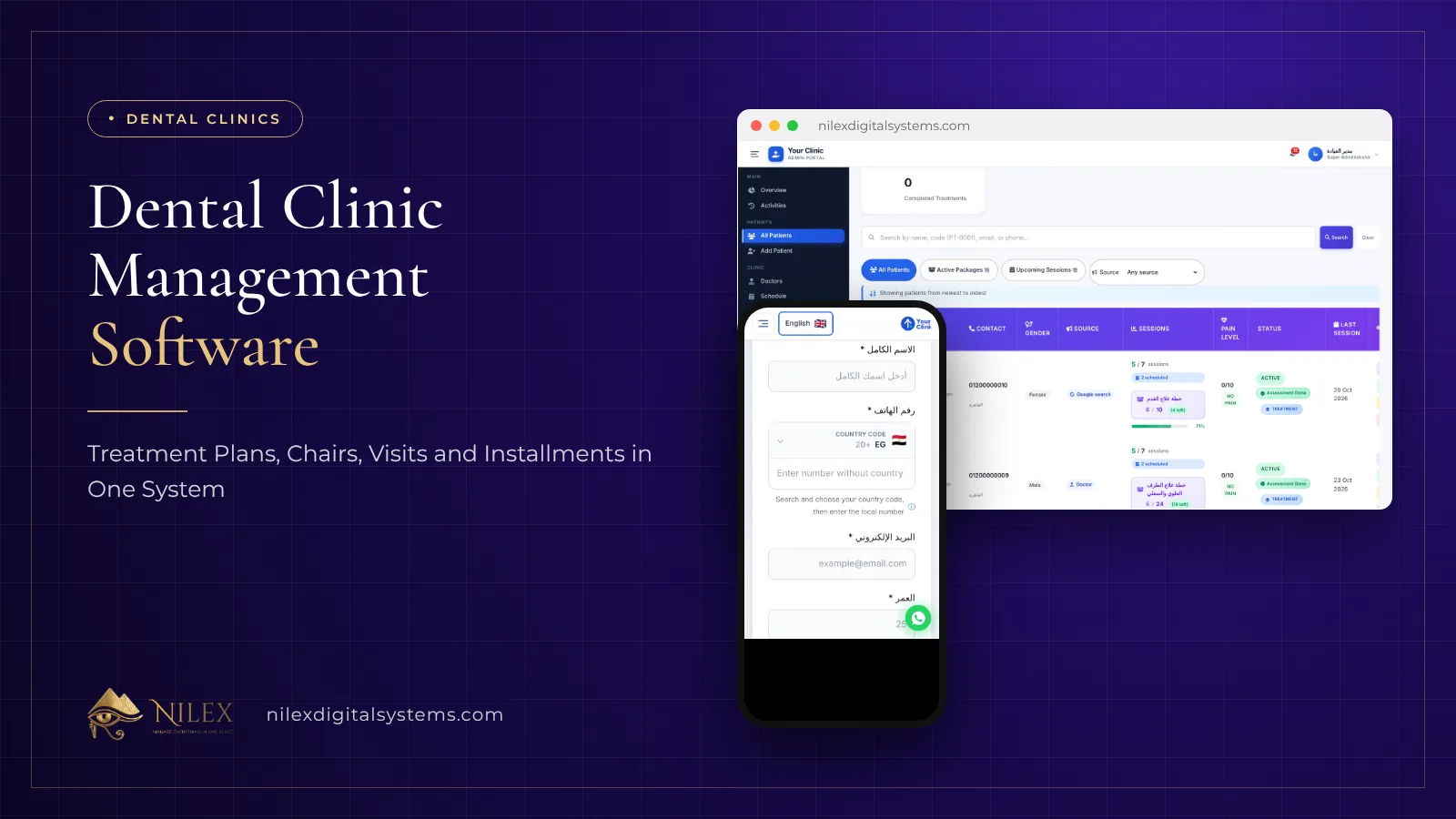 Dental Clinic Management Software: Treatment Plans, Chairs, Visits and Installments in One System8 November 2026 · 6 min
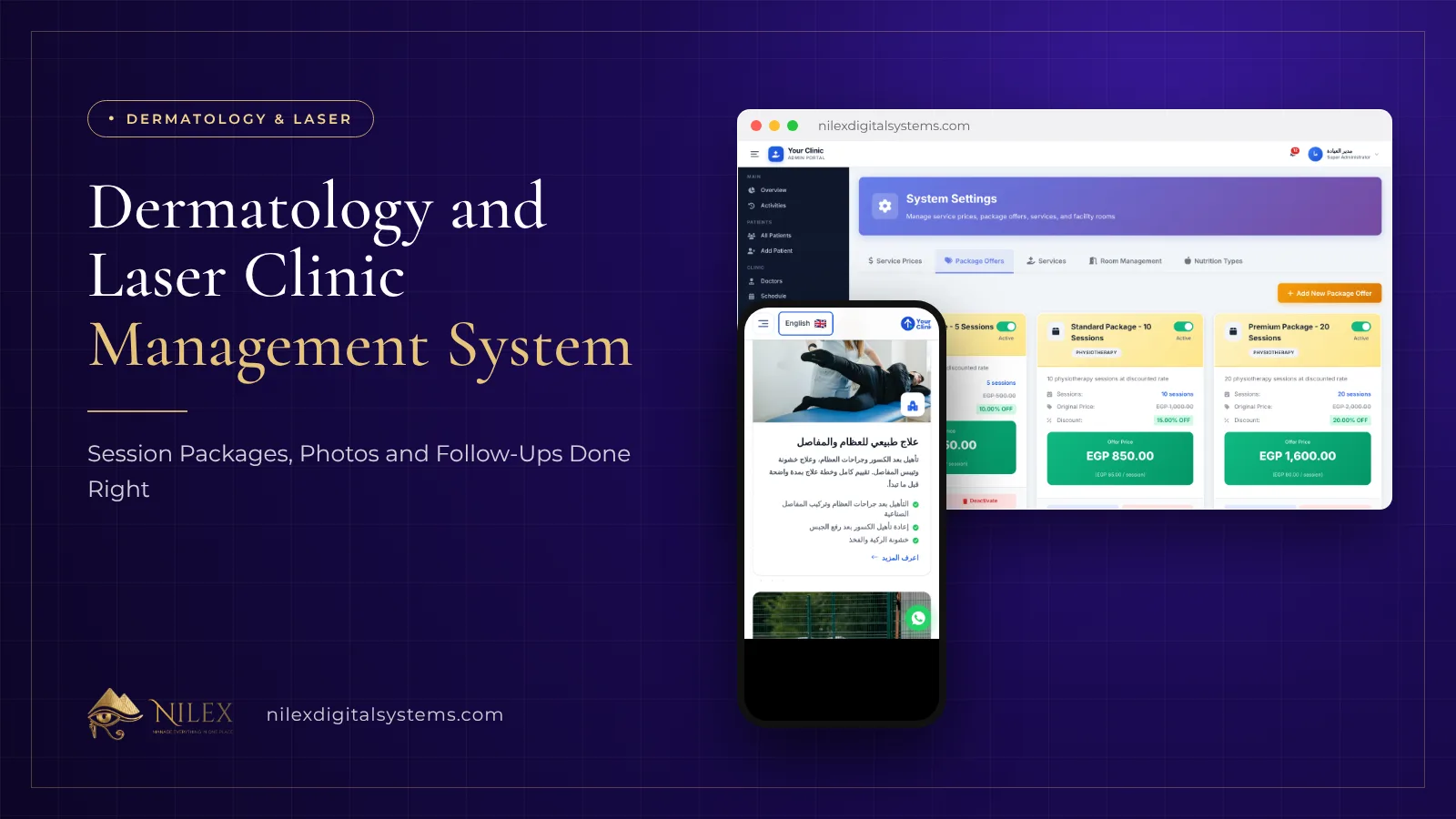 Dermatology and Laser Clinic Management System: Session Packages, Photos and Follow-Ups Done Right8 November 2026 · 5 min
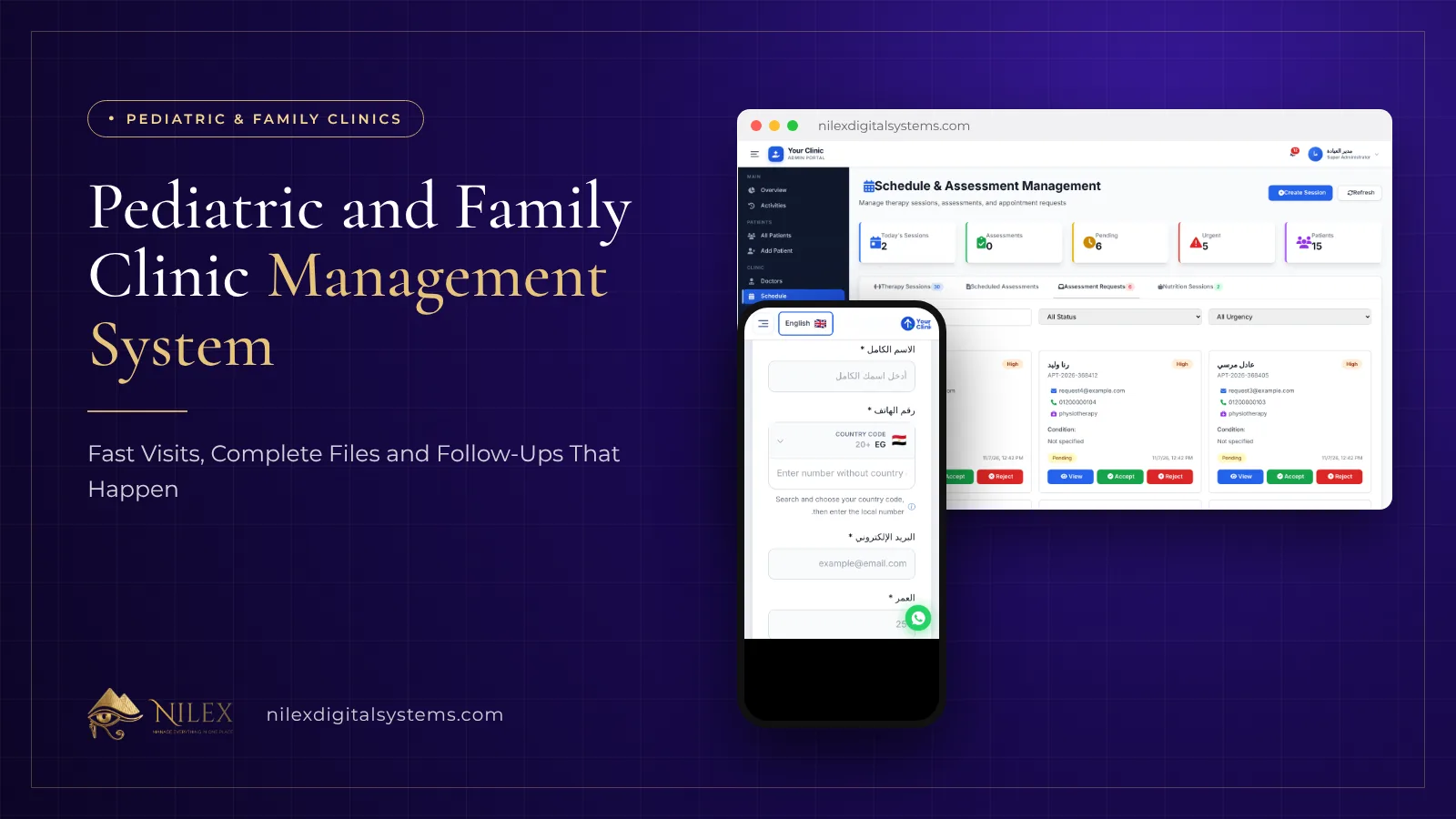 Pediatric and Family Clinic Management System: Fast Visits, Complete Files and Follow-Ups That Happen8 November 2026 · 5 min