

Ready or Custom Clinic System? How to Choose Clinic Management Software Without Regret
Choosing clinic management software comes down to fit, ownership and support. Here is how to compare a fixed off-the-shelf product, a fully custom build and a ready core adapted to your clinic, a 15-point checklist, and the questions to ask before you sign.
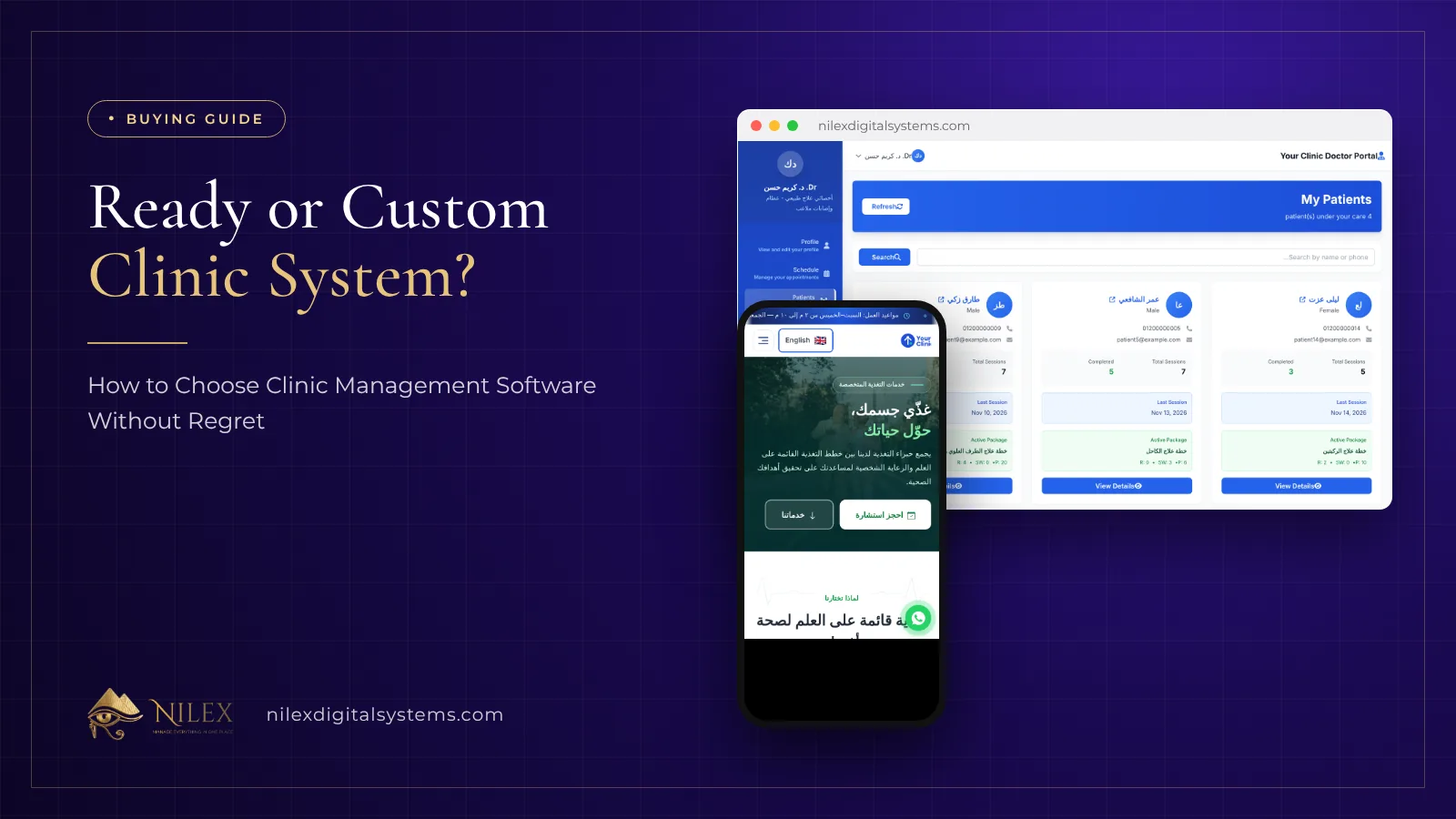
The right clinic management software is the one your doctors and reception actually use every day, that you can change as the clinic grows, and whose data stays yours. You can get there in three ways: a fixed off-the-shelf product, a system built from zero, or a ready core adapted to your clinic. For most clinics the third is the best balance of speed, cost and fit, but the checklist below works whichever path you choose.
This guide is for clinic owners and managers in Egypt, Saudi Arabia and Kuwait comparing offers. It is written by a company that builds clinic systems, so we say clearly where each option fits, including when ours does not.
Key takeaways
- Fit matters more than the feature count: watch the screens your doctors and reception will use all day.
- Off-the-shelf products start fast but rarely change for one clinic.
- A full custom build fits perfectly but takes longer and costs more.
- A ready core adapted to your specialty gives most of the fit at a fraction of the time.
- Ask about data ownership, export, support, and what happens when the contract ends.
- Test with your own data and every role before you accept the system.
What are the three ways to get a clinic system?
| Off-the-shelf product | Full custom build | Ready core, adapted | |
|---|---|---|---|
| Time to start | Fastest | Longest | Short |
| Fit to your specialty | What the product has | Exact | Core ready, specialty built |
| Changes later | Depends on the vendor's roadmap | Yours to request | Yours to request |
| Arabic and local needs | Varies | As specified | Arabic and English |
| Website and booking | Often separate | As specified | Included |
| Typical cost | Monthly per user or clinic | Highest | Between the two |
An off-the-shelf product is a good choice for a small clinic that works exactly the way the product expects. A full custom build makes sense when the clinic's workflow is unusual from end to end. Everything in between is where an adapted ready core fits. The general trade-off is explained in when ready-made systems beat custom software.
How do you evaluate a system before buying?
Watch it working on real screens, not slides. Ask to see the doctor's screen during a visit, reception booking a patient, a partial payment, the end-of-day report and the patient's view. Our guide on evaluating a system from its demo lists what to look for in videos and screenshots.
A 15-point checklist
- Patient file with medical history, allergies, medications and attachments.
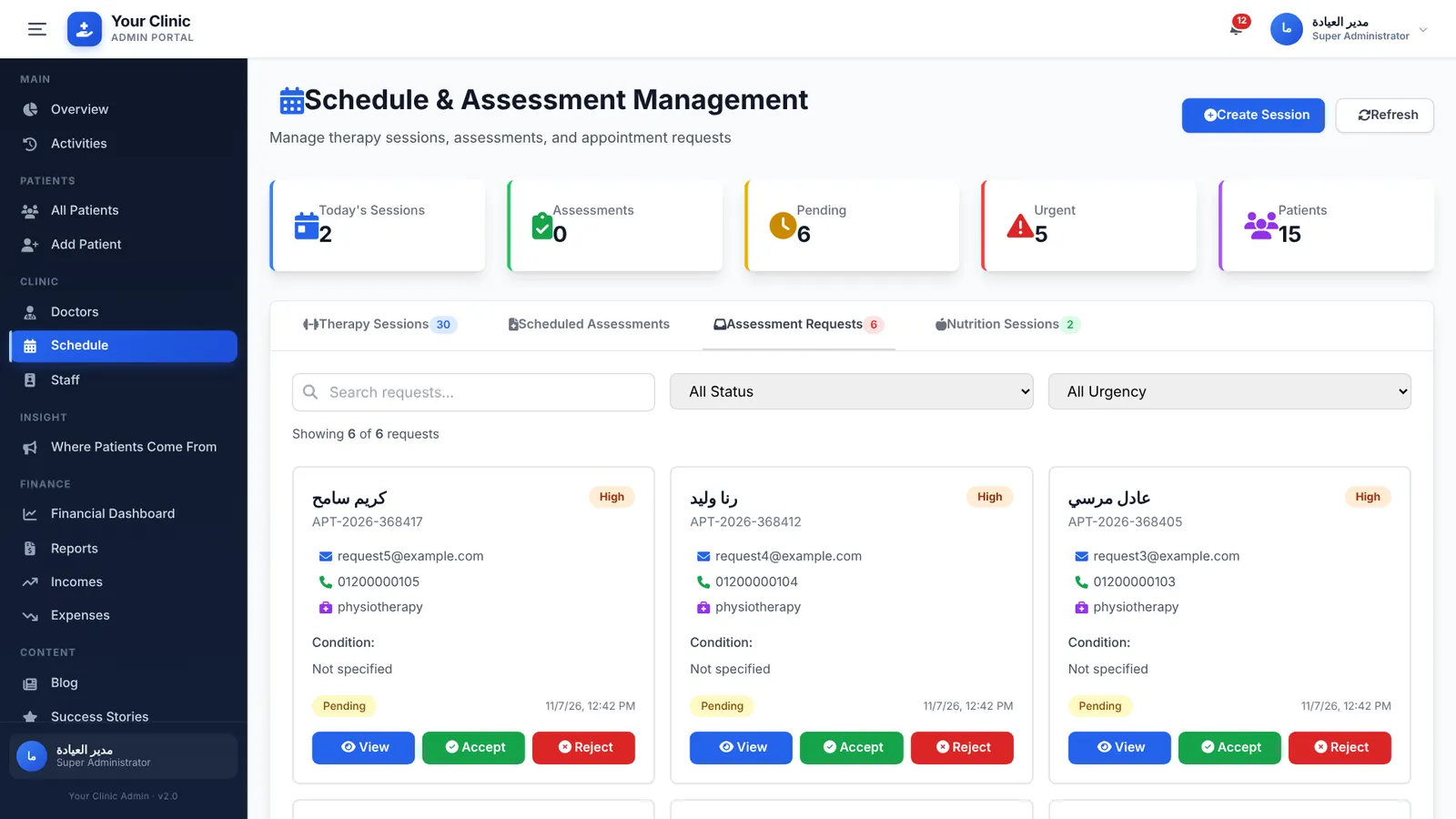
- Booking by reception and requests from the website, in one schedule.
- Rooms or chairs checked for clashes.
- Assessments and visit notes that the next doctor can read.
- The specialty screens your doctors need (dental chart, eye exam, packages, and so on).
- Packages or plans with remaining counts.
- Partial payments, balances and installment reminders.
- Expenses and a financial dashboard with reports and export.
- A portal for each role: doctor, reception, accountant, manager, patient.
- Roles, permissions and an activity log.
- Arabic and English.
- A website with service pages and online booking, if you want new patients online.
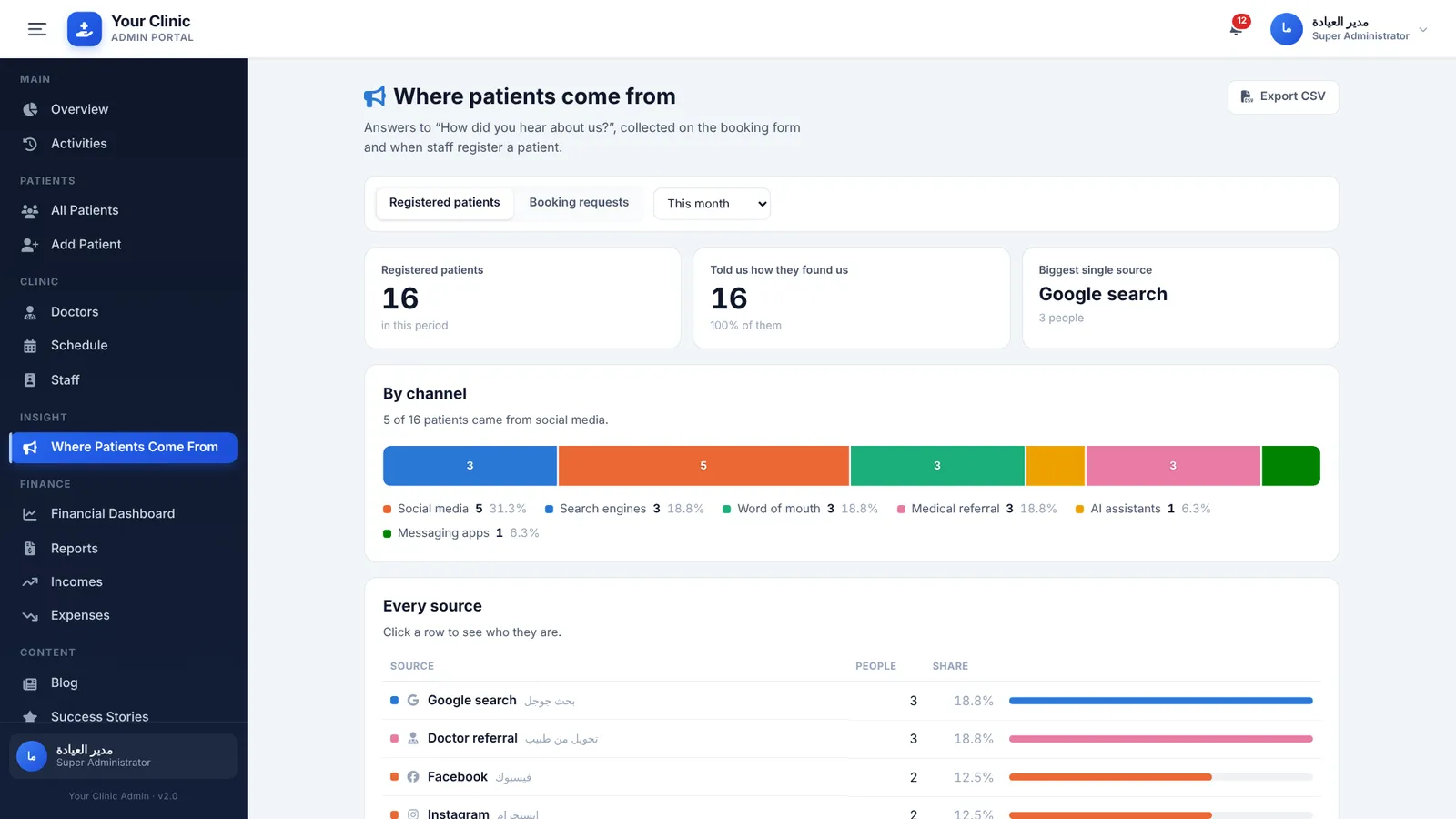
- A report on where patients come from.
- Your data exportable at any time.
- Training, testing time and support after launch.
Who owns the data and the software?
Separate the two. Your patients' data should be yours, exportable at any time, including after the contract ends. The software itself is usually licensed: with Nilex, we keep the source code and you receive a licence to use the system for your clinic. Ask any provider to put both points in writing; see data ownership and the software licence.
How should the system be tested before acceptance?
With your own services, prices, doctors and a few real patients, by every role, including printed documents and reports. With Nilex, delivery starts a 14-day window to test and report errors, and errors in the delivered work are fixed free for 30 days after acceptance; details in testing, acceptance and the free-fix period.
How should you compare prices?
Compare the total over two or three years, not the first invoice: setup, licence or subscription, hosting, support, training and the cost of changes you will need. A cheap monthly product that cannot do your specialty's work costs more in paper and lost payments. Nilex quotes in Egyptian pounds in Egypt and US dollars elsewhere, with the payment schedule in writing, and installments are possible as explained in paying for a software project in installments.
Which red flags should stop you?
- No live demo of the screens you will use, only slides.
- No clear answer on exporting your data.
- One shared login for the whole clinic.
- Promises of features that "will come in the next version" without a date in the contract.
- No testing period before you accept.
How Nilex helps
Nilex offers the third path: the ready clinic management system and website, with demo videos, screenshots and plans you can review before talking to anyone, adapted to your specialty through our custom systems service. Read a clinic management system for every specialty for what is shared and what is built, then contact us for a written quote with price, payment schedule and delivery time.
Frequently asked questions
Is a ready system enough for my specialty?
The core usually is. Specialty screens such as a dental chart or eye exam are added for your clinic and listed in the quote.
Can I see the system before paying?
Yes. The systems page has demo videos with Arabic captions, screenshots, modules, plans and FAQs.
What if I want to change something after launch?
Errors are fixed free during the free-fix period. New features or changes are quoted first.
Do I pay monthly or once?
The clinic plans are one-time with the first year of hosting and support included, then a yearly subscription.
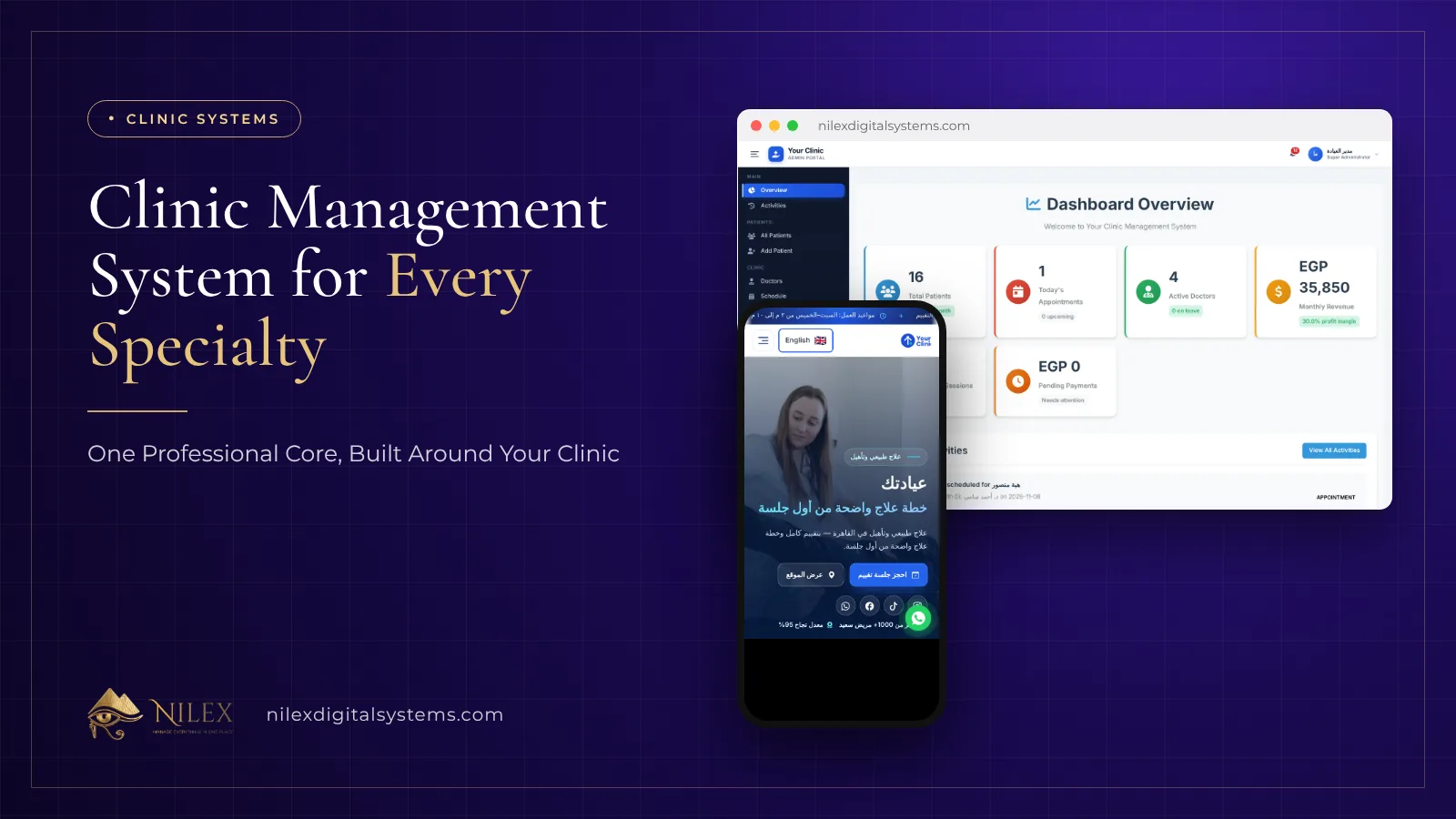 Clinic Management System for Every Specialty: One Professional Core, Built Around Your Clinic8 November 2026 · 8 min
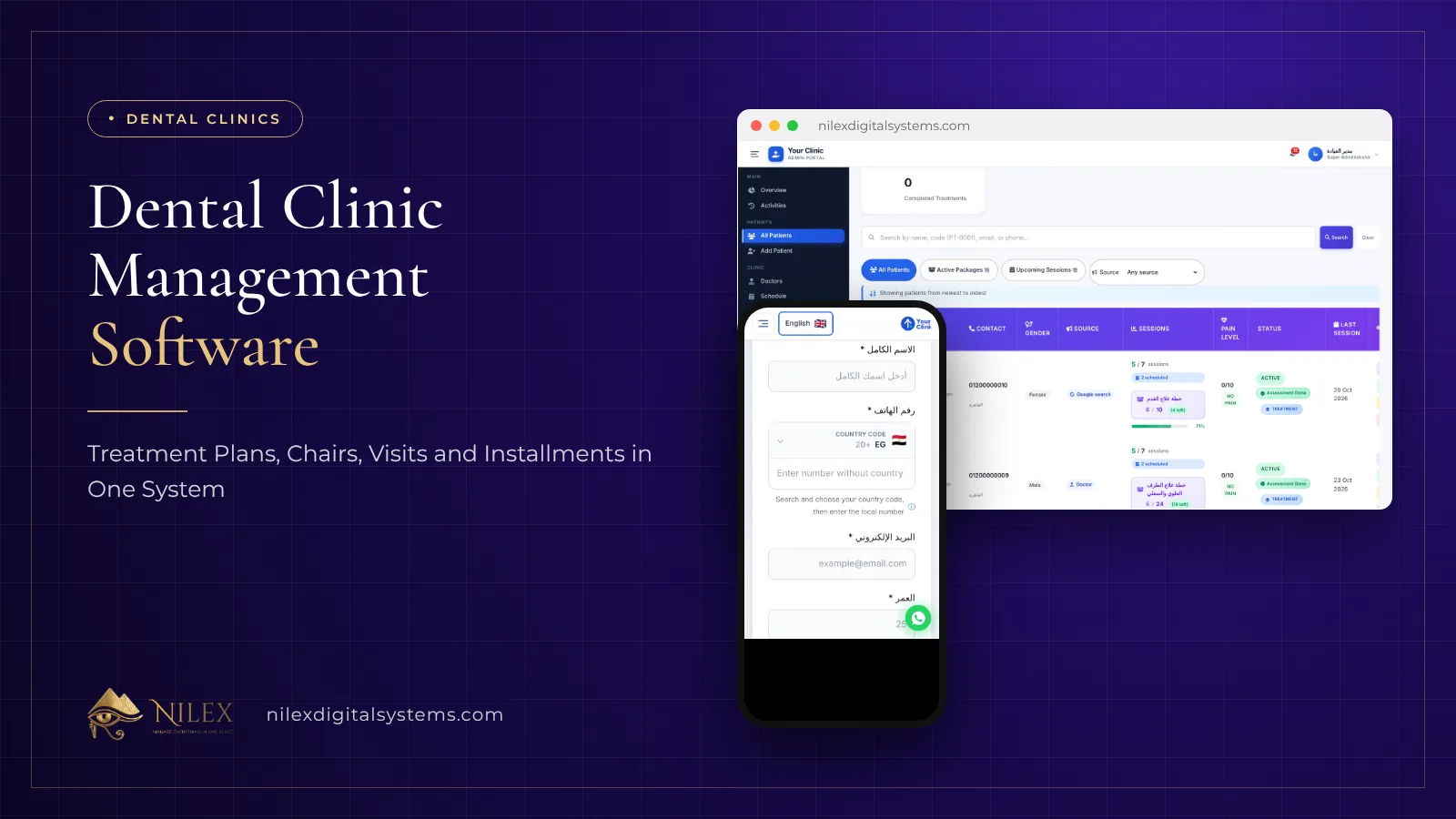 Dental Clinic Management Software: Treatment Plans, Chairs, Visits and Installments in One System8 November 2026 · 6 min
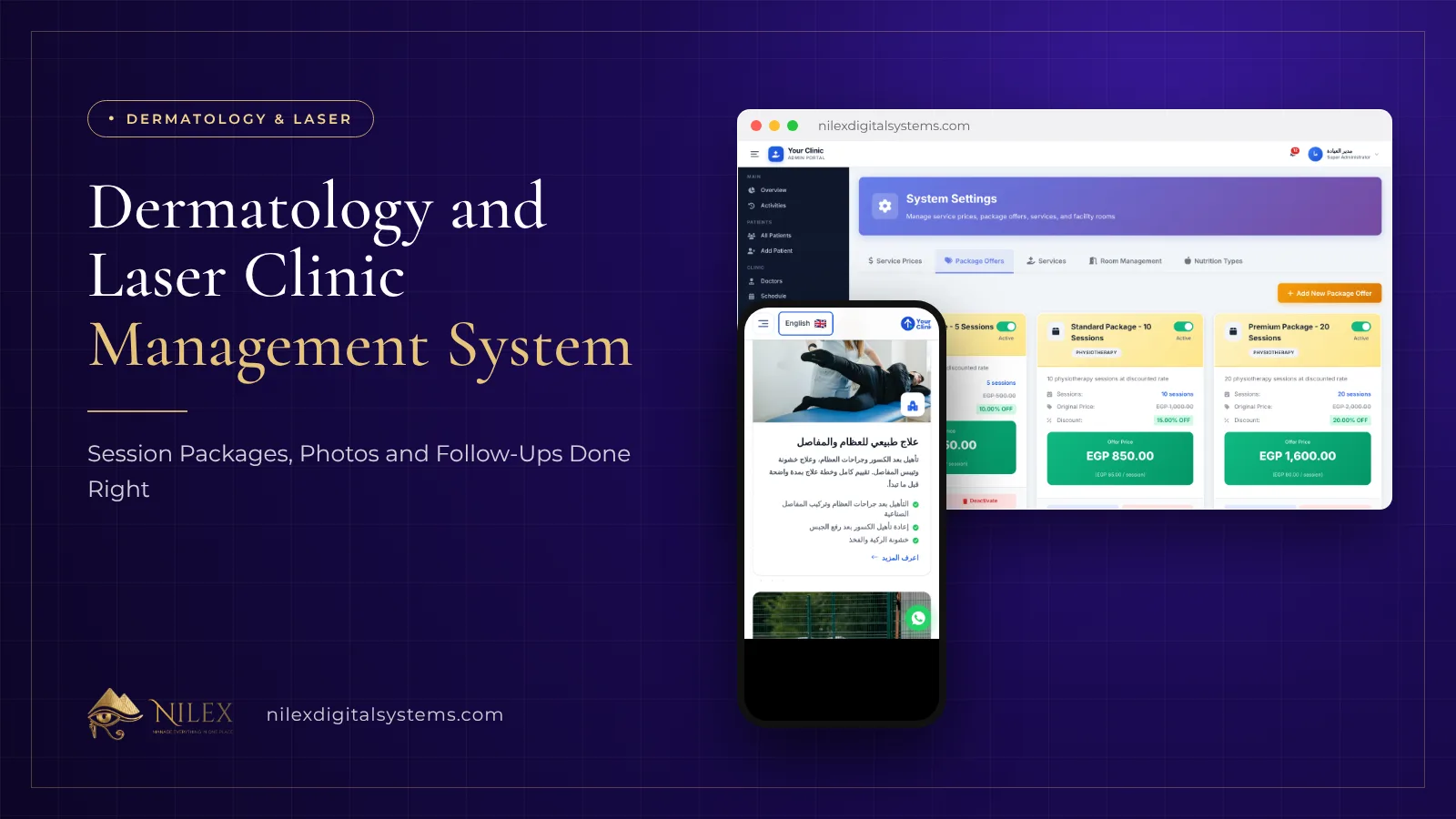 Dermatology and Laser Clinic Management System: Session Packages, Photos and Follow-Ups Done Right8 November 2026 · 5 min