
Paying for a Software Project in Installments: How Nilex Payment Schedules Work
How Nilex payment schedules work: one payment or installments tied to dates or project stages, the first installment before work starts, accepted payment methods, a receipt for every payment in the client portal, and the refund rule.
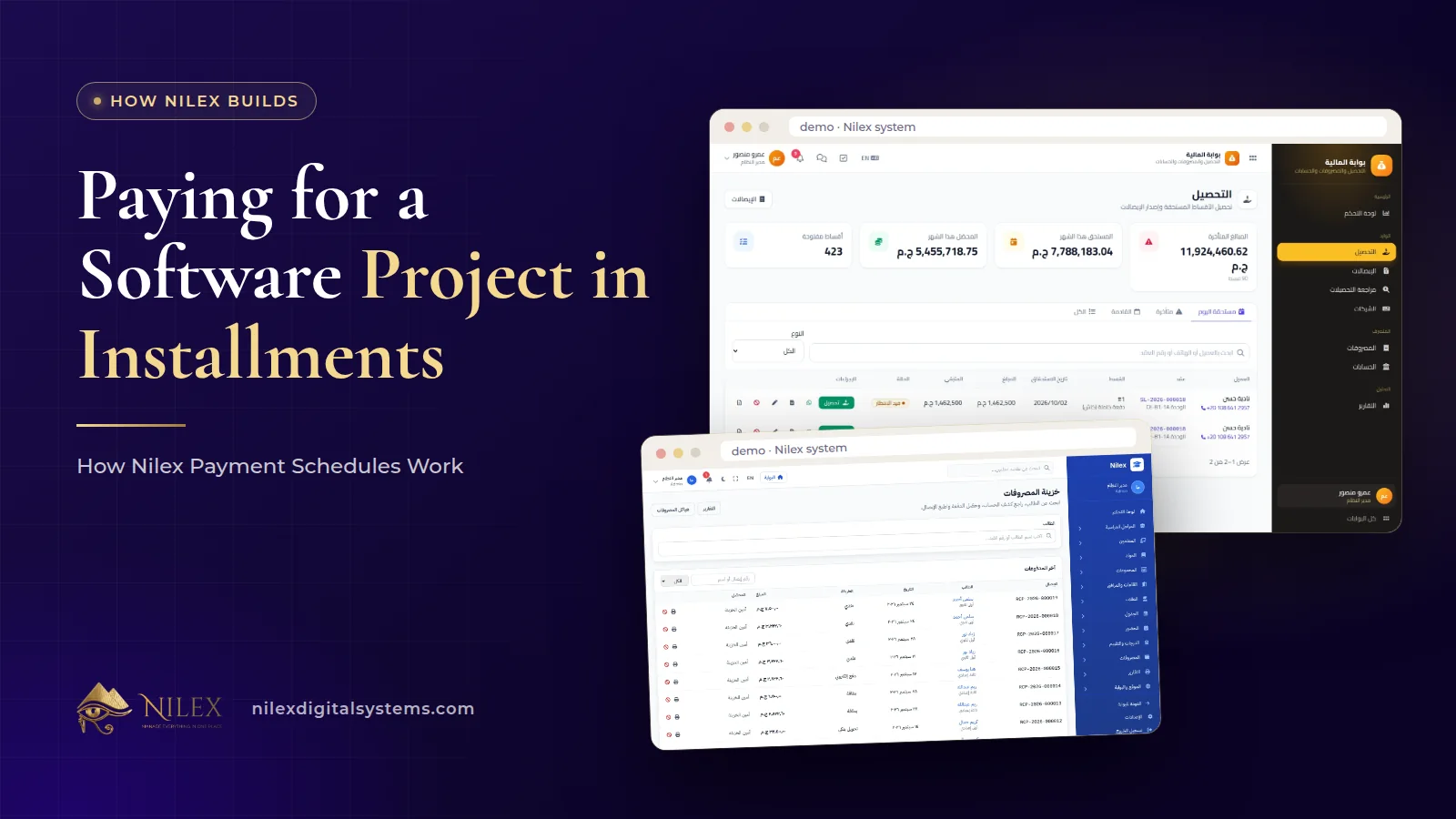
Yes, you can pay for a software project in installments with Nilex. A project can be paid in one payment or in installments linked to dates or to project stages. The first installment is due before work starts, and the full schedule is written in the quotation you receive before you agree to anything.
Installments make the start easier: you pay in stages instead of all at once, and each payment is tied to something you can see. This article explains how the schedule is set, which payment methods we accept, how every payment is recorded, and what happens to payments if a project is cancelled. It does not list prices: those differ by system, plan and scope, and the plans are on each system or service page.
Key takeaways
- Every project starts with a written quotation that states the price, the payment schedule and the delivery time.
- You choose one payment or installments linked to dates or project stages; the first installment is due before work starts.
- You can pay by bank transfer, InstaPay, mobile wallet, cash at our office or cheque. Nilex never asks for or stores card numbers.
- Every payment gets a receipt or invoice, and it appears in your client portal; invoices and payments are also sent by email.
- If you cancel before acceptance, half of the amounts paid is refunded; after acceptance there is no refund.
It starts with a written quotation
Before any money changes hands, we agree the scope and send a written quotation. It states three things together: the price, the payment schedule and the delivery time. Seeing them side by side matters, because a schedule only makes sense when you know what each payment is tied to and when the work is due.
The quotation covers the agreed scope. Work outside that scope is a change request: it is quoted and agreed before it is done, so a new idea halfway through never turns into a surprise on the next invoice. If you are still comparing providers, our guide to questions to ask a software company before you sign includes the scope and price questions worth asking anyone.
One payment or installments: how the schedule is set
There are two basic shapes:
- One payment. The full amount is paid before work starts.
- Installments. The amount is split, and each installment is linked either to a date (for example, a fixed day each month) or to a project stage (for example, a milestone or delivery). The first installment is always due before work starts.
Our service pages show examples of the payment plans offered with each package. Depending on the package, they include full payment before we start; 50% before we start and 50% after delivery; and three payments of 40% before we start, 30% at a mid-project milestone and 30% after delivery. The plan that applies to your project is the one written in your quotation.
| Schedule shape | When you pay | Good fit when |
|---|---|---|
| Full payment | 100% before we start | The budget is ready and you want the simplest paperwork |
| Two payments | 50% before we start, 50% after delivery | You want part of the amount to follow delivery |
| Three payments | 40% before we start, 30% at a mid-project milestone, 30% after delivery | The project has a clear middle stage you can check |
| Installments by date | First installment before we start, the rest on agreed dates | You prefer to plan payments around your cash flow |
The percentages above are the ones published on our service pages; they are shown as shapes, not as a promise that every project uses them. Your own schedule is agreed in the quotation.
Illustrative example: a stage-linked schedule
Illustrative example only. Suppose a company orders a custom system built in phases. A stage-linked schedule could read: first installment before work starts; second installment when the first phase is delivered for testing; final installment after delivery of the last phase. Each payment is tied to an event both sides can see in the client portal, which keeps the conversation about progress, not about chasing money. Our article on how a custom ERP project runs explains the phases these stages usually follow.
Why is the first installment due before work starts?
The first installment confirms the project, and work then begins: for a ready-made system, that means configuring it with your branches, products, prices, users and logo; for a custom project, it means the first phase of the build. Asking for a first payment before starting is normal practice, and it protects both sides: you know the team is committed, and the team knows the project is real.
Which payment methods can you use?
You can pay in whichever of these suits your finance team:
- Bank transfer
- InstaPay
- Mobile wallet
- Cash at our office
- Cheque
Nilex never asks for or stores card numbers. If anyone contacts you claiming to be from Nilex and asks for your card details, treat it as a warning sign and contact us through the contact page. Our article on phishing and fake payment requests explains how these scams usually look. For a general overview of Egyptian payment options, see payment gateways in Egypt.
A receipt for every payment, visible in the client portal
Every payment gets a receipt or invoice, and it appears in your client portal. That means your accountant does not need to ask us for copies at the end of the year, and you can always see which installments are paid and which are still due.
Invoices and payments are also sent by email, and project updates arrive the same way. The portal is also where you follow the project itself and send edit or support requests, so the payment record sits next to the work it pays for. Our article on the Nilex client portal walks through each screen.
| What you want to check | Where to find it |
|---|---|
| The agreed price, schedule and delivery time | Your written quotation |
| Invoices issued and payments made | The client portal, with a receipt or invoice for each payment |
| Notification of a new invoice or payment | Your email |
| Project progress the payment is linked to | The client portal |
| The full contractual rules | Our Terms of Service |
What you pay for after delivery
The project payments cover the agreed scope. After delivery, a few things are worth knowing in advance:
- Testing and fixes are included. You have 14 days after delivery to test and report errors, and for 30 days after acceptance we fix any error in the delivered work free of charge. Our article on testing, acceptance and the free-fix period explains what counts as an error.
- Support afterwards. After the 30 days, support and maintenance are under a support plan or quoted separately.
- Yearly subscription on ready-made systems. Most plans of the ready-made systems include the first year of hosting and support; after the first year there is a yearly subscription for hosting, support and updates. The details for each plan are on its system page.
- Change requests. New scope is quoted and agreed before it is done.
Planning for these lines from day one is the difference between a budget and a surprise. Our guide to ERP total cost of ownership shows how to put them on one sheet.
What happens if you cancel?
The rule is short and written in advance: if the client cancels before acceptance, half of the amounts paid is refunded; after acceptance there is no refund. Acceptance is the point where you have tested the delivered system and confirmed it, which is why the 14-day testing window matters: use it fully before you accept.
Tips for the finance team
- Match each installment in your accounts to the receipt in the client portal, not to a bank screenshot.
- Put stage-linked installments in your cash-flow plan with the expected stage, and update it when the project stage moves.
- Keep the quotation with the receipts: it is the reference for what each payment covers.
- Budget for the yearly subscription or support plan from the second year, if it applies to your plan.
- Pay only through the payment methods listed above and never share card details.
How Nilex helps
We make the money side as clear as the software: a written quotation with price, schedule and delivery time, installments that make the start easier, and a receipt for every payment in your portal. The pillar article on what makes a business system professional shows how this fits with the other standards we work to.
- Choosing a ready-made system? Compare the plans on the systems page and send the request form on the system you want. Our guide to what happens after you request a system explains each step.
- Need a custom build? See the payment plans offered on the custom ERP service page.
- Want a schedule that fits your cash flow? Contact us and ask for a quotation with installments.
Frequently asked questions
Can I pay for a Nilex system in installments?
Yes. Payment can be one payment or installments linked to dates or project stages. The first installment is due before work starts, and the schedule is written in your quotation.
Which payment methods does Nilex accept?
Bank transfer, InstaPay, mobile wallet, cash at our office or cheque. Nilex never asks for or stores card numbers.
Will I get a receipt for every payment?
Yes. Every payment gets a receipt or invoice and appears in your client portal. Invoices and payments are also sent by email.
Can I get my money back if I cancel?
If you cancel before acceptance, half of the amounts paid is refunded. After acceptance there is no refund.
Where can I see the prices?
System plans and their prices are shown on each system page in the visitor's currency, and service packages are on each service page. The price for your project is stated in the written quotation.
 What Makes a Business System Professional: The Standards Nilex Builds Into Its Systems11 October 2026 · 11 min
 A Portal for Every Role: Why Nilex Systems Give Owners, Staff, Technicians and Customers Their Own Screens11 October 2026 · 9 min
 The Nilex Client Portal: Follow Your Project, Invoices, Payments and Requests in One Place11 October 2026 · 8 min