
How a Custom ERP Project Runs: 7 Phases from Discovery to Go-Live, and What You Must Prepare
How a custom ERP project runs step by step: discovery, process mapping, phased modules, testing with your real data, training, go-live and support, plus what the business owner must prepare at each phase.
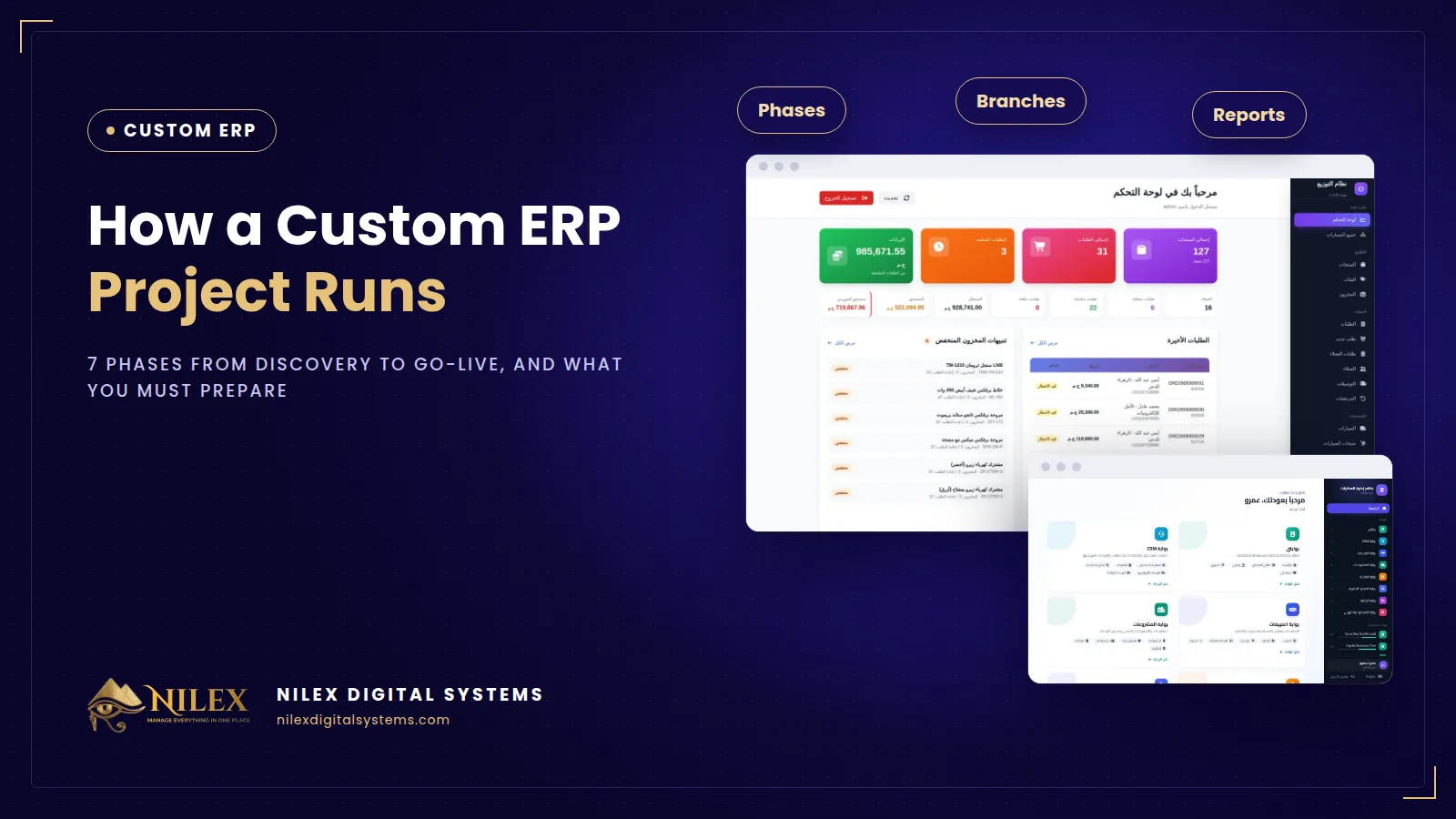
A custom ERP project runs in seven phases: discovery, process mapping, building the modules in phases, testing with your real data, training, go-live and support after launch. The software company writes the code, but the project succeeds or fails on what the business owner prepares: clear decisions, clean data and one person inside the company who owns the project.
This guide walks through each phase the way it actually happens in an Egyptian trading, distribution or manufacturing company, with what to expect from the developer and what you need to have ready. If you are still deciding whether you need an ERP at all, start with what an ERP is and what it covers.
Key takeaways
- A custom ERP is built in phases, not delivered in one big bang: the core (items, customers, suppliers, orders, stock) first, then accounting, more locations, production and integrations.
- Discovery and process mapping decide most of the result. A week spent drawing how an order really moves saves months of rework.
- Test with your own data: real items, real customers and real opening balances, before anyone depends on the system.
- Name one project owner on your side who can make decisions and collect answers from accounts, stores and sales.
- Go live on a planned cut-over date after a stock count, and make the old files read-only instead of running two systems in parallel for months.
The seven phases at a glance
| Phase | What happens | What you prepare | What you get |
|---|---|---|---|
| 1. Discovery | Meetings with the owner, accounts, stores and sales; current files collected | Samples of invoices, orders, Excel sheets and reports you use today | Scope and a list of modules |
| 2. Process mapping | Each process written step by step, with who does what | Decisions on approvals, pricing rules and permissions | Agreed workflows and roles |
| 3. Phased build | Modules built and shown in short rounds | Feedback within days, not weeks | Working modules in a test version |
| 4. Testing with real data | Your data loaded and real scenarios run | Clean items, customers, suppliers and opening balances | A list of fixes, then sign-off |
| 5. Training | Each role trained on its own screens | Staff time and one champion per department | Users who can do their daily work |
| 6. Go-live | Cut-over date, final balances and stock loaded | Stock count, agreed balances, old files frozen | The system in daily use |
| 7. Support | Fixes, small adjustments, new reports | One list of requests with priorities | A stable system and a plan for the next phase |
Phase 1: Discovery, or what does the business actually do?
The developer's first job is to listen, not to show screens. Discovery answers practical questions: how many companies, branches, warehouses or factories you run; how goods arrive, are stored, moved, sold and returned; how money is collected and paid; and which reports you read today.
What to prepare: one copy of every document your company produces or receives: sales invoice, purchase order, delivery note, receipt voucher, the stock sheet, the customer balance sheet. These real files show the data your system must hold far better than a list of wishes.
Phase 2: Process mapping, or draw it before you build it
Every main process is written step by step: order to cash, purchase to payment, stock movement, expenses, month-end. This is where hidden rules come out, and most of them are business decisions, not technical ones:
- Who can give a discount, and up to what percentage?
- Is stock deducted when the order is confirmed, when it leaves the warehouse, or when it is delivered?
- Does a purchase need approval before it goes to the supplier?
- Can one branch sell from another branch's stock?
- Who can edit or cancel an invoice after it is issued, and how is that recorded?
A good developer will ask these questions; only you can answer them. The last one leads straight to roles and audit trails, explained in our guide to user permissions and audit logs in ERP.
Phase 3: Build in phases, starting with the core
Trying to deliver everything at once is the most common reason ERP projects drag on. A safer order is:
- Core data: items, customers, suppliers, warehouses, users and roles.
- Daily operations: sales and purchase orders, stock movement, receipts and payments.
- Accounting: chart of accounts, journal entries, income and expenses.
- More locations: extra branches, warehouses or factories and transfers between them.
- Specialised parts: production, assets tracking, e-invoice integration, the connection to your online store.
Each phase should be shown working, on screen, before the next one starts. If you only see the system at the end, you also discover the misunderstandings at the end. Payment schedules tied to milestones, for example one payment before the start, one at a mid-project milestone and one on delivery, keep both sides focused on working results rather than promises.
Phase 4: Test with real data, not demo data
Demo data always works. Your data has the item with three different names, the customer recorded twice and the supplier balance nobody agrees on. Testing should load a real sample, or all of it, and run real scenarios:
- A full order with a partial delivery and a return.
- A purchase received in two parts.
- A customer paying three invoices with one bank transfer.
- Month-end reports compared line by line with the figures you have today.
Moving the data is a project of its own. Our guide to migrating data from Excel to an ERP covers cleaning, mapping, trial runs and the cut-over day.
Phases 5 and 6: Training and go-live
Train by role, not by module. The storekeeper learns receiving, transfers and counts; sales staff learn orders and customer balances; the accountant learns receipts, payments, entries and reports. Short sessions on their own screens beat one long general demo.
For go-live:
- Choose a date at the start of a month or right after a stock count, not in your busiest season.
- Count stock and agree customer and supplier balances as of that date.
- Make the old Excel files read-only from that day, so nobody keeps a second version.
- Keep the developer's team reachable during the first weeks of real use.
Phase 7: Support and the next phase
The first month always brings small requests: a column in a report, a field on the invoice, a permission that is too wide or too narrow. Collect them in one list, agree priorities, and plan larger additions as a new phase. Before you sign, also ask who hosts the system, how backups run and how support requests are handled after delivery.
How Nilex helps
Nilex builds a custom ERP system from scratch around the way your company works, not on top of Odoo or another ready-made product. It covers suppliers, customers and orders; branches, factories and stock with transfers between locations; income, expenses, chart of accounts and journal entries; role-based permissions with a log of every action and financial records that cannot be silently changed; and reports you can export to PDF and Excel. The service page lists the packages and their payment plans, which are split between the start, a mid-project milestone and delivery.
If you run several locations, read how to manage several branches and warehouses on one system, and see which reports an owner should see every day, week and month. Then talk to Nilex about your project.
Frequently asked questions
How long does a custom ERP project take?
It depends on the number of modules and locations and on how ready your data is. Building in phases means the core can be in use before the specialised parts are finished. The service page shows the expected delivery time of each package.
Can we keep using Excel during the project?
Yes, until go-live. From the cut-over date the old files should be read-only, so there is only one source of truth.
Who should be our project owner?
Someone who knows daily operations, can take decisions or get them quickly from management, and has a few hours a week for meetings and testing.
What if we change a process in the middle of the project?
Changes are normal. Record each one, agree its effect on time and cost, and schedule it in the current or the next phase instead of mixing it silently into the work.
Do we need our own servers?
Not necessarily. Agree before signing where the system is hosted, who takes backups and who handles security updates.
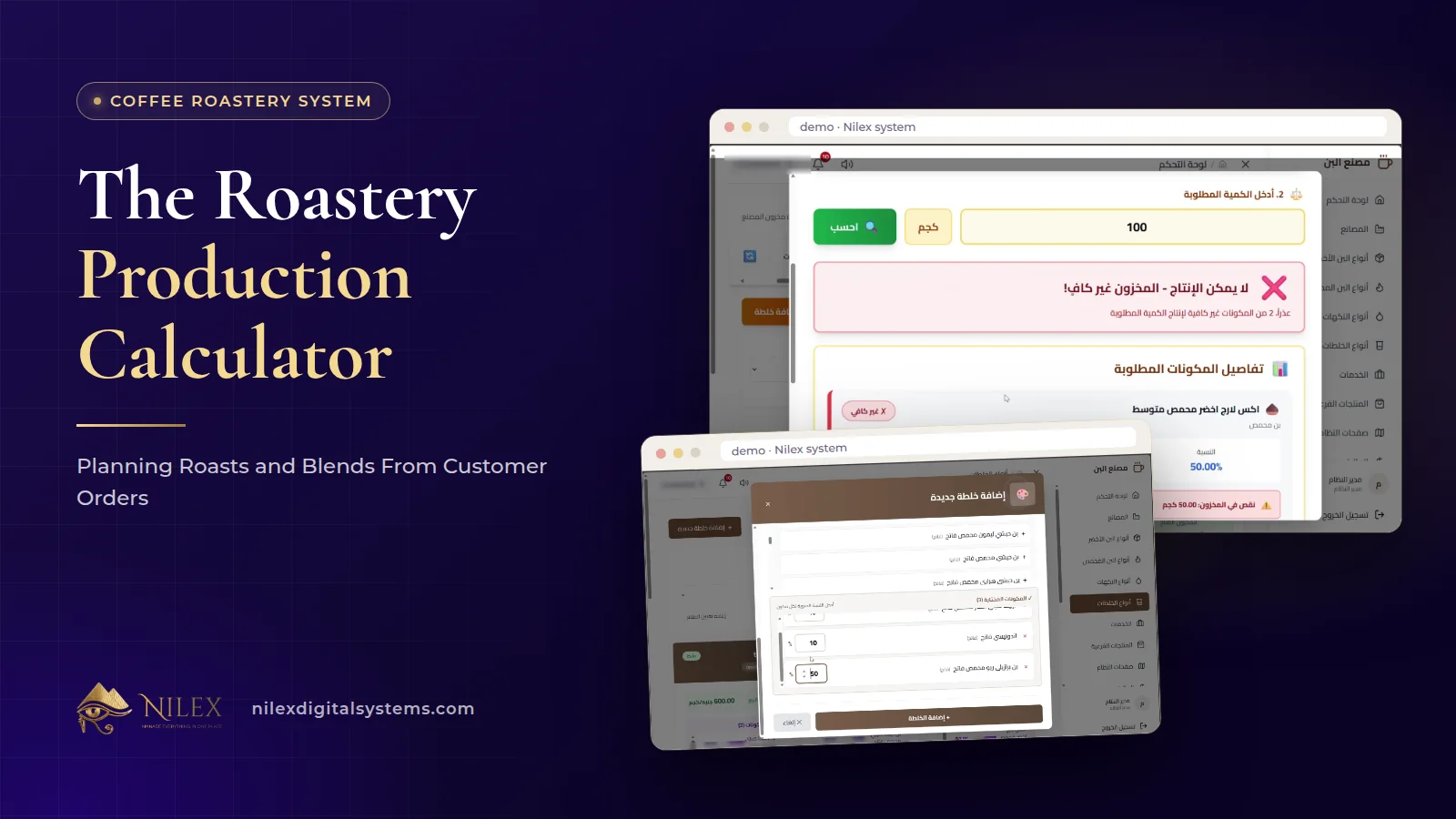 The Roastery Production Calculator: Planning Roasts and Blends From Customer Orders11 October 2026 · 9 min
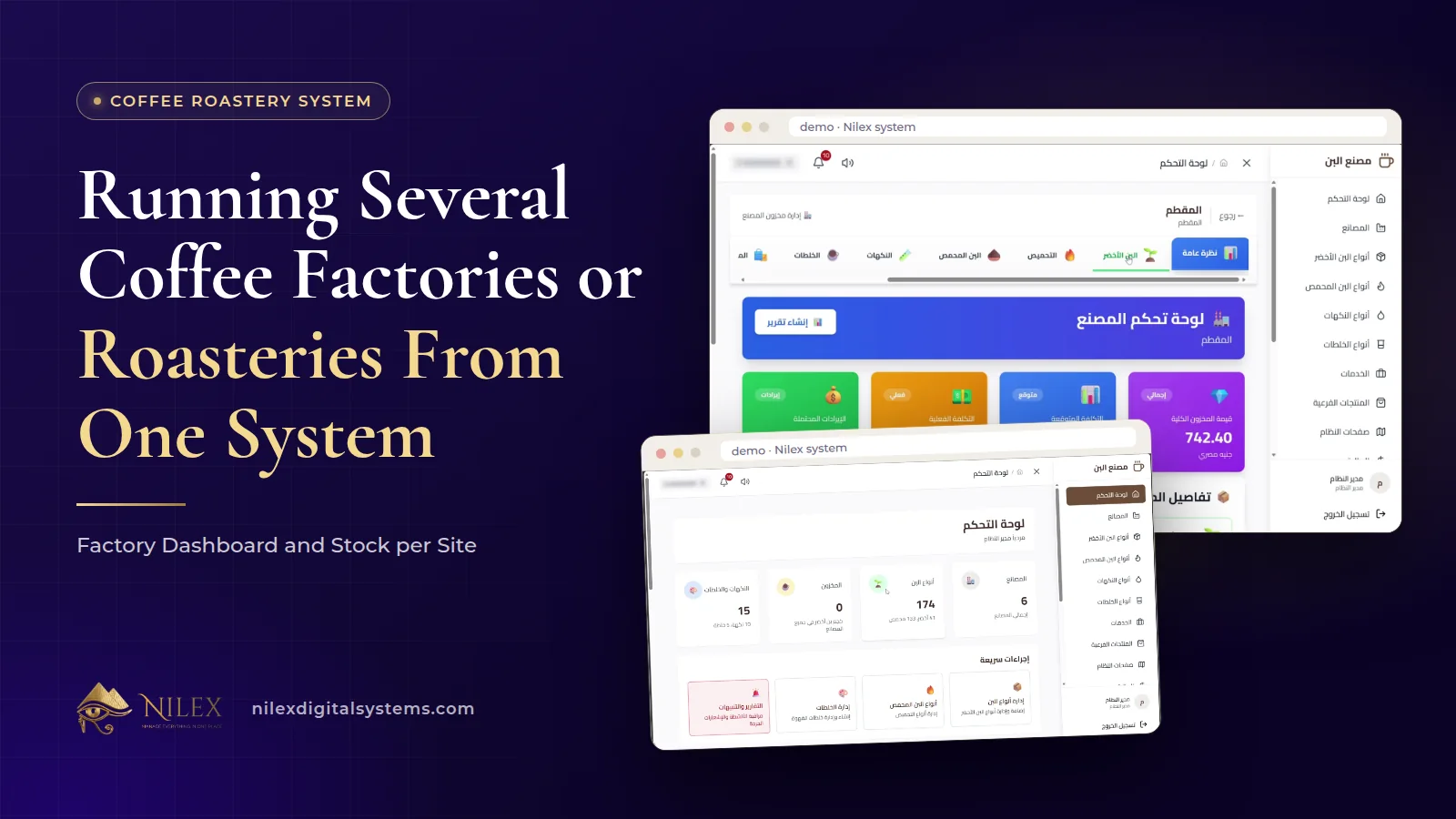 Running Several Coffee Factories or Roasteries From One System: Factory Dashboard and Stock per Site11 October 2026 · 8 min
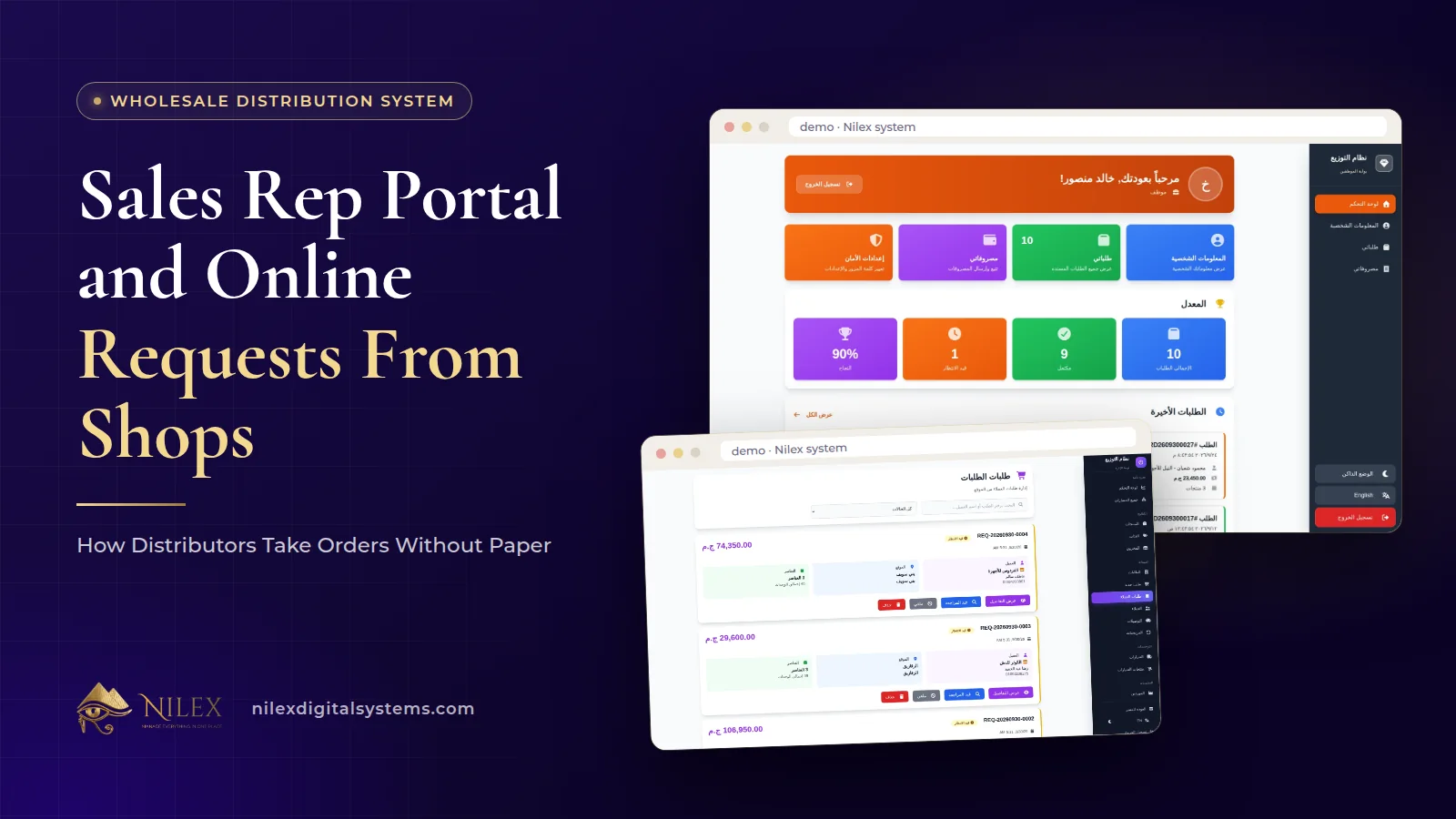 Sales Rep Portal and Online Requests From Shops: How Distributors Take Orders Without Paper11 October 2026 · 10 min