
Several Branches, Warehouses or Factories on One System: Transfers, Permissions and Consolidated Reports
How to run several branches, warehouses or factories on one system: what to share and what to keep per location, transfers that are sent and received, branch permissions and consolidated reports from one source.
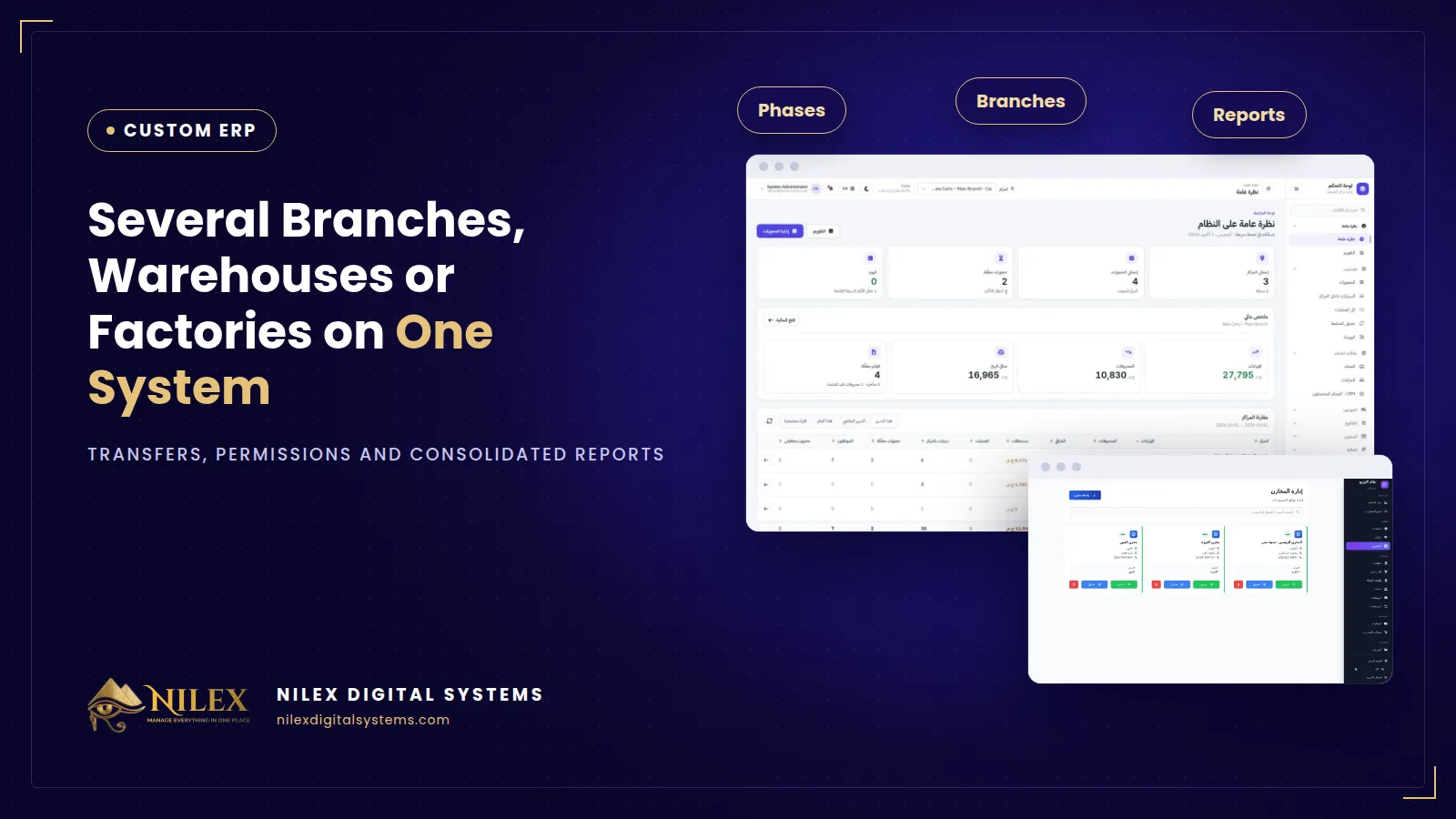
Running several branches, warehouses or factories on one system means every location works in the same database: items, customers and prices are shared, while stock, cash and expenses are kept per location. Goods move between locations through recorded transfers, each employee sees only their own branch, and the owner sees every location side by side and in total.
Many Egyptian companies reach their second or third branch with a copy of the same Excel file in each one, or a separate copy of a cashier program per shop. It works until the owner asks a simple question, such as "how much of this item do we have in total, and where?", and nobody can answer without three phone calls.
Key takeaways
- Set up the structure first: company, branches, warehouses and factories, and decide what is shared and what belongs to each location.
- Move goods between locations with transfer documents that are sent by one side and received by the other, never by phone.
- A transfer is not a sale: it moves stock and cost, and must not inflate sales figures.
- Give permissions by location: a branch manager sees their branch, a storekeeper their warehouse, the owner everything.
- Read reports per location side by side and as a consolidated total, from the same data.
One system or a separate file per branch?
| Question | Separate files or programs | One system for all locations |
|---|---|---|
| How much stock of an item do we have in total? | Call every branch and add up | Stock per location and total on one screen |
| Did the goods sent to branch 2 arrive? | Ask the storekeeper | Transfer shows sent, received or still pending |
| What does this customer owe across all branches? | Several balances that never meet | One customer account |
| Which branch is most profitable this month? | Wait for month-end files | Branch comparison for any period |
| Who changed a price or cancelled an invoice? | Unknown | Recorded in the audit log |
Set up the structure before the first transaction
Before entering any order, draw your company the way the system will see it. A typical structure is one company with several branches, each branch with one or more warehouses, plus factories that consume raw materials and produce finished goods. Groups with several legal companies need one more level on top.
Then decide what is shared and what is local:
- Usually shared: the item list and codes, customers and suppliers, the chart of accounts, users.
- Usually per location: stock quantities, cash boxes, expenses, staff, and sometimes prices.
- A decision to make: can one branch sell from another branch's warehouse, or must it request a transfer first?
Transfers between branches and warehouses
Most stock that goes missing in multi-branch companies disappears between locations. A safe transfer has two sides:
- The sending location creates a transfer with items and quantities. Stock leaves its warehouse.
- The goods are in transit and visible as such, not counted in either warehouse as available.
- The receiving location confirms what actually arrived. Stock enters its warehouse.
- Any difference between sent and received is recorded with a reason, and someone is responsible for it.
Transfers move stock at cost. They should never be recorded as a sale from one branch to another inside the same company, otherwise sales and profit reports are inflated. Factories follow the same idea: raw materials are transferred to the factory, finished goods are transferred out to warehouses or branches. Our guide to ERP for manufacturers covers production costing in detail.
Branch permissions: each person sees what they need
One system does not mean everyone sees everything. Typical roles look like this:
- Branch manager: sales, stock, staff and expenses of their own branch.
- Storekeeper: receiving, transfers and counts for their own warehouse.
- Sales staff: orders and customer balances, without costs or margins.
- Accountant: finance across all locations.
- Owner or general manager: everything, including comparisons between branches.
Every important action, such as a price change, a cancelled invoice or a stock adjustment, should be recorded with the user, time and record. Read more in our guide to user permissions and audit logs.
Consolidated reports from one source
The value of one system shows in the reports. The same report can be read three ways: for one branch, for all branches side by side, and as a company total. Useful multi-location reports include sales and collections per branch, expenses per branch, stock value per warehouse, slow-moving stock by location, and profit per branch for any period. Internal transfers are excluded from sales so the total is not counted twice. For the full list of what an owner should read and how often, see the owner's daily, weekly and monthly reports.
Checklist before adding a new branch
- The branch and its warehouses are created, with staff and their permissions.
- Opening stock is counted and transferred or imported with cost.
- Prices for the branch are confirmed if they differ from other branches.
- The cash box and payment methods for the branch are set up.
- The branch appears in the comparison reports from its first day.
How Nilex helps
A custom ERP from Nilex tracks every shop, factory and warehouse in one system, with stock movement, production and transfers between locations, role-based permissions so each person sees only what they need, and a log of every action. Multiple branches and warehouses are part of the Growth package, and factories and production are part of Enterprise; see the service page for details.
Among Nilex's ready systems, the car protection centers system ships stock from one branch and receives it in another with quantities updated on both sides, and its network dashboard compares every branch while each branch manager sees only their own center. The coffee roastery and factory system gives every factory its own stock and dashboard. Read how a custom ERP project runs, then talk to Nilex about your locations.
Frequently asked questions
Can each branch have different prices?
Yes, if you decide so. Keep one item list and define price lists per branch or per customer type.
Can a branch manager see other branches' sales?
Only if you give that permission. Normally a branch manager sees their own branch and the owner sees all of them.
What happens if goods arrive short after a transfer?
The receiving side records what actually arrived, and the difference is recorded with a reason so it can be followed up.
Do we need internet in every branch?
A web-based system needs a working connection at each location. Ask how the system behaves when the connection drops before you choose.
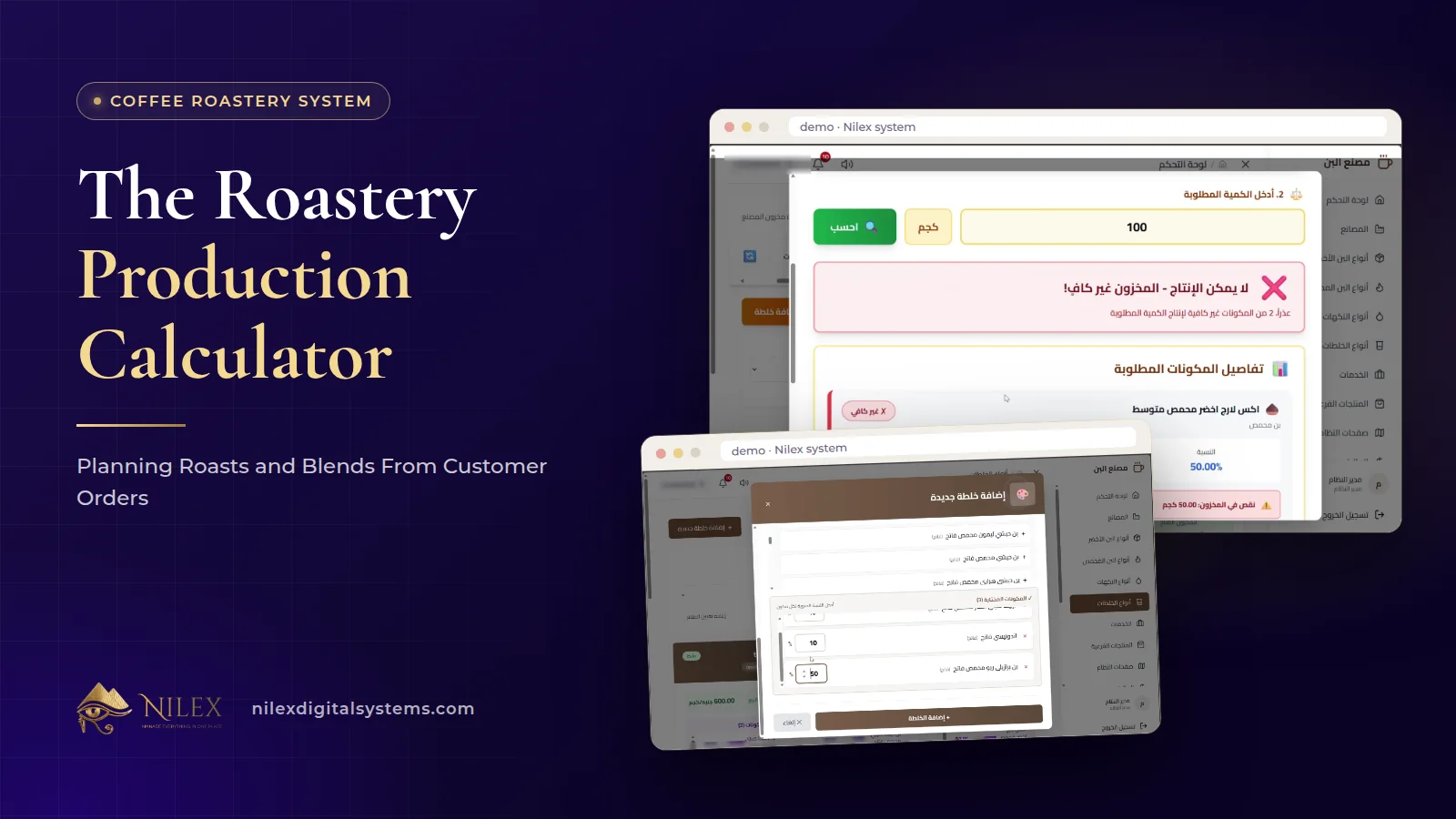 The Roastery Production Calculator: Planning Roasts and Blends From Customer Orders11 October 2026 · 9 min
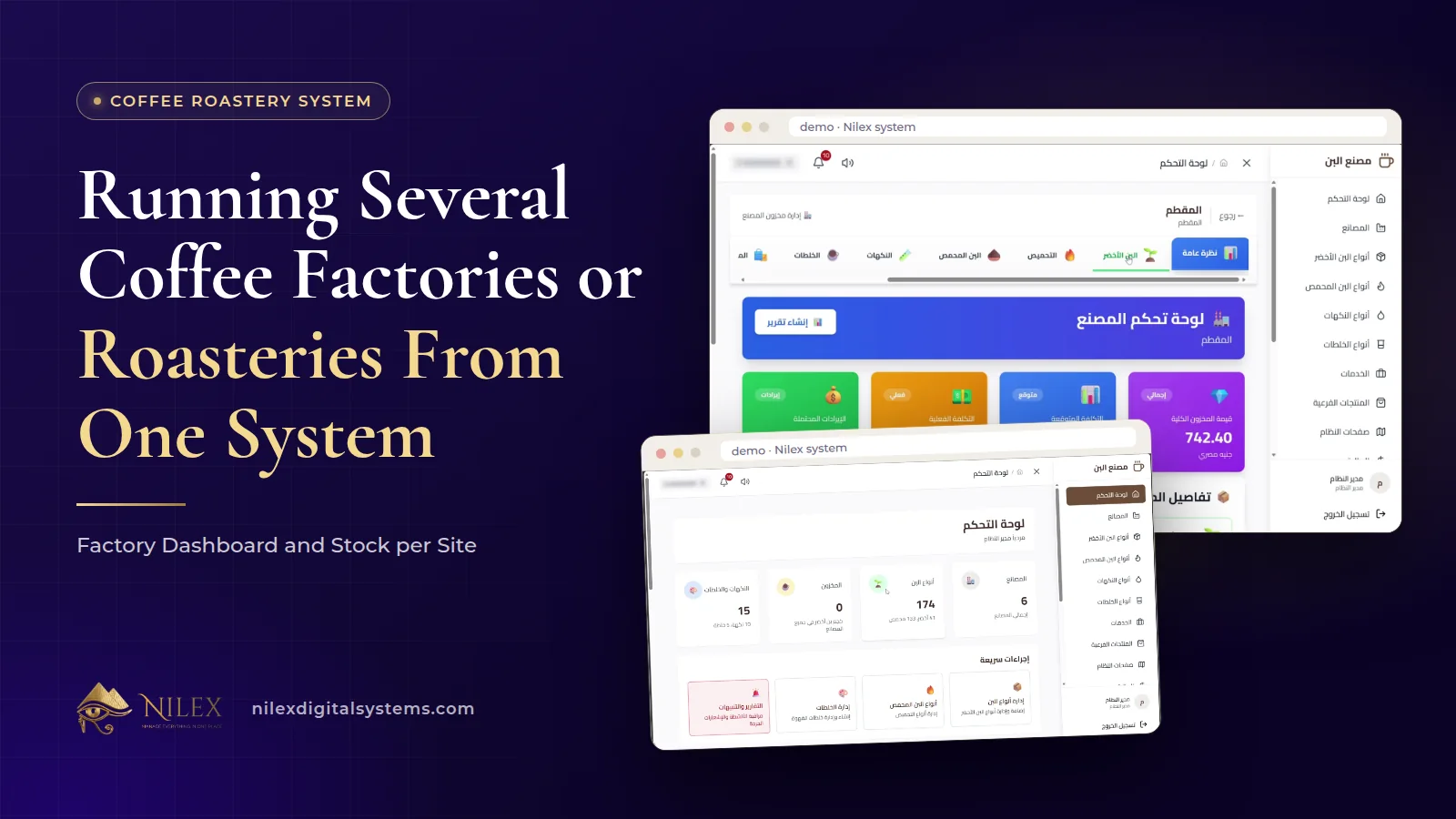 Running Several Coffee Factories or Roasteries From One System: Factory Dashboard and Stock per Site11 October 2026 · 8 min
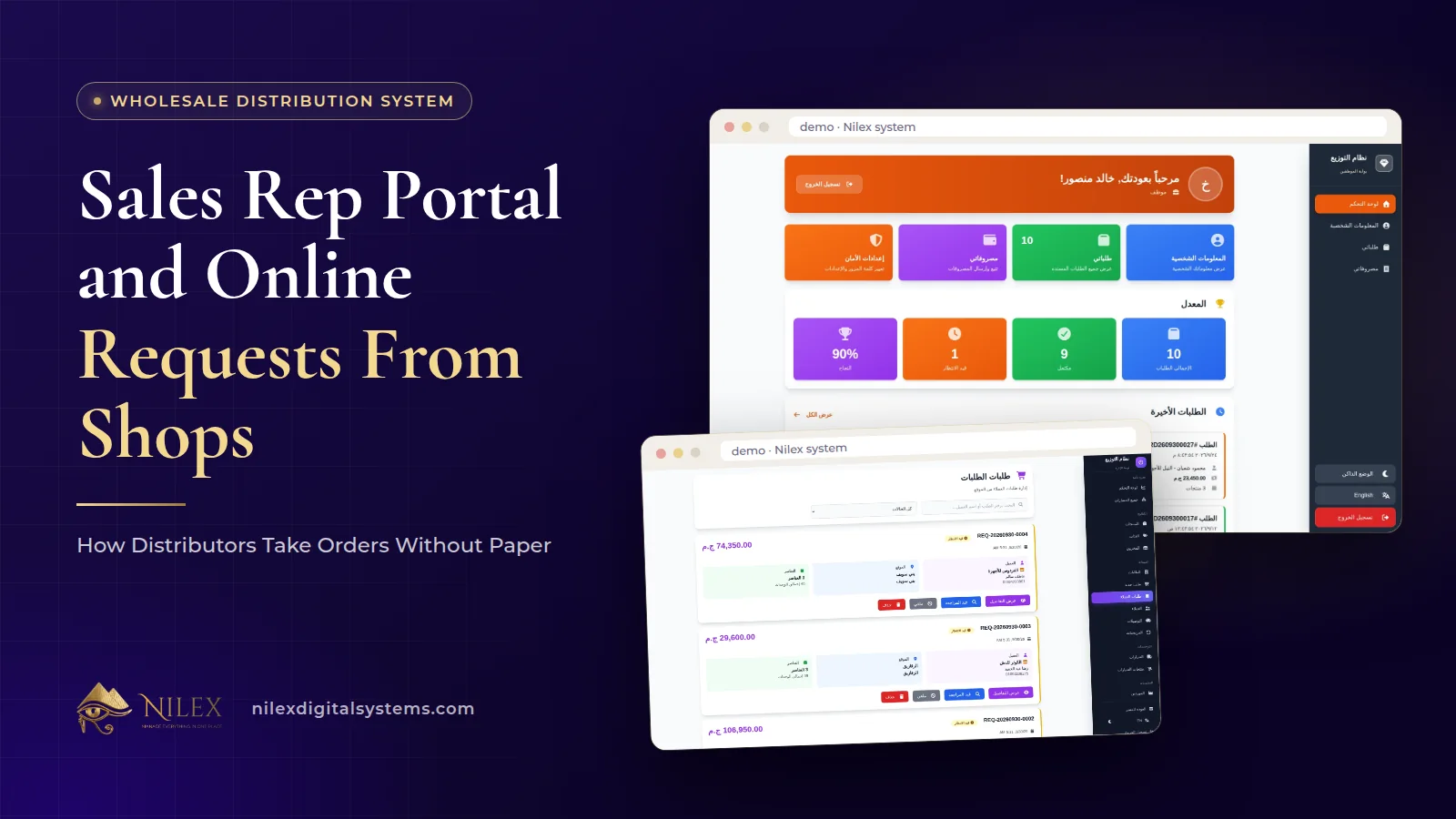 Sales Rep Portal and Online Requests From Shops: How Distributors Take Orders Without Paper11 October 2026 · 10 min