
Sales Rep Portal and Online Requests From Shops: How Distributors Take Orders Without Paper
How a wholesale distributor can take orders without paper: shops send requests online, the office reviews and approves them, reps follow their assigned orders from the phone, and every order lands on the right customer account.
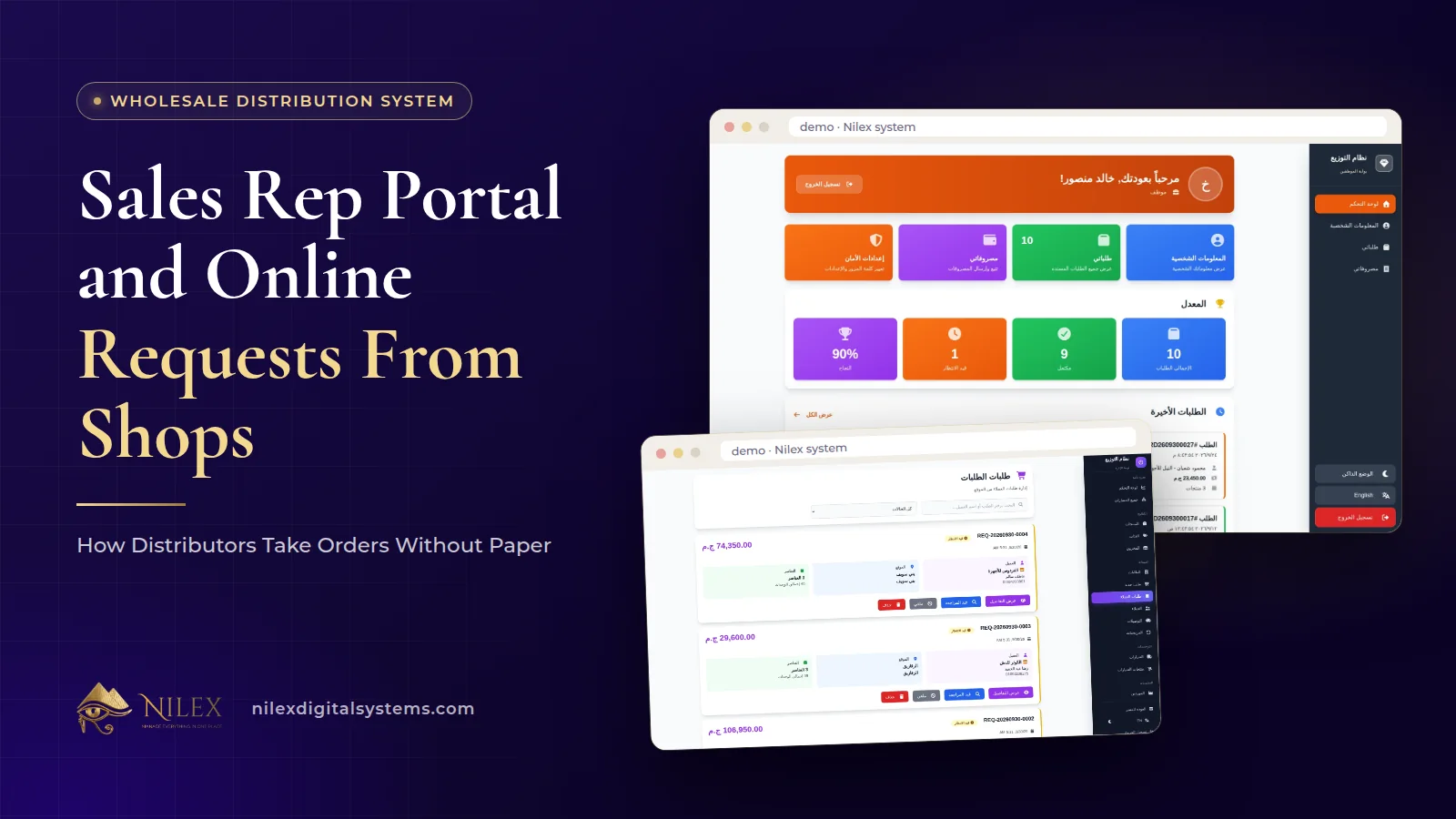
A distributor takes orders without paper when every order enters the system once, at the source, and is never copied again. In practice that means two doors into the same system: shops send their wholesale requests online and the office reviews and approves them, and sales reps and drivers follow their assigned orders from a simple portal on their phones. Both doors end in the same place: a real order with a source warehouse, a van, a rep and a customer account.
Paper order books and WhatsApp photos are not the problem in themselves. The problem is the copying: the rep writes the order, the office types it into Excel, the storekeeper rewrites a picking list, and the accountant enters it again on the customer's statement. Every copy is a chance for a wrong quantity, a forgotten carton or a price the shop never agreed to. This article explains how to design the order intake of a distribution company so that copying disappears, and what each person sees along the way.
Key takeaways
- Paperless ordering is about entering each order once, not about buying tablets for the sales team.
- Online requests from shops should be reviewed and approved in the office before they become orders, so stock, prices and credit are checked by a person.
- Reps and drivers need a phone portal with their own orders, the shop's address and phone, and an expense form, not access to the whole system.
- Every approved order should carry its source warehouse, van and rep, so responsibility is clear from the first minute.
- Orders, payments and returns must land on the same customer account, or the statement will never match what the shop believes it owes.
Why paper and WhatsApp orders fail as you grow
With five shops and one van, the owner remembers everything. With sixty shops, three reps and two warehouses, the same habits start to cost money every day:
- Orders arrive in five formats. A voice note, a photo of a handwritten list, a phone call to the owner, a message in the drivers' group and a note in the rep's book. Somebody has to translate all of them into one list.
- Stock is checked too late. The rep promises 40 cartons, the office discovers the warehouse has 25, and the shop finds out when the van arrives.
- Nobody knows whose order it is. When a shop complains, it takes a round of calls to learn which rep took the order and which van carried it.
- Expenses come back as a pile of receipts. Fuel, tolls and loading fees are paid in cash and reconciled at the end of the month, if ever.
Our overview of what a wholesale distribution system must do covers the full cycle. Here we focus on the very first step, the moment an order is born.
Two doors into one system
A well-designed distribution system accepts orders through two doors and treats them the same way afterwards.
Door one: online requests from shops
The shop owner sends the wholesale request online instead of calling. The request does not go straight to the warehouse. It waits in an online requests list in the office, where a person reviews it, approves it and turns it into an order. That review step matters: it is where someone checks that the items are in stock in the right warehouse, that the prices are current, and that the shop's account is in a state you are happy to deliver to.
Door two: orders created in the office for the rep's visits
When the rep visits a shop or the shop calls, the order is created in the office in about a minute: choose the customer and the branch, the source warehouse, the van and the sales rep, then add products while seeing the price and the stock available in that warehouse. Discounts by percentage or by amount are calculated, and any credit the customer already has is applied automatically. The order then appears in the assigned rep's portal.
Whichever door it came through, the order now follows one path: pending, loaded on a van, delivered. Our guide to delivery vans and returns explains that path in detail, so we will not repeat it here.
From a shop's request to a delivered order, step by step
- The shop sends a request with the items and quantities it wants.
- The office reviews it in the online requests list: are the items available, are the quantities sensible for this shop, is there an open balance to discuss first?
- The office approves it and turns it into an order, choosing the source warehouse, the van and the rep. Prices, available stock, discounts and customer credit are handled by the system.
- The rep sees it in his portal with the shop's address and phone number.
- The order is loaded on a van and delivered; the van shows what it carries, what is on the road and what was delivered.
- The customer account updates: the order appears on the shop's statement, and any payment recorded is allocated to open orders automatically.
Notice what is missing from the list: nobody retypes anything. The request becomes the order, the order becomes the van load, and the order becomes a line on the statement.
What the sales rep portal should show, and what it should not
A rep does not need the full system, and giving it to him creates risk: customer balances, supplier costs and other reps' customers are not his business. In the Nilex wholesale distribution system, each rep and driver has a portal that works from the phone browser, so no computer is needed. It shows:
- His assigned orders, with the shop's address and phone number, so he can plan the day and call ahead.
- His completion rate, so he and his manager see how many assigned orders were actually completed.
- His expenses, submitted from the phone for approval, instead of a pocket full of receipts at the end of the month.
| Information | Sales rep or driver (portal) | Office and sales management | Owner and finance |
|---|---|---|---|
| His assigned orders with shop address and phone | Yes | Yes, for all reps | Yes |
| Online requests from shops | No | Review, approve, turn into orders | Yes |
| Completion rate | His own | Per rep | Yes |
| Expense requests | Submits his own | Approves according to your rules | Sees all, with analytics |
| Customer statements and balances | No | As your roles allow | Yes |
| Product costs and supplier accounts | No | As your roles allow | Yes |
This split is the same principle we describe in a portal for every role: each person sees what his job needs and nothing more. If you want the deeper reasoning on permissions, read user permissions and audit logs.
Field expenses: approve them before they become a month-end argument
Field expenses are small amounts that add up: fuel, a toll, a porter at a busy market, a parking fee. When they are reported once a month, nobody remembers which trip they belonged to. When the rep submits each one from his phone on the day, a manager approves or questions it while the trip is still fresh, and approved expenses appear in the finance and expenses screen with the rest of the company's spending.
A practical policy for distributors:
- Agree which expense types reps may submit, and which need a call first.
- Ask reps to submit on the same day, not in batches.
- Have one person approve, and review the totals per rep every week next to his completion rate.
Customer accounts: where paperless ordering pays off
Taking orders online saves time, but the real gain is at the end of the month, when the shop's statement is already correct. Every customer has an account with orders, receipts, debts and a printable statement with the running balance, and payments are allocated to open orders automatically. Because the order was entered once and approved, the statement is built from the same record the rep delivered, so the conversation with the shop owner is about when he will pay, not about what he ordered.
We explain statements, allocation and follow-up in customer statements and collections for wholesalers. On the supply side, the same discipline applies to purchase orders with partial receiving.
Rolling it out without losing your shops
Shops and reps have habits. A sensible rollout keeps both doors open while people adjust:
- Load your data first. Products, prices, customers with their branches, and opening balances. Nilex imports these from Excel during setup; our guide to moving data from Excel explains how to prepare the file.
- Start with the reps. Create orders in the office and let reps follow them in the portal for a week or two, until checking the phone becomes a habit.
- Invite your regular shops to send requests online. Start with the shops that order most often; they gain the most from not having to call.
- Keep the phone line open, but enter every phone order in the system immediately. The rule is not "no phone calls"; it is "no orders outside the system".
- Review weekly. Requests waiting too long for approval, reps with low completion rates and expenses waiting for approval are the three lists to watch.
Once orders are clean, the numbers on your dashboard become trustworthy. The companion article on dashboard alerts and sales reports for distributors shows how to read them.
How Nilex helps
The Nilex wholesale distribution and warehouse management system includes the online requests list for shops, order creation with warehouse, van and rep, a portal for sales reps and drivers with assigned orders, completion rate and expenses, and customer accounts with statements and automatic payment allocation. It works in Arabic and English and is set up with your warehouses, products, customers and prices, and your team is trained before go-live.
- The sales rep portal with expenses and online wholesale requests from shops are part of the Distribution Network plan; the Enterprise plan adds an online wholesale store for your shop customers. The plans and what each includes are on the system page.
- Watch the demo videos and screenshots on the system page, then use its request form to ask for the same system or a similar one adapted to your way of working.
- If your order flow needs something the ready system does not do, we can build it as custom ERP work. You can also talk to us first.
Frequently asked questions
Does the sales rep need to install an app?
No. The rep portal works in the phone's browser and shows his assigned orders, the customers' addresses and phone numbers, and his expense requests. No computer is needed either.
Do online requests from shops go straight to the warehouse?
No. They wait in the online requests list until someone in the office reviews and approves them and turns them into orders. That is where stock, prices and the shop's account are checked by a person.
Can a rep see customer balances or product costs?
The portal is built around the rep's own orders, completion rate and expenses. Statements, balances, costs and supplier accounts belong to the office, management and finance, according to the roles you set.
What if one customer has several shops?
The customer has one account and each order records the branch, so deliveries go to the right shop while the statement covers the customer as a whole.
Can we still take orders by phone?
Yes. A phone order is created in the office in about a minute with its warehouse, van and rep, and from that moment it follows the same path as an online request.
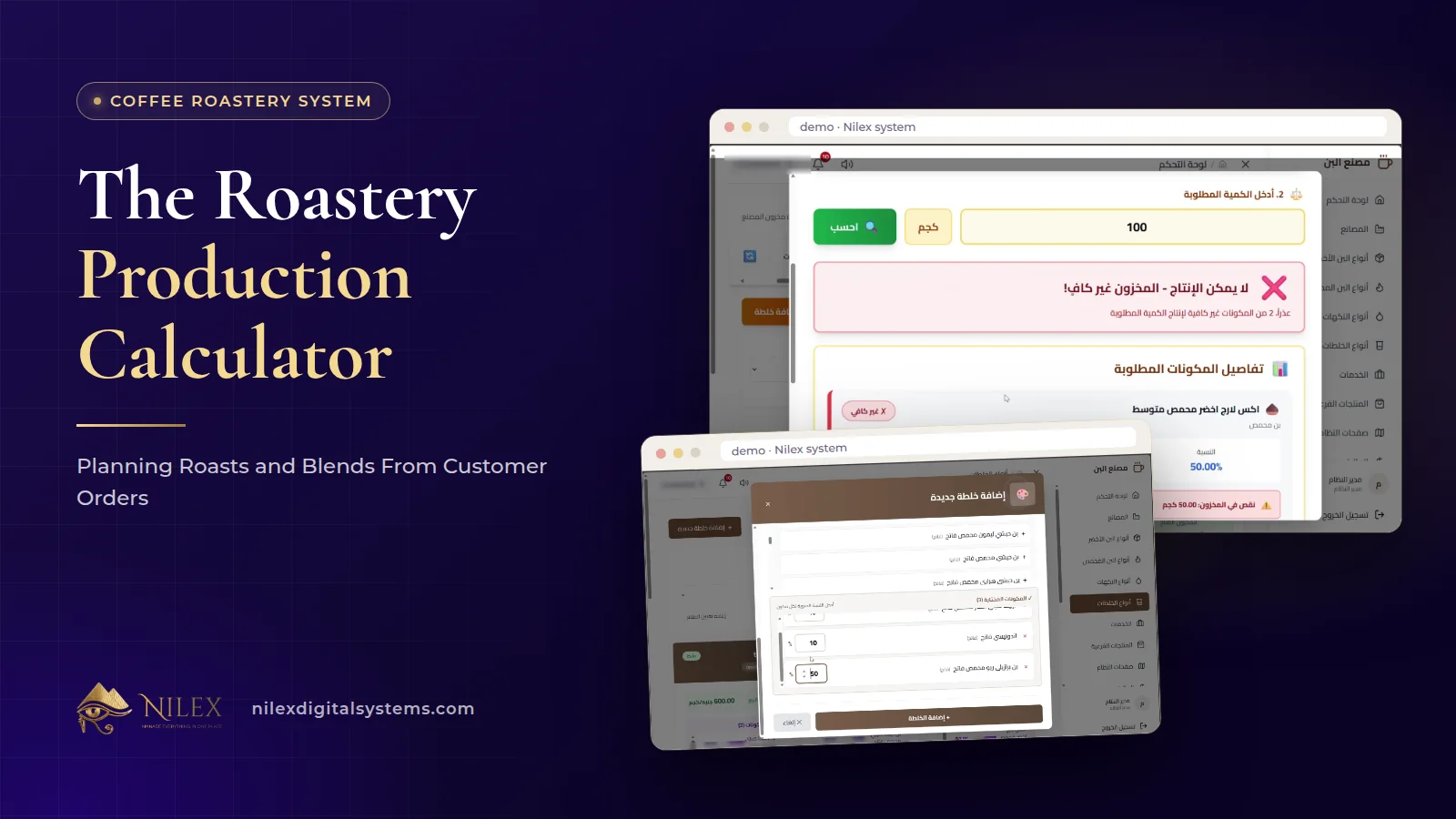 The Roastery Production Calculator: Planning Roasts and Blends From Customer Orders11 October 2026 · 9 min
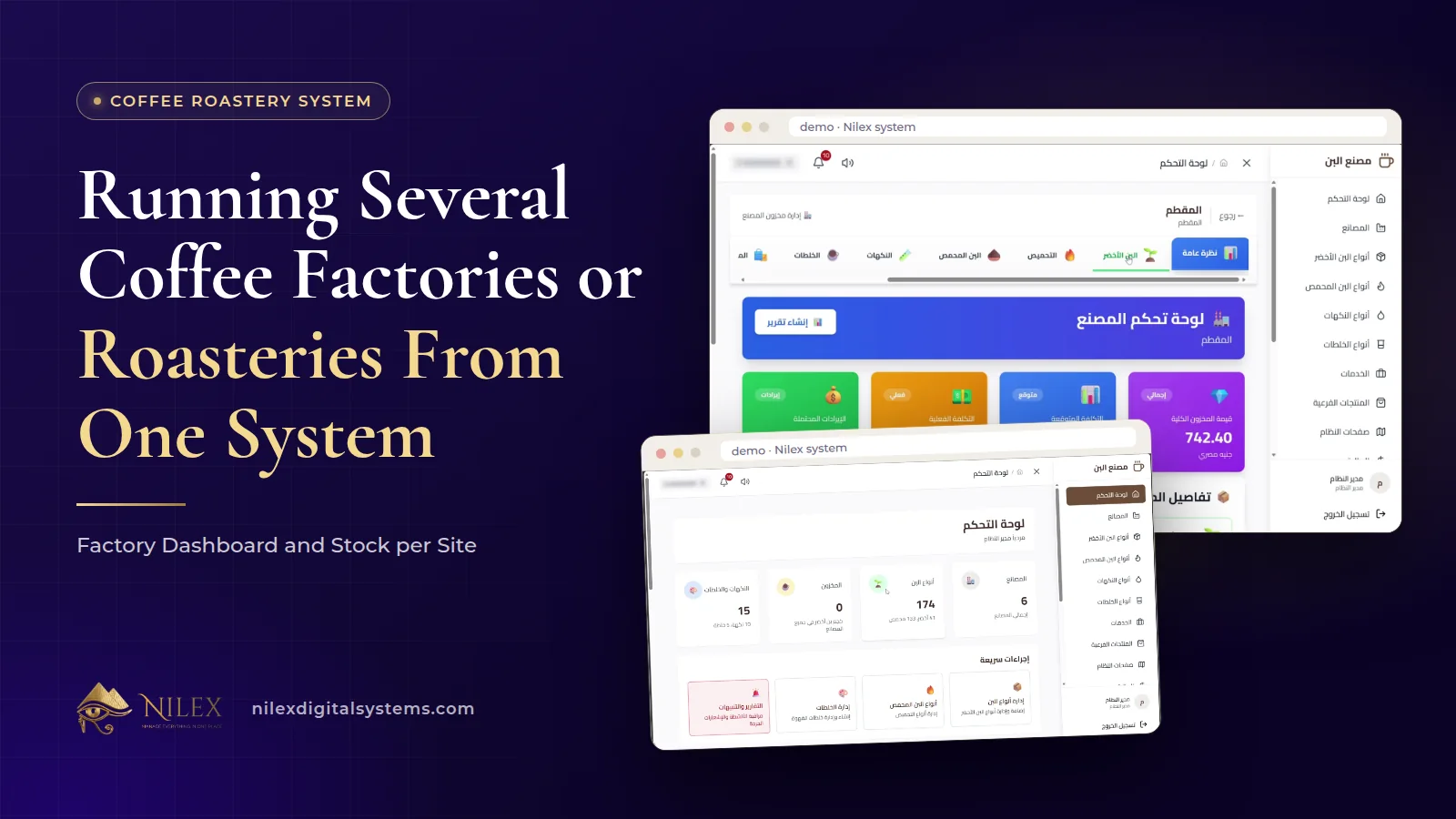 Running Several Coffee Factories or Roasteries From One System: Factory Dashboard and Stock per Site11 October 2026 · 8 min
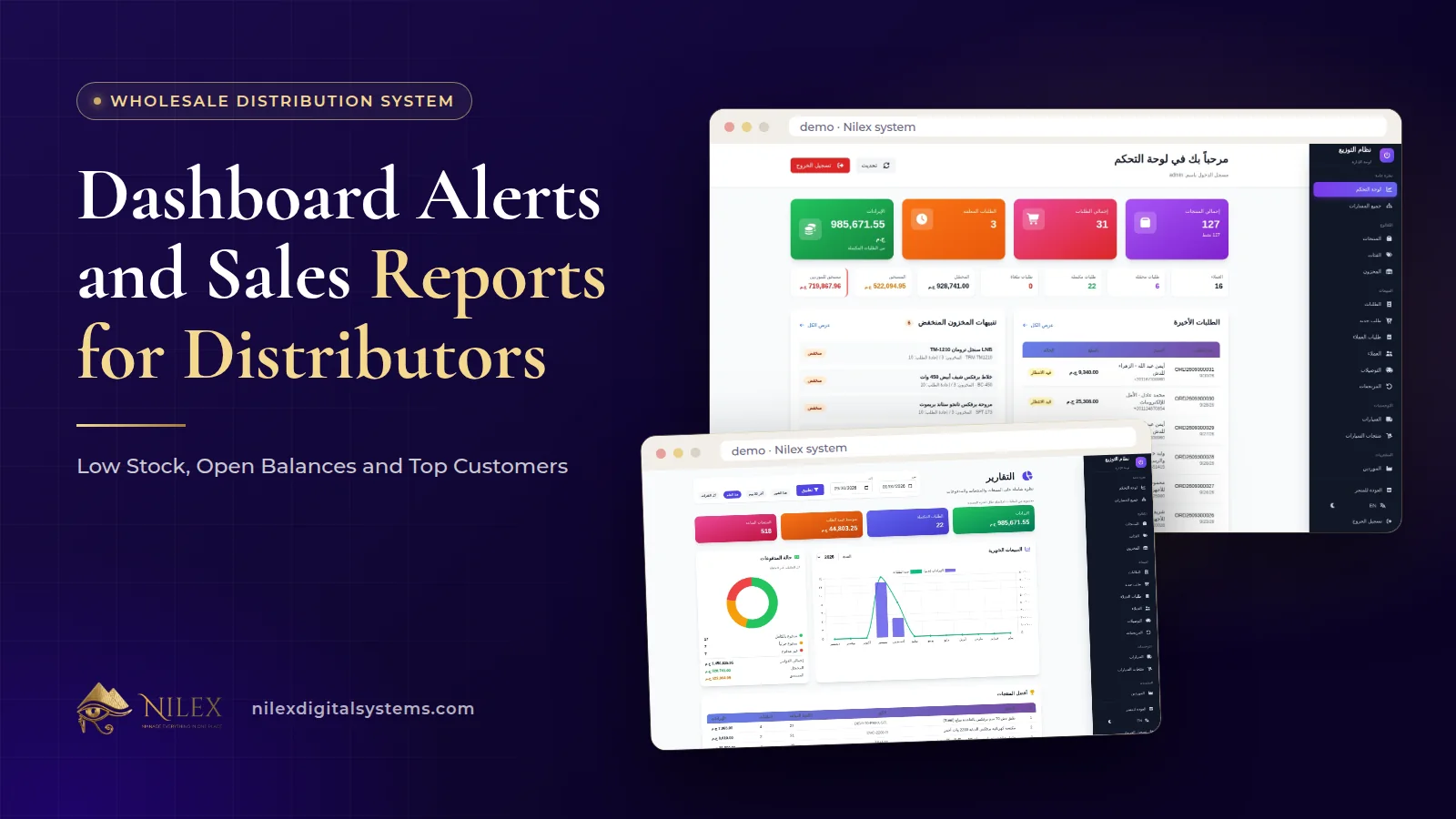 Dashboard Alerts and Sales Reports for Distributors: Low Stock, Open Balances and Top Customers11 October 2026 · 9 min