
Customer Statements and Collections for Wholesalers: Know Who Owes What
How wholesale distributors keep every shop account clear: orders, payments, debts and returns in one account, printable statements with a running balance, payment allocation and weekly follow-up.
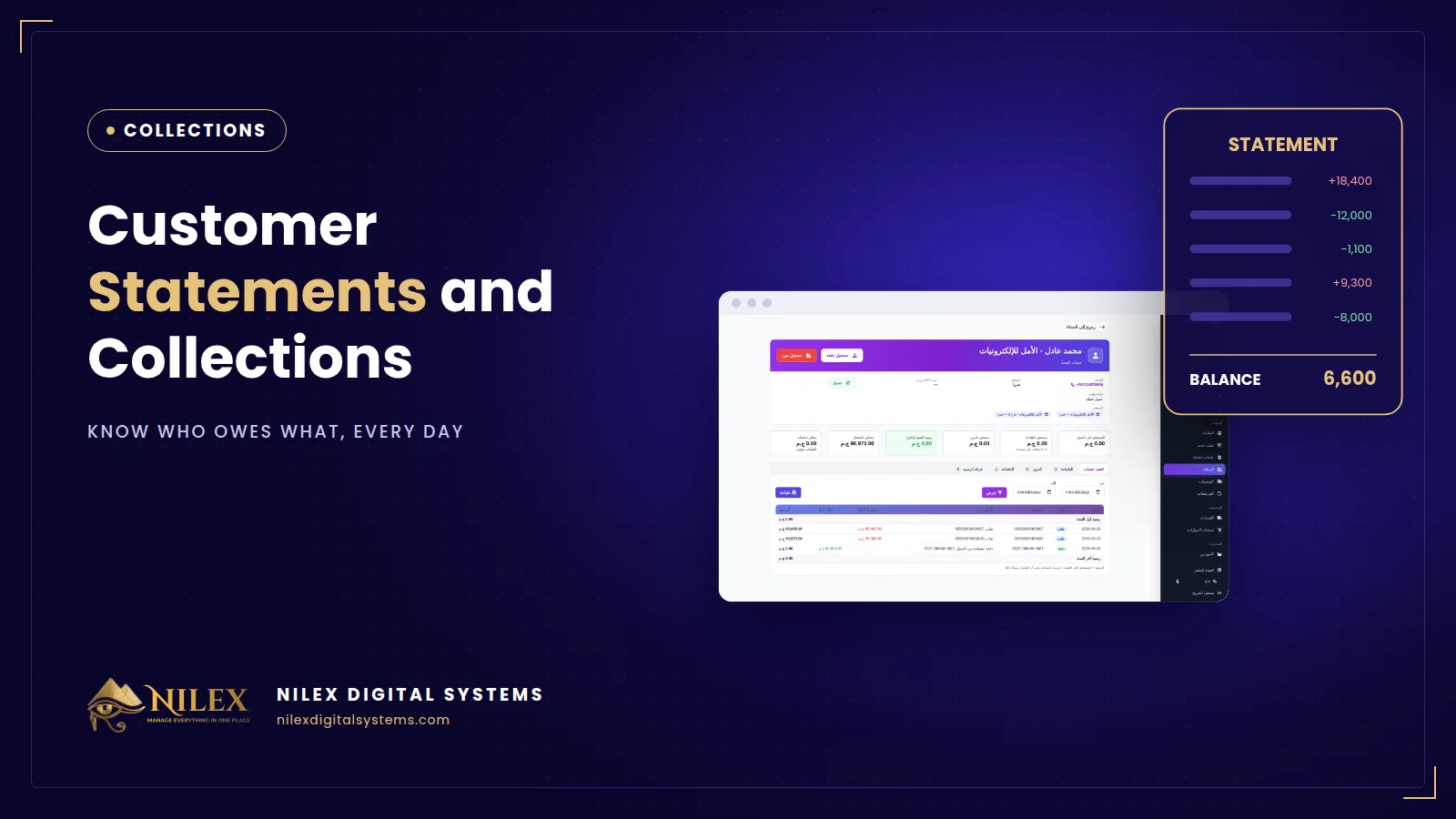
Customer statements and collections are how a wholesale distributor turns deliveries into cash: every shop has an account showing its orders, payments, debts and running balance, and every payment is allocated to the orders it settles. When the account lives in the salesman's head or on scraps of paper, the distributor is lending money to its customers without knowing how much.
In Egyptian wholesale, credit is normal: shops pay part now and part after they sell. That is fine, as long as the balance of each shop is clear, agreed and followed up. This guide shows how.
Key takeaways
- Every customer needs one account that combines orders, payments, debts and returns.
- Record payments the day they are received, including cash collected by drivers.
- Allocate each payment to open orders, oldest first, so you always know which invoices are still open.
- Send or print a statement regularly; a statement both sides agree on prevents most disputes.
- Review balances weekly and follow up the oldest ones first.
What a customer account should show
- Orders with their totals, discounts and status.
- Payments (receipts) with date, method (cash or transfer) and the orders they were allocated to.
- Debts that are not from an order, such as an opening balance brought from the old system.
- Returns that reduce what the customer owes.
- Credit when a customer pays more than he owes, applied automatically to the next order.
- Totals: total purchased, total paid, balance due and overdue orders.
A statement both sides can read
A customer statement lists every movement in date order with a running balance: opening balance, each order as a debit, each payment and return as a credit, and the closing balance. Printed or sent as PDF, it is the document you review with the shop owner. When the numbers match, the conversation is about when he will pay, not about whether he owes.
| Date | Movement | Debit | Credit | Balance |
|---|---|---|---|---|
| 01/09 | Opening balance | 5,000 | ||
| 04/09 | Order ORD-1021 | 18,400 | 23,400 | |
| 10/09 | Payment (cash) | 12,000 | 11,400 | |
| 12/09 | Return on ORD-1021 | 1,100 | 10,300 |
The figures above are an illustration of the format, not real data.
Allocating payments
Shops rarely pay one invoice exactly. They pay round amounts: "take 10,000 now". The system should allocate the amount to the oldest open orders first, show a preview before saving, and keep any extra as credit. Each order then shows paid, partly paid or unpaid, and the collections report is accurate without manual work.
Following up balances
- Every week, list customers with a balance and sort by the age of the oldest open order.
- Call or visit the oldest first; share the statement before the call.
- Record the promise and the date; check it on that date.
- For repeated late payers, reduce credit: smaller orders, or payment on delivery.
A CRM helps with the follow-up side; see what a CRM does.
Cash collected by drivers
When drivers collect cash, record each payment on the customer's account the same day and compare collections per van with delivered orders. Our guide to vans and returns covers the delivery side.
Who should see customer balances
Balances and phone numbers are sensitive business data, and customer contact details are personal data under Egypt's Law 151 of 2020. Give full account access to finance and management, and let reps see only what they need for their orders. Our article on permissions and audit logs explains the principles.
How Nilex helps
The wholesale distribution and warehouse management system from Nilex gives every customer an account with orders, receipts, debts, returns and credit, a printable statement with a running balance, and automatic allocation of payments to open orders with a preview. Suppliers have the same kind of account. Watch the "customers and accounts" video on the system page.
Frequently asked questions
How do we enter old balances?
As opening debts per customer, imported from Excel during setup, so the first statement starts from the right balance.
What if a customer pays more than he owes?
The extra becomes credit on his account and is applied automatically to his next order.
Can a payment be cancelled?
Yes, a receipt can be voided with a reason; the allocation is reversed and kept in the history, so nothing disappears silently.
A customer has several shops. One account or several?
One customer account with several branches (stores). Orders record the branch, and the statement covers the customer as a whole.
If you are not sure how much your customers owe right now, talk to Nilex and see the statements built from your own data.
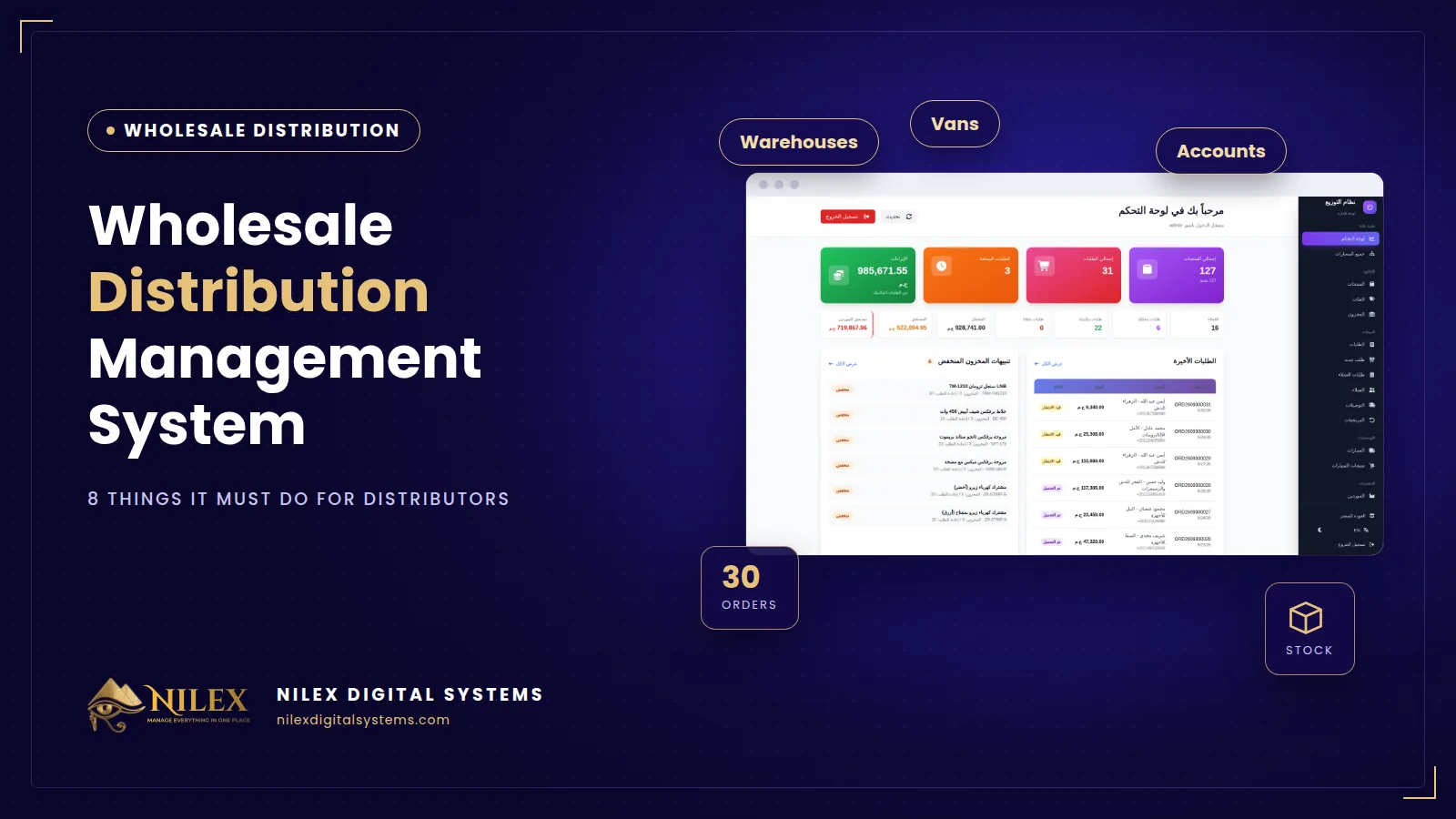 Wholesale Distribution Management System: 8 Things It Must Do for Egyptian Distributors30 September 2026 · 5 min
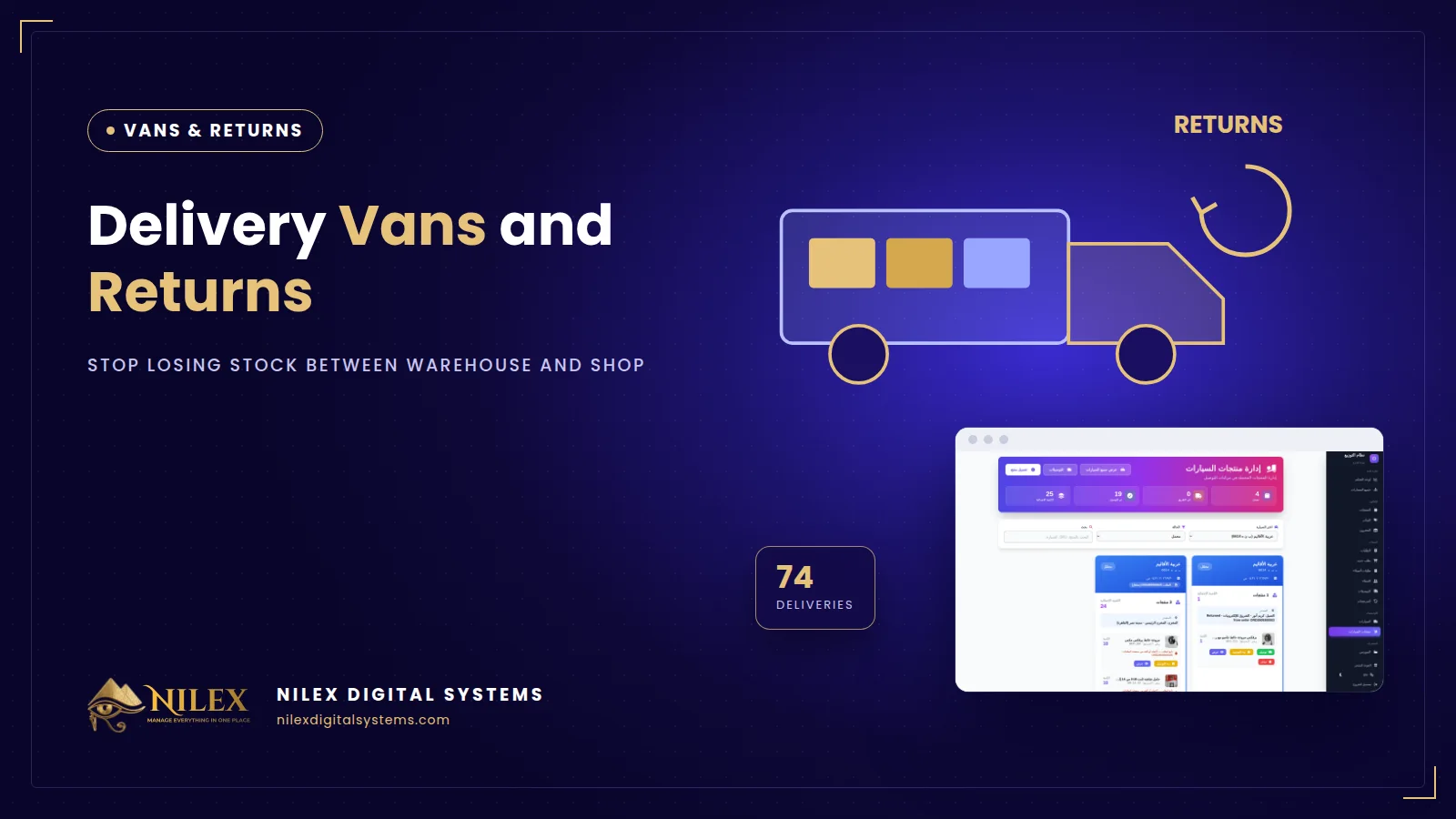 Delivery Vans and Returns: How Distributors Stop Losing Stock Between Warehouse and Shop30 September 2026 · 4 min
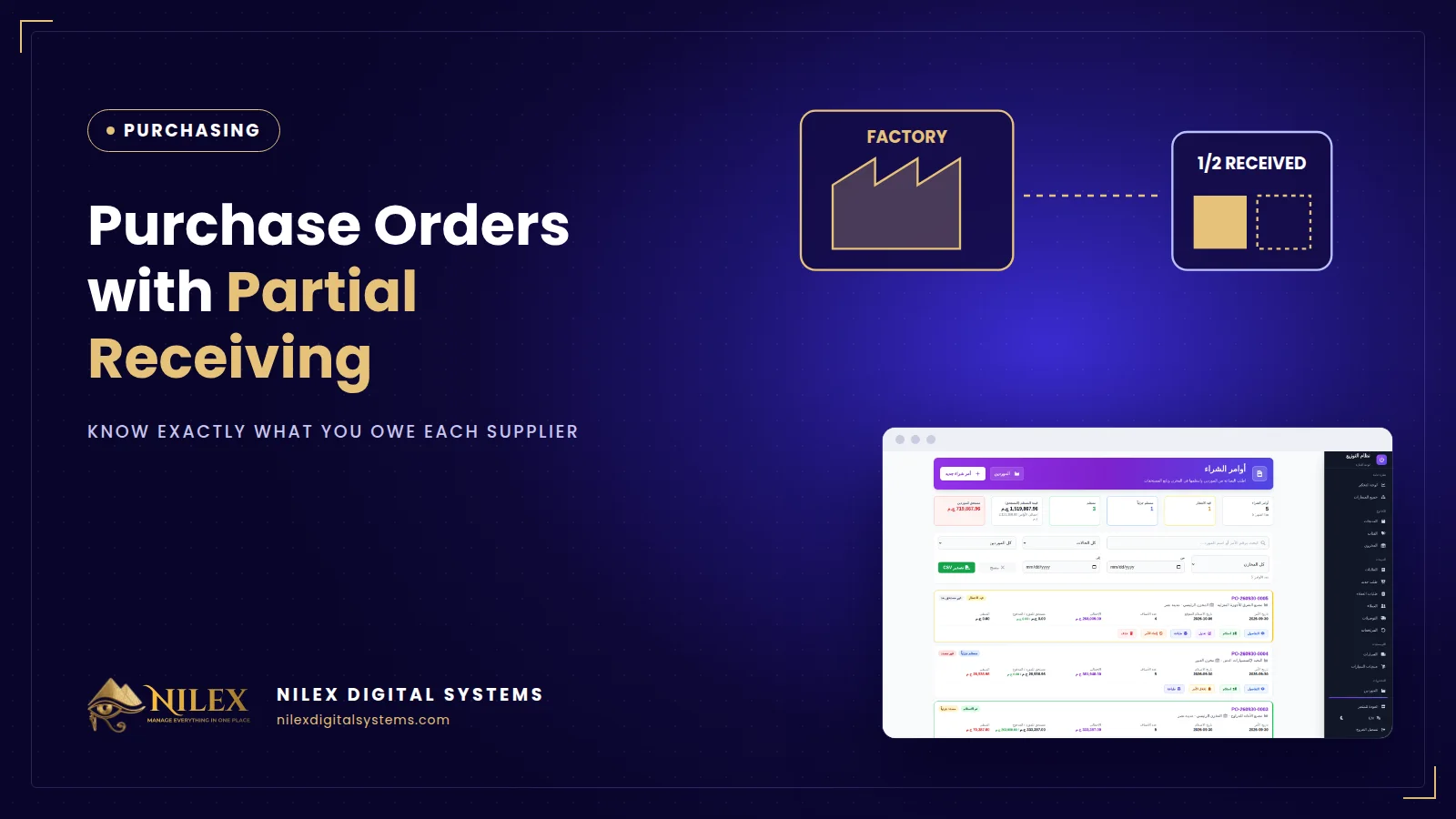 Purchase Orders with Partial Receiving: Know Exactly What You Owe Each Supplier30 September 2026 · 4 min