
Running Several Coffee Factories or Roasteries From One System: Factory Dashboard and Stock per Site
How a coffee company with more than one roastery or production site keeps one set of coffee types, flavours and blend recipes, while every factory has its own stock, costs, orders and dashboard, and what to compare across sites each month.
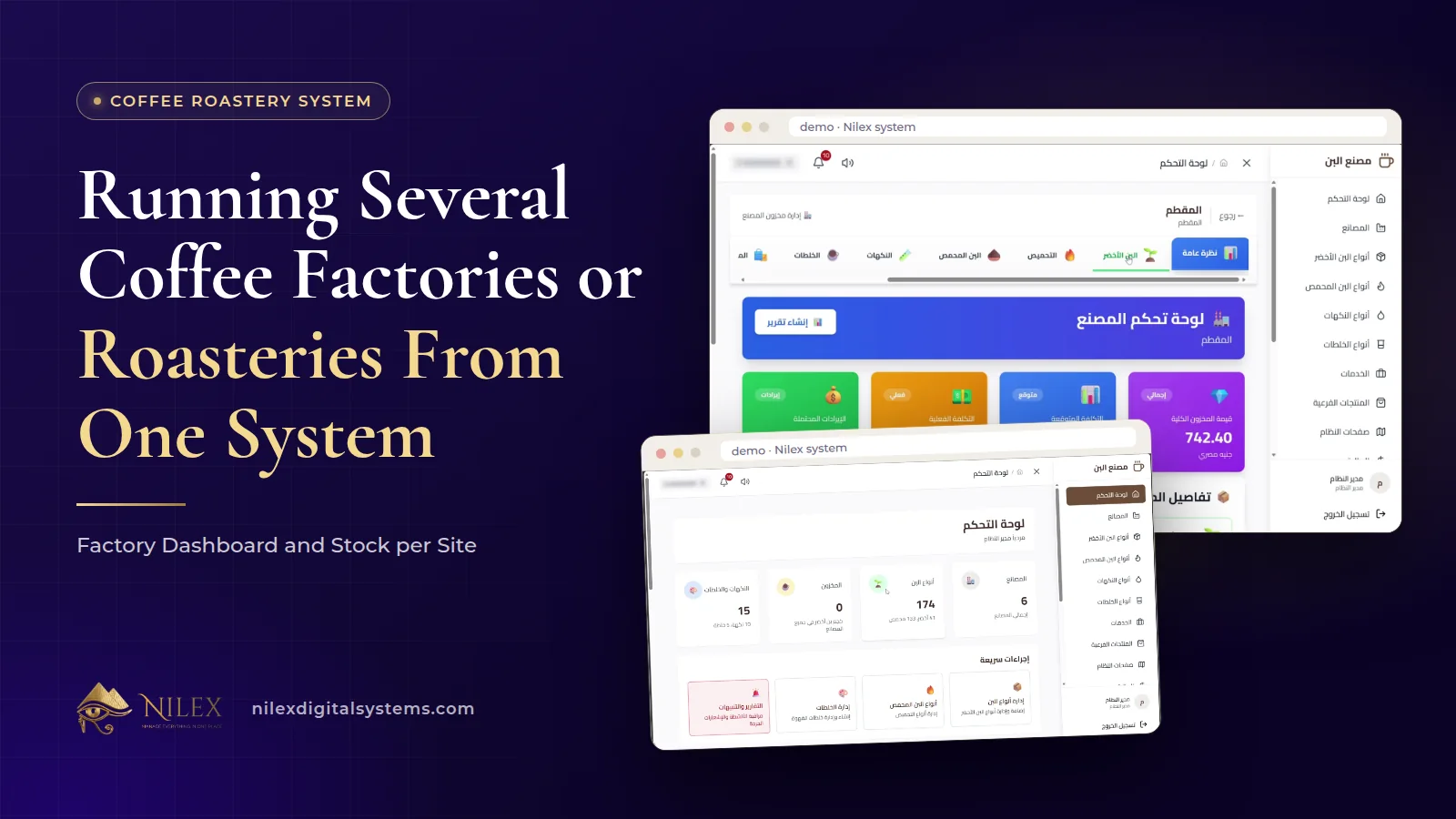
A coffee company runs several factories or roasteries from one system by deciding clearly what is shared and what belongs to each site. In the Nilex coffee system, coffee types, flavours and blend recipes are shared across factories, while every factory has its own stock and its own dashboard showing stock value, expected and actual cost and revenue, with tabs for green coffee, roasted coffee, flavours, blends and orders.
That split is what keeps a growing coffee business consistent and honest at the same time. Shared recipes mean the house blend is the same blend in every factory. Separate stock and costs mean each site answers for its own numbers, so the owner can see which factory produces efficiently and which one quietly loses money. This article covers how to set that structure up, what to compare between sites, and where a multi-site roastery needs more than the standard modules.
Key takeaways
- Share the definitions (coffee types, flavours, blend recipes) and separate the movements (stock, supply orders, customer orders) by factory.
- A shared recipe makes every factory produce the same blend; separate stock makes every factory accountable for its own kilos.
- Compare factories on expected vs actual cost, stock value and revenue, not on revenue alone.
- Record each supply order for the factory that receives it, so green coffee stock per site stays true.
- Moving stock between factories as a recorded transfer is not among the published modules; ask for it as custom work if you need it.
When does a coffee company need one system for several sites?
The question usually arrives with the second roastery, a production site outside the city, or a factory added next to an existing packing unit. Until then, one notebook or one spreadsheet more or less works. With two sites, three problems appear almost at once:
- Recipes drift apart. Each head roaster adjusts "the house blend" a little, and customers notice the difference between batches from different sites.
- Stock becomes a phone call. To know whether the second factory has Colombian green, someone has to ask.
- Costs blur. Purchases, production and sales are mixed, so nobody can say which site produces a kilo more cheaply.
Our article on several branches, warehouses or factories on one system explains the general principles for any business. Here we apply them to coffee, where the product changes form at every step.
What is shared and what belongs to each factory?
| Item | Shared across factories | Per factory | Why |
|---|---|---|---|
| Green coffee types, with origin and roasting loss | Yes | One definition per bean and roast level | |
| Roasted coffee, flavours and side products (as items) | Yes | The same names and units everywhere | |
| Blend recipes by percentage | Yes | The same blend in every site | |
| Green coffee stock (quantity, origin, expected and actual cost) | Yes | Each site holds its own sacks | |
| Roasted, flavours and blend stock | Yes | Each site produces and sells its own | |
| Stock value, costs and revenue | Yes | Each site answers for its numbers | |
| Orders | Yes | Visible on each factory's dashboard |
In the system, coffee types, flavours and blends are shared across factories, and each factory has its own stock and dashboard. The table follows that rule.
Shared recipes: the same blend in every factory
A blend recipe is a list of roasted coffees, at stated roast levels, and flavours, each with a percentage, accepted only when the total is 100%. When that recipe is shared, a change is made once and applies everywhere. The house blend produced in the second factory is, by definition, the same house blend as in the first.
That is also a control. If one site's blend tastes different, the recipe is not the explanation, so the cause is in the beans, the roast or the handling at that site. How to write and cost a recipe is covered in coffee blend recipes and costing, and how to plan batches from customer orders in the roastery production calculator.
The factory dashboard: one site at a glance
Every factory has its own dashboard with stock value, expected and actual cost and revenue, and tabs for green coffee, roasted coffee, flavours, blends and orders. The factory manager starts the day there. Above the factories, the main dashboard shows factories, coffee types, stock, flavours and blends at a glance, with quick actions and alerts, which is where the owner starts.
The tabs mirror the life of the coffee in that site: green sacks received, roasted coffee produced, flavours on hand, blends ready to sell, and the orders that will consume them. A manager who reviews them in that order every morning sees a shortage coming before it stops production.
What to compare between factories each month
Revenue alone is a poor comparison. A site that sells a lot of an expensive blend may look stronger than it is. These are more telling:
| Measure | Factory A (illustrative example) | Factory B (illustrative example) | What to look at |
|---|---|---|---|
| Revenue | Higher | Lower | Only a starting point |
| Expected vs actual cost of roasted coffee | Actual close to expected | Actual well above expected | Roasting, purchasing or recording at B |
| Stock value | Stable | Growing month after month | Slow items or over-buying at B |
| Returns | Few, mostly back to stock | More, mostly disposed | Quality or packing at B |
Illustrative example: the pattern is made up to show how to read the comparison, not results from any company. The gap between expected and actual cost is usually the most useful number. Each roasted coffee, flavour and side product carries an expected cost, an actual cost and a selling price; when one site's actual cost runs above expected while the other's does not, the recipe and the bean are the same, so the difference is local.
Returns tell a similar story. Each return is recorded with the product, quantity and reason, then added back to stock or recorded as disposed, with who decided and when. More disposals at one site point to a quality or packing problem there.
Supply orders and side products at each site
Supply orders record green coffee, flavours and side products from suppliers by the kilo, with the total calculated. Because each factory keeps its own stock, record each purchase for the factory that actually receives the sacks. A purchase recorded at the wrong site makes two factories wrong at once: one shows coffee it does not have, the other is missing coffee it does have.
Side products such as tea, sugar and biscuits, and flavours such as hazelnut, cardamom and chocolate, are often bought in smaller quantities and more often. They deserve the same discipline: a supply order every time, at the right site. Why roastery stock goes wrong when purchases skip the system is explained in green coffee stock and roasting loss.
What about moving coffee between factories?
Companies with several sites sometimes need to send green coffee or finished blends from one factory to another. Recorded stock transfers between factories are not among the published modules of the coffee system, so we will not pretend they are. If your sites move stock between each other regularly, mention it in your request: the Enterprise plan includes custom reports and workflow changes, and in other plans such changes are quoted separately as custom work. The general approach to transfers is described in several branches, warehouses or factories on one system.
Checklist before adding a new factory
- Confirm the plan covers the number of factories and users you need; the Several Factories plan covers up to 5 factories and 25 users, and the Enterprise plan has no limit on either.
- Create the factory and decide who manages it.
- Record its opening stock of green coffee, roasted coffee, flavours, blends and side products, counted, not estimated.
- Add its employees with the permissions their work needs.
- Check that shared coffee types and recipes cover everything the new site will produce, and add any new item once, centrally.
- From the first month, compare its expected vs actual cost with the existing sites.
For how we handle several branches across all our systems, from car centers to warehouses, see systems for businesses with several branches.
How Nilex helps
The coffee roastery and factory management system shares coffee types, flavours and blends across factories and gives every factory its own stock and dashboard, with stock value, expected and actual cost, revenue and tabs for green, roasted, flavours, blends and orders. It includes green coffee with roasting loss per roast level, blend recipes and the production calculator, customer orders with services, returns and supply orders by the kilo.
On the system page, the Several Factories plan adds a dashboard and stock for every factory, finance, reports and alerts, employees with permissions, and your logo on invoices and PDF orders. The Enterprise plan adds unlimited factories and users, an online store for your customers, custom reports and workflow changes, a private server with daily backups, and an account manager with priority support. Prices, demo videos and the request form are on the system page. Start with what a coffee roastery system must track, or contact us to discuss your sites.
Frequently asked questions
Do all factories use the same blend recipes?
Yes. Coffee types, flavours and blends are shared across factories, so a recipe is defined once and every site produces the same blend.
Does each factory keep its own stock?
Yes. Each factory has its own stock and dashboard, including green coffee with quantity, origin, expected and actual cost.
How many factories can one system run?
The One Roastery plan covers 1 factory, the Several Factories plan up to 5 factories and 25 users, and the Enterprise plan unlimited factories and users.
Can I transfer coffee from one factory to another?
Recorded transfers between factories are not part of the published modules. Ask for them in your request and we will quote them as custom work, or discuss them as part of the Enterprise plan's custom workflow changes.
Can our customers order online?
An online store for your customers is part of the Enterprise plan. If you mainly need a store, our e-commerce store service describes what we build.
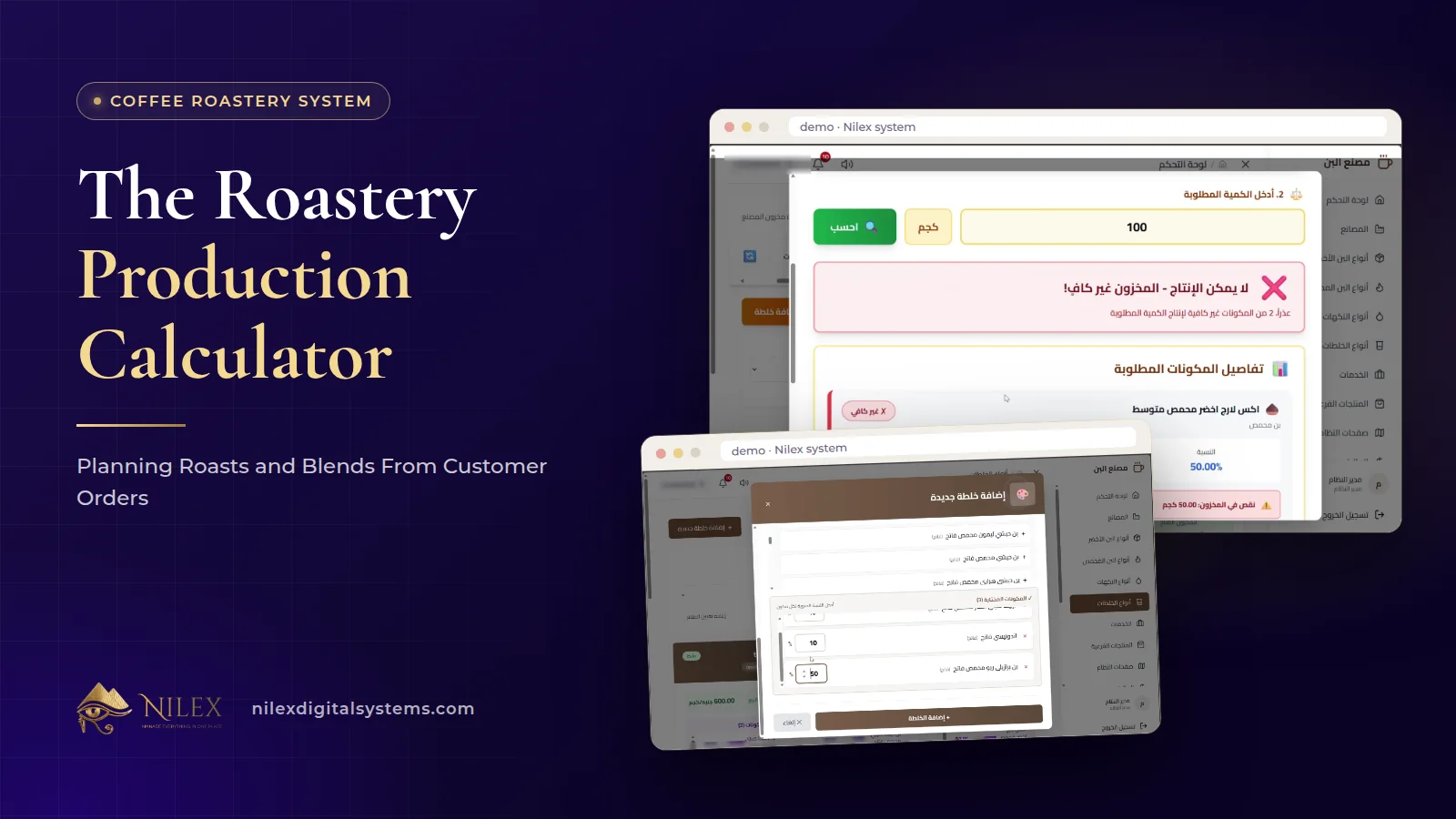 The Roastery Production Calculator: Planning Roasts and Blends From Customer Orders11 October 2026 · 9 min
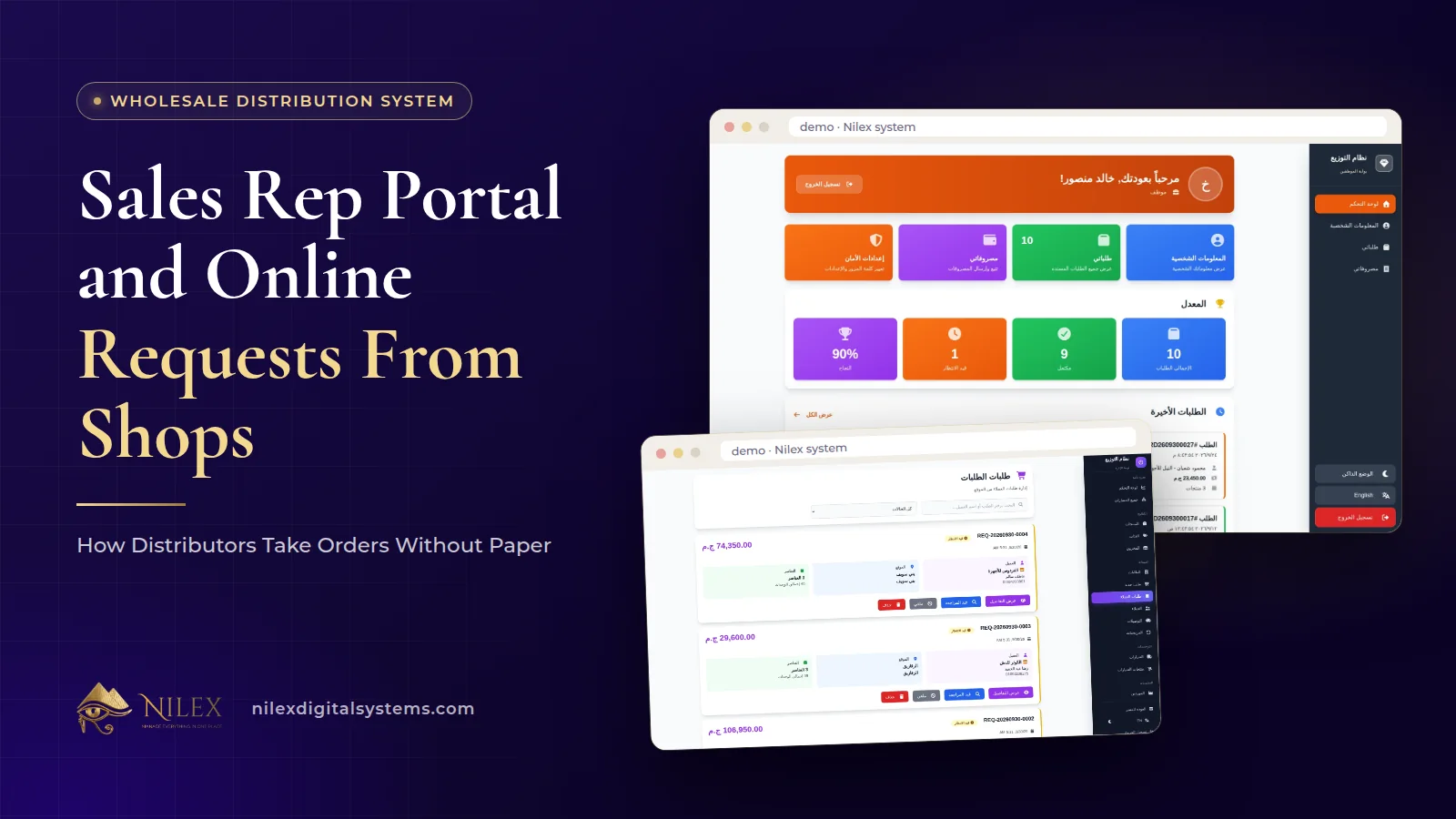 Sales Rep Portal and Online Requests From Shops: How Distributors Take Orders Without Paper11 October 2026 · 10 min
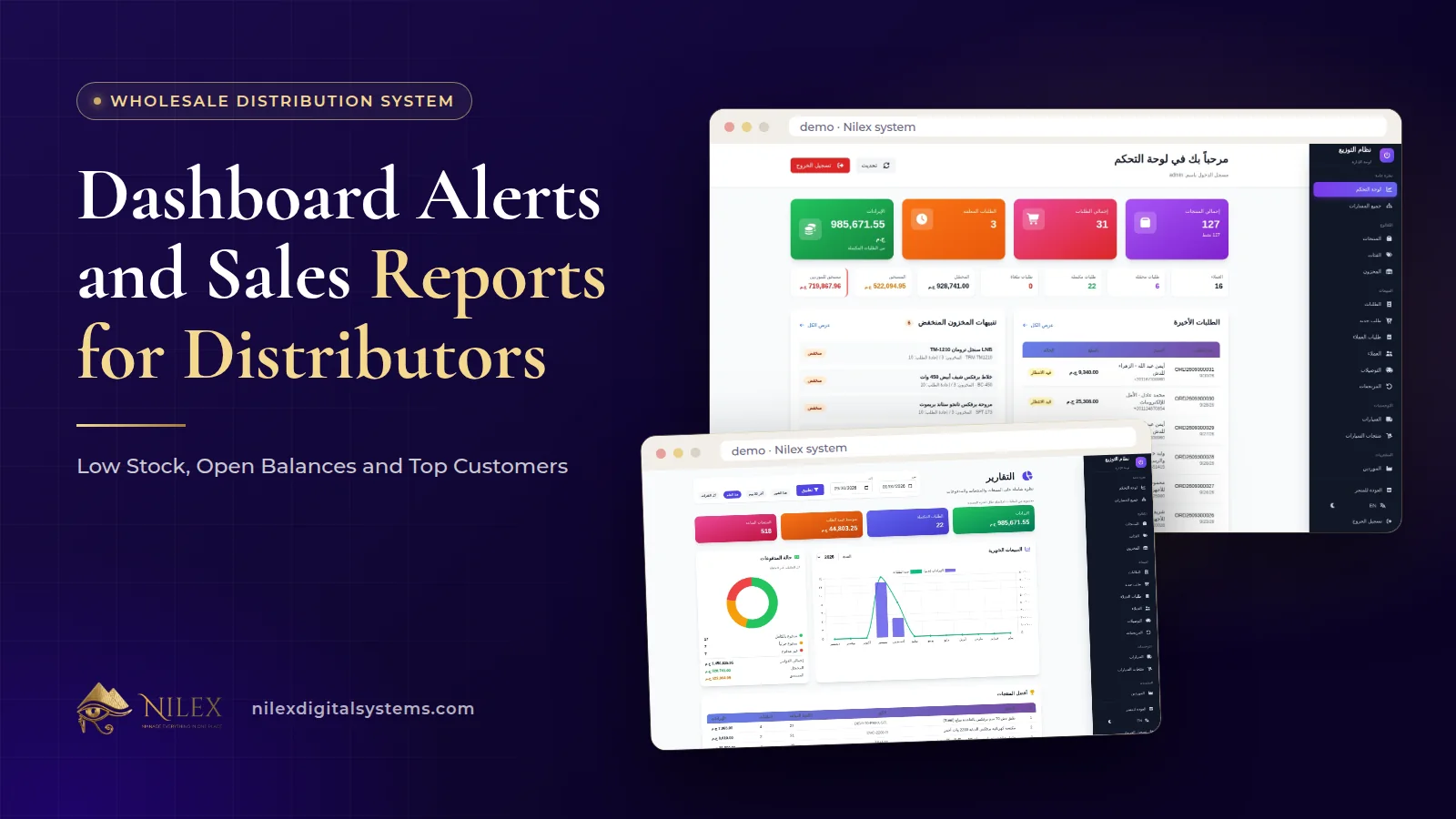 Dashboard Alerts and Sales Reports for Distributors: Low Stock, Open Balances and Top Customers11 October 2026 · 9 min