
Coffee Roastery Management System: What It Must Track from Green Beans to Customer Orders
What a coffee roastery and factory management system must track: green coffee and roasting loss, roasted coffee and flavours, blend recipes, production checks, stock per factory, orders with services, returns and supply.
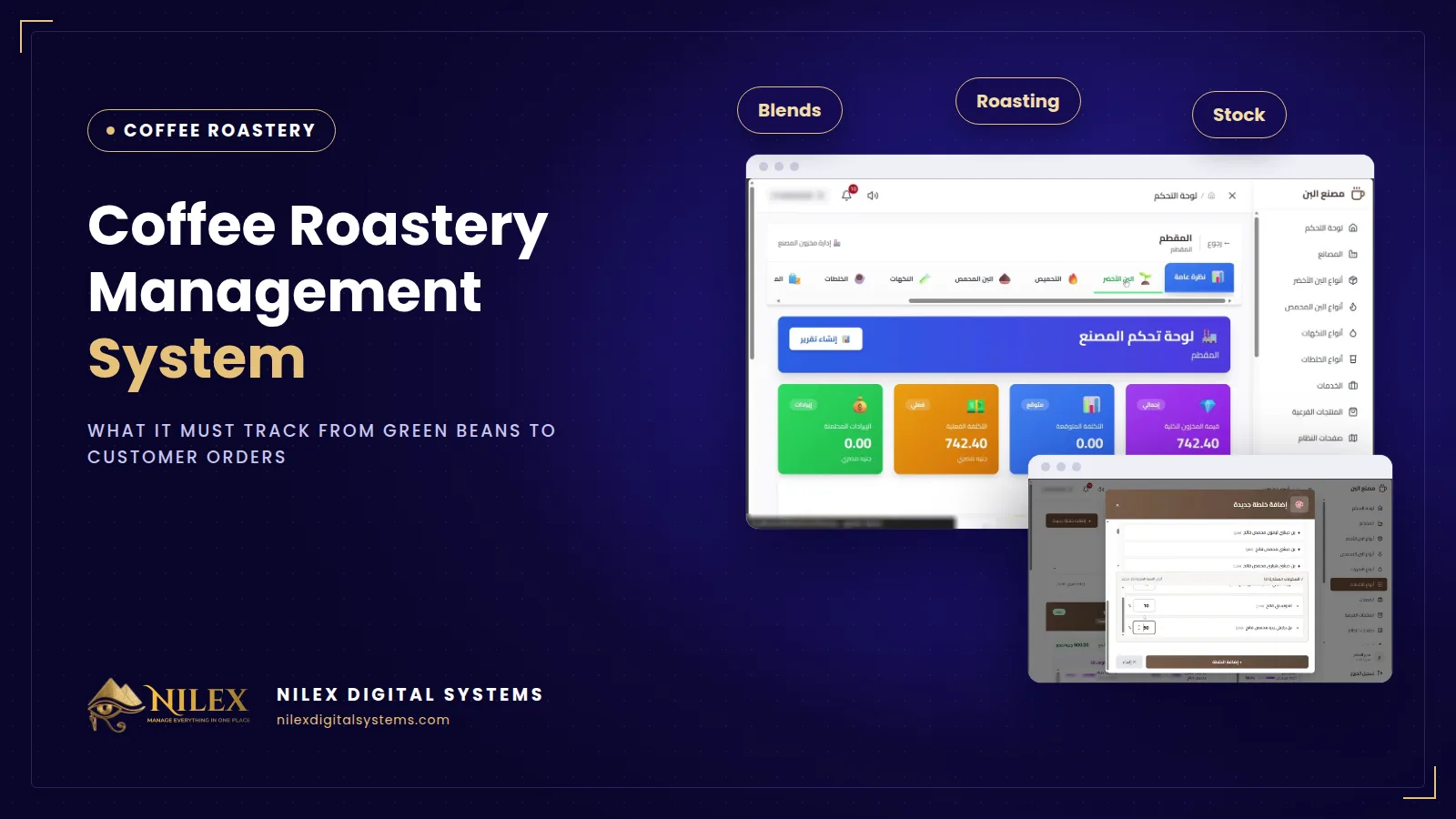
A coffee roastery management system is the software that follows coffee from the supplier to the customer in one place: green beans bought by the kilo, the weight lost in the roaster, roasted coffee and flavours, blend recipes, production batches, stock per factory, customer orders with roasting and grinding services, payments, returns and supply orders. For a roastery or coffee factory in Egypt, the right system is the one that knows a kilo of green coffee is not a kilo of roasted coffee, and calculates cost and stock accordingly.
Most roasteries run on a notebook for orders, an Excel sheet for stock and a head roaster who "knows" the blend recipes by heart. That works while the owner stands next to the roaster every day. It stops working with the second production site, the tenth blend, the first wholesale customer who asks for a special grind, or the day nobody can say what a kilo of the house blend really costs.
Key takeaways
- A roastery does not sell one product: it buys green coffee, roasts it, blends it with flavours, grinds and packs it, and sells it next to tea, sugar and other side products.
- Green and roasted coffee must be tracked as different items, with the weight lost at each roast level, or cost and stock will both be wrong.
- Blends should be saved as recipes by percentage that add up to exactly 100%, so every batch is made the same way.
- Production should be checked against stock before a batch starts, not discovered half-way.
- Orders need services (roasting, grinding, packing, delivery) priced on top of the product, including service-only orders on coffee the customer brings.
Why is a roastery harder to manage than a shop?
A shop buys a product and sells the same product. A roastery transforms what it buys at almost every step, and each step changes either the weight, the cost or the product itself:
- Roasting changes weight. Green beans lose water and mass in the roaster, and darker roasts generally lose more. Ten kilos in does not mean ten kilos out.
- Blending changes the product. Two or three roasted coffees and a flavour become a new item with its own price and stock.
- Services change the price. The same blend sold as whole beans, ground for a Turkish coffee pot or packed in premium bags is not the same order.
- Customers bring their own coffee. Part of the business is roasting and grinding beans that never belonged to you, which must not touch your stock.
General inventory or accounting software sees all of this as "items in, items out". That is why roasteries that outgrow spreadsheets often find that ordinary software does not fit them either. Our article on the signs you have outgrown Excel lists the warning signals.
What must a coffee roastery system track?
1. Green coffee with origin and roasting loss
Each green coffee type should be recorded with its origin and the percentage of weight lost at light, medium and dark roast. Without this, the cost of roasted coffee is understated and roasted stock never matches the green coffee you bought. Our guide to green coffee stock and roasting loss explains the calculation.
2. Roasted coffee, flavours and side products
Roasted types, flavours such as hazelnut, cardamom or chocolate, and side products such as tea, sugar and biscuits each need a unit, an expected cost, an actual cost and a selling price. The gap between expected and actual cost is the first place to look when margins fall.
3. Blend recipes by percentage
A blend is a recipe: which roasted coffees, at which roast level, which flavours, and what percentage of each. The recipe should only be accepted when the total is exactly 100%. See how to manage and cost coffee blends.
4. A production check before every batch
Before producing 50 kilos of a blend, someone needs to know whether every ingredient is in stock and, if not, how many kilos are missing. A production calculator answers that in seconds, and each finished batch enters blend stock with its number and production date.
5. Customer orders with services
An order should allow any product type (green, roasted, blend, flavour or side product) or a service only, with roasting, grinding, packing and delivery added and priced per item, plus discount, pickup or delivery, payments and a printable PDF. Read how roasteries handle orders, services and returns.
6. Returns with a decision
A returned bag is either good enough to go back into stock or it is disposed of. The decision, who made it and when should be recorded, otherwise returns quietly disappear from the numbers.
7. Supply orders and stock per factory
Purchases of green coffee, flavours and side products from suppliers should be recorded by the kilo, and each factory should have its own stock, costs and revenue.
Notebook and Excel vs general software vs a roastery system
| Need | Notebook + Excel | General inventory software | Roastery system |
|---|---|---|---|
| Green vs roasted coffee | One number per bean | Two unrelated items | Green types with loss per roast level |
| Blend recipe | In the roaster's head | Bill of materials, if any | Percentages that must total 100% |
| Enough stock for a batch? | Go and look | Manual check | Production calculator shows what is missing |
| Roasting and grinding services | Written on the bag | Extra line items | Services with prices on each product |
| Customer's own coffee | Not recorded | Not supported | Service-only orders |
| Several factories | One file per site | Depends on edition | Stock and dashboard per factory |
How to choose a system for your roastery
- Test a real week: record a supply order of green coffee, two blends, one production batch, five orders with grinding, one service-only order and one return.
- Ask how roasting loss is used when the cost of roasted coffee is calculated.
- Check that the team can use it in Arabic, on the computer in the office and on a tablet near the roaster.
- Ask how your coffee types, blends and prices are set up, and how long training takes.
- Compare the full cost over several years, not just the first payment. Our guide to ERP total cost of ownership lists what to include, and ERP for manufacturers covers costing in more depth.
How Nilex helps
Nilex offers a ready coffee roastery and factory management system that covers the cycle above in Arabic: green coffee types with origin and roasting loss for light, medium and dark roast; roasted coffee, flavours and side products with expected cost, actual cost and selling price; blend recipes that must total 100%; a production calculator that shows exactly what is missing; customer orders in three steps with roasting, grinding, packing and delivery services; service-only orders; payments, order status and PDF; returns added back to stock or recorded as disposed; supply orders from suppliers by the kilo; and a dashboard and stock for every factory. It runs in the browser and we host it for you.
We set it up with your coffee types, blends, services and prices and train your team before go-live. The packages, from a single roastery to several factories, are on the system page.
Frequently asked questions
Is a system worth it for a small roastery?
If you sell more than a handful of blends or roast for customers as well, yes. Knowing the real cost of a roasted kilo and checking stock before each batch usually matters more than the size of the roastery.
Can I keep Excel for stock and use a system for orders?
That keeps the main problem. Stock, roasting loss, recipes and orders need to be in the same place, or the numbers drift within weeks.
Does it work with several factories?
Yes. Each factory has its own stock and dashboard, while coffee types, flavours and blends are shared across factories.
Do I need to install anything?
No. It runs in the browser on computers, tablets and phones, and Nilex hosts it.
How long does setup take?
A single roastery is usually running within a week, including setup and training. Several factories depend on the number of sites and the data to import.
If nobody in your roastery can say what a kilo of your best-selling blend costs, talk to Nilex and see the system on your own coffee types.
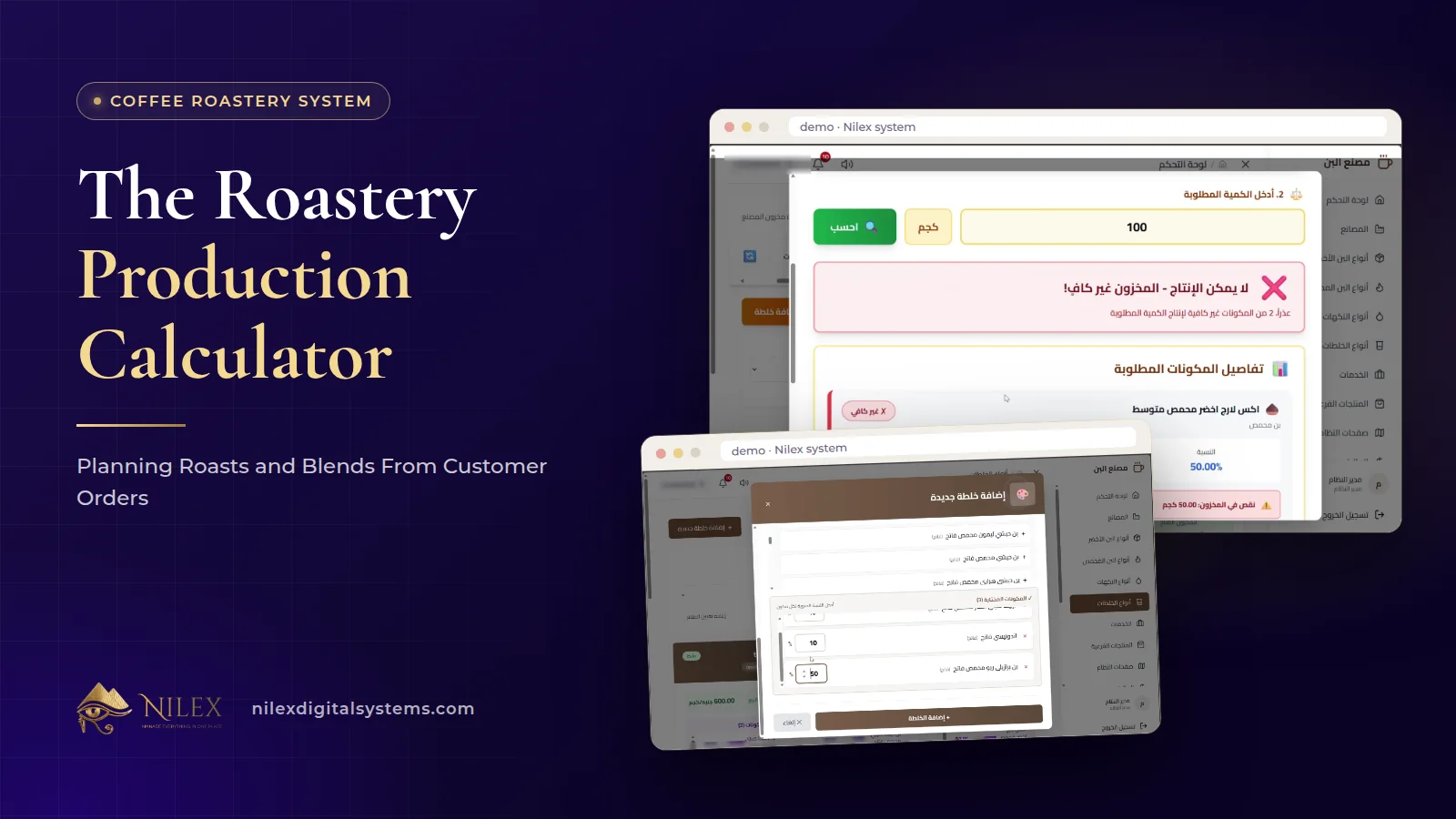 The Roastery Production Calculator: Planning Roasts and Blends From Customer Orders11 October 2026 · 9 min
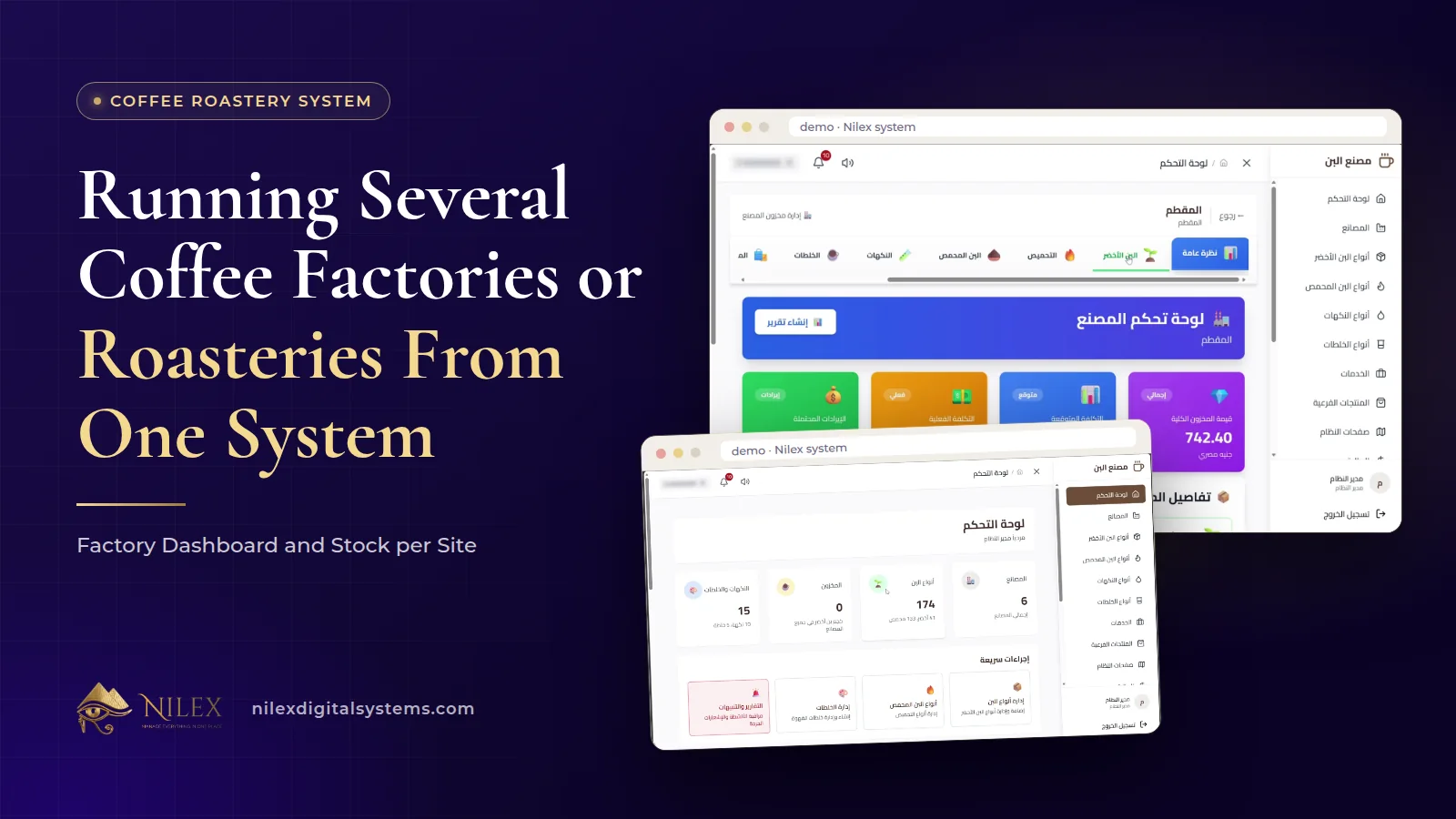 Running Several Coffee Factories or Roasteries From One System: Factory Dashboard and Stock per Site11 October 2026 · 8 min
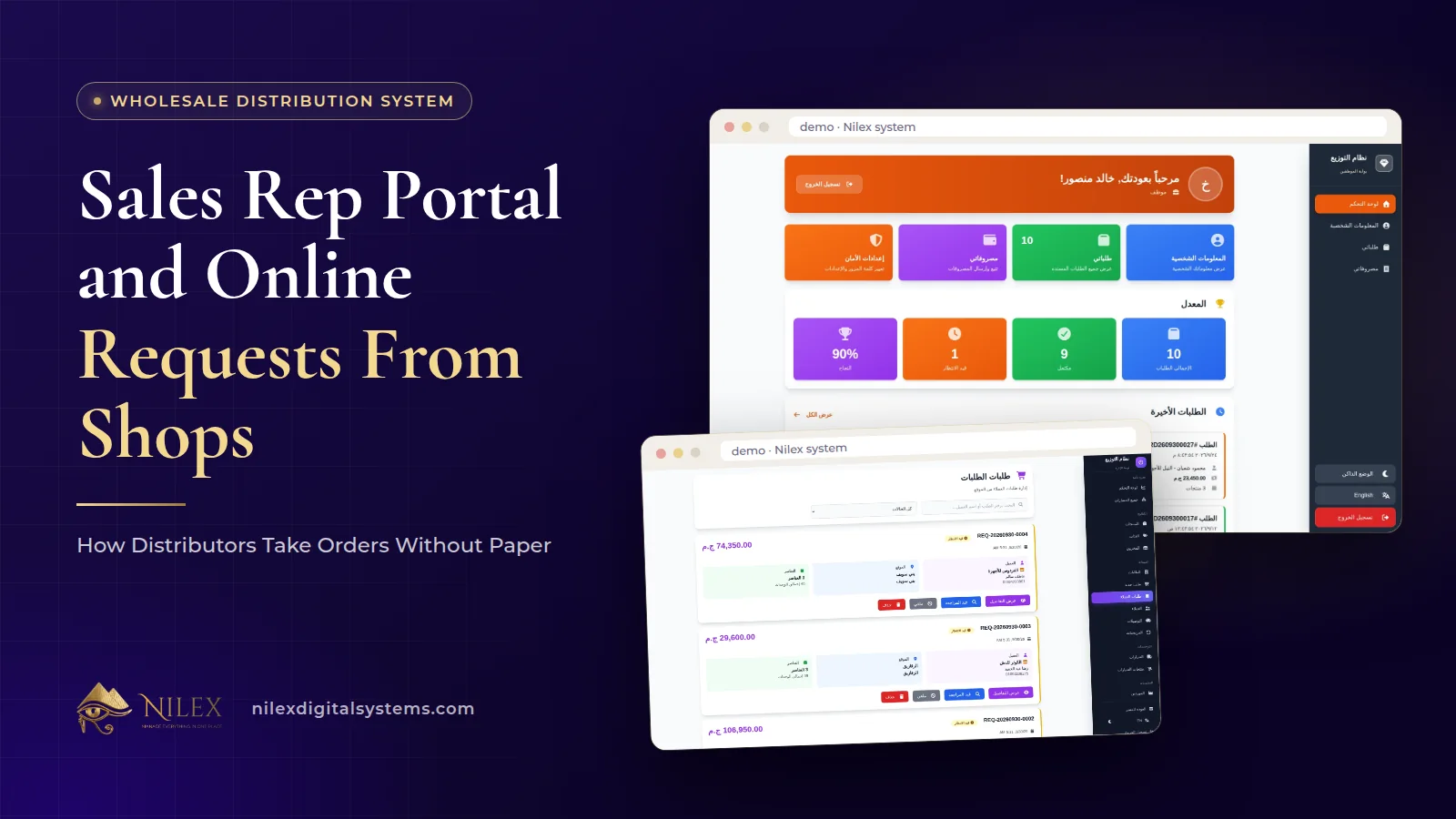 Sales Rep Portal and Online Requests From Shops: How Distributors Take Orders Without Paper11 October 2026 · 10 min