
From Excel to ERP: 9 Signs Your Company Has Outgrown Spreadsheets
Nine concrete signs that your company has outgrown Excel, from conflicting file versions and slow month-end closing to e-invoice re-entry, plus how to move to an ERP without losing flexibility.
Excel is where most Egyptian businesses start, and for good reason: it is flexible, familiar and already installed. But there is a point where spreadsheets stop saving time and start costing money. You have outgrown Excel when the same data lives in several files that never agree, when month-end depends on one person, when you cannot see stock or cash without a meeting, or when your invoices must be re-typed on the Egyptian Tax Authority (ETA) portal. At that point an ERP, one system with one database, is usually cheaper than the hidden cost of spreadsheets.
The problem is that the cost of spreadsheets is invisible. It shows up as overtime in the accounts department, stock that "disappears", customers who receive the wrong price and decisions made on last month's numbers. This article lists nine concrete signs that your company has outgrown Excel, explains what each one costs you, and shows how to move to an ERP without losing the flexibility your team likes.
Key takeaways
- Excel is excellent for analysis and planning but weak as the system where daily transactions are recorded.
- The clearest warning signs are conflicting versions of the truth, slow month-end closing, stock mismatches and dependence on one person.
- E-invoicing has added a new sign: if invoices must be re-entered on the ETA portal, your process duplicates work and risks mismatches.
- An ERP records each transaction once, controls who can see and change what, and keeps an audit trail.
- You do not have to give up Excel. Keep it for analysis and let the ERP be the single source of data.
Excel vs ERP: what each is good at
| Need | Excel | ERP |
|---|---|---|
| Quick analysis, what-if models, one-off reports | Excellent | Good, usually exports to Excel |
| Recording daily sales, purchases and stock movements | Error-prone, manual | Built for it |
| Several users working on the same data | Limited, conflicts and copies | Designed for many users at once |
| Permissions (who sees salaries, costs, margins) | Weak; a file is shared or not | Role-based, per screen and per branch |
| Audit trail of who changed what | Hard to enforce | Every action logged |
| ETA e-invoice and e-receipt | Not possible directly | Integrated |
| Branches and warehouses | Separate files to consolidate | One database, live consolidation |
9 signs your company has outgrown spreadsheets
1. There are several "final" versions of the same file
Sales has its sheet, accounts has another, and the owner receives a third on WhatsApp. When numbers disagree, meetings are spent arguing about which file is right instead of deciding what to do. An ERP removes the question: there is one database and every report reads from it.
2. Month-end closing takes more than a week
If your accountant spends the first days of each month collecting sheets from the warehouse, the branches and the sales team, then correcting formulas, the closing process is really a data-collection process. In an ERP, the entries are created when the transactions happen, so closing is mainly review.
3. Stock on the sheet does not match stock on the shelf
Manual stock sheets depend on every receipt, transfer, sale and return being typed in correctly and on time. A distributor with warehouses in Obour and Tanta, or a retailer with three branches, will find that small delays add up to large gaps. An ERP updates stock at the moment of each transaction and shows who moved what.
4. Invoices are typed twice: once in Excel, once on the ETA portal
E-invoices must be submitted to the ETA as structured, digitally signed documents with registered item codes, as described in the ETA's official e-invoicing SDK. Excel cannot do this. If someone re-enters invoices on the portal, you pay twice for the same work and risk differences between your books and the tax authority's records.
5. The business stops when one person is on leave
Many companies have a "master file" that only one employee fully understands, with hidden sheets, macros and links. If that person leaves, the knowledge leaves too. An ERP puts the logic in the system, documented and shared.
6. You cannot tell who changed a number
A price is changed, a discount appears, a customer balance is edited. In a shared spreadsheet it is hard to know who did it and when. For finance and inventory, that is a control problem. An ERP logs every action by every user and can prevent silent changes to posted financial records.
7. You cannot answer "how much cash will we have next month?"
Receivables, payables, cheques due and expected collections sit in different sheets. Building a cash forecast becomes a project. With an ERP, aged receivables, supplier dues and bank balances are in one place, and a basic forecast is a report.
8. Sales reps give different prices and discounts
If the price list is a file on someone's laptop and orders arrive as WhatsApp messages, reps will quote old prices, forget discounts or promise stock that is not there. An ERP applies the current price list, discount rules and credit limits automatically.
9. The files are slow, fragile or too big
A modern Excel worksheet can hold up to 1,048,576 rows (Microsoft, current specification), but files become slow and fragile long before that, especially with many formulas, links and users. If staff are afraid to open the file or you keep daily copies "just in case", the tool has reached its limit.
A typical example
Consider an illustrative case that many owners will recognise: a building-materials trader in Alexandria with a showroom, a yard and six sales reps. Orders arrive by phone and WhatsApp, the storekeeper updates a stock sheet at the end of the day, and the accountant enters invoices into a desktop accounting program and again on the ETA portal. Every month the same questions return: why does the yard have less cement than the sheet says, which customers are over their credit limit, and why does the VAT figure differ from the portal?
None of these problems is caused by lazy staff. They are caused by the same transaction being recorded in three places at three different times. Moving the order, the delivery, the invoice and the stock movement into one system removes the gaps at their source, which is why the first months after an ERP go-live often feel like "finding" stock and cash that were there all along.
How to estimate what spreadsheets cost you
Before you speak to any vendor, put numbers on the problem using your own data:
- Time: hours per month spent collecting, re-typing and reconciling data, multiplied by the cost of those employees.
- Stock losses: the value of unexplained differences at the last stock count.
- Pricing errors: discounts given by mistake or sales made below cost.
- Late collections: overdue receivables that nobody followed up because the list was out of date.
- Compliance risk: invoices that do not match between your books and the ETA platform.
This estimate becomes your business case and your benchmark for measuring the ERP after go-live.
Moving from Excel to ERP without chaos
- Inventory your spreadsheets. List every file that holds business data, who owns it and what it feeds. You will often find 20 or more.
- Separate records from reports. Files that record transactions (sales, stock, receipts) move into the ERP. Files that analyse data can stay in Excel, fed by ERP exports.
- Clean the master data. Merge duplicate customers, standardise item names and codes, and confirm opening balances. This is the most important step.
- Start with the core. Sales, purchasing, inventory, accounting and e-invoicing first. Add HR, production or CRM later.
- Keep familiar exports. Make sure key reports export to Excel in the layout your managers already use.
- Freeze the old files. After go-live, make the spreadsheets read-only so nobody keeps recording in two places.
What you should keep in Excel
Excel remains the best tool for many tasks: budgets, pricing models, scenario planning, one-off analysis and board presentations. The change is that Excel becomes a place where you use data, not where you store it. That alone removes most of the errors.
How Nilex helps
Nilex Digital Systems builds custom ERP systems for companies moving off spreadsheets. We start by reviewing your existing files to understand how your business really works, then build the system around that workflow, with role-based permissions, a full audit log, protection against silent changes to financial records, and reports that export to PDF and Excel. The system runs on PostgreSQL, a database built for many simultaneous users, and can include ETA e-invoice integration.
Frequently asked questions
When should a company move from Excel to ERP?
When the cost of working in spreadsheets, in time, errors and missed decisions, is higher than the cost of a system. In practice, that is usually when you have several users entering data, more than one location, or e-invoicing obligations.
Is ERP too complex for a small company used to Excel?
Not if you start small. A first phase with sales, stock and accounts, with screens in Arabic and training by role, is manageable for a small team. Complexity comes from trying to do everything at once.
Can I import my Excel data into an ERP?
Yes. Customers, suppliers, items and opening balances are usually imported from Excel templates. The data must be cleaned first, or the ERP will inherit the same errors.
Is Google Sheets a better alternative?
Google Sheets improves sharing and co-editing, but it has the same core limits as Excel for recording transactions: weak controls, no built-in stock logic and no direct e-invoice integration.
How much does moving from Excel to ERP cost?
It depends on scope, users, data quality and integrations. Compare options on five-year total cost of ownership, not on the starting price.
If several of these signs sound familiar, book a free consultation. Send us a description of your key spreadsheets and we will tell you honestly what an ERP would replace and what should stay in Excel. For a primer, read what an ERP is and our guide to ERP total cost of ownership.
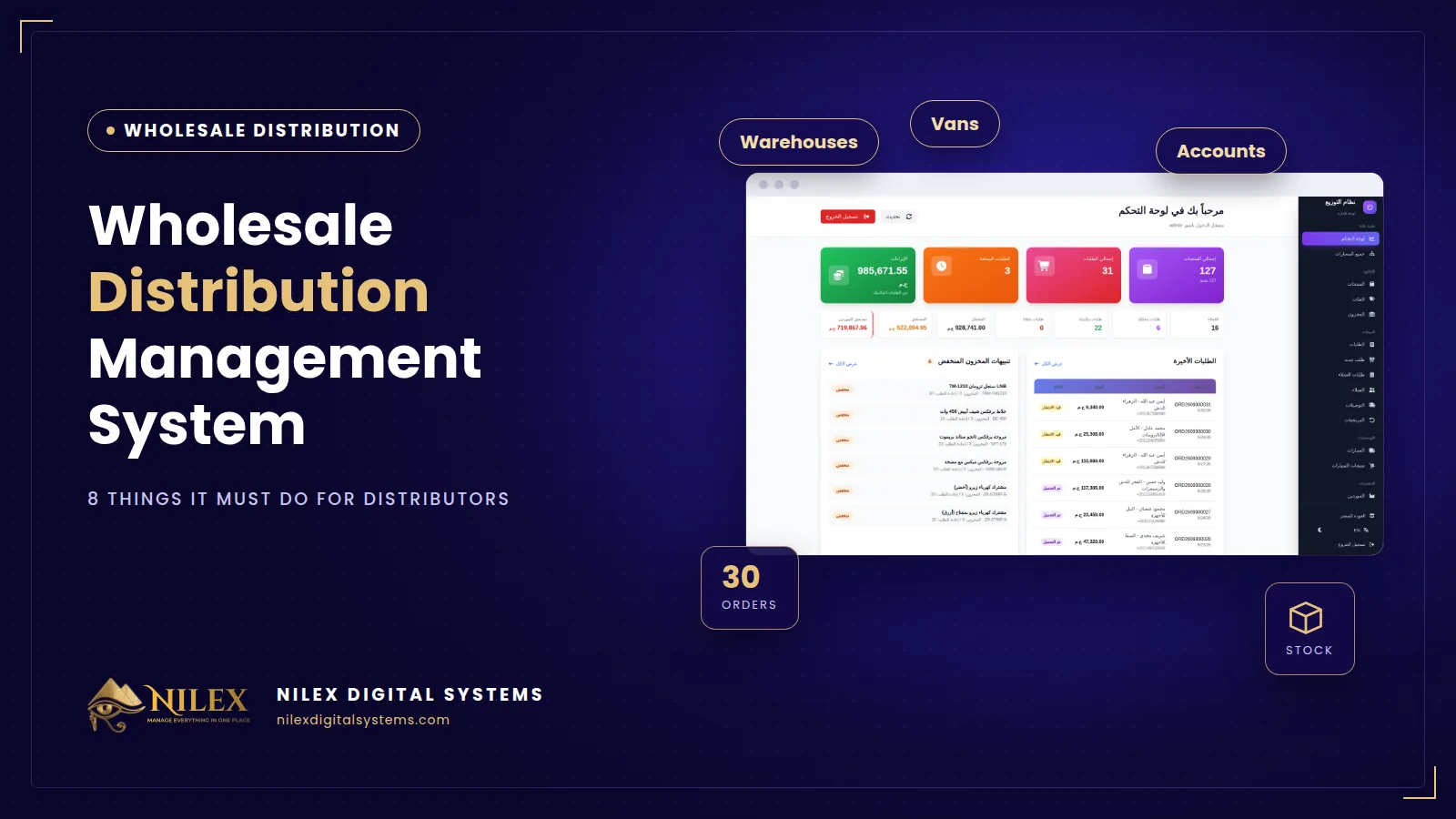 Wholesale Distribution Management System: 8 Things It Must Do for Egyptian Distributors30 September 2026 · 5 min
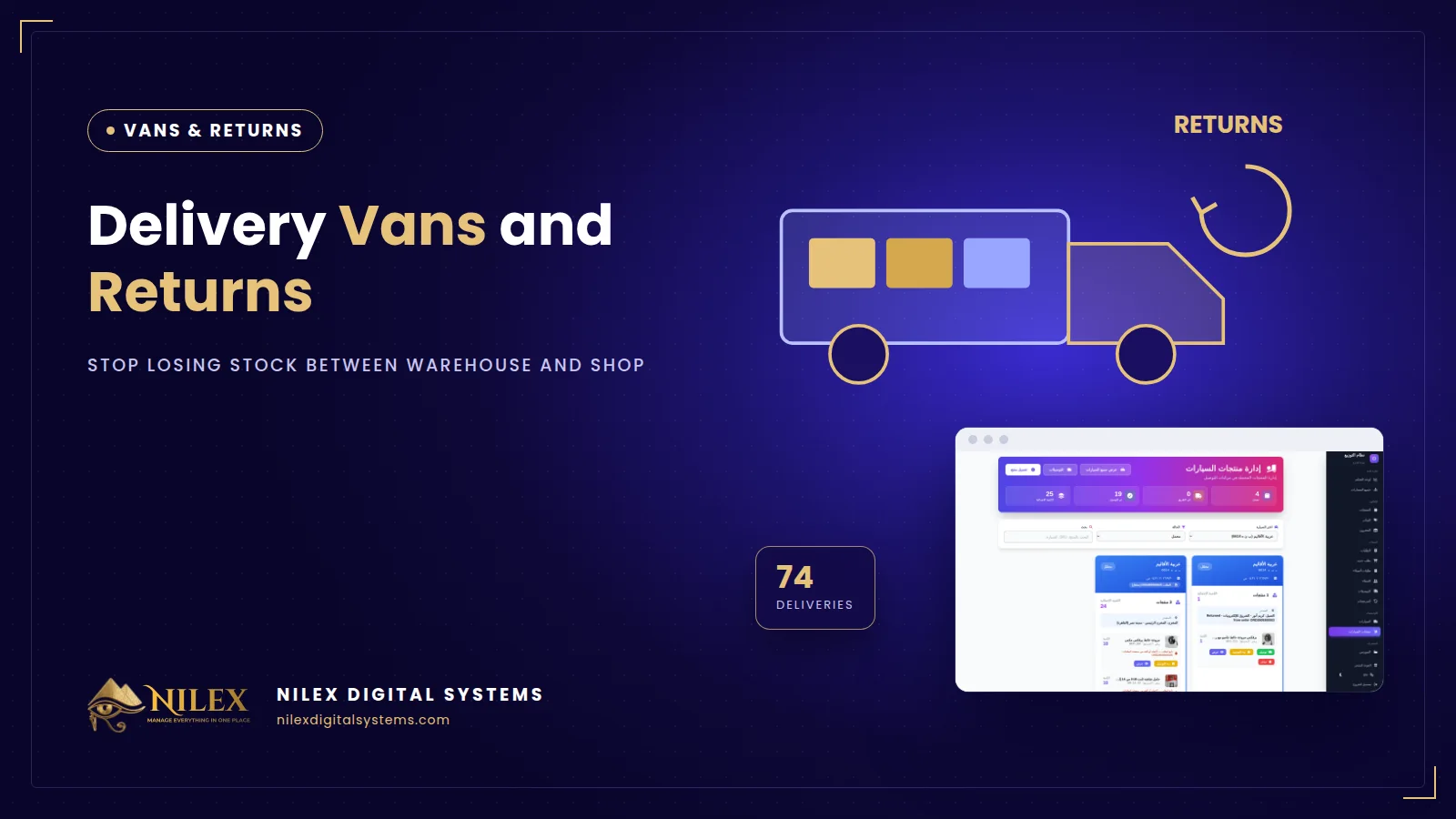 Delivery Vans and Returns: How Distributors Stop Losing Stock Between Warehouse and Shop30 September 2026 · 4 min
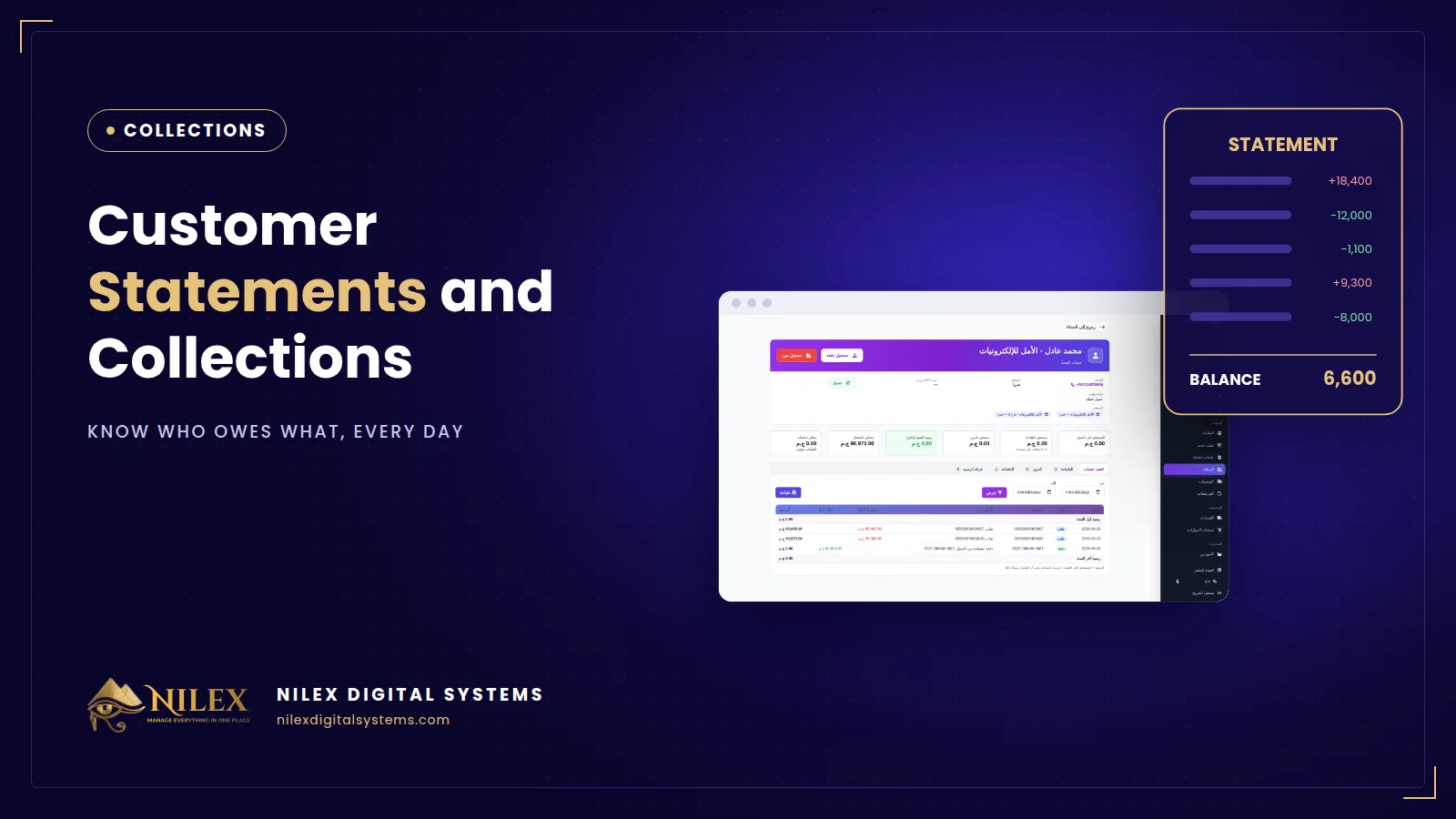 Customer Statements and Collections for Wholesalers: Know Who Owes What30 September 2026 · 4 min