
What Is ERP? A Plain Guide for Egyptian Business Owners
ERP explained in plain language for Egyptian companies: what it does, the modules that matter, e-invoice readiness, the signs you need one and how to run the project without costly mistakes.
ERP (Enterprise Resource Planning) is one system that holds your company's sales, purchasing, stock, accounting, HR and reporting in a single database, so every department works from the same numbers. Instead of a sales sheet, a separate accounting program and a warehouse notebook that never agree, an ERP records each transaction once and updates everything it touches: the invoice, the stock level, the customer balance and the general ledger.
For an Egyptian business owner, the question is rarely "what is ERP" in theory. It is "do I need one now, what would it actually change, and how do I avoid an expensive failure?" Since the Egyptian Tax Authority (ETA) made electronic invoices and electronic receipts part of normal trading, the question has also become a compliance one: many spreadsheets and old desktop programs cannot talk to the ETA at all.
This guide explains what an ERP does in plain language, which modules matter for Egyptian companies, the signs you are ready, the main ways to get one, and how to run the project without losing a year.
Key takeaways
- An ERP is a shared database plus modules (sales, inventory, purchasing, accounting, HR). Its value comes from entering data once and seeing it everywhere.
- In Egypt, a modern ERP should issue ETA e-invoices (B2B) and, where your business is listed, e-receipts (B2C) directly from the system.
- You do not need every module on day one. Most successful projects start with sales, inventory and accounting, then add the rest.
- The main options are an international ERP (Odoo, SAP, Microsoft Dynamics), a local packaged program, or a custom-built ERP. Each fits a different company.
- Projects fail more often because of unclear processes and dirty data than because of software. Plan both before you sign.
What ERP means in practice
The term sounds technical, but the idea is simple. Every business has resources: money, stock, people, machines and customer relationships. "Planning" those resources means knowing, at any moment, what you have, what you owe, what you are owed and what is about to happen. An ERP is the software that keeps that picture current.
One database, many screens
The defining feature of an ERP is not the number of screens. It is that all the screens read from and write to one database. When a salesperson in your Nasr City showroom confirms an order, the warehouse in 10th of Ramadan sees a reservation, accounting sees a receivable and the owner's dashboard updates. Nobody re-types anything.
ERP vs accounting software
Accounting software records the financial result of what happened. An ERP records the operational events themselves (order, delivery, receipt, production run) and generates the accounting entries automatically. If your accountant spends the first week of each month collecting sheets from other departments, you have accounting software, not an ERP.
The core ERP modules for Egyptian companies
Vendors package modules differently, but most companies in Egypt use some combination of the following.
| Module | What it handles | Egyptian detail to check |
|---|---|---|
| Sales and invoicing | Quotations, orders, invoices, returns, price lists | ETA e-invoice submission from the invoice screen |
| Point of sale (POS) | Cashier sales in shops, cafés and branches | ETA e-receipt issuance if your business is on a published list |
| Inventory and warehouses | Stock per warehouse, transfers, batches, expiry dates | Multi-branch stock, item codes that match your e-invoice codes |
| Purchasing | Supplier requests, purchase orders, receiving | Received e-invoices from suppliers, landed cost for imports |
| Accounting | General ledger, receivables, payables, bank, VAT | Egyptian chart of accounts, VAT at 14% and other tax types |
| HR and payroll | Employees, attendance, leave, salaries | Labour Law 14/2025, social insurance and payroll tax rules |
| Manufacturing | Bills of materials, work orders, costing | Actual vs standard cost for factories |
| Reporting | Dashboards and management reports | Arabic reports, cash position per bank and branch |
The 14% standard VAT rate is taken from Avalara's Egypt VAT guide (updated 2026). Rates and thresholds can change, so the tax settings in any ERP must be editable by your accountant, not hard-coded.
Why ERP matters more in Egypt now
Small and medium businesses are the backbone of the Egyptian economy. In 2024 the head of the MSME Development Agency said MSMEs make up about 90% of the private sector and 75% of the workforce (Ahram Online, 2024). Many of them still run on Excel, WhatsApp groups and paper. Three changes are pushing them toward proper systems.
1. Tax digitisation
The ETA rolled out the B2B e-invoice from November 2020, starting with large taxpayers and extending it to VAT-registered companies in later phases. B2C e-receipts followed from 2022 in waves defined by named lists of taxpayers. Each e-invoice must be sent to the ETA as structured data with a digital signature and registered item codes, as described in the ETA's official e-invoicing SDK. Doing that by hand for hundreds of invoices is not realistic. An ERP does it as a by-product of normal invoicing.
2. Tax incentives that require integration
Law 6 of 2025 created a simplified tax regime for businesses with turnover up to EGP 20 million, taxed as a small percentage of turnover. One condition is integration with the ETA's e-invoice and e-receipt systems. For a small company, a system that can issue these documents is now directly linked to paying less tax.
3. Growth across branches and channels
A distributor serving the Delta, a clinic group opening a second branch in New Cairo or a retailer adding an online store all hit the same wall: data in five places that never matches. An ERP gives one version of stock and cash across branches.
Signs your company is ready for an ERP
There is no minimum company size. These practical signs matter more:
- Month-end closing takes more than a week because data must be collected from several files.
- Stock on the system and stock on the shelf disagree, and nobody knows why.
- You cannot answer "how much cash will we have next month?" without a meeting.
- Your current program cannot issue ETA e-invoices, so someone re-enters invoices on the ETA portal.
- Salespeople give different prices or discounts because the price list lives in someone's head.
- You have opened, or plan to open, a second branch, warehouse or online channel.
- One employee holds the "master file", and the company stops when that person is on leave.
If three or more of these describe your company, the cost of not having an ERP is probably already higher than you think.
The four ways to get an ERP
| Option | Best fit | Main trade-off |
|---|---|---|
| International ERP (Odoo, SAP, Microsoft Dynamics 365) | Companies whose processes are close to standard practice, or groups with international reporting needs | Licences plus partner implementation; customisation can be costly and ties you to upgrades |
| Local packaged program | Small shops and traders with simple accounting and stock | Quick to start, but may be limited in integrations, branches and reporting |
| Cloud SaaS accounting with add-ons | Micro and small businesses that need invoices and basic stock | Low entry cost; outgrown when processes become specific |
| Custom-built ERP | Companies with distinctive workflows (manufacturing, distribution, services) or that want to own the system | Needs a clear scope and a reliable developer; you own the code and pay no per-user licence |
No option is best for everyone. A café chain may be well served by a POS-centred package. A factory with its own costing method or a distributor with van sales often finds a custom or heavily configured system cheaper over five years than forcing its process into a generic one.
How an ERP project should run
- Map your processes first. Write down how an order becomes cash today, step by step, including the exceptions. This document becomes your requirements.
- Choose a first phase. Start with the modules that remove the biggest pain, usually sales, inventory, accounting and e-invoicing.
- Clean the data. Customer lists, item codes, opening balances and stock counts must be cleaned before migration. Item codes deserve special care because they must match the codes registered for your e-invoices.
- Set up tax integration early. Registering the system with the ETA, obtaining the signing certificate and testing submissions take time. Do not leave them for launch week.
- Run in parallel for a short period. Keep the old method for one closing cycle and compare results.
- Train by role. The cashier, the storekeeper and the accountant need different training, in Arabic, on their own screens.
- Review after 90 days. Measure closing time, stock accuracy and invoice errors against the starting point, then plan phase two.
Common mistakes to avoid
- Buying on a demo. Ask the vendor to run your own scenario, such as a sale with a discount, a partial delivery and a return, on their system.
- Ignoring Arabic. Invoices, reports and staff screens must work properly in Arabic, including right-to-left layout and Arabic item names.
- Underestimating user licences. A cheap starting price can grow quickly when every cashier and storekeeper needs a paid user.
- No owner inside the company. Someone senior must own the project and have time for it.
- No exit plan. Confirm that you can export all your data in a usable format if you change systems later.
How Nilex helps
Nilex Digital Systems builds custom ERP systems for Egyptian companies, built from scratch around your actual workflow rather than on Odoo or another ready-made template. The system covers suppliers, customers, orders, branches, warehouses and accounts, with role-based permissions, a full audit log of every action and financial records that cannot be silently changed. It is built on Node.js and PostgreSQL, and connects to the ETA e-invoicing platform through its REST APIs. We usually start with a short discovery phase to map your processes and agree a realistic first phase.
Frequently asked questions
Is ERP only for large companies?
No. ERP is about how many processes and people depend on shared data, not headcount. A 15-person distributor with two warehouses and a sales team on the road can benefit more than a larger office-based company. Smaller companies simply start with fewer modules.
How long does an ERP implementation take in Egypt?
It depends on scope, data quality and how quickly decisions are made inside your company. A first phase covering sales, inventory, accounting and e-invoicing is usually planned in months, not weeks. Be cautious of any promise to "go live" across all modules in a few days.
Does every ERP support the Egyptian e-invoice?
No. International ERPs usually offer Egyptian e-invoicing through a localisation or add-on, and local programs vary. Ask the vendor to show a live test submission to the ETA's pre-production environment, including the digital signature and item codes.
Can I keep using Excel alongside an ERP?
Yes, for analysis. A good ERP exports reports to Excel. What should stop is using Excel as the place where transactions are recorded, because that is where duplicate entry and errors come from.
Should my ERP be on the cloud or on a local server?
A web-based ERP hosted on a reliable server lets branches, managers and field staff work from anywhere. Some companies prefer a local server for control. What matters most is backups, access control and a clear policy for where personal data is stored.
If you are weighing whether your company needs an ERP, and which kind, a short conversation about your processes usually makes the answer clear. Book a free consultation with Nilex and we will map your order-to-cash flow with you and tell you honestly which option fits.
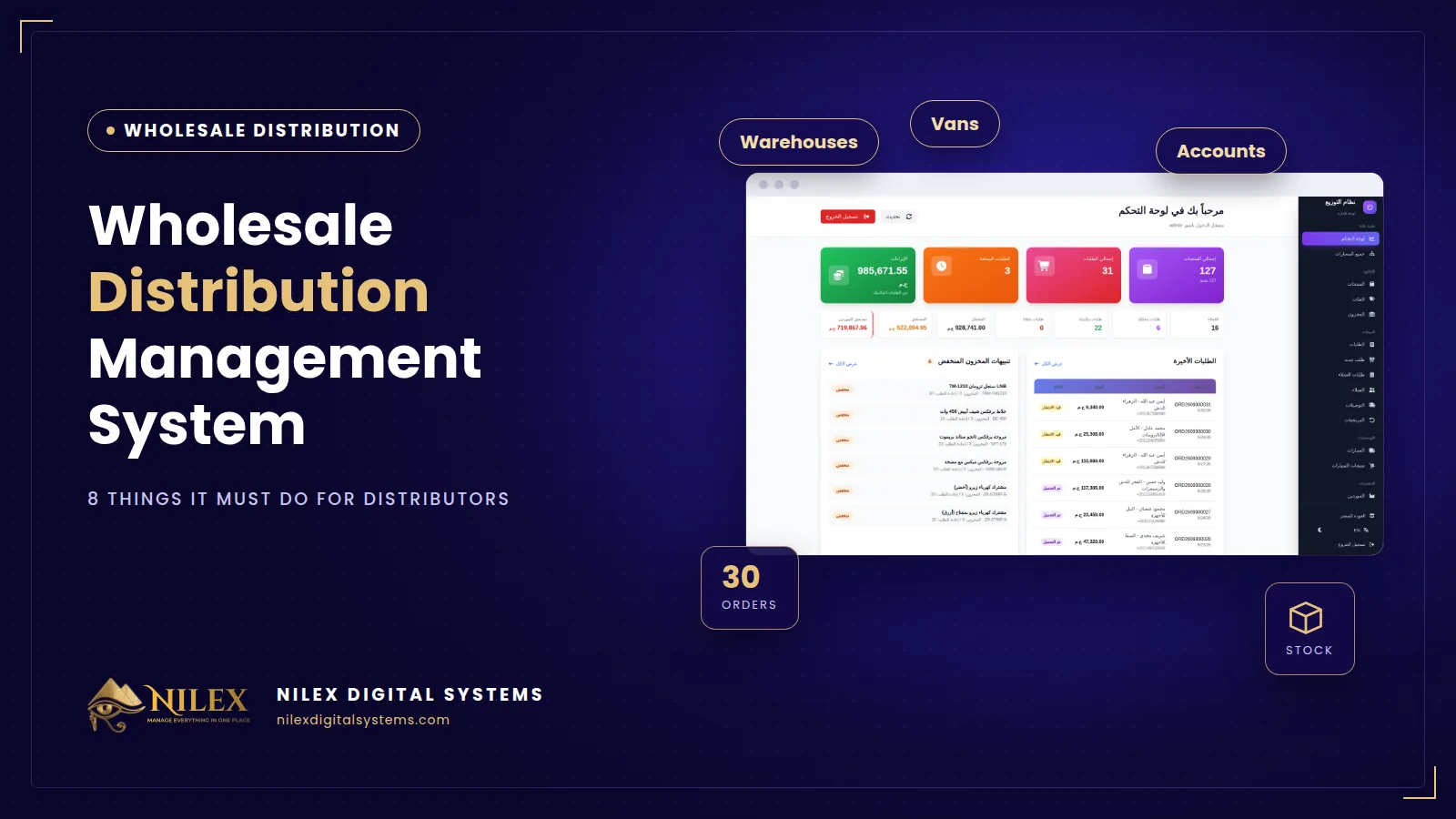 Wholesale Distribution Management System: 8 Things It Must Do for Egyptian Distributors30 September 2026 · 5 min
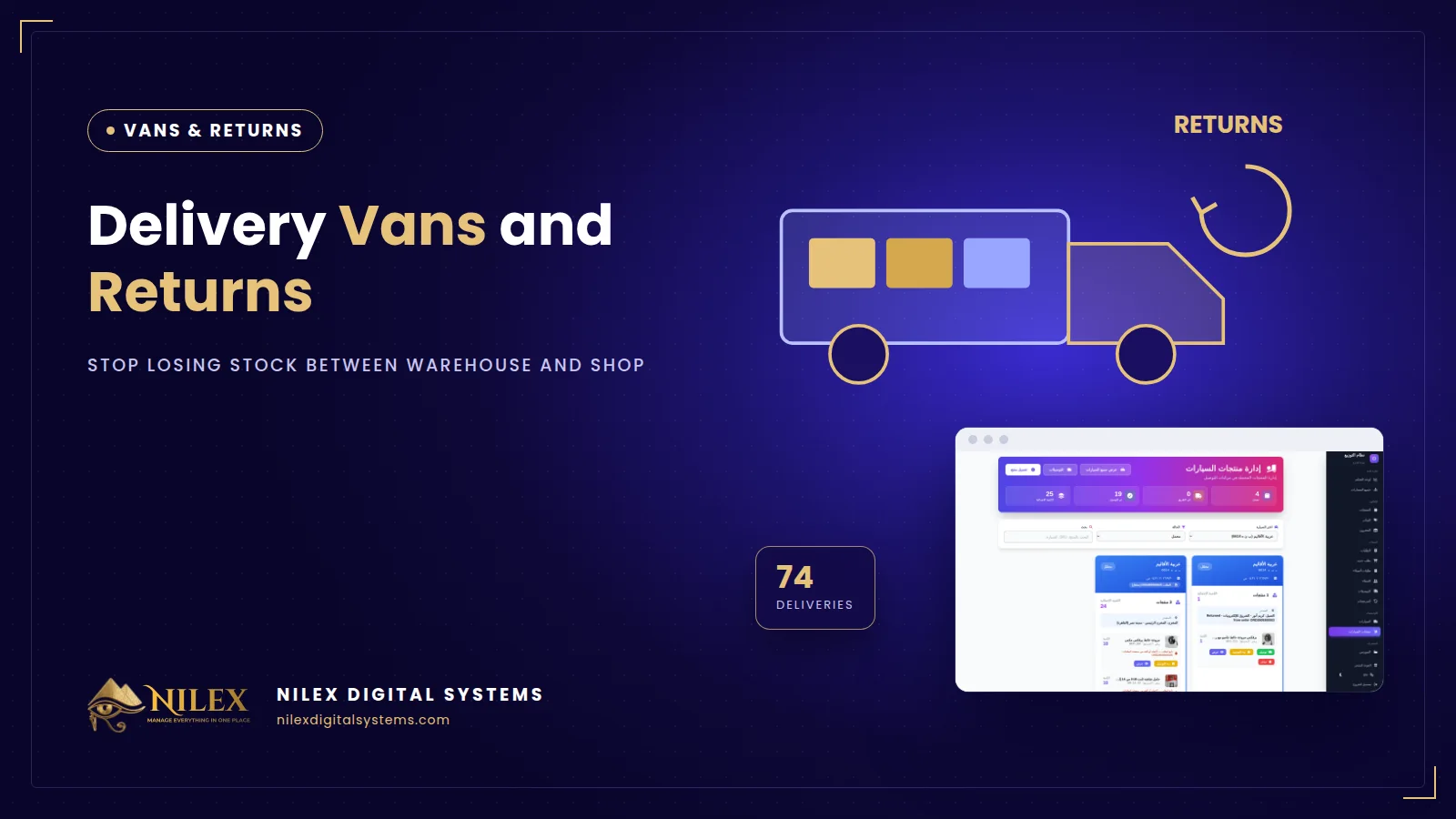 Delivery Vans and Returns: How Distributors Stop Losing Stock Between Warehouse and Shop30 September 2026 · 4 min
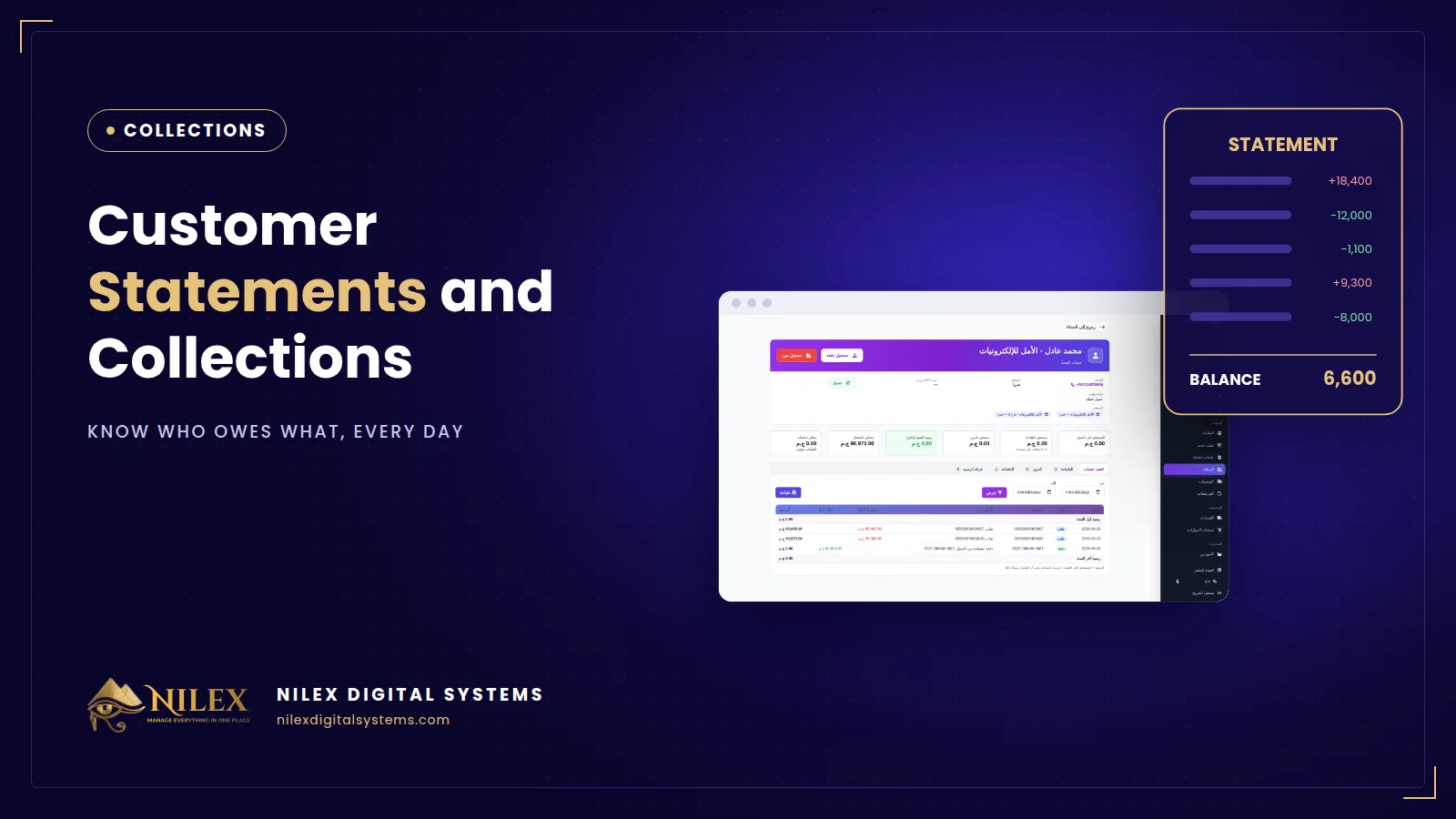 Customer Statements and Collections for Wholesalers: Know Who Owes What30 September 2026 · 4 min