
Dashboard Alerts and Sales Reports for Distributors: Low Stock, Open Balances and Top Customers
What a wholesale distributor should read on the dashboard and in sales and finance reports: low-stock alerts per warehouse, pending orders, customer and supplier balances, payment status, top products and customers, and expenses waiting for approval.
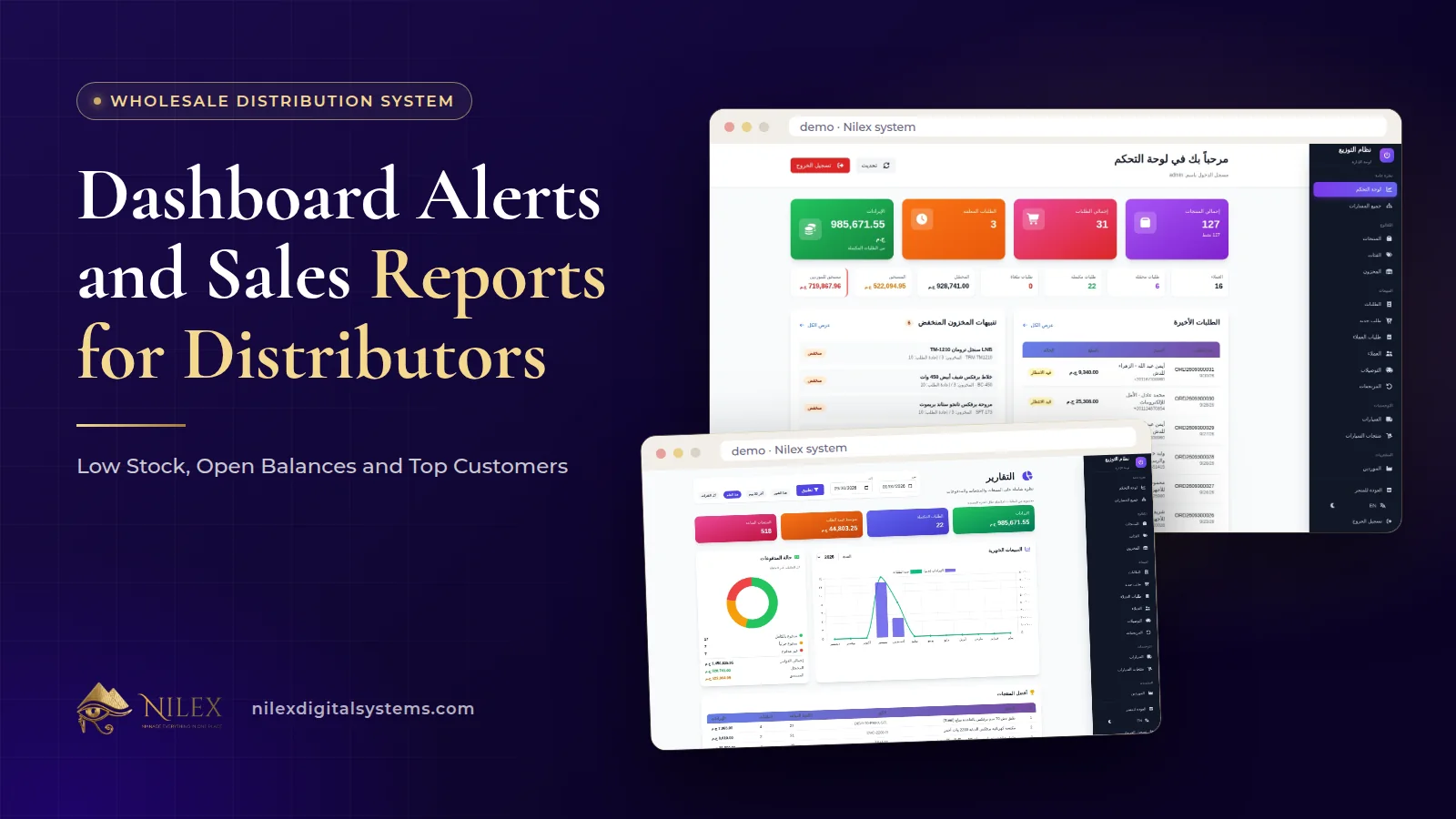
A wholesale distributor's dashboard should answer one question every morning: where is money or stock about to slip today? The answer comes from a handful of signals on one screen: revenue and orders, pending orders, customer and supplier balances, the latest orders and low-stock alerts per warehouse. Sales and finance reports then explain the trend behind those signals: monthly sales, payment status, top products and top customers, collections and expenses.
The difference between a dashboard that helps and one that decorates is simple. A useful dashboard is built from the same orders, receipts and stock movements the team records during the day, and every number on it is tied to an action someone takes. This article walks through the signals a distributor actually needs, what each one means in a wholesale business, and who should act on it.
Key takeaways
- A distributor's dashboard is a list of decisions, not a gallery of charts: every number should lead to a call, an order or an approval.
- Low-stock alerts must be per warehouse; a healthy company total can hide an empty warehouse.
- Pending orders and customer balances together tell you whether today's sales will become cash.
- Supplier balances on the same screen help you plan payments against goods that have actually arrived.
- Expenses with approval belong next to revenue and collections, so margin is not eaten silently.
- Numbers are only as good as the daily records; reports cannot fix orders that were never entered.
Why a distributor needs a different dashboard from a shop
A retail shop watches sales and stock. A distributor sells on credit to dozens or hundreds of shops, buys from factories in partial deliveries, keeps stock in more than one warehouse and pays drivers' and reps' expenses in the field. So the risks are different: you can have a record sales month and still run short of cash, because the sales were delivered on credit and the shops have not paid yet.
That is why a distributor's dashboard has to show both sides of the business at once: what you sold and what you are owed, what you hold and what you owe. Our general guide to ERP reports for business owners explains a daily, weekly and monthly reading rhythm for any company. Here we look at the specific signals of wholesale distribution and the action each one should trigger.
The signals on one screen, and the action behind each
In the Nilex wholesale distribution system, the dashboard brings revenue, orders, pending orders, customer and supplier balances, the latest orders and low-stock alerts together on one screen. Here is how to read each one.
| Signal | Where it comes from | What it can mean | Action and owner |
|---|---|---|---|
| Revenue and orders | Orders created and delivered | Is activity up or down compared with your normal week? | Sales manager checks which customers or products moved |
| Pending orders | Orders not yet loaded or delivered | Orders stuck in the warehouse or waiting for a van | Operations clears them or calls the shop |
| Customer balances | Orders, receipts, debts and returns on each account | How much of your sales is still out with the shops | Finance and reps follow up the largest and oldest balances |
| Supplier balances | Purchase orders received and payments made | What you owe factories and suppliers now | Owner plans payments against received goods |
| Latest orders | The newest orders in the system | A quick check that the day's intake looks normal | Office spots mistakes early |
| Low-stock alerts | Stock per warehouse against its minimum level | An item about to run out in a specific warehouse | Purchasing raises a purchase order or moves stock |
Low-stock alerts: why per warehouse matters
Stock in the Nilex system is kept per warehouse, with a minimum level for each item, the total quantity and the value. The alert fires when an item in a particular warehouse falls below its minimum. That detail matters more than it seems. If your company total shows 300 cartons of an item but all 300 are in the Cairo warehouse, the vans leaving from the second warehouse will go out short, and the company total will never warn you.
Setting minimum levels that mean something
- Base the minimum on how much of the item that warehouse sells between two supplier deliveries, plus a margin for late trucks.
- Give fast movers a higher minimum and review it when a season changes; air conditioners in summer and school supplies before September are obvious examples.
- Do not set a minimum for everything on day one. Start with the items that earn most of your revenue and add others as you learn.
An alert is only useful if someone acts on it. In a distributor, that usually means raising a purchase order to the factory, which can then be received in full or in part. Our guide to purchase orders with partial receiving explains the next step.
Pending orders and customer balances: will today's sales become cash?
Read these two together. Pending orders tell you what the warehouse and vans still have to do. Customer balances tell you what the shops still have to pay. When pending orders pile up, deliveries slip and shops start delaying payment because "the rest of the order never came". When balances grow faster than revenue, you are financing your customers.
Every customer in the system has an account with orders, receipts, debts and a printable statement with a running balance, and payments are allocated to open orders automatically. That is what makes the balance on the dashboard believable: it is the sum of real statements, not a separate spreadsheet. How to act on a growing balance, from weekly follow-up to sharing the statement before the call, is covered in customer statements and collections.
Sales reports: monthly sales, payment status, top products and top customers
The dashboard shows today. Sales reports show the shape of the business over any period you choose. The Nilex system's sales reports cover monthly sales, payment status, top products and top customers. Each answers a different management question:
- Monthly sales: is the business growing, flat or seasonal? Compare the same month across years before drawing conclusions.
- Payment status: how much of what was sold has actually been paid? A month with strong sales and weak payment status is a warning, not a celebration.
- Top products: which items carry the business? These deserve the most careful minimum levels and supplier follow-up.
- Top customers: which shops matter most? They deserve the best service, and their balances deserve the closest watch, because a large customer paying late hurts more than ten small ones.
A useful habit is to put the top-customers list next to the customer balances. If a shop is in your top ten by sales and also in your top ten by balance, that is a conversation to have this week.
Finance and expenses: protecting the margin
Wholesale margins are thin, so expenses that nobody approved can quietly erase a month's profit. The finance screen of the Nilex system shows revenue, collections, expenses with approval, payment methods and financial analytics. Three practices make it work:
- Every expense goes through approval. Reps and drivers submit their expenses from the rep portal, and a manager approves them. Office expenses follow the same rule.
- Collections are recorded the day they happen, with the method, cash or transfer, so the cash on hand and the collections figure agree.
- Read expenses against revenue, not alone. Fuel rising while deliveries are flat is a question; fuel rising with deliveries is normal.
How expenses reach the system from the field is covered in our article on the sales rep portal and online requests from shops.
Keeping the numbers honest
No report can be more accurate than the records behind it. Before you trust the dashboard, make sure these habits are in place:
- Every order is in the system, including phone orders, with its source warehouse, van and rep.
- Returns are recorded against their order and van, so revenue and stock are corrected. Our guide to delivery vans and returns explains how.
- Supplier deliveries are received as they arrive, in full or in part, so stock and supplier balances reflect what actually came.
- Opening balances were entered correctly when you started. Nilex imports products, prices, customers and opening balances from Excel during setup, so the first statement starts from the right figure.
- Quick stock adjustments are used for real counts, not to make a number look right.
If you run more than one location, the same principles scale; see managing several branches and warehouses in one system.
A simple routine by role
| Who | Looks at | Decides |
|---|---|---|
| Owner | Revenue, customer and supplier balances, payment status | Who to call about payment, which supplier to pay |
| Operations or warehouse manager | Pending orders, low-stock alerts, deliveries | What to load, what to reorder or move between warehouses |
| Sales manager | Monthly sales, top products and top customers, reps' completion rates | Where to push, which shops need a visit |
| Finance | Collections, expenses waiting for approval, payment methods | Approve or question expenses, reconcile cash |
How Nilex helps
The Nilex wholesale distribution and warehouse management system puts revenue, orders, pending orders, customer and supplier balances, the latest orders and low-stock alerts on one dashboard, with sales reports for monthly sales, payment status, top products and top customers for any period, and a finance screen with collections, expenses with approval, payment methods and analytics. It works in Arabic and English, including statements and reports.
- Finance, expenses and sales reports are included from the One Warehouse plan; see all plans on the system page. Custom reports are part of the Enterprise plan, and anything beyond that can be built as custom ERP work.
- Watch the demo videos and screenshots on the system page, and use its request form to ask for the same system or a similar one.
- For the full cycle behind these numbers, read what a wholesale distribution system must do, or talk to us about the numbers you want to see every morning.
Frequently asked questions
Are low-stock alerts per warehouse or for the whole company?
Per warehouse. Each item has a minimum level in each warehouse, and the alert appears when that warehouse falls below it, even if another warehouse still has plenty.
Can I see sales for a specific period?
Yes. Sales reports show monthly sales, payment status, top products and top customers for any period you choose.
How do expenses get approved?
Expenses are recorded with an approval step. Reps and drivers submit theirs from the rep portal on the phone, and approved expenses appear on the finance screen with revenue and collections.
Why are supplier balances on the dashboard?
Because a distributor's cash depends on both sides. Seeing what you owe suppliers next to what shops owe you helps you plan payments against goods actually received.
Are the reports available in Arabic?
Yes. The whole system works in Arabic and English, including statements and reports.
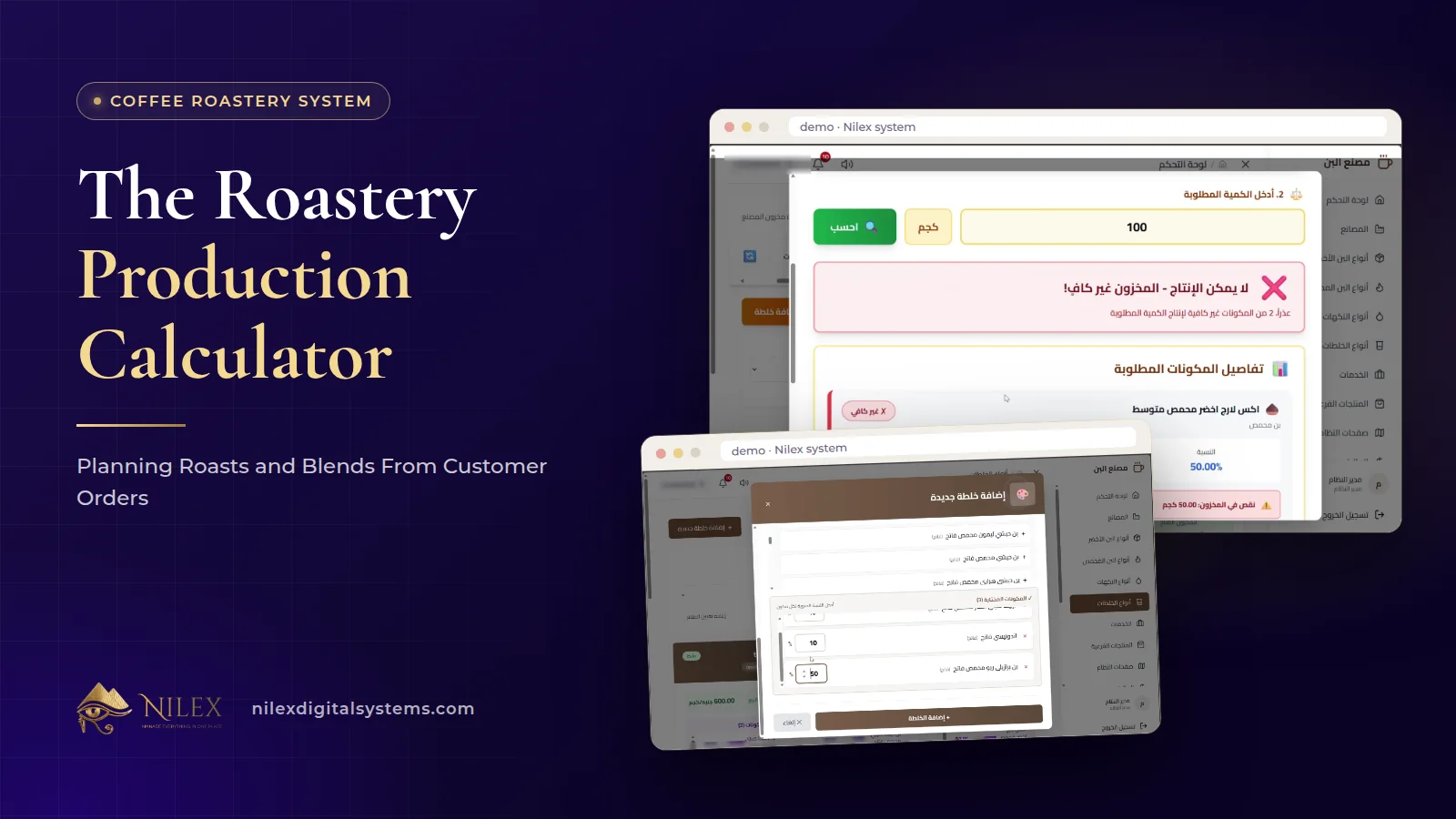 The Roastery Production Calculator: Planning Roasts and Blends From Customer Orders11 October 2026 · 9 min
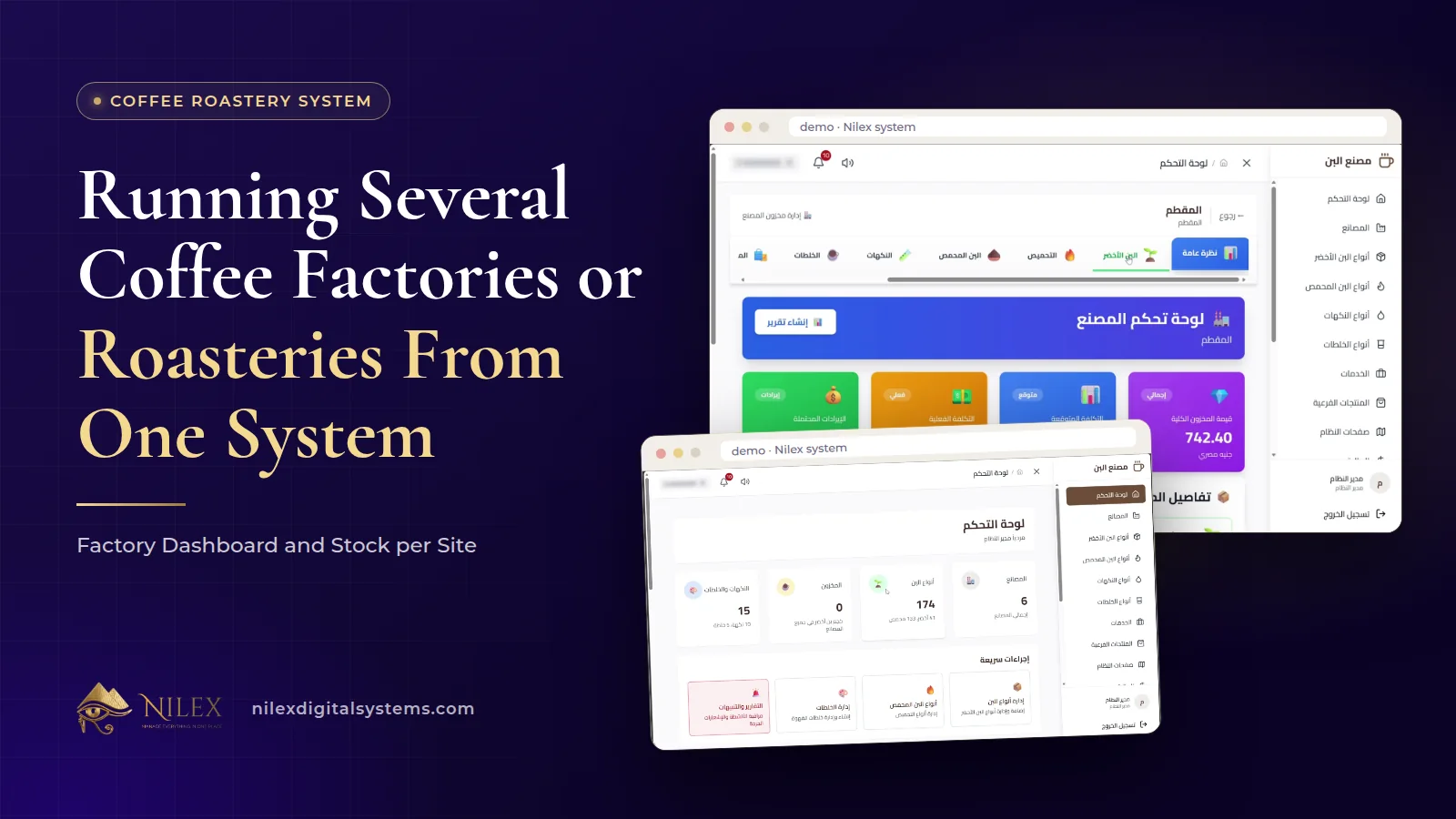 Running Several Coffee Factories or Roasteries From One System: Factory Dashboard and Stock per Site11 October 2026 · 8 min
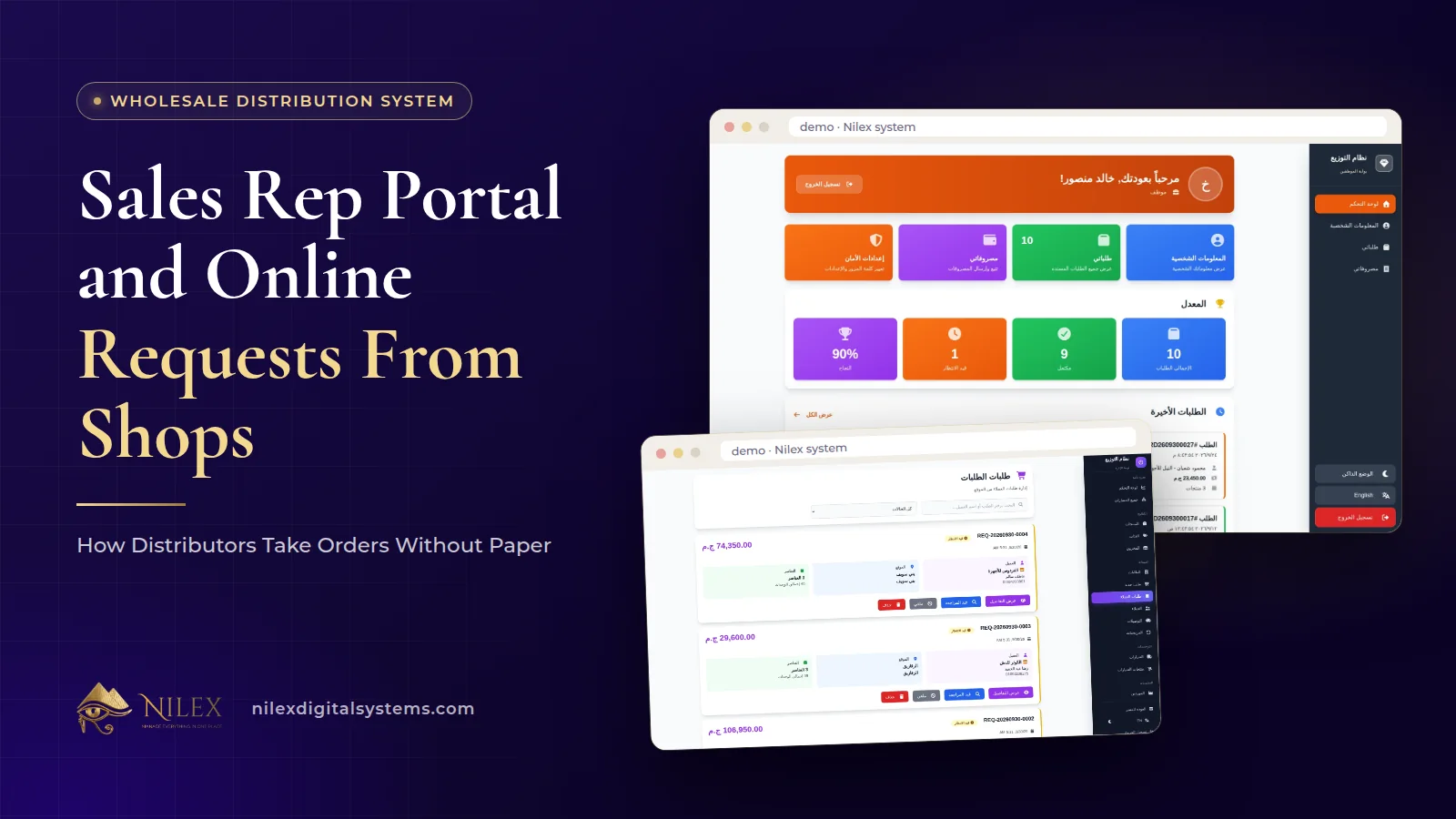 Sales Rep Portal and Online Requests From Shops: How Distributors Take Orders Without Paper11 October 2026 · 10 min