
Systems for Businesses With Several Branches: What We Built for Centers, Workshops, Factories and Warehouses
How each Nilex system handles more than one location: car protection centers, repair workshop branches, coffee factories, distribution warehouses and vans, real estate projects and school groups, with what is per branch, what is shared and which plan fits.
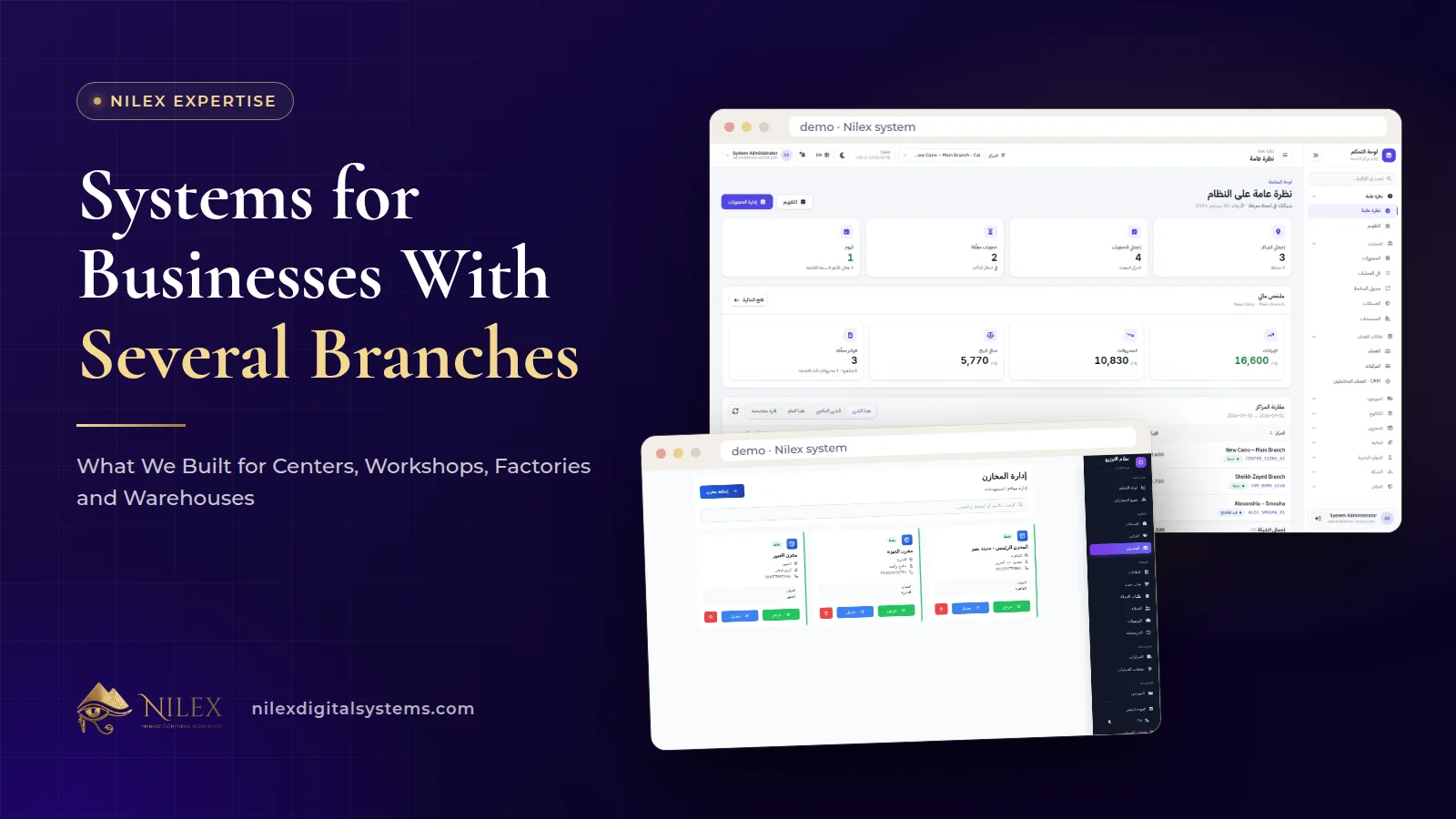
A business with several branches needs a system where each location runs its own daily work, while the owner sees every location on one screen and compares them. What counts as a "branch" changes by sector: a car protection center, a repair workshop, a coffee factory, a warehouse with its delivery vans. A good multi-branch system models the location your business actually has.
We built this into several of the ready-made Nilex systems, each in the way its sector works. This article walks through what we built for each one, what is kept per location, what is shared across locations, and how the plans are sized by the number of branches, so you can see which fits your business before you request it.
Key takeaways
- Each Nilex system defines the location in its own terms: centers, workshop branches, factories, warehouses and vans, or projects.
- Car protection owners get a network dashboard comparing every branch, stock transfers between branches, and branch managers who see only their own center.
- Car repair chains see every car inside every branch right now, with each branch running its own jobs, stock, finance and team.
- Coffee companies get a dashboard and stock per factory, while coffee types, flavours and blends are shared across factories.
- Distributors keep stock per warehouse, take each order from a chosen warehouse and track what every van carries.
- Plans are sized by locations: for example up to 3 centers, up to 5 factories or up to 3 warehouses, with unlimited options in the largest plans.
What changes when a business opens a second location?
With one location, the owner sees everything by walking around. With two or more, the questions change: which branch is more profitable this month, where is the stock, which manager is behind, and is the same customer being served in two places? Separate files per branch cannot answer these without someone collecting and adding numbers by hand.
The general principles of running several locations on one system, transfers, permissions and consolidated reports, are covered in our guide to several branches, warehouses or factories on one system. This article is the practical companion: what each Nilex system actually does for businesses with more than one location.
How does each Nilex system handle several locations?
| System | The "location" | Kept per location | Shared or compared | Plan sizes |
|---|---|---|---|---|
| Car protection centers | Center (branch) | Cars, bookings, stock with low-stock alerts, staff | Network dashboard comparing branches, transfers between branches | 1 center; up to 3 centers; unlimited centers |
| Car repair workshops | Workshop branch | Jobs, stock, finance and team | Cars inside every branch, branch comparison reports | 1 branch; up to 3 branches; unlimited branches |
| Coffee roasteries and factories | Factory or production site | Stock and a factory dashboard | Coffee types, flavours and blends | 1 factory; up to 5 factories; unlimited factories |
| Wholesale distribution | Warehouse, plus vans | Stock with minimum levels, receiving | Stock and value of every warehouse, van loads | 1 warehouse and 3 vans; up to 3 warehouses and 10 vans; unlimited |
| Real estate developers | Project | A portal per project in the complete plan | Company-wide CRM, sales and finance | Unlimited projects in every plan |
The details below explain what each line means in daily work.
Car protection centers: a network dashboard for owners of several centers
The car protection centers system lists owners of several branches or a chain, and film distributors running their own centers, among the businesses it is for. For them, the system adds three things on top of single-center operations:
- A network dashboard. Revenue, expenses, net profit, operations, cars in the shop, pending bookings, staff and low stock for every branch, side by side, for any period.
- Transfers between branches. Ship stock from one branch and receive it in another, and the quantities update in both automatically. Low-stock alerts are per branch, so a center short of a film can be supplied from another.
- Branch-level access. Each branch manager sees only their own center, while the owner sees the network.
The Growing Network plan covers up to 3 centers and up to 30 users, with branch comparison, network finance and stock transfers. The Unlimited Chain plan covers unlimited centers and users, on a private server with daily backups. For the KPIs an owner should watch across centers, read managing several car protection branches.
Car repair workshops: every car inside every branch, right now
In the car repair workshop system, each branch has its own jobs, stock, finance and team. Parts are chosen from the branch stock with the available quantity shown, and issuing a part deducts it from that branch's stock.
For management, the most useful screen is the view of cars inside the branches: every car inside every branch now, its stage, its time inside and late deliveries. A manager responsible for several workshops sees where cars are stuck without calling each branch. The Growing Network plan covers up to 3 branches and 30 users with the cars-inside-branches view and finance and HR per branch; the Unlimited Chain plan adds unlimited branches and users and network reports comparing branches. Multi-brand service centers with several branches and fleet maintenance departments are among the businesses the system lists.
Coffee factories: stock per site, recipes shared
A coffee company with several roasteries has a different need: each site has its own green coffee, roasted coffee and blends on the shelf, but the company's recipes should be the same everywhere. In the coffee roastery and factory system, each factory has its own stock and its own dashboard with stock value, expected and actual cost and revenue, with tabs for green, roasted, flavours, blends and orders. Coffee types, flavours and blends are shared across factories.
So a blend recipe is defined once for the whole company, and each factory's stock and numbers stay its own. The Several Factories plan covers up to 5 factories and 25 users; the Enterprise plan covers unlimited factories and users. Our article on running several coffee factories from one system goes deeper into the factory dashboard.
Distributors: several warehouses and a fleet of vans
For a distributor, locations move: stock sits in warehouses and then travels on vans. In the wholesale distribution system, stock is kept per warehouse with minimum levels, and you see the stock and value of every warehouse. Each order is taken from a chosen warehouse, with the van and the sales rep, and you see the stock available in that warehouse while adding products.
Each van shows the products loaded, in transit and delivered, with the order and the source warehouse. Purchase orders from factories and suppliers are received, in full or in part, into a specific warehouse. Sales reps and drivers use their own portal on a phone browser. The Distribution Network plan covers up to 3 warehouses, 10 vans and 30 users; the Enterprise plan covers unlimited warehouses, vans and users. Read more in ERP for distributors: multi-warehouse stock and van sales and the sales rep portal.
What about real estate projects and groups of schools?
For a real estate developer, the "location" is the project. Every plan of the real estate developer system includes unlimited projects and users, and the Complete Developer plan gives every project its own portal: progress, buildings and a floor plan of units, the price list, a Gantt timeline, daily site reports, contractors, budget against actual and a 24-month cash flow. Sales, collections and the CRM run across the company.
The school management system lists groups of schools among the schools it is for, and every plan has unlimited students and users. The system page does not describe a group dashboard comparing schools, so if you run several schools, describe how they are organised in the request form and we will tell you how we would set them up.
For supermarkets, several branches with their own stock and delivery areas are part of the Chain plan of the online supermarket system and are built as custom work for each chain.
What should you decide before putting several locations on one system?
| Decision | Typical options | Why it matters |
|---|---|---|
| What is a location for you? | Branch, factory, warehouse, project | Determines which system and plan fit |
| What is shared? | Products, recipes, prices, customers | Shared data is maintained once |
| What stays per location? | Stock, cash, staff, jobs | Each manager is accountable for their own numbers |
| Who sees what? | Branch manager, accountant, owner | Protects data and keeps screens simple |
| How does stock move? | Transfers, purchasing per location | Avoids stock that exists on paper but not on the shelf |
| How many locations in two years? | Count today and planned | Choose a plan you will not outgrow quickly |
Access per branch should follow roles. Our article on user permissions and audit logs explains how to set them so that every important action is recorded with who did it and when.
How Nilex helps
Open the system for your sector on the systems page, look at the network or factory dashboard in the screenshots and videos, and compare the plan limits with the number of locations you have now and expect to have. Plan prices are on each system page in your currency.
In the request form, write how many locations you run, how stock moves between them and who should see what. During setup we load your branches, products, prices and staff, and train your team before go-live. If your locations do not fit any of the ready systems, a similar custom system can be built the same way; start from the custom ERP service page or the contact page.
Frequently asked questions
Can I start with one branch and add more later?
Yes. The car protection, car repair, coffee, wholesale and online supermarket systems each have a single-location plan and larger plans for more locations; the real estate system includes unlimited projects in every plan. Tell us your expansion plans when you request the system so we set it up with that in mind.
Can a branch manager see other branches?
In the car protection system, each branch manager sees only their own center while the owner sees the whole network. Access in every Nilex system follows roles and permissions.
Can stock move between branches?
In the car protection system, yes: stock is shipped from one branch and received in another, and both quantities update automatically. For other systems, ask in the request form.
Do several coffee factories share the same blends?
Yes. Coffee types, flavours and blends are shared across factories, while each factory has its own stock and dashboard.
Is there a plan without a limit on branches?
Yes, in several systems: the Unlimited Chain plans for car protection and car repair, and the Enterprise plans for coffee factories and wholesale distribution.
 What Makes a Business System Professional: The Standards Nilex Builds Into Its Systems11 October 2026 · 11 min
 A Portal for Every Role: Why Nilex Systems Give Owners, Staff, Technicians and Customers Their Own Screens11 October 2026 · 9 min
 The Nilex Client Portal: Follow Your Project, Invoices, Payments and Requests in One Place11 October 2026 · 8 min