
The Nilex Client Portal: Follow Your Project, Invoices, Payments and Requests in One Place
Every Nilex client gets a portal to follow their projects, see every invoice and payment with its receipt, and send edit and support requests with private screenshots. What is in it, how to use it well, and why this kind of transparency matters when you choose a software company.

Every Nilex client gets a client portal. From one sign-in you follow your projects, see your invoices and payments (each payment with its receipt or invoice), and send edit requests and support requests to our team. Project updates and invoices or payments are also sent to you by email, so you do not have to log in to know something changed.
That sounds administrative, but it answers the question most business owners ask after signing with a software company: "what is happening with my project, and what have I paid?" When the answer lives in WhatsApp chats and phone calls, it gets lost. When it lives in one place that both sides can see, there is far less to argue about. This article explains what is in the portal, how to use it well, and what to ask any software company about transparency.
Key takeaways
- The portal has three jobs: follow your projects, see invoices and payments, and send edit or support requests.
- Every payment you make gets a receipt or invoice and appears in the portal.
- Screenshots you attach to support requests are private: they are never public and are shown only after a permission check.
- You only see your own data; nobody else's projects or invoices are visible to you.
- Updates also arrive by email, so the portal is the record and email is the alert.
Why does a client portal matter when choosing a software company?
A software project lasts weeks or months, and it usually involves several payments, many small decisions and at least a few requests after delivery. Without a shared record, each of these becomes a memory test: did we approve that change? Was the second installment paid? Who reported the bug on the invoice screen, and when?
A portal turns those questions into something you can check. It also says something about the company: a supplier that is willing to show you your invoices, payments and requests in one place is a supplier that expects to be held to them. When you compare companies, ask how you will follow the project after signing; our guide on how to choose a software company in Egypt lists the other questions worth asking.
What you see in the portal
| Section | What you see or do | Why it helps |
|---|---|---|
| Projects | Follow each project you have with Nilex | One place to check where things stand, instead of asking |
| Invoices | The invoices issued for your projects | You always know what was billed |
| Payments | Every payment, each with a receipt or invoice | Proof of payment for your accountant, without searching chats |
| Edit requests | Ask for changes to the work | A written request that both sides can refer to |
| Support requests | Report a problem, with screenshots that stay private | The team sees exactly what you see |
| Project updates and invoices or payments also sent by email | You hear about changes without logging in |
Following your projects
Each project you have with us appears in your portal. If you work with us on more than one thing, say a management system and later an online store, each project appears in your portal.
Updates come to you in two ways: in the portal, where they stay as a record, and by email, so you notice them. A good habit is to treat email as the alert and the portal as the file: when someone in your company asks "where are we?", the answer is in the portal, not in someone's inbox.
The project itself follows the steps agreed in the written quotation: scope, price, payment schedule and delivery time. How a ready-made system goes from request to go-live is covered in from request to go-live; how a custom build runs is in how a custom ERP project runs.
Invoices, payments and receipts
You can pay for a project in one payment or in installments linked to dates or project stages, with the first installment due before work starts. You can pay by bank transfer, InstaPay, mobile wallet, cash at our office or cheque. Whatever the method, every payment gets a receipt or invoice and appears in your portal.
In practice this means your accountant does not need to chase us or dig through messages for proof of payment: the receipts are there, next to the invoices they belong to. It also makes installments easier to manage, because you can see what has been paid and what comes next. The details of payment schedules are in paying for a software project in installments. Nilex never asks for or stores card numbers.
Edit requests and support requests: which one to send?
The portal has two kinds of request because they mean different things.
- A support request is for something that does not work as it should: an error, a page that fails, a number that comes out wrong. Attach a screenshot so the team sees exactly what you see.
- An edit request is for something you want changed: a field added, a report arranged differently, a wording updated.
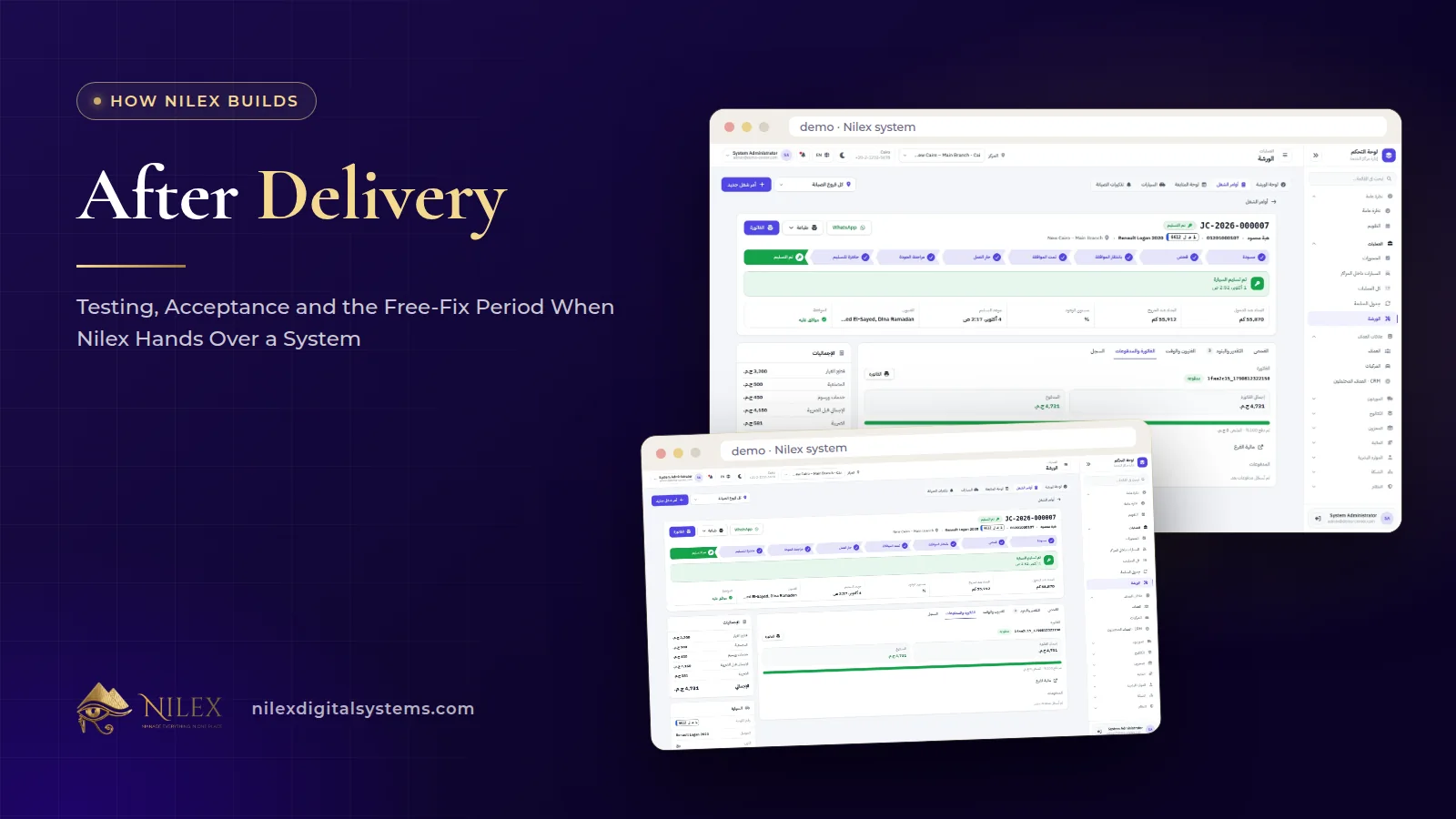
The difference matters for cost. After delivery you have 14 days to test and report any error, and for 30 days after acceptance we fix any error in the delivered work free of charge. Work outside the agreed scope is a change request, quoted and agreed before it is done. So an error in what was agreed is fixed; something new is priced first. We explain the line between the two in testing, acceptance and the free-fix period.
Are my screenshots and data private?
Yes. Screenshots attached to support requests are private files: they are never public and are only served after a permission check. That matters, because a screenshot of a business system often shows customer names, prices or balances.
More broadly, every user only sees what their role allows, and a client only sees their own data. The portal runs on the same protections as our systems: encrypted connections over HTTPS with HSTS, passwords hashed with bcrypt, an account locked for 15 minutes after 5 wrong passwords, and secure sessions. Client data is handled according to Egypt's Personal Data Protection Law No. 151 of 2020. The full list is in security built into every system we deliver.
How to write a request the team can act on quickly
A clear request saves a round of questions. Whatever system you use, these habits help:
- One problem per request. Three issues in one message tend to get one answer.
- Say where: the screen, the record (an order number, a customer name) and the user who saw it.
- Say what you expected and what happened instead. "The total should include delivery but it does not" is clearer than "the total is wrong".
- Attach a screenshot of the whole screen, not just the error.
- Say how urgent it is and whether work is blocked.
- For edit requests, describe the goal, not only the button you imagine. The team may suggest a simpler way to get there.
What to ask any software company about transparency
- Where will I see what I have been invoiced and what I have paid?
- Do I get a receipt or invoice for every payment?
- Where do I send problems after delivery, and how do I attach screenshots safely?
- How do you tell an error you fix free from a change you charge for?
- Who can see my data, and can I get a copy of it? (At Nilex you can get a copy of your business data, for example Excel or CSV, on request, even after the agreement ends; see your data stays yours.)
These belong to the wider set of standards in what makes a business system professional.
How Nilex helps
- Choose a ready system on our systems page and send the request form on its page; once you become a client, your portal is where the project, invoices, payments and requests live.
- For custom work, see our custom ERP service or e-commerce store service.
- The full rules on payments, testing, fixes and refunds are in our Terms of Service.
- Questions before you start? Contact us.
Frequently asked questions
Who gets access to the client portal?
Every Nilex client gets a client portal to follow their projects, see invoices and payments, and send edit or support requests.
Do I have to log in to know about updates?
No. Project updates and invoices or payments are also sent by email. The portal keeps the full record.
If I pay cash at your office, will it appear in the portal?
Yes. Every payment, whatever the method, gets a receipt or invoice and appears in the client portal.
Can anyone else see the screenshots I attach?
No. They are private files, never public, and shown only after a permission check.
Is every edit request free?
Errors you report in the 14-day testing window are fixed and delivered again, and for 30 days after acceptance any error in the delivered work is fixed free of charge. Work outside the agreed scope is a change request, quoted and agreed before it is done.
 What Makes a Business System Professional: The Standards Nilex Builds Into Its Systems11 October 2026 · 11 min
 A Portal for Every Role: Why Nilex Systems Give Owners, Staff, Technicians and Customers Their Own Screens11 October 2026 · 9 min
 After Delivery: Testing, Acceptance and the Free-Fix Period When Nilex Hands Over a System11 October 2026 · 8 min