
Security Built Into Every System We Deliver: What Protects Your Business Data at Nilex
The protections built into every Nilex system, explained in business language: encrypted connections, hashed passwords and account lockout, secure sessions, roles and audit logs, defences against common web attacks, private files, backups and data protection.
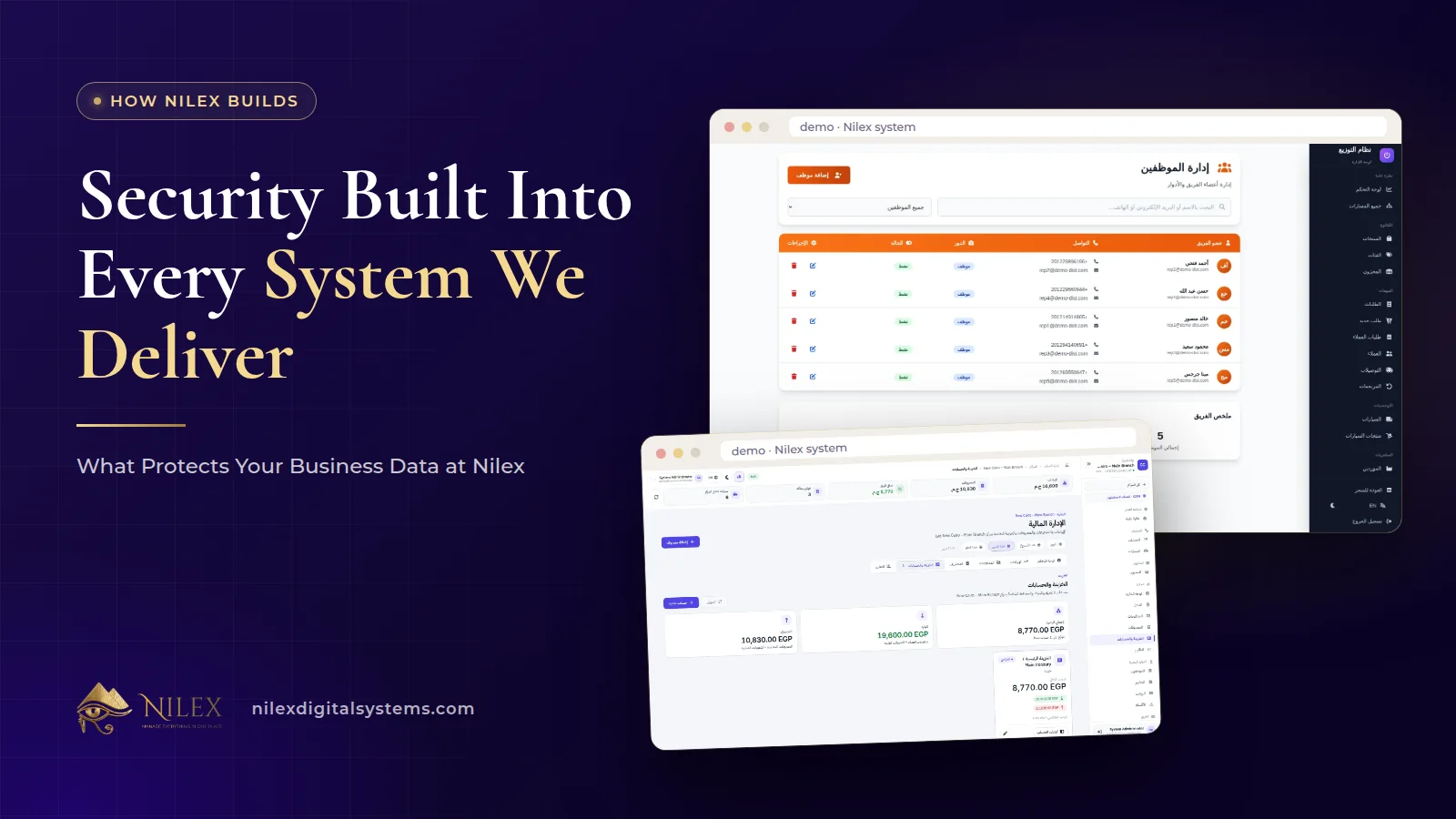
Every system Nilex delivers is built and run with security designed in from the start. Connections are encrypted, passwords are never stored as text, accounts lock after repeated wrong passwords, each user sees only what their role allows, and important actions are written to an audit log. Underneath, every request is checked, uploaded files are inspected, and private files are only shown after a permission check.
You do not need to be technical to judge whether a system protects your business. You need to know what each protection stops in real life: a stolen password, a curious employee, a fake login page, a malicious file. This article walks through the protections we build into Nilex systems and explains each one in business terms, so you can ask the same questions of any software you use.
Key takeaways
- All pages and API calls use HTTPS with HSTS, so data cannot be read or changed on the way.
- Passwords are hashed with bcrypt; after 5 wrong passwords an account locks for 15 minutes, and login attempts are rate-limited.
- Roles and permissions limit every user to their own work, and the audit log records who did what and when.
- Requests are validated, database queries are parameterised, and strict security headers and rate limits defend against common web attacks.
- Data is handled according to Egypt's Law 151 of 2020; Nilex takes regular backups when it hosts the system and never asks for or stores card numbers.
The protections at a glance
| Protection | What it stops in business terms |
|---|---|
| HTTPS (TLS) with HSTS | Someone on the same Wi-Fi or network reading or changing your data in transit |
| bcrypt password hashing | Passwords being readable even if a copy of the database leaked |
| Lockout after 5 wrong passwords for 15 minutes, plus login rate limits | Attackers guessing passwords again and again |
| Short-lived access tokens, rotating HttpOnly refresh tokens | A stolen session being used quietly for a long time |
| Roles and permissions | Employees seeing customers, figures or pages that are not theirs |
| Audit log | Changes and deletions nobody can trace |
| Validation, parameterised queries, CSP and security headers, API rate limits | SQL injection, cross-site scripting, clickjacking and abuse |
| File checks and private files | Malicious uploads and private screenshots leaking publicly |
| Security log per project | Known issues being forgotten instead of fixed |
| Backups when Nilex hosts | Losing data to a failure |
Encrypted connections: HTTPS with HSTS
Every page and every API call in a Nilex system goes over HTTPS (TLS). That means the data travelling between your team's browsers and the server is encrypted, so it cannot be read or changed on the way, whether your staff are on office Wi-Fi, a café network or mobile data.
HSTS adds a rule for the browser: always use the secure connection for this site, never the plain one. It closes the gap where a browser could be tricked into an unencrypted first visit. In business terms, a sales rep checking orders from the road is as protected as the accountant at the office.
Passwords and logins
Passwords are never stored as text
Nilex systems never store passwords as readable text. They are hashed with bcrypt, a one-way method designed to make cracking slow. Even we cannot read a user's password.
Lockout and rate limits against guessing
After 5 wrong passwords an account is locked for 15 minutes, and login attempts are rate-limited. Guessing attacks rely on trying thousands of passwords quickly; these limits make that impractical. For a wider view of login security, including multi-factor authentication and passkeys, read our guide to MFA, passwords and passkeys.
Secure sessions
Once a user signs in, the system uses short-lived access tokens, and refresh tokens are kept in secure HttpOnly cookies that page scripts cannot read. Refresh tokens are rotated on every use, and if a stolen token is reused, the whole session ends. In practice, a session that has been copied stops working instead of quietly giving an attacker access for days.
Roles, permissions and the audit log
Many data problems in companies are not hackers; they are people seeing or changing more than they should. In every Nilex system, each user only sees what their role allows. An employee can be limited to the projects or customers assigned to them, and a client only sees their own data.
You can see this across our ready-made systems: in the car protection centers system each branch manager sees only their own center, and in the real estate developer system each employee's access is their role plus their department's permissions plus any personal permissions. Our article on a portal for every role shows what each type of user sees.
The audit log records important actions, such as logins, changes, deletions and permission changes, with who did them and when. When a figure looks wrong, you can find out what happened instead of guessing. Our guide to user permissions and audit logs in ERP and CRM explains how to design roles and review them.
Protection against common web attacks
Web applications face a known list of attacks. Nilex systems defend against the common ones in four layers:
- Every request is validated. Data that does not match what a screen expects is rejected before it reaches the database.
- Parameterised queries. Database access uses parameterised queries, which stops SQL injection, where an attacker types database commands into a form field.
- Strict security headers and a content security policy. These defend against cross-site scripting (XSS), where malicious script runs in a user's browser, and clickjacking, where your page is hidden inside another site to trick clicks.
- API rate limits. Limits on how often the API can be called defend against abuse and brute force.
If you want to understand the wider list these attacks come from, our article on the OWASP Top 10 explained for business owners covers it in plain language.
Safe files and private screenshots
Business systems handle files: documents, photos, attachments to requests. In Nilex systems, uploaded files are checked by their real content, not just their name, and images are re-encoded, which removes hidden content that a disguised file could carry. Private files, such as screenshots attached to support requests, are never public and are only served after a permission check. A link to a private file is useless to someone who is not allowed to see it.
Security reviews and a security log per project
Each project has a security log where issues found on any page are tracked until they are fixed. That turns security from a one-time promise into a list with owners and status. A finding is tracked in that log rather than left in someone's memory or a chat message.
Data protection, backups and payments
- Data protection law. Client data is handled according to Egypt's Personal Data Protection Law No. 151 of 2020, and our staff access it only when needed to provide, secure or support the service. Our article on data ownership and export explains what stays yours.
- Backups. When Nilex hosts a system it takes regular backups. The larger plans of several ready-made systems add a private server with daily backups. For planning recovery targets, read backup and disaster recovery: RPO, RTO and the 3-2-1 rule.
- Payments. Nilex never asks for or stores card numbers.
What your company should do on its side
Built-in protections work best with good habits. A short checklist for your team:
- Give each person their own account; never share logins.
- Assign the smallest role that lets each person do their job.
- Remove or disable accounts the day someone leaves.
- Review the audit log and user list regularly, especially permission changes.
- Train staff to recognise fake login pages and payment requests.
Our 90-day cybersecurity plan for Egyptian SMEs turns these habits into a schedule.
How Nilex helps
Security is one of the standards we build into every system; the pillar article on what makes a business system professional shows the others.
- Choosing a ready-made system? See the seven Nilex systems, their portals and permissions, and the plans on each page.
- Need a custom system? Our custom ERP service includes role-based permissions, protected financial records and a log of every action.
- Have a security question about your project? Contact us, or read our Privacy Policy.
Frequently asked questions
Can Nilex see my users' passwords?
No. Passwords are never stored as text; they are hashed with bcrypt, so nobody can read them, including our team.
What happens after several wrong passwords?
After 5 wrong passwords the account is locked for 15 minutes, and login attempts are rate-limited against guessing attacks.
Can I stop an employee from seeing all customers?
Yes. Every user only sees what their role allows, and an employee can be limited to the projects or customers assigned to them.
Can I find out who changed or deleted a record?
Yes. Important actions, including logins, changes, deletions and permission changes, are recorded in the audit log with who did them and when.
Does Nilex back up my system?
When Nilex hosts the system it takes regular backups. Several ready-made systems offer a plan with a private server and daily backups; see the plans on each system page.
 Cybersecurity for Egyptian SMEs: A Practical 90-Day Plan26 September 2026 · 10 min
 Ransomware Protection for Egyptian Companies: Prevent, Contain and Recover26 September 2026 · 9 min
 Phishing and Fake Payment Requests: Protecting Egyptian Businesses from Email and WhatsApp Scams26 September 2026 · 10 min