Ransomware Protection for Egyptian Companies: Prevent, Contain and Recover
How ransomware gets into Egyptian companies, the controls that stop it, the backups that survive it, what to do in the first hours of an attack, the facts on paying a ransom, and your reporting duties under Egyptian law.
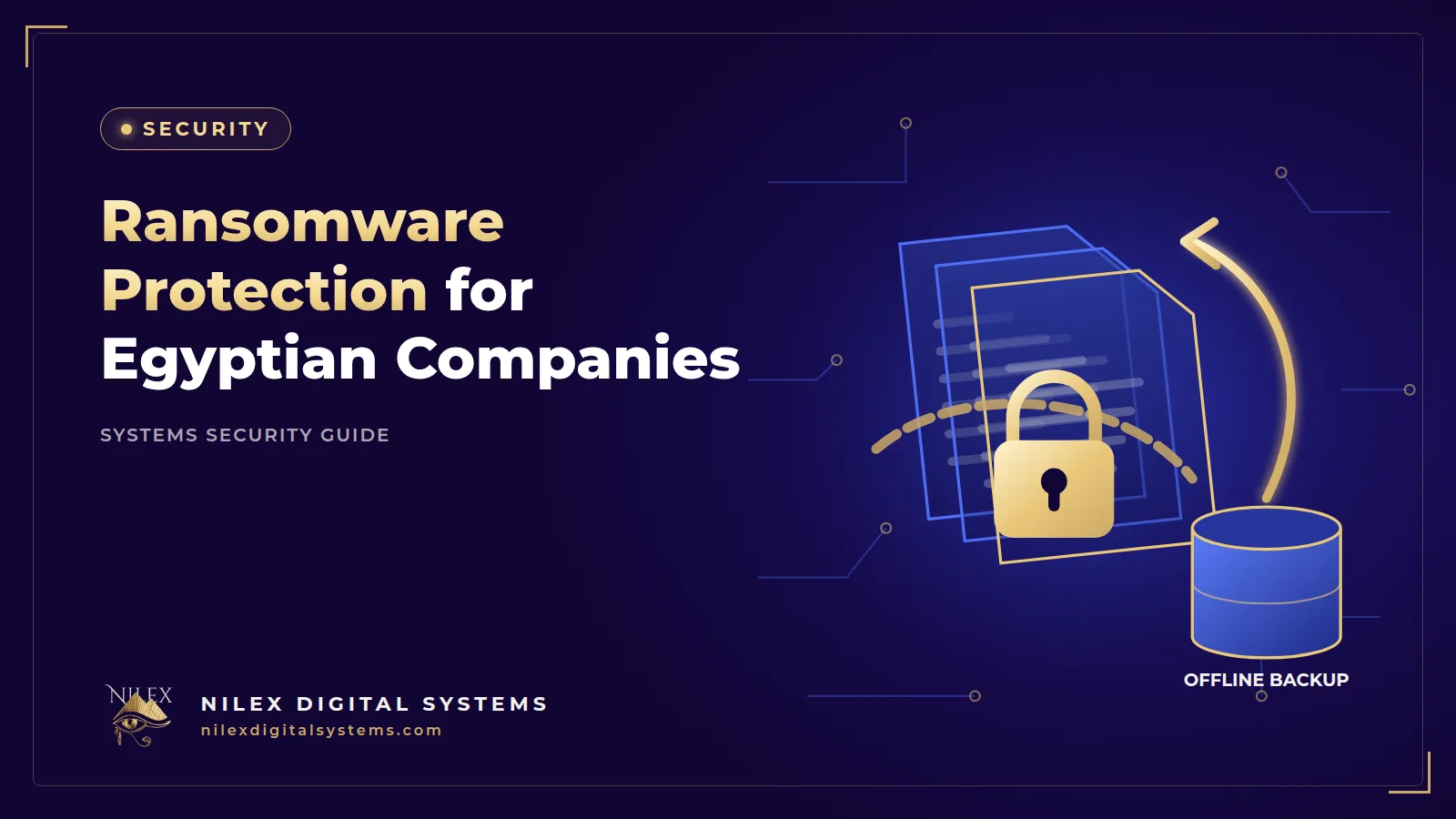
Ransomware is malicious software that encrypts a company's files and systems and demands payment to unlock them. Many groups also steal data first and threaten to publish it. For an Egyptian distributor, factory or clinic, it means the ERP will not open, invoices cannot be issued and the phones start ringing.
The short answer: you prevent most ransomware by patching internet-facing systems, turning on multi-factor authentication and limiting access, and you survive it with offline, encrypted backups that you have actually restored from. When it hits, isolate affected systems immediately, protect your backups, call your technical team and report as the law requires. This article walks through each step using guidance from CISA and the UK NCSC.
Key takeaways
- Ransomware was present in 48% of breaches in Verizon's 2026 DBIR, and attackers most often got in through unpatched vulnerabilities, stolen credentials or phishing.
- Keep offline, encrypted backups and test restores regularly; ransomware actively looks for connected backups to delete or encrypt them.
- In the first hour, isolate affected machines and take the network offline if needed. Do not wipe anything before evidence is preserved.
- Law enforcement does not encourage paying ransoms, and most victims in the 2026 DBIR did not pay.
- In Egypt, managers must report cyber crimes against company systems under Law 175/2018, and personal data breaches must be notified within 72 hours.
How ransomware gets into a company
Verizon's 2026 Data Breach Investigations Report found ransomware in 48% of breaches. The entry points match what we see in Egyptian companies: exploited vulnerabilities were the top initial access vector at 31%, phishing 16% and credential abuse 13%. Small businesses are hit hardest: the 2025 DBIR found ransomware in 88% of breaches at SMBs. For a local signal, Kaspersky reported in July 2023 that ransomware attack attempts in Egypt rose 10% in the second quarter of 2023 compared with the first; the figure is old but shows the trend was already visible.
Typical scenarios
- Exposed remote access. The accountant works from home through a remote desktop port opened on the office server years ago, with a simple password and no MFA.
- Unpatched VPN or firewall. A known flaw in the device at the edge of the network is exploited automatically, often at night or on a Friday.
- Phishing attachment. An employee opens a fake invoice or shipping notice, and the attacker gains a foothold on that laptop, then moves to the file server.
- Supplier access. An IT vendor's account with broad access to your systems is compromised, and the attacker uses it to reach you.
Attackers usually spend time inside the network before encrypting anything: they find the backups, collect passwords and copy data. That window is your chance to detect them.
Prevention: the controls that matter most
CISA's #StopRansomware Guide (updated September 2023 with the FBI, NSA and MS-ISAC) recommends phishing-resistant MFA, network segmentation, prompt patching of internet-facing systems and known exploited vulnerabilities, application allowlisting and passwords of at least 15 characters. Translated into an SME plan:
| Control | What it stops | How to check it |
|---|---|---|
| Patch internet-facing systems first | Automated exploitation of known flaws in VPNs, firewalls, websites and servers | A list of every internet-facing system with its last update date |
| MFA on email, VPN, remote access and admin accounts | Logins with stolen or guessed passwords | No admin or remote account without MFA |
| Close remote desktop to the internet | Password-guessing against exposed ports | External port scan shows no remote desktop open |
| Least privilege | One infected laptop reaching every file share | Staff do not use admin accounts for daily work |
| Network segmentation | Spread from office PCs to servers and backups | Servers and backups sit on a separate network segment |
| Offline, encrypted backups | Losing everything when encryption happens | A restore test within the last quarter |
| Malware protection and allowlisting | Unknown programs running on critical machines | Protection active and reporting on every device |
For detail on logins, see MFA, passwords and passkeys; for servers, see securing a Linux server and our Ubuntu Server setup; for email-based entry, see phishing and fake payment requests.
Backups that survive ransomware
The UK National Cyber Security Centre's ransomware guidance is direct: "up-to-date backups are the most effective way of recovering from a ransomware attack." It advises keeping offline backups separate, ideally in a different location, and not permanently connected to the network, with multiple copies and regular restore tests. CISA adds that backups must be offline because many ransomware variants try to find and delete or encrypt accessible backups.
What this means for a business system
- Back up the database, not only files. For an ERP running on PostgreSQL, take regular database backups plus copies of uploaded documents and configuration.
- Keep one copy the attacker cannot reach. A disconnected drive, or a cloud copy protected by separate credentials that are not stored on office machines.
- Encrypt backups so a stolen copy does not become a data leak.
- Test a full restore to a clean server and time it. That time is your real recovery time.
- Decide how much data you can lose. If a restaurant chain in Alexandria backs up nightly, it may lose a day of orders; if that is unacceptable, back up more often.
Our guide to backup and disaster recovery (RPO, RTO and 3-2-1) explains how to set these targets.
What to do in the first hours of an attack
The CISA response checklist starts with containment. Adapted for a small company:
- Isolate affected systems immediately. If several systems or subnets look affected, CISA advises taking the network offline at the switch level; if that is not possible, unplug the network cables of affected devices.
- Power down only if you cannot disconnect. CISA advises powering devices down only when you cannot disconnect them from the network, to avoid further spread. Shutting down can destroy evidence held in memory.
- Protect the backups. Disconnect any backup that is still online and check whether the offline copies are intact.
- Communicate out of band. Use phone calls, not company email, which may be compromised. Take snapshots of affected cloud volumes for later review.
- Call your technical team and preserve evidence. Do not wipe or rebuild machines before logs, the ransom note and affected files are recorded.
- Triage. Restore by priority from a predefined critical asset list: usually the ERP, invoicing and customer communication first.
- Reset credentials for administrator, email and remote access accounts from a clean device, because attackers usually hold stolen passwords.
- Assess personal data and legal duties in parallel, starting the clock for notification.
To pay or not to pay: the facts
The NCSC states that "law enforcement do not encourage, endorse, nor condone the payment of ransom demands." The 2026 DBIR found that 69% of ransomware victims did not pay, and reported a median ransom of US$139,875. Paying is a deal with criminals that you cannot enforce: you may not get working decryption, and stolen data may still be published or sold. Paying also leaves the original entry point open. The decision belongs to management with legal advice, but a tested backup is what gives you the choice not to pay.
Reporting duties in Egypt
Under Article 35 of the Anti-Cyber and IT Crimes Law 175 of 2018 (Andersen English translation), the person responsible for the actual management of a company whose website, email, account or information system is hit by a crime under the law faces at least three months' imprisonment and/or a fine of EGP 30,000 to 100,000 if they fail to report it to the competent authorities once aware. Art. 41 exempts from punishment a person who reports a crime before it is discovered. Our explainer on Law 175/2018 for companies covers these articles.
If personal data may have been accessed or stolen, the Personal Data Protection Law 151/2020 requires notifying the Personal Data Protection Center within 72 hours of becoming aware of the breach, and data subjects within three working days of that notification. Our guide to breach notification within 72 hours includes a response plan. Egypt's national CERT, EG-CERT, is part of the National Telecom Regulatory Authority and handles incident response for critical sectors.
After recovery: close the door
- Find and fix the entry point before reconnecting systems, or the attacker returns.
- Rebuild compromised servers from clean images rather than cleaning them in place.
- Review who had admin rights and remove what is not needed; see user permissions and audit logs.
- Write down what happened, how long recovery took and what you will change.
- Use the incident to fund the controls that were missing; the SME cybersecurity 90-day plan gives an order of work.
How Nilex helps
Nilex builds and hosts business systems with recovery in mind: automated, encrypted database backups with an off-server copy, restore procedures that are tested, hardened servers and role-based access in every custom ERP system. We can also review an existing system's backups and exposure and tell you plainly what would happen if ransomware hit tomorrow.
Frequently asked questions
What is ransomware in simple terms?
It is malicious software that locks your files and systems by encrypting them and demands payment to unlock them. Many groups also copy data first and threaten to leak it if you do not pay.
Can antivirus alone protect my company from ransomware?
No. Malware protection is one layer, but attackers often enter through unpatched systems or stolen passwords and disable protection first. You also need patching, MFA, limited access and offline backups.
Should we pay the ransom?
Law enforcement does not encourage payment, and there is no guarantee you will recover your data or that stolen data will not be leaked. Most victims in Verizon's 2026 report did not pay. Take the decision with legal advice, after checking your backups.
How can I tell if my backups are safe from ransomware?
At least one copy should be offline or protected by separate credentials the attacker cannot reach, encrypted, and restored successfully in a recent test. If every copy is reachable from the office network, it is at risk.
Do we have to report a ransomware attack in Egypt?
Law 175/2018 penalises a company's actual manager who fails to report a cyber crime against the company's systems once aware of it, and the data protection law requires notification within 72 hours if personal data is affected. Confirm the specifics with a lawyer.
Not sure your backups would survive an attack? Ask for a ransomware readiness review through our contact page.
This article is general information, not legal or tax advice. Confirm the details that apply to your company with a specialist.