
MFA, Passwords and Passkeys: Securing Logins to Your Business Systems
How to secure logins to your email, ERP, CRM and customer portals: which multi-factor authentication methods resist phishing, what passkeys are, the 2025 NIST password rules, how systems must store passwords, and a 30-day rollout plan.
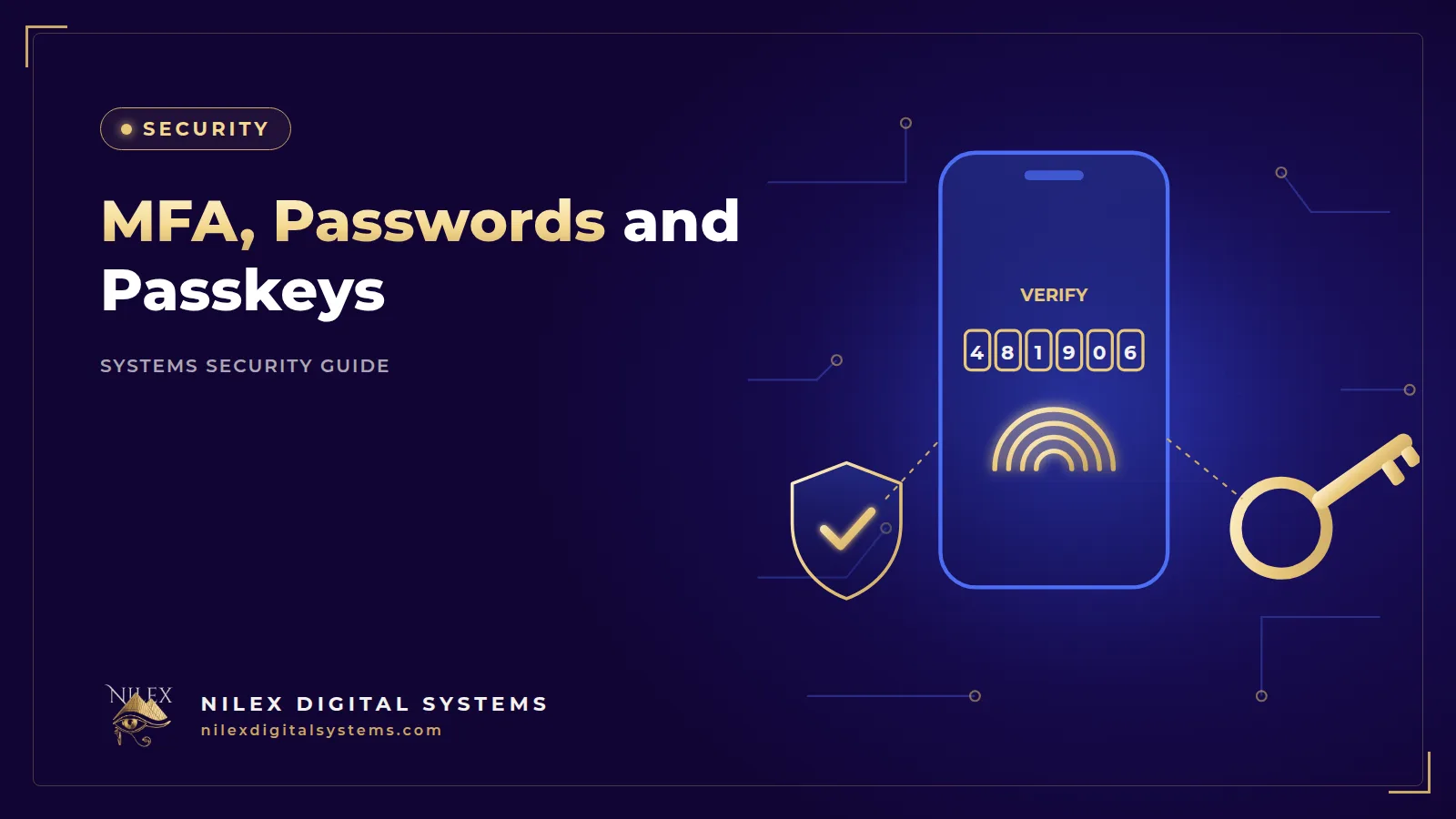
Most break-ins into business systems do not start with clever code. They start with a login: a reused password, a fake Microsoft 365 page sent to the accountant, or an SMS code read out to a caller pretending to be from the bank. For an Egyptian company whose ERP, CRM, email and bank portal are all reachable from a phone, the login screen is the front door of the business.
The short answer: turn on multi-factor authentication (MFA) for every account that matters, starting with email, admin and finance accounts; prefer phishing-resistant methods such as passkeys over SMS codes; switch to long passphrases without forced 90-day changes; and make sure your own systems store passwords as salted hashes and limit login attempts. This guide explains each step in plain language, with a rollout plan and a policy you can adapt.
Key takeaways
- Microsoft Research (2023) found MFA reduced the risk of account compromise by 99.22% across the population studied.
- Not all MFA is equal: CISA ranks phishing-resistant MFA (FIDO/WebAuthn, including passkeys) first and SMS or voice codes last.
- NIST's 2025 password rules: at least 15 characters when a password is the only factor, no forced periodic changes, no mandatory symbol-and-number mixes, and checks against leaked-password lists.
- Your systems must store passwords as salted, slow hashes, never in readable or reversible form.
- Limit failed login attempts, alert on abuse, and keep session tokens in HttpOnly cookies.
Why logins are the first thing attackers target
A password can be guessed, reused, phished or leaked from another website. Once an attacker has it, they simply sign in as your employee. Common patterns in Egyptian companies:
- A sales manager uses the same password for the company CRM and a personal shopping account that was later leaked.
- An accountant in a Nasr City office receives an email that looks like a Microsoft 365 or Google Workspace sign-in page and types in the password.
- A branch team shares one "admin" login for the cashier system, so nobody knows who did what.
- A former employee's account in the ERP still works months after they left.
The evidence that a second factor helps is strong. A Microsoft Research study published in May 2023, based on Azure AD account data, found that "MFA reduces the risk of compromise by 99.22% across the entire population and by 98.56% in cases of leaked credentials". The same study found that authenticator apps performed better than SMS. In other words, even when a password is already in criminal hands, MFA blocks most attempts to use it.
There is also a legal reason. Article 4 of Egypt's Personal Data Protection Law 151/2020 requires companies that control personal data to implement the necessary technical and organisational measures to protect it, and the grace period under the Executive Regulations ends on 1 November 2026. Weak logins on a system full of customer or patient data are hard to defend. Our guide to CRM systems and the data protection law covers the wider duties.
MFA methods compared: from strongest to weakest
MFA means proving who you are with two different kinds of evidence: something you know (a password or PIN), something you have (a phone, a security key) or something you are (a fingerprint or face). The CISA fact sheet on phishing-resistant MFA (2022) ranks the common methods like this:
| Rank | Method | How it works | Main weakness |
|---|---|---|---|
| 1 | Phishing-resistant MFA (FIDO/WebAuthn, passkeys, security keys, smart cards) | The device proves itself to the real website with cryptography | Needs setup and a recovery plan for lost devices |
| 2 | Authenticator app codes, or push with number matching | A code or prompt in an app such as Microsoft or Google Authenticator | A user can still type the code into a fake page |
| 3 | Hardware token codes | A small device shows a changing code | Same phishing risk as app codes |
| 4 | Push without number matching | The user taps "Approve" on the phone | "MFA fatigue": users approve repeated prompts to make them stop |
| 5 | SMS or voice codes | A code sent to the phone number | SIM swap and telecom network (SS7) attacks; CISA says use "only as a last resort" |
CISA calls phishing-resistant MFA "the gold standard" and notes that "the only widely available phishing-resistant authentication is FIDO/WebAuthn authentication." NIST agrees: in SP 800-63B-4, finalised in July 2025, systems at authentication assurance level 2 "SHALL offer at least one phishing-resistant authentication option", and use of the phone network for codes is listed as "restricted".
What this means in practice
SMS codes beat no MFA, and a bank or government portal may offer nothing else. For accounts you control, such as company email, cloud admin and your ERP, use app-based codes as the minimum and passkeys or security keys for administrators and payment approvers.
Passkeys explained for managers
According to the FIDO Alliance, "a passkey is an authentication credential based on FIDO standards". The user signs in with the same fingerprint, face, PIN or pattern they already use to unlock their phone or laptop. There is no password to type, so there is nothing to phish: the passkey only works with the genuine website it was created for. FIDO describes passkeys as "always strong and phishing-resistant".
Where passkeys fit in an Egyptian company
- Company email and cloud accounts: many email and cloud providers now offer passkeys or security keys in their account security settings, so check yours first; it is usually the quickest win.
- Admin and finance roles: the people who can change bank details, approve refunds or export customer data should be first.
- Your own systems: a custom ERP, CRM or customer portal can support passkeys through the WebAuthn standard; ask your developer whether it is on the roadmap.
Plan for lost phones
Before you enforce passkeys, decide how a user recovers access: a second registered device, a security key in the office safe, or a verified reset by IT. Never let recovery fall back to a simple email link or security questions, or you have rebuilt the weak door you just closed.
The new password rules: what NIST changed
Many Egyptian companies still enforce policies from the early 2000s: eight characters, one capital, one symbol, change every 90 days. The result is predictable: passwords like Cairo@2026 that become Cairo@2027 next quarter. NIST SP 800-63B-4 (2025) replaces this approach:
| Old habit | NIST SP 800-63B-4 (2025) |
|---|---|
| 8 characters minimum | At least 15 characters when the password is the only factor; at least 8 when used with MFA |
| Short maximum length | Systems should allow at least 64 characters |
| Must mix upper case, numbers and symbols | "SHALL NOT impose other composition rules" |
| Change every 60 or 90 days | "SHALL NOT require subscribers to change passwords periodically", but a change is forced when there is evidence of compromise |
| No check on weak choices | New passwords are checked against a blocklist of common, expected or compromised passwords |
| Paste disabled | Systems should allow paste so people can use password managers |
| Password hints and security questions | Not allowed |
A practical rule for staff: use a passphrase of four or more unrelated words, in any language or in Franco-Arabic, never reuse it on another site, and keep it in a company-approved password manager.
How your systems should store passwords
Your ERP, CRM or customer portal still holds passwords. If that database leaks, the storage method decides whether the damage stops there or spreads to every account where people reused them.
The rule
NIST says passwords "SHALL be salted and hashed using a suitable password hashing scheme", with a salt of at least 32 bits and a cost factor "as high as practical". Hashing is one-way: the system can check a password but cannot turn the stored value back into it. The salt is a random value per user, so two people with the same password get different hashes. See our page on salted password hashing for how this works.
Which algorithms
The OWASP Password Storage Cheat Sheet recommends, in order: Argon2id; scrypt if Argon2id is not available; bcrypt for legacy systems, with a work factor of 10 or more; and PBKDF2 with at least 600,000 iterations where FIPS-140 compliance is required.
Red flags to ask your developer about
- The system can email a user their current password (it means passwords are stored readably).
- Passwords are "encrypted" with a key rather than hashed.
- Fast general-purpose hashes such as MD5 or SHA-1 with no salt.
- Password or OTP values appear in logs or error messages.
Login limits, lockout and sessions
Scripts try thousands of passwords, so your systems need limits:
- Rate limiting: slow down or block repeated attempts per account and per IP address, on login, password reset and OTP screens. See rate limiting. NIST sets an upper bound: no more than 100 consecutive failed attempts on one account before the authenticator is disabled.
- Generic error messages: "email or password is incorrect", so attackers cannot discover which accounts exist.
- Alerts: notify the user and the admin about sign-ins from a new device, or repeated failures.
- Sessions: after login, keep the session token in HttpOnly, Secure cookies that page scripts cannot read, use short-lived access tokens such as JWT with refresh tokens that rotate, and invalidate sessions on logout and when a password changes.
A 30-day rollout plan
Roll out in waves rather than for everyone at once:
| Week | Who | Action |
|---|---|---|
| 1 | IT, owners, anyone with admin rights | App-based MFA or passkeys on email, domain registrar, hosting, cloud and ERP admin accounts; remove unused admin accounts |
| 2 | Finance and anyone who approves payments | Phishing-resistant MFA where supported; bank portal MFA reviewed; call-back rule for bank-detail changes |
| 3 | All staff using email, ERP or CRM remotely | MFA enforced for remote access; short training with a live demo; password manager issued |
| 4 | Everyone, including branches | Personal accounts instead of shared logins; review exceptions; document the policy |
Shared devices in branches and restaurants
A cashier terminal in an Alexandria branch is often shared. Give each person their own PIN or badge for everyday work, and require a manager's stronger login for voids, refunds and price changes. Our article on user permissions and audit logs in ERP and CRM explains how to design these roles.
A one-page login policy you can adapt
- Every person has their own account; shared logins are not allowed except where documented.
- MFA is required for email, remote access, cloud services, and all admin and finance accounts. SMS codes are used only where no stronger option exists.
- Passwords are at least 15 characters, or at least 8 when combined with MFA; they are not reused and are stored in the approved password manager.
- Passwords are changed only when there is a reason: suspected compromise, a leak, or a staff change.
- Nobody shares a password or MFA code by phone, email or WhatsApp, including with IT or "the bank".
- Accounts of leavers are disabled on their last working day.
- Lost devices are reported to IT the same day so passkeys and sessions can be revoked.
- IT reviews admin accounts and MFA coverage every quarter.
This policy supports the wider plan in our cybersecurity guide for Egyptian SMEs, and the "never share a code" rule is your best defence against the scams described in our guide to phishing and fake payment requests.
How Nilex helps
Nilex builds login security into the business systems it delivers: salted password hashing, rate limiting on login, reset and OTP endpoints, HttpOnly cookies with rotating refresh tokens, and short-lived JWT access tokens. We can add MFA to an existing system, review how your current software stores passwords, and help you plan a rollout that does not stop the business. The pre-launch security checklist shows the other controls we check.
Frequently asked questions
What is the difference between two-factor authentication and MFA?
2FA uses exactly two factors, such as a password plus a code; MFA means two or more. What matters most is which second factor you choose.
Is SMS verification safe enough for a business?
It is better than a password alone, but it is the weakest MFA option. CISA recommends it only as a last resort because of SIM swap and telecom network attacks. Use an authenticator app or passkeys for email, admin and finance accounts.
Should we still force employees to change passwords every 90 days?
No. NIST SP 800-63B-4 (2025) says systems should not require periodic changes, because they push people towards predictable patterns. Require a change only when there is evidence of compromise, and use long passphrases with MFA instead.
What happens if an employee loses the phone that holds their passkey?
They use a backup method set up in advance, such as a second device or security key, and IT revokes the lost device's passkeys and sessions.
How do I know if our ERP stores passwords safely?
Ask your developer which hashing algorithm and settings are used. The answer should be Argon2id, scrypt, bcrypt or PBKDF2 with a unique salt per user. If the system can send users their current password, it is not storing them safely.
Want MFA and modern password rules on your ERP, CRM or customer portal without disrupting your team? Book a free security consultation through our contact page.
 Cybersecurity for Egyptian SMEs: A Practical 90-Day Plan26 September 2026 · 10 min
 Ransomware Protection for Egyptian Companies: Prevent, Contain and Recover26 September 2026 · 9 min
 Phishing and Fake Payment Requests: Protecting Egyptian Businesses from Email and WhatsApp Scams26 September 2026 · 10 min