
Cybersecurity for Egyptian SMEs: A Practical 90-Day Plan
A practical cybersecurity plan for small and medium businesses in Egypt: the real risks, your legal duties under Law 175/2018 and the data protection law, the NIST CSF 2.0 functions in plain language, and a 90-day action plan.
Most Egyptian small and medium businesses run on a handful of systems: a shared email domain, an accounting or ERP system, a website, a few laptops and a lot of WhatsApp. Each one is a door. Attackers rarely pick a company because it is famous; they pick it because a door was left open: an unpatched server, a reused password, an accountant who trusted a fake payment request.
The short answer: cybersecurity for a small business is a management routine, not a product. In 90 days you can name an owner, list what you must protect, turn on multi-factor authentication, patch and back up properly, tighten access, train staff and write a one-page incident plan. This guide shows you how, in that order, and links to a detailed article for each step.
Key takeaways
- Exploited vulnerabilities, stolen credentials and phishing are the main ways attackers get in, so patching, MFA and staff awareness give the biggest return.
- In Egypt, weak security is also a legal risk: Law 175/2018 penalises managers who neglect required security precautions or fail to report cyber crimes, and the data protection law requires technical and organisational measures.
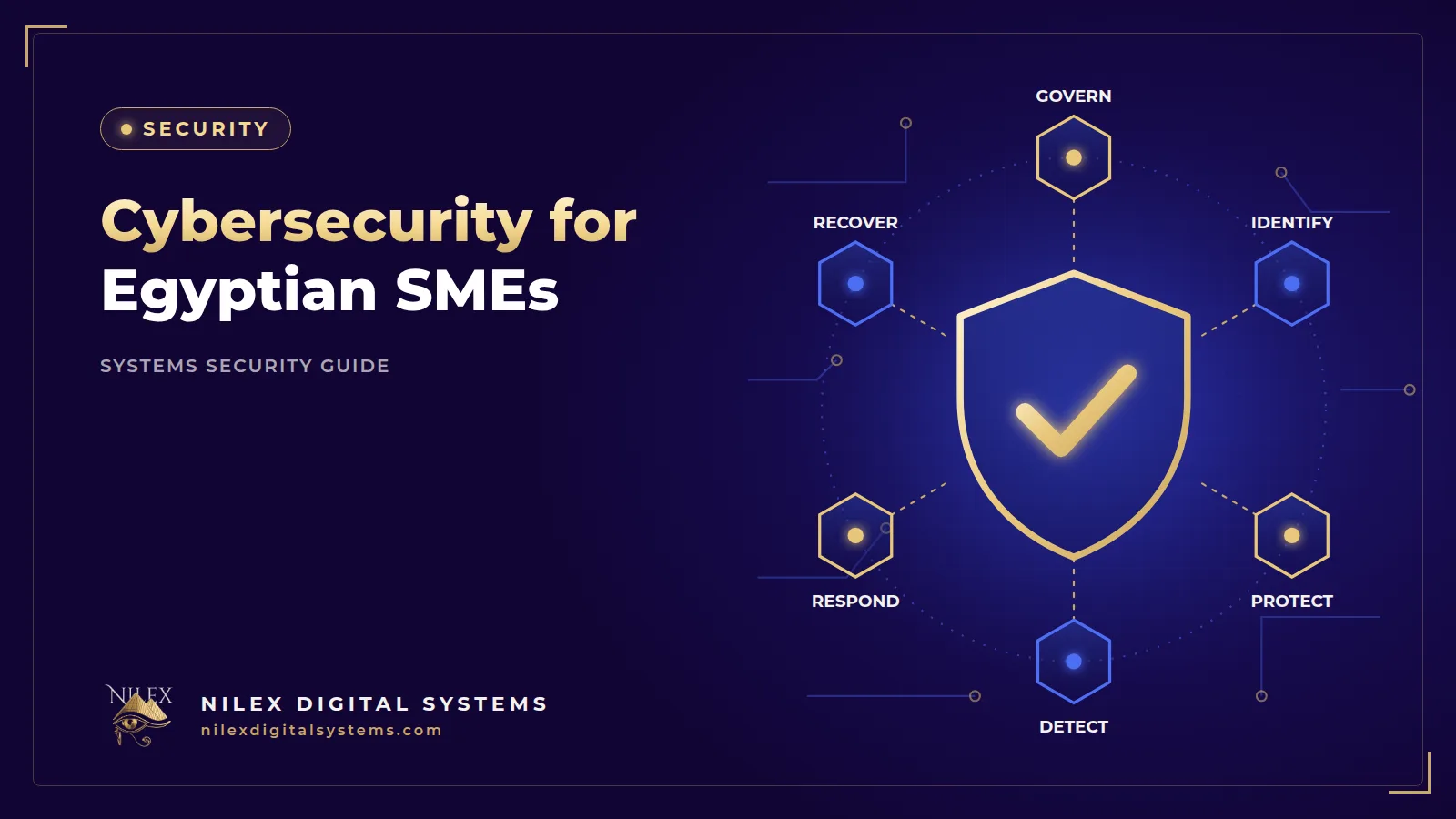
- The NIST Cybersecurity Framework 2.0 gives a simple structure: Govern, Identify, Protect, Detect, Respond, Recover.
- Backups only count if at least one copy is offline or off-site and you have tested a restore.
- A 90-day plan with a named owner beats a long policy nobody reads.
The risk picture for Egyptian SMEs
Small and medium businesses are the backbone of the economy. The head of Egypt's MSME Development Agency said in 2024 that MSMEs make up 90% of the private sector. They also tend to have the thinnest IT teams, often one person or an outside vendor, which is exactly why automated attacks work so well against them.
How attackers get in
Verizon's 2026 Data Breach Investigations Report (DBIR), which analysed more than 22,000 confirmed breaches, found that exploitation of vulnerabilities was the top initial access vector at 31%, ahead of stolen credentials for the first time in the report's 19 years. Phishing accounted for 16% and credential abuse for 13%. The human element was present in 62% of breaches, ransomware in 48%, and third-party involvement reached 48%. In plain terms: old software, weak logins, convincing messages and your suppliers' weaknesses.
What a breach costs
The IBM Cost of a Data Breach Report 2026 puts the global average cost of a breach at US$4.99 million, a record high. The same study, as reported by Zawya in August 2026, puts the Middle East average at US$8 million, but that regional sample covers Saudi Arabia and the UAE only; IBM does not publish an Egypt figure. An Egyptian SME will not lose millions of dollars, but the pattern is the same at any size: days of downtime, lost invoices, angry customers and management time spent on recovery instead of sales.
Your legal duties in one paragraph
Under the Anti-Cyber and Information Technology Crimes Law 175 of 2018 (Andersen English translation), a person managing a website, email or information system who negligently exposes it to a crime by failing to take the security precautions in the law's executive regulations faces imprisonment of at least six months and/or a fine of EGP 10,000 to 100,000 (Art. 29). The person actually managing a company faces at least three months and/or EGP 30,000 to 100,000 for failing to report a cyber crime against the company's systems once aware of it (Art. 35). The Personal Data Protection Law 151 of 2020 requires controllers to take technical and organisational measures to protect personal data (Art. 4) and to notify breaches within 72 hours (Art. 7); breaching these duties carries a fine of EGP 300,000 to 3 million (Art. 38). Companies must regularise their status by 1 November 2026. Our guides to Law 175/2018 for companies and to breach notification within 72 hours explain the details.
The NIST CSF 2.0 six functions, made practical
The US National Institute of Standards and Technology released Cybersecurity Framework (CSF) 2.0 in February 2024 and widened its scope from critical infrastructure to organisations of every size. It groups security into six functions. You do not need certification to use it; use it as a checklist of questions.
| Function | Question for the owner | SME example |
|---|---|---|
| Govern (new in 2.0) | Who is responsible, and what risk do we accept? | The general manager names the operations manager as security owner with a monthly 30-minute review |
| Identify | What do we have and what matters most? | A list of laptops, email accounts, the ERP, the website, bank portals and supplier access |
| Protect | How do we keep it safe? | MFA, updates, backups, least-privilege access, encryption |
| Detect | Would we notice an attack? | Login alerts, audit logs in the ERP, staff who report suspicious messages |
| Respond | What do we do in the first hours? | A one-page plan with phone numbers and decision rights |
| Recover | How fast can we work again? | Tested restores and a list of which systems come back first |
Days 1–30: govern and identify
Name an owner and set the rules
Pick one manager who owns security, even if the technical work is outsourced. Give them authority to enforce MFA and to stop a payment that looks wrong. Write down three rules everyone must follow: no shared accounts, no bank detail changes without a call-back, and report anything suspicious the same day.
Build an asset inventory
A distributor in the Delta with three branches might list 25 laptops, 40 phones with company WhatsApp, a cloud email domain, an ERP, a website, two bank portals and a courier integration. For each item record: owner, where it runs, what data it holds (customers, employees, payments), who has admin access and whether it is backed up. This list is the base of everything else.
Turn on MFA for the critical accounts
Start with email, bank portals, the ERP admin, domain registrar, hosting and social media pages. Email comes first because every password reset lands there. Prefer an authenticator app or passkeys over SMS codes. Our guide to MFA, passwords and passkeys explains the options.
Days 31–60: protect
Patch what faces the internet first
Given that vulnerability exploitation is now the leading entry point, update the website, VPN, firewalls, remote access tools and servers before anything else, then laptops and phones. Turn on automatic updates where possible and remove software nobody uses. If you run your own servers, see how to secure a Linux server.
Fix backups
CISA guidance for small and medium businesses recommends the 3-2-1 rule: three copies of important files, on two different types of storage media, with one copy off-site. Automate backups and test a restore. A clinic in Heliopolis that cannot restore patient files after a ransomware attack is closed, whatever its insurance says. Read our guides on backup and disaster recovery and ransomware protection and recovery.
Tighten access
Give each person their own account and only the permissions their job needs. The cashier does not need to export the customer list; the sales rep does not need to approve payments. Remove access the day someone leaves. Our article on user permissions and audit logs in ERP and CRM covers role design and segregation of duties.
Secure the web layer
Your website and customer portals need HTTPS with a valid SSL certificate, security headers such as those set by Helmet in Node.js applications, rate-limited logins and updated libraries. Use our website security checklist before launch, the OWASP Top 10 (2025) explained for managers to talk to developers, and API security for mobile apps and integrations if you connect to couriers, payment gateways or the e-invoice system.
Days 61–90: detect, respond and recover
Make attacks visible
Turn on login alerts for email and cloud accounts, keep audit logs in your ERP and CRM, and make sure someone reads them. Most small companies discover a breach when a customer complains; the goal is to find out first.
Train people on real scenarios
Use examples from your own business: a fake supplier asking to change bank details, a WhatsApp message from a new number claiming to be the owner, a fake Microsoft 365 login page. Our guide to phishing and fake payment requests includes a verification checklist. If staff use AI tools, set rules for what data they may paste into them, as explained in using ChatGPT at work safely, and check any customer chatbot against AI chatbot security risks.
Write a one-page incident plan
List who decides, who calls the technical team, who talks to customers and who assesses whether personal data was affected. Include phone numbers that work if email is down. Add the legal steps: reporting under Law 175 and the 72-hour notification under the data protection law.
Test once
Run a one-hour tabletop exercise: "The ERP is encrypted on Sunday morning. What do we do?" Then do a real restore test. For systems that hold payments, health data or large customer databases, consider an independent test; see penetration testing vs vulnerability scanning.
The 90-day plan at a glance
| Period | Actions | Done when |
|---|---|---|
| Days 1–30 | Owner and rules, asset inventory, MFA on critical accounts | Inventory signed off; MFA on email, bank, ERP admin, hosting |
| Days 31–60 | Patching, 3-2-1 backups, access review, web security | No critical updates pending; restore tested; leavers removed |
| Days 61–90 | Alerts and logs, training, incident plan, exercise | Plan printed; exercise held; staff know how to report |
| Every month after | 30-minute review of updates, backups, access and incidents | Short written note kept |
How Nilex helps
Nilex builds business systems with security designed in: role-based permissions and audit logs in every custom ERP system, HTTPS, security headers, rate-limited logins, HttpOnly cookies and salted password hashing. We can review an existing website or system against this plan and fix the gaps. Learn more about how we work.
Frequently asked questions
Is cybersecurity really necessary for a small business in Egypt?
Yes. Automated attacks scan for known weaknesses regardless of company size, and the Egyptian data protection law requires security measures from any company that processes personal data. The basics, such as MFA, updates and backups, cost little compared with a week of downtime.
What is the first thing a small company should do?
Turn on multi-factor authentication for email, then list your systems and who has admin access. Email is the key to every other account, so protecting it first blocks many attacks.
Do we need ISO 27001 certification?
Not necessarily. Certification helps when customers or tenders require it. Most SMEs get more value first from the basic controls in this plan, organised by the NIST CSF functions.
Who should own cybersecurity in a company without an IT department?
A manager with authority, often the operations or finance manager, supported by an outside technical partner. Ownership means making decisions and checking progress, not doing the technical work personally.
How much does a basic cybersecurity plan cost?
It depends on the number of users and systems, whether you run your own servers, and how much you outsource. Many first steps, such as MFA, updates and access reviews, cost staff time rather than new software.
Want a clear picture of where your company stands? Book a free consultation through our contact page and we will help you prioritise your first 90 days.
This article is general information, not legal or tax advice. Confirm the details that apply to your company with a specialist.
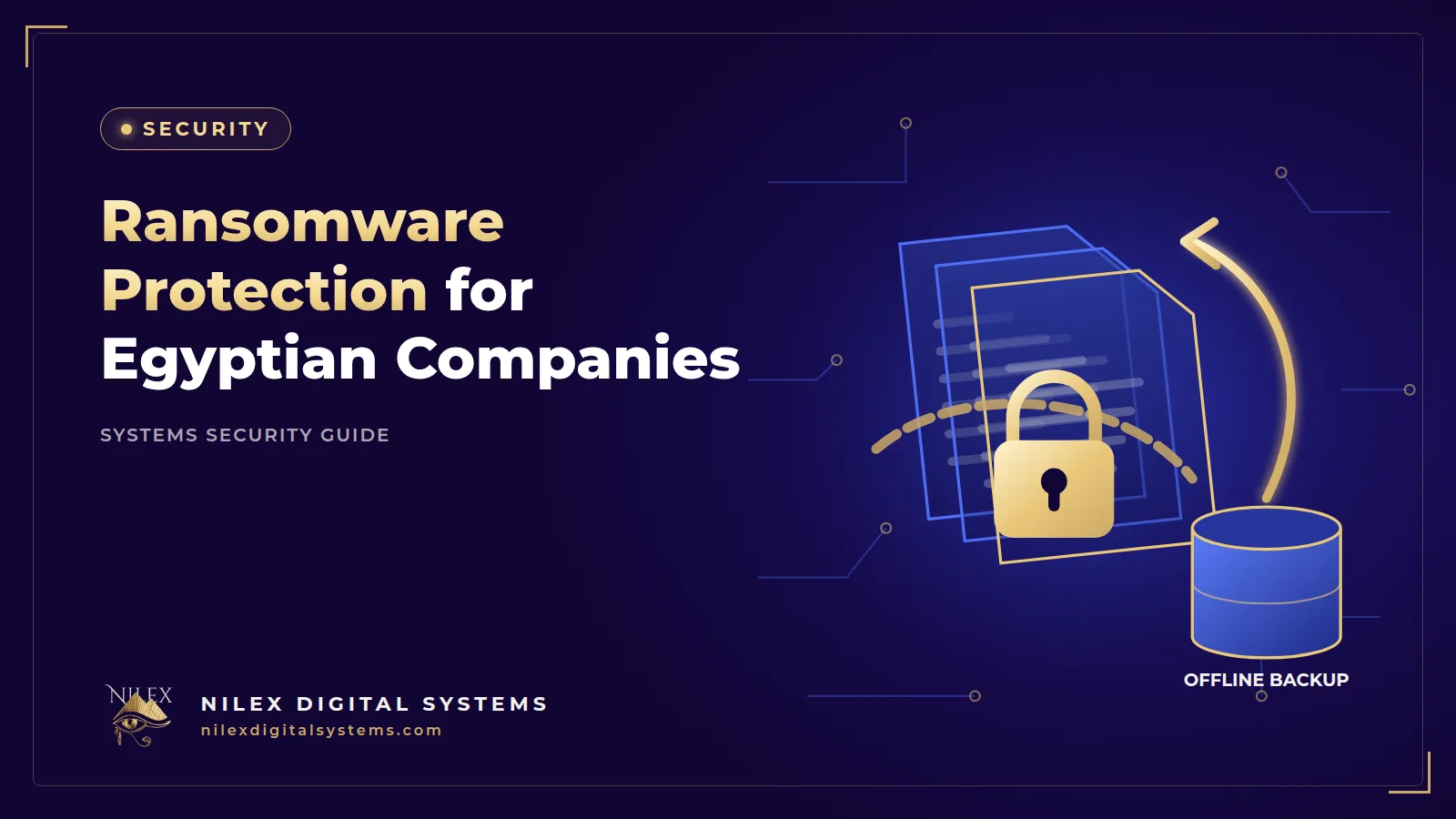 Ransomware Protection for Egyptian Companies: Prevent, Contain and Recover26 September 2026 · 9 min
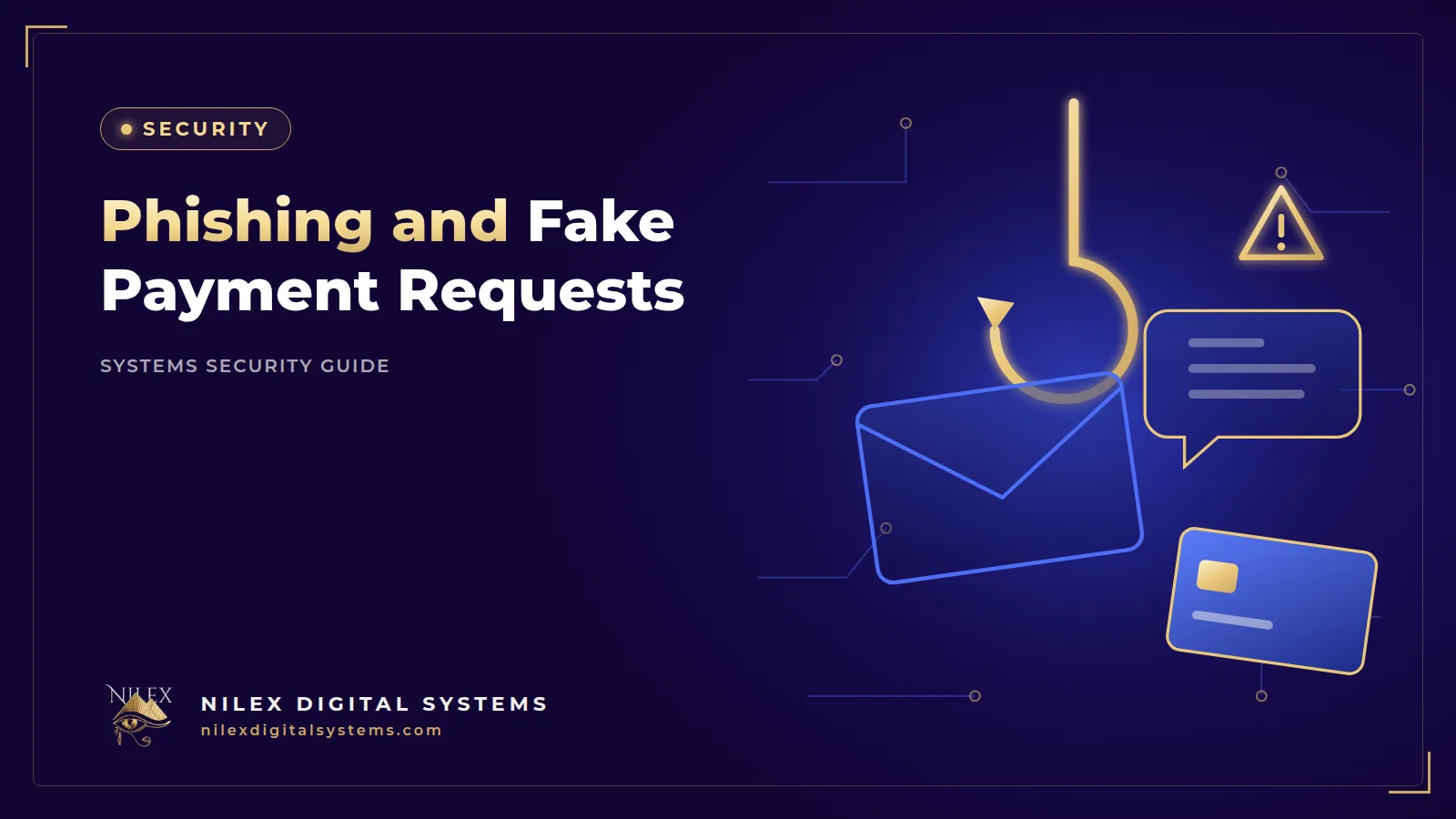 Phishing and Fake Payment Requests: Protecting Egyptian Businesses from Email and WhatsApp Scams26 September 2026 · 10 min
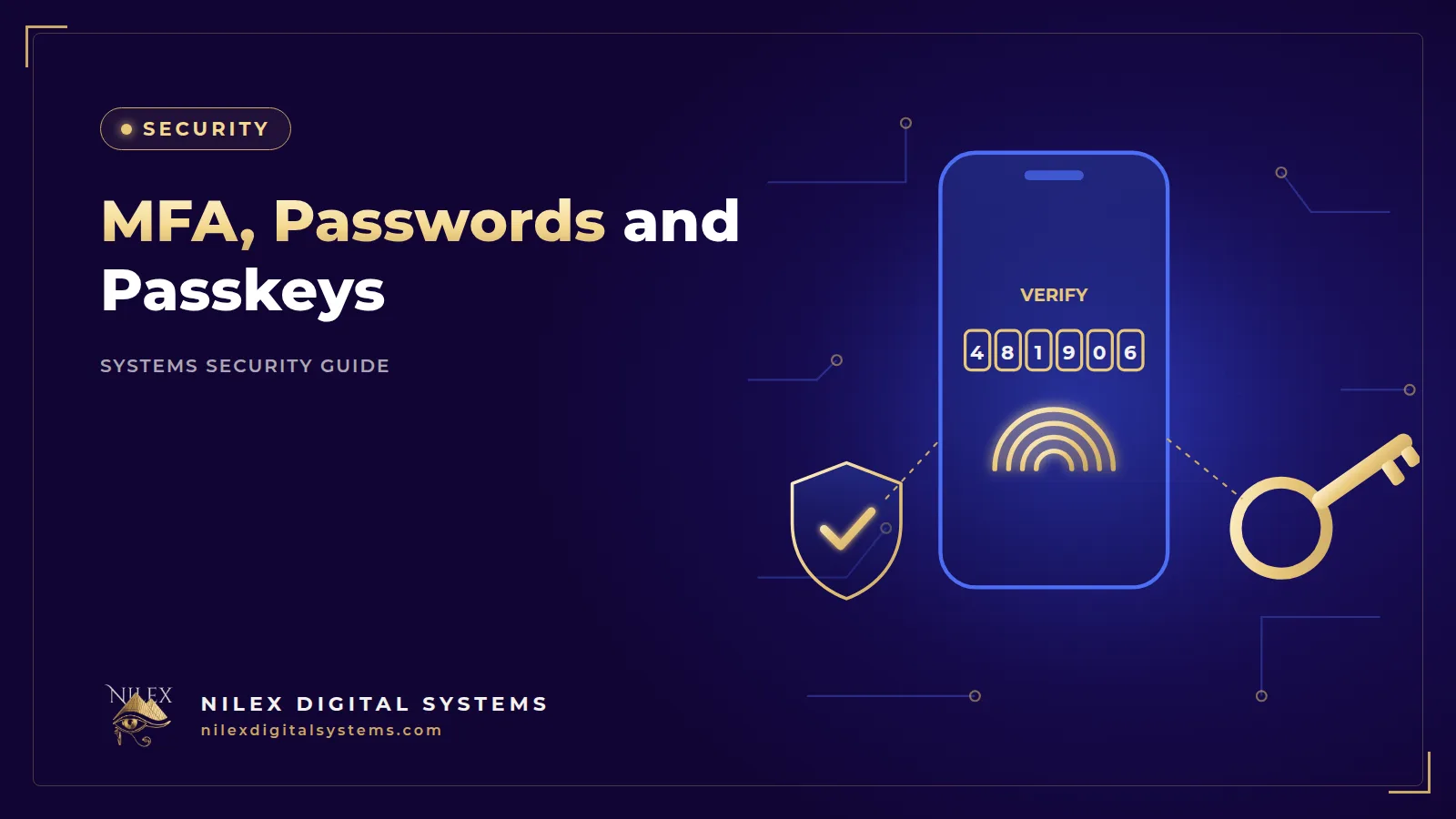 MFA, Passwords and Passkeys: Securing Logins to Your Business Systems26 September 2026 · 11 min