
Watch Before You Buy: How to Evaluate a Business System From Its Demo Videos, Screens and Plans
A practical checklist for judging a business system before you pay: what to look for in demo videos and screenshots, how to read modules, plans and FAQs, and what to write in the request form.
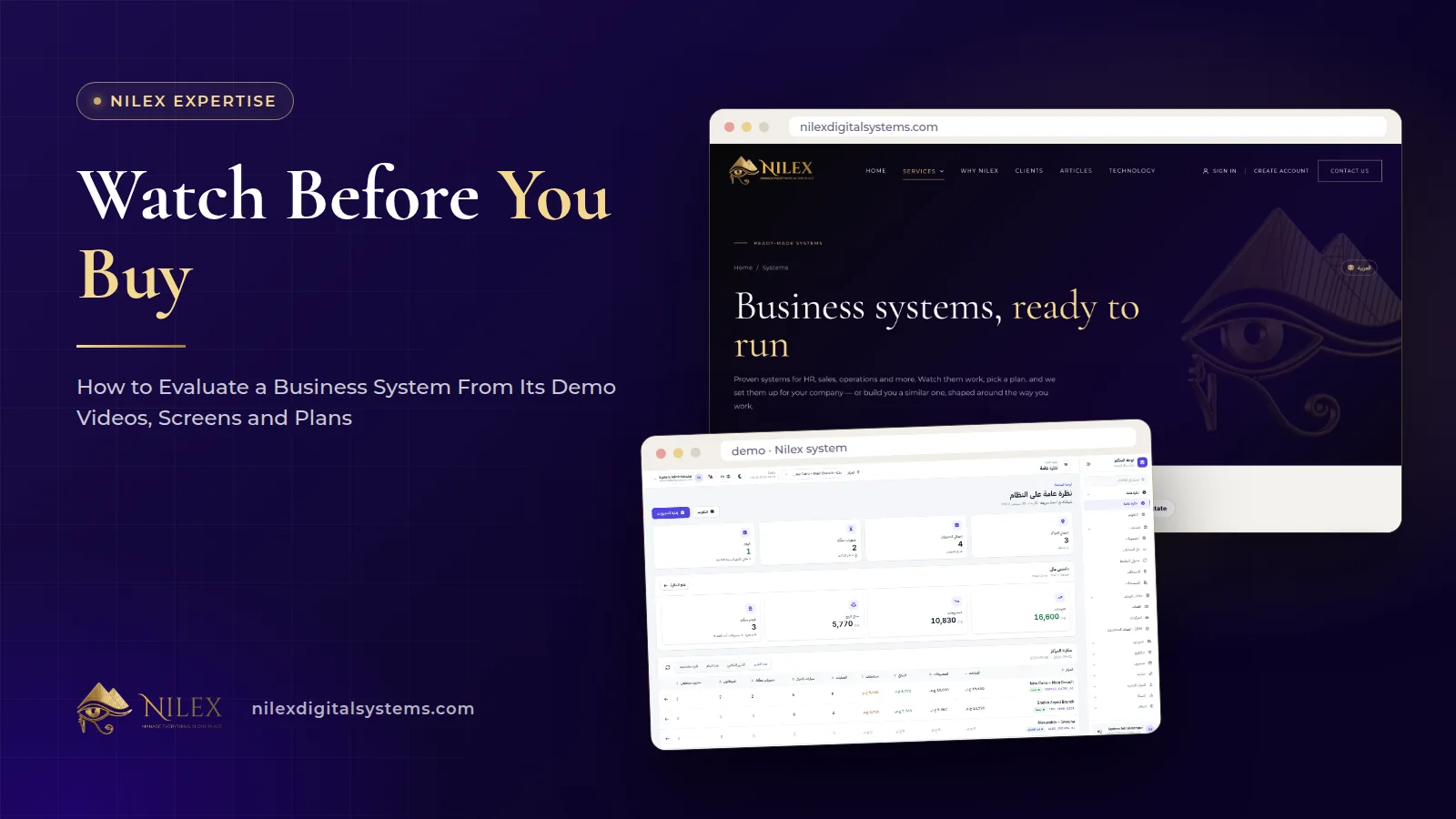
The fastest way to evaluate a business system is to treat its public page as evidence. Watch the demo videos for the work your team does every day, compare the screenshots with your own paperwork, read the modules against your process, and read the plans and FAQs for limits, setup and what happens after the first year. If a page cannot show you those things, ask before you pay.
This matters because most disappointment with software is discovered after the contract: a screen that does not exist, a limit on users nobody mentioned, or a report that turns out to be custom work. A careful hour with a system page, before any meeting, removes most of those surprises and makes the conversation with the vendor shorter and more useful.
Key takeaways
- Watch demo videos for one complete daily task, from the first click to the printed result, not for the dashboard alone.
- Use screenshots to check data fields: if the fields on your paper forms are not on the screen, write that down as a question.
- Read modules against your own process, step by step, and mark each step as covered, different or missing.
- Plans tell you the real limits: number of branches, users, warehouses or vans, and which items are custom work.
- FAQs often answer the questions sales calls skip: installation, setup time, languages and what the yearly subscription covers.
- Put your three most specific needs in the request form so the reply is about your business, not a general brochure.
Why evaluate a system before the first call?
A sales call is built to show the best parts of a product. That is normal, but it means you see what the presenter chooses. A system page, on the other hand, is something you can study at your own pace, pause, compare with your files and show to the people who will actually use the system: your accountant, your storekeeper, your branch manager.
Coming to the first call with notes also changes the conversation. Instead of "show me the system", you can say "your page shows estimates sent by WhatsApp; how does the customer approve them?" Specific questions get specific answers, and vague answers become easy to spot. Our guide on how to choose a software company in Egypt covers the questions to ask about the company itself; this article is about judging the product.
What should a serious system page show you?
On nilexdigitalsystems.com every one of the seven ready-made systems has the same structure, and it is a useful benchmark for any vendor you compare:
- Demo videos with Arabic captions, so you can follow the workflow even without sound.
- 20 screenshots of the real screens.
- The modules, each with a short description of what it does.
- Who it is for, the types of business the system was designed around.
- The plans, with their features and limits. Prices are shown on the page in the visitor's currency (Egyptian pounds in Egypt, US dollars abroad).
- FAQs, for example about installation, setup time, language and support.
- A request form to ask for the same system or a similar custom one.
If a vendor's page has only a tagline, three icons and a "contact us" button, you have nothing to evaluate. That is not proof of a bad product, but it means every answer will come from a sales conversation instead of from something you can check.
How do you watch a demo video properly?
Most people watch a demo video like an advert. Watch it like an inspector instead. Before you press play, write down one task your team does many times a day: opening a job card, taking an order for a shop, collecting an installment, checking in a car. Then look for that task in the video.
What to look for while watching
- The full path. Does the video go from the first screen to the final result (a saved order, a printed form, an updated balance), or does it jump?
- The number of steps. Count the clicks and fields for your daily task. A task done fifty times a day needs to be short.
- What happens after saving. Does stock go down, does the balance change, does the record appear in the right list? Good systems show the consequences.
- Arabic on screen. If your team works in Arabic, check that menus, forms and printed documents appear in Arabic, not only the interface labels. Our article on real bilingual business software explains what to check.
- Real-looking data. Screens filled with believable products, customers and amounts show that the workflow was tested with a real business in mind.
Pause the video whenever a screen relates to your work and take a screenshot for your notes. Those pauses become your questions later.
What do screenshots tell you that videos do not?
Videos show movement; screenshots let you read. Use them to check data fields, one by one, against the papers your business uses today.
Take a real document from your office, such as a check-in sheet, a delivery note, a fee receipt or a customer statement, and compare it with the matching screenshot. Every field on your paper should have a place on the screen. For example, on the car repair system page the check-in step records odometer, fuel level, priority, promised time and the customer's complaints; if your workshop also records something else, that is a question for the request form.
Screenshots also show you the dashboard. Ask yourself whether the numbers on it are the ones you look for every morning. On the car protection system, for example, the network dashboard shows revenue, expenses, net profit, cars in the shop, pending bookings and low stock for every branch side by side. If your morning question is different, note it.
How do you read the modules against your own process?
A module list is not a feature count to admire. It is a map you should lay over your own process. Write your process as a list of steps, then mark each step:
| Your step | Covered | Covered differently | Not covered |
|---|---|---|---|
| Customer request arrives | Which module handles it? | Is the different way acceptable? | Workaround or custom work? |
| Price or estimate is prepared | Is the price list in the system? | Who can change prices? | Ask in the request form |
| Work or delivery happens | Who records it, and where? | Is there a portal for staff in the field? | Note it |
| Payment is collected | Receipts, partial payments? | Which payment methods? | Note it |
| Owner reviews the day | Dashboard or report? | Is the report printable? | Custom report? |
The "covered differently" column matters most. Many good systems handle a step in a different order from your current paper process, and that can be an improvement. Decide whether you would change your habit or whether the difference is a real business rule. Only real rules belong on your list of custom requests.
Does the "who it is for" section match your business?
The audience section tells you what kind of business the system was designed around. The coffee roastery system, for example, lists roasteries, factories with several production sites, coffee shops that roast their own coffee, wholesale coffee and spice traders, and roasteries that roast and grind for customers. If your business is in the list, most of the workflow will already fit. If it is close but not listed, the system may still work, but expect more questions and possibly some custom work.
Be honest about your size, too. A single workshop and a chain of branches need different plans, different permissions and different reports. Our article on ready-made business systems in Egypt explains when a ready system beats custom software and when it does not.
How do you read a plan table without being misled?
Plans are where limits live. Read them for four things:
- Size limits. Count your branches, users, warehouses or vans today and in two years. On Nilex system pages, the limits are written in each plan, for example "1 center, up to 10 users" or "up to 3 warehouses, 10 vans and 30 users". Only some plans say "unlimited", and only where the page says so.
- Which features belong to which plan. A feature you saw in the video may be in the larger plan only. For example, on the car repair system the customer portal and the cars-inside-branches view are listed in the Growing Network plan, not in the Single Workshop plan.
- What is custom. Items such as "custom changes to reports and workflow" tell you that changes are possible, and that they are planned and agreed work, not a free promise.
- What happens after the first year. On the Nilex system pages, the plans say that after the first year there is a yearly subscription, and most of them list the first year of hosting and support as included. The FAQs on several system pages explain that it covers hosting, daily backups, security updates, new features and technical support.
Then compare the plan with the price shown on the page. We never quote plan prices in articles, because they differ by the visitor's country; the system page shows the current plans in your currency. If you want to spread the cost, read how payment in installments works.
Which FAQs should you read twice?
FAQ sections are often skipped, yet they answer the practical questions that decide whether a system fits. On the Nilex system pages, look especially for:
- "Do I need to install anything?" The systems run in the browser on computers, tablets and phones, and we host them.
- "How long does it take to start?" The answers differ by system: a single car protection center or workshop is usually running within a week including setup and training, the online supermarket usually takes two to three weeks depending on product photos, and the real estate system usually three to six weeks depending on the projects and data to load.
- Language. Whether forms, warranties, statements and reports print in Arabic, English or both.
- Data import. Whether your current products, customers and opening balances can be imported from Excel during setup. The wholesale system FAQ says yes; for other systems, ask.
If a question that matters to you is not in the FAQ, that is not a bad sign. It is simply the first question to send.
A scorecard you can use for any system
Use this table when you compare two or three systems. Give each line a score from 0 to 2: 0 = not shown, 1 = shown but unclear, 2 = clearly shown.
| What to check | Where to find it | Score 0–2 |
|---|---|---|
| Your main daily task shown from start to finish | Demo video | |
| Your paper form fields present on screen | Screenshots | |
| Arabic menus and Arabic printed documents | Video, screenshots, FAQ | |
| Your process steps covered by modules | Modules | |
| Your type of business in the audience | Who it is for | |
| Limits fit your branches and users | Plans | |
| Custom work clearly separated | Plans, FAQ | |
| Setup time and data import explained | FAQ | |
| Cost after the first year explained | Plans, FAQ |
A system with a low score is not necessarily worse, but you will rely on promises rather than evidence. Before you sign, also check how the vendor handles testing after delivery; our article on testing, acceptance and the free-fix period explains what to expect.
What should you write in the request form?
The request form on each Nilex system page asks for the plan you are interested in, a phone or WhatsApp number, and optionally your email and company name, with your consent. Each request reaches our team as a lead, and we reply to every one; if you give an email, you also get a confirmation by email.
The reply is more useful when the request is specific. Write three short lines:
- Your size: branches, users, warehouses or vans.
- The one daily task that must work perfectly.
- The one or two things your business does differently from what you saw on the page.
Those lines let us tell you whether the standard system covers you, which plan fits, and what would be custom. What happens next, from the request to go-live, is described in the steps after you ask Nilex for a ready-made system.
How Nilex helps
We publish each system page so you can do this evaluation on your own before you speak to anyone. Start at the systems page, open the system for your sector, and use the scorecard above. For example, a car repair center can review the car repair workshop system, and a distributor the wholesale distribution system.
When you are ready, send the request form on the system page with your three lines. If your business is not covered by any ready system, describe it on the custom ERP service page or through our contact page, and we will tell you honestly whether a ready system, a custom system or neither is the right answer. Every system works in Arabic and English, you own your data, and Nilex keeps the source code and gives you a licence to use the system for your business.
Frequently asked questions
Is a demo video enough, or should I ask for a live demo?
Start with the videos and screenshots, because you can study them at your own pace. Then use the request form or a call for the questions they do not answer. A live session is most useful when you already know which task you want to see.
Why don't your articles mention plan prices?
Because prices differ by the visitor's country. Each system page shows the current plans in your currency, Egyptian pounds in Egypt and US dollars abroad, so the system page is always the right place to check.
What if a feature I need is not on the system page?
Write it in the request form. We will tell you whether it is already covered in a different way, whether it is in a larger plan, or whether it would be custom work that is quoted and agreed before it is done.
Can I ask for a similar system rather than the exact one?
Yes. The request form lets you ask for the same system or a similar custom one, and a similar system can be built the same way around your process.
Who in my company should take part in the evaluation?
The people who will use it every day: the person who enters orders or job cards, the person who handles money, and the person who reads the reports. Each of them will notice different gaps in the videos and screenshots.
 What Makes a Business System Professional: The Standards Nilex Builds Into Its Systems11 October 2026 · 11 min
 A Portal for Every Role: Why Nilex Systems Give Owners, Staff, Technicians and Customers Their Own Screens11 October 2026 · 9 min
 The Nilex Client Portal: Follow Your Project, Invoices, Payments and Requests in One Place11 October 2026 · 8 min