
Backups and Disaster Recovery for Business Systems: The 3-2-1 Rule and Beyond
A backup you have never restored is a hope, not a plan. Here is how business systems should be backed up, how far back you can recover, how long recovery takes, and what to ask your provider.
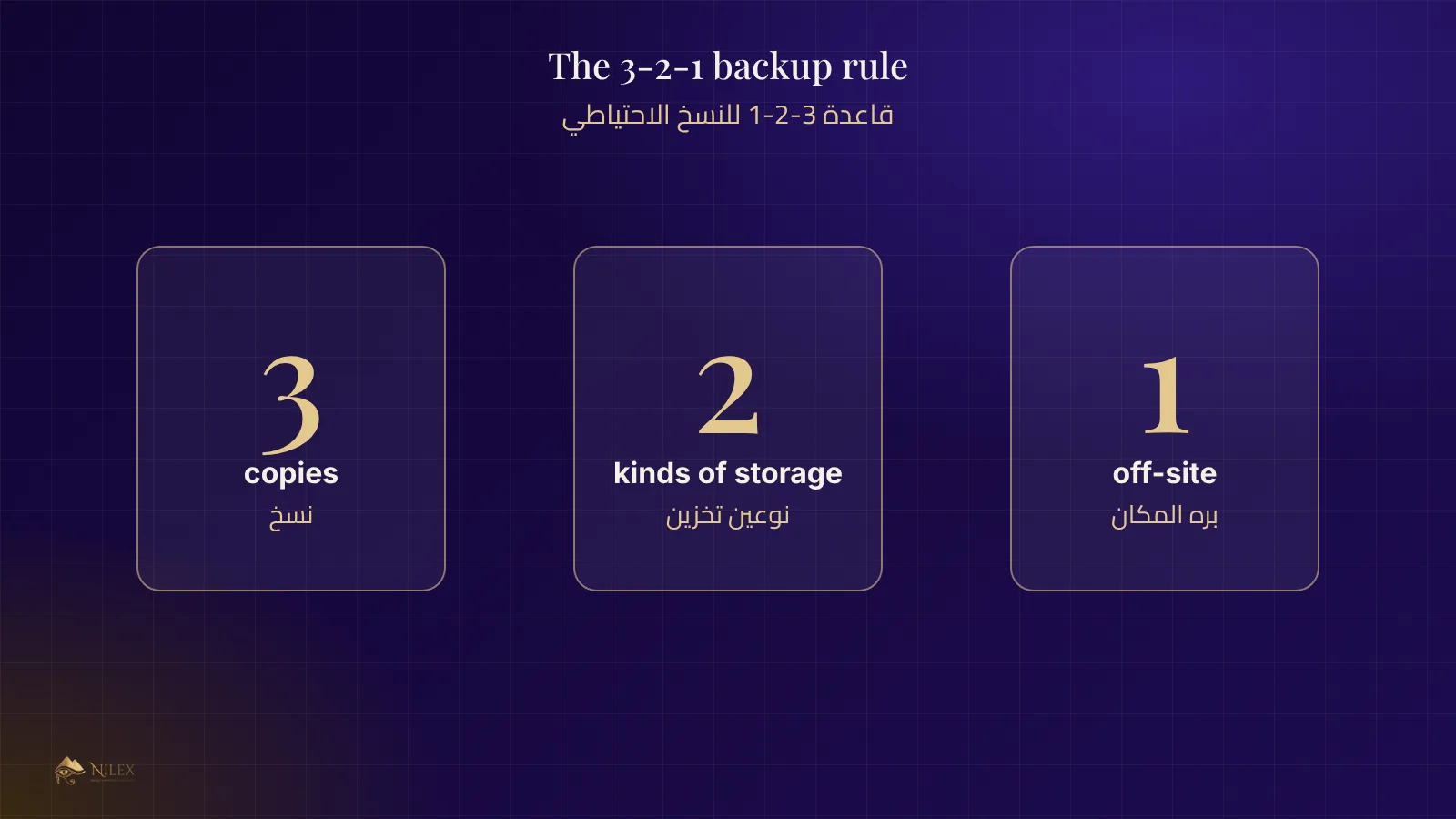
Short answer: keep at least three copies of your data, on two different kinds of storage, with one copy in another location (the 3-2-1 rule). Decide how much data you can afford to lose and how long you can wait to be back online, and test a full restore regularly. A backup that has never been restored cannot be trusted.
This guide is for owners and managers who rely on a business system every day and want to know what "we take backups" should really mean.
Key takeaways
- 3 copies, 2 kinds of storage, 1 copy off-site.
- RPO: how much data you can lose. RTO: how long you can be down. Set both.
- Back up the database and the uploaded files (documents, images, attachments).
- Keep at least one copy that ransomware cannot change.
- Test restores on a schedule, and write down how long they took.
The 3-2-1 rule
| Part of the rule | Meaning | Example |
|---|---|---|
| 3 copies | The live data plus two backups | The live database, a nightly backup, a weekly backup |
| 2 kinds of storage | Not all copies on the same disk or service | The server's disk and a separate storage service |
| 1 off-site | One copy in another location | A copy in another data centre or region |
Many teams now add one more: one copy that cannot be modified or deleted for a set period, so an attacker or a mistake cannot destroy every backup at once.
RPO and RTO in plain words
- RPO (recovery point): if something breaks now, how much recent work may be lost? A nightly backup means up to a day of work. For a system that takes payments all day, you will want a much shorter window.
- RTO (recovery time): how long until staff can work again? Minutes, hours or a day each lead to a different setup and cost.
Write both numbers down with your provider. They turn "we have backups" into a promise you can check.
What must be backed up
- The database (customers, orders, invoices, accounts).
- Uploaded files: documents, contracts, images, attachments.
- Settings and configuration needed to run the system again.
- Encryption keys and passwords, stored separately and securely, or the backups cannot be opened.
Test the restore, not only the backup
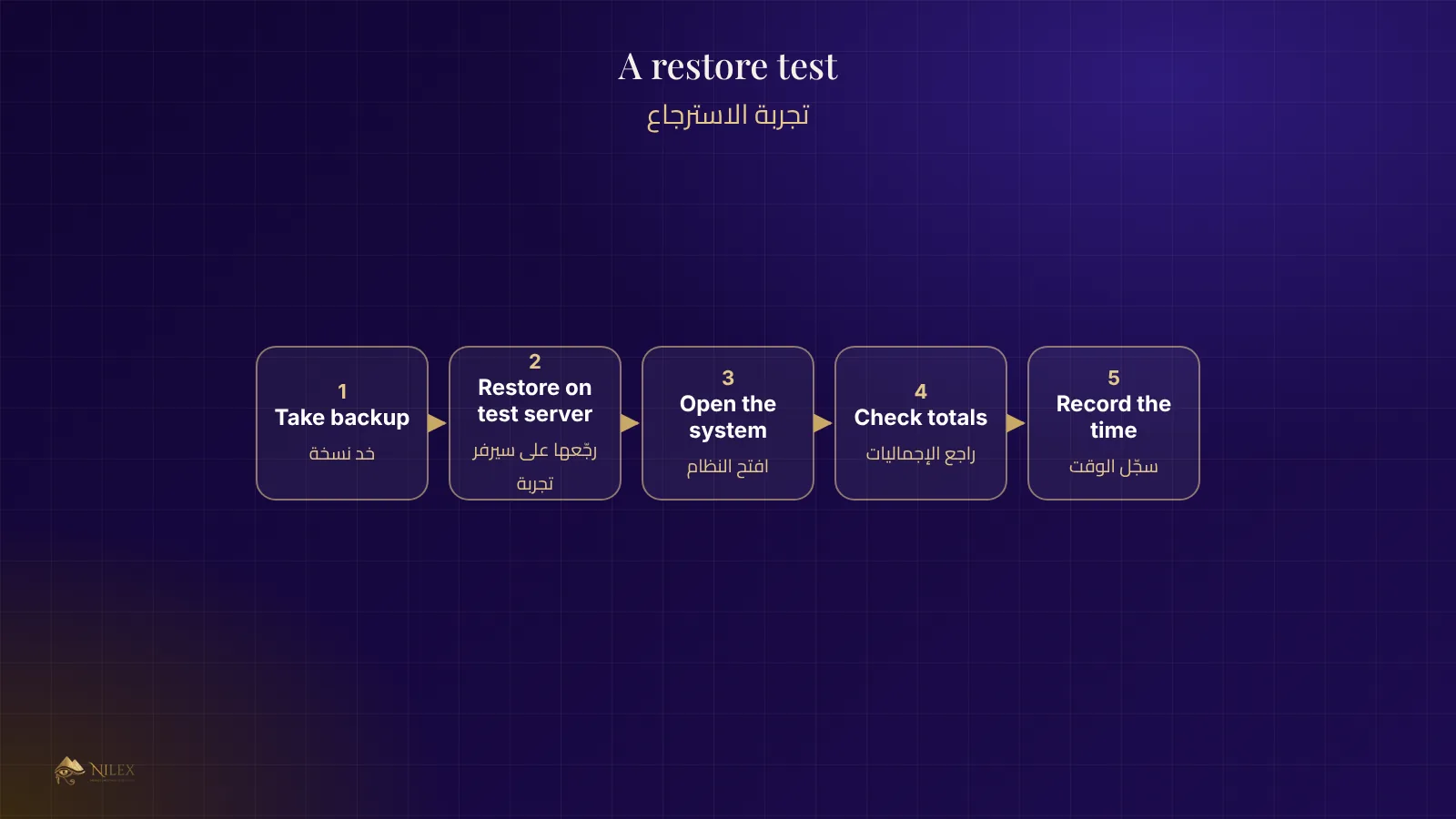
Schedule a restore test: take a backup, restore it on a separate server, open the system, and check a few records and totals. Record the date, how long it took and any problem found. Teams that do this discover broken backups early, when it is cheap to fix, instead of on the day they need them.
Protection from ransomware and mistakes
- Keep at least one backup that the live server cannot overwrite or delete.
- Limit who can delete data, and keep an audit log of deletions.
- Prefer soft deletion for business records, so a mistaken delete can be undone.
- Install security updates promptly and use strong, unique passwords with two-step sign-in for admins.
Questions to ask your provider
- How often is the database backed up, and are uploaded files included?
- Where are the copies, and is one in another location?
- How long are backups kept?
- When was the last restore test, and how long did it take?
- Can a backup be changed or deleted by someone who breaks into the server?
- What are the agreed RPO and RTO?
How Nilex helps
Systems Nilex hosts are backed up automatically, and the plans for larger companies include a private server with daily backups. Our systems also keep audit logs and protect financial records from silent edits. Read cloud or on-premise and see why Nilex builds security in.
Frequently asked questions
Is a copy on a USB disk in the office enough?
No. It is in the same place as the server, so a fire, theft or ransomware can take both. Keep one copy off-site.
How long should backups be kept?
A common pattern is daily copies for a few weeks and monthly copies for longer; agree the periods with your accountant and any legal requirements.
Does the cloud back up my data automatically?
Not always. Ask exactly what is backed up, how often and where; some services back up the server but not your files, or the reverse.
What is the difference between a backup and a replica?
A replica copies changes at once, including mistakes and deletions. A backup is a copy from a point in time that you can go back to.