Cloud or On-Premise: Where Should Your Business System Run?
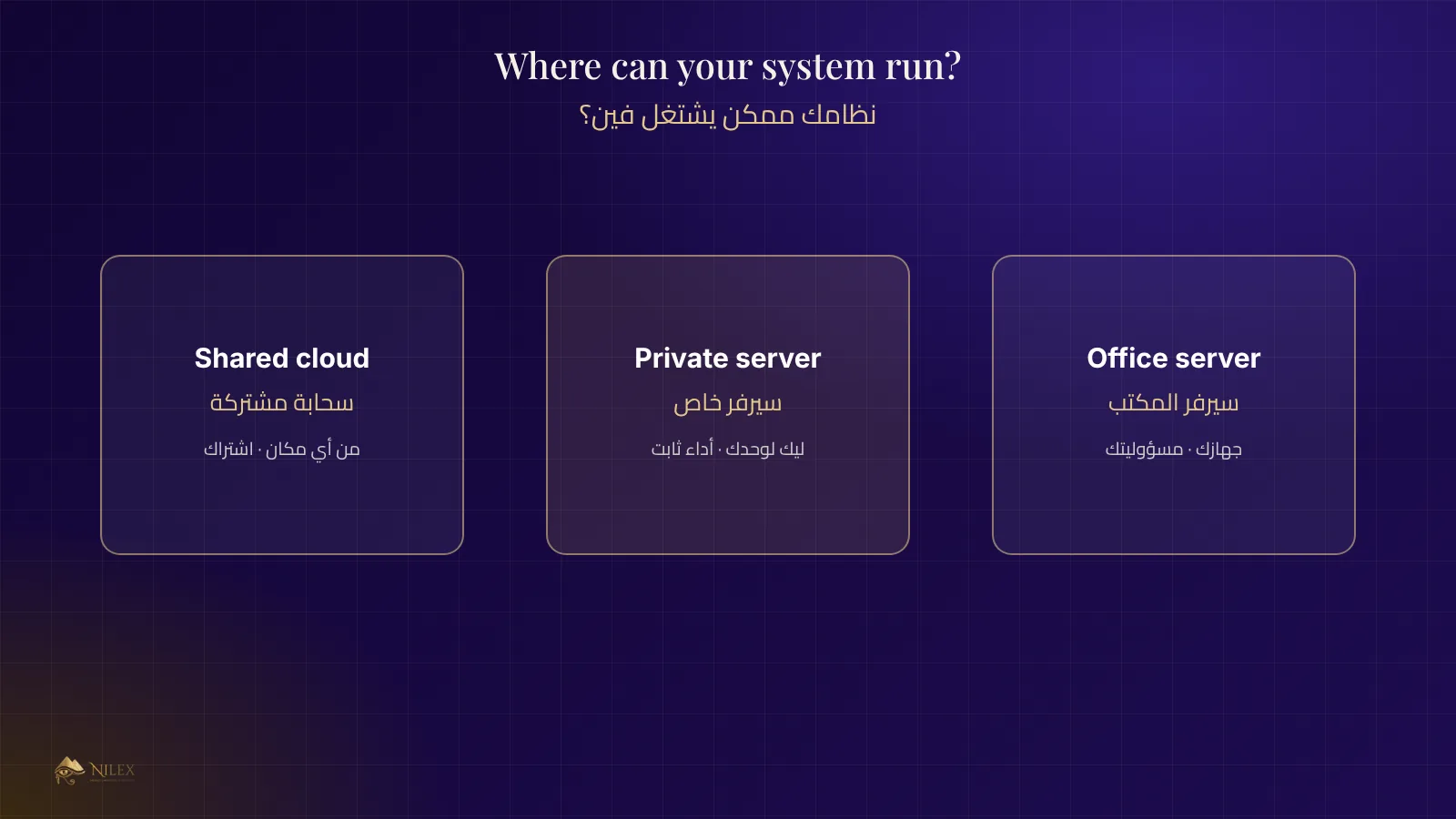
Your system can run in the cloud, on a private server you rent, or on a machine in your office. Each choice changes cost, access, security and who fixes what. Here is how to decide.
Short answer: for most small and medium companies, a cloud or rented private server is the better choice: staff can work from any branch or phone, backups and updates are handled for you, and there is no machine in the office to break. On-premise makes sense when the law, the internet connection or a special device requires the system to stay inside the building.
This guide helps owners compare the three common options before signing for a system, and lists the questions to ask about each.
Key takeaways
- Cloud: no hardware to buy, access from anywhere, a monthly or yearly fee.
- Private server: your system alone on a rented machine, more control and steady performance.
- On-premise: a server in your office; you own the hardware and also every failure.
- Whatever you choose, ask about backups, uptime, updates and who to call at 9 pm.
The three options
| Shared cloud | Private (dedicated) server | On-premise server | |
|---|---|---|---|
| Upfront cost | None | None or small | Hardware, licences, UPS, setup |
| Running cost | Subscription | Higher subscription | Electricity, maintenance, replacement |
| Access from branches and phones | Built in | Built in | Needs a fixed IP or VPN |
| Backups | Usually included | Included or agreed | Your responsibility |
| Performance | Shared with others | Reserved for you | Depends on your hardware and internet |
| Data location | Provider's data centre | Provider's data centre | Your office |
When the cloud is the right choice
- You have more than one branch, sales reps in the field, or staff who work from home.
- You do not have an IT person to look after a server.
- You want backups and security updates handled by the provider.
- Your customers use the system too (an online store, a client portal).
When on-premise makes sense
- A rule or contract requires the data to stay inside your building.
- The internet connection at the site is weak and work must continue offline.
- The system drives devices on site (machines, scales, gates) that need a local connection.
Even then, a hybrid often works best: the system runs locally, and an encrypted copy of the data is sent to the cloud every night.
Hidden costs of a server in the office
A server in a cupboard looks cheaper because the monthly bill is zero. The real costs come later: a power cut without a UPS, a disk that fails, a backup that nobody checked, an update that was never installed, and a system that cannot be reached from outside when the manager is travelling. Count these before you decide.
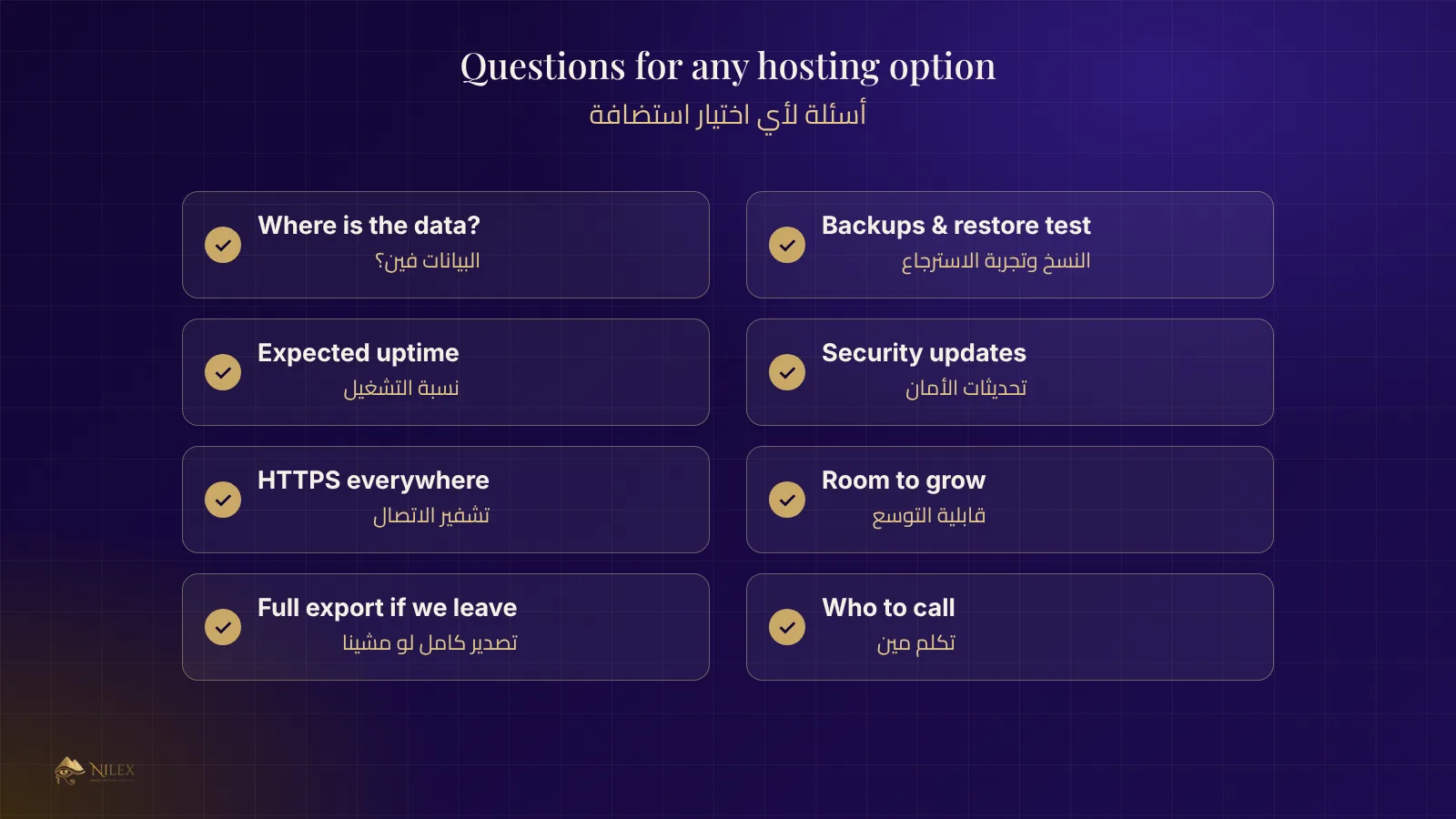
Questions to ask any hosting option
- Where exactly is the data stored, and who can access it?
- How often is it backed up, where are the copies kept, and when was a restore last tested?
- What uptime is expected, and what happens during maintenance?
- Who installs security updates, and how fast?
- Is the connection encrypted (HTTPS) everywhere?
- Can the system grow (more users, more data) without moving it?
- If we leave, can we take a full copy of our data?
How Nilex helps
Nilex delivers its ready-made systems and custom systems hosted and maintained for you, with the first year of hosting and support included, and a private server option for larger companies. Read also backups and disaster recovery.
Frequently asked questions
Is the cloud less secure than my own server?
Not by default. A well-run data centre usually has better physical security, power and monitoring than an office. What matters is access control, updates and backups, wherever the server is.
What happens if the internet goes down?
With a cloud system, work pauses at the site without internet; a backup connection (a second line or mobile data) solves most cases.
Can I move from on-premise to the cloud later?
Yes, with a planned migration of the data and a short switch-over window.
Does the cloud cost more over time?
Compare the full cost: hardware, electricity, replacement and the time spent maintaining a server, not only the subscription.