
Company Website Pages That Rank: What Each Page Needs to Bring Visitors and Enquiries
Which pages a company website needs (services, about, case studies, contact and articles) and how to build each one with its own title, description, link and image so it ranks on Google and turns visitors into enquiries.
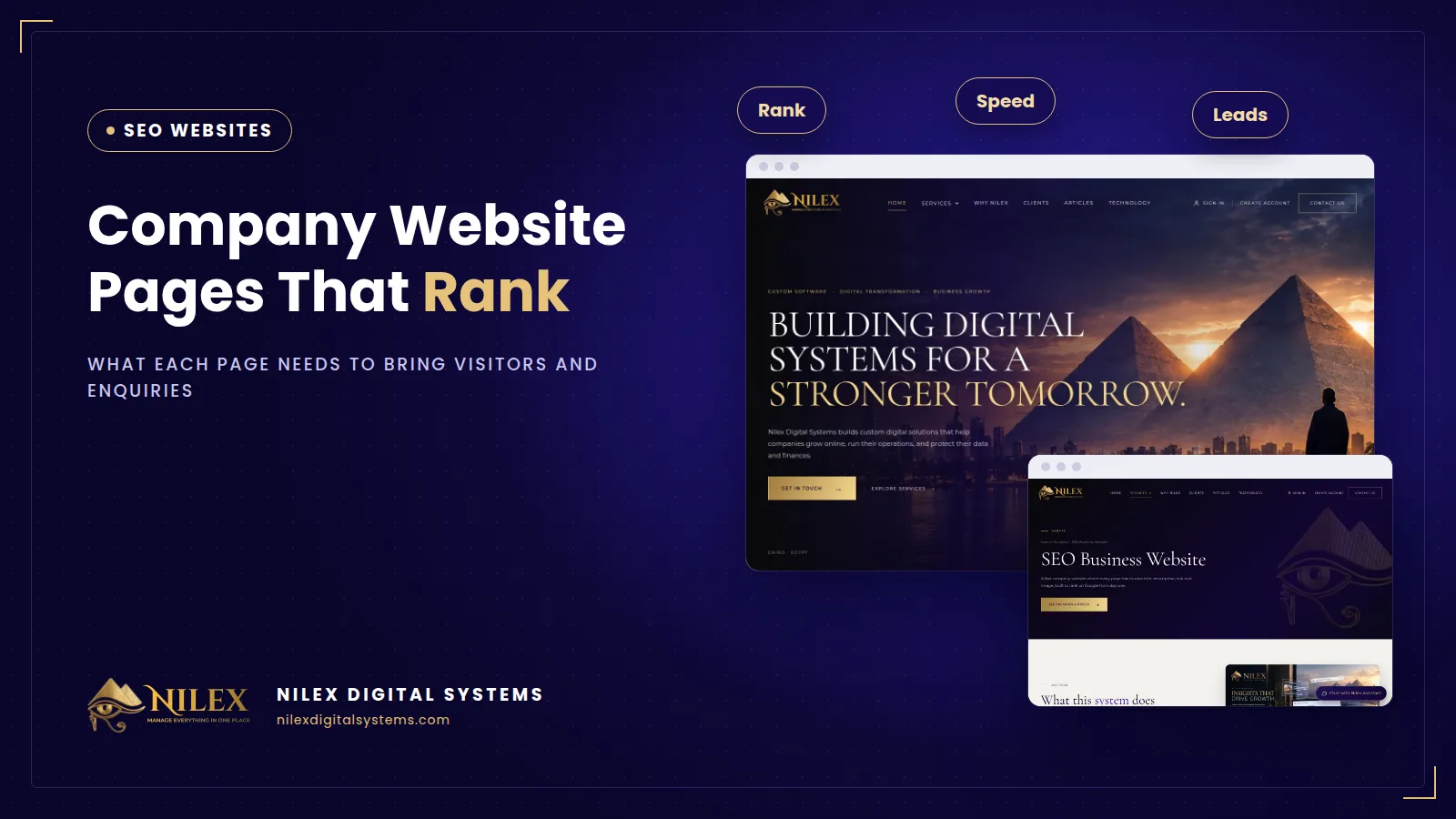
A company website that ranks needs one page for every service you sell, plus an about page, case studies, a contact page and an articles section. Each page should answer one clear search, and each needs its own title, description, link and image so Google and visitors understand it at a glance. A five-page site that tries to say everything on the home page usually ranks for nothing.
This guide walks through the pages a company website needs, what each page must contain to rank, and what each one should ask the visitor to do next.
Key takeaways
- One page, one topic: every service you want to be found for deserves its own page.
- Every page needs a unique title, a unique description, a clean readable link and a relevant image with alt text.
- The about page, case studies and contact page are where trust is built, so they need real names, real work and real contact details.
- An articles section answers the questions customers ask before they are ready to buy, and links them to the service pages.
- Internal links tie the site together: every important page should be linked from at least one other page.
Why one page per topic beats one long page
When someone searches, Google tries to show the single page that best answers that search. If your accounting services, your payroll service and your company formation service all sit on one "Services" page, none of them is the best answer to anything. A dedicated page for each service can use the words people actually type, answer their specific questions and show the proof that matters for that service.
The same logic applies to cities and languages. If you serve customers in Cairo and in the Gulf, or in Arabic and English, see our guide to local SEO and Google Maps; a bilingual site also needs a separate page per language.
The pages a company website needs
Home page
The home page answers "who are you and what do you do?" in the first screen. It does not need to rank for every service. Its job is to send each visitor to the right service page, show a few pieces of proof and make contacting you easy.
Service pages
These are the pages that bring enquiries. Each one explains one service: who it is for, the problem it solves, what is included, how the work happens, proof from past work, common questions and a clear call to action. We cover how to write them in detail in service pages and articles that bring enquiries.
About page
Visitors read the about page to decide whether to trust you. Name the people behind the company, say how long you have worked in your field, show where you are and explain how you work. Google's own guidance on helpful content says trust is the most important part of what it looks for, and an about page with real people and real details supports that.
Case studies or projects
A case study page per project shows the client's problem, what you did and what changed. Use only facts the client agreed to publish. A case study also gives you natural links to the service page it belongs to.
Contact page
The contact page should load fast and work on a phone: phone number, WhatsApp, address, working hours, a short form and a map if you receive visitors.
Articles
Articles answer questions people search before they need a supplier: costs, comparisons, how-to guides, legal requirements. Each article should link to the service page it relates to, so a reader who is ready can take the next step.
The four things every page needs: title, description, link, image
- Title: Google recommends a distinct, descriptive and concise title for every page, without repeating the same words, and with the site name at the beginning or end. Google may rewrite titles that are vague or inaccurate, so write them to describe the page honestly.
- Description: Google recommends a unique meta description for each page that truly describes it. Think of it as the short pitch shown under your title in the results.
- Link (URL): a short, readable link that says what the page is, such as /services/company-formation, not /page?id=37. Links between pages must be real HTML links so Google can follow them.
- Image: a relevant image with descriptive alt text and a descriptive file name, placed near the text it relates to. The same image is usually used as the preview when the page is shared.
| Page | Search it answers | Must contain | Main call to action |
|---|---|---|---|
| Home | Your company name, your main field | What you do, who for, links to services, proof | Choose a service or contact |
| Service page | "[service] in [city]", "[service] company" | Scope, process, proof, FAQ | Request a quote or call |
| About | "[company] reviews", "who owns [company]" | People, experience, location, how you work | See services or contact |
| Case study | "[service] example", "[industry] project" | Problem, work done, result, client approval | Start a similar project |
| Contact | "[company] phone", "[company] address" | Phone, WhatsApp, address, hours, short form | Send the form or call |
| Article | Questions, costs, comparisons | A direct answer, details, links to the service | Read the related service page |
How the pages link to each other
Google's link guidance says every page you care about should have a link from at least one other page, and that anchor text should describe the page it points to. In practice:
- The menu links to every service page, not only to a single "Services" page.
- Each article links to the service it supports, using words that describe that service, not "click here".
- Each case study links to its service page, and each service page links to two or three relevant case studies.
- Every page ends with a link to the contact page.
Speed and technical basics behind the pages
Good pages still need a fast, crawlable site. The page should arrive as complete HTML, which is what server-side rendering provides, and it should load quickly on a mid-range phone. Our guide to website speed and Core Web Vitals explains what "fast" means in Google's terms. If you are replacing an old site, read how to redesign without losing your rankings before you change any links.
Common mistakes
- The same title and description on every page.
- All services on one page, so no page is specific enough to rank.
- An about page with a slogan but no names, no address and no history.
- Stock photos with file names like IMG_0045.jpg and no alt text.
How Nilex helps
Nilex builds the SEO business website: a fast, server-rendered company website where every page has its own title, description, link and image. Depending on the package, it includes a contact form, an articles section, an admin dashboard so you can edit content yourself, Arabic and English, and structured data. At launch we set up Google Search Console and follow the indexing of your pages. You can compare the packages on the service page, and our guide to company website costs in Egypt explains what affects the budget. To plan your pages, contact Nilex.
Sources
- Google Search Central: Influencing your title links
- Google Search Central: Control your snippets in search results
- Google Search Central: Link best practices
- Google Search Central: Image SEO best practices
- Google Search Central: Creating helpful, reliable, people-first content
Frequently asked questions
How many pages does a company website need?
At minimum a home page, one page per main service, an about page and a contact page. Add case studies and articles as you grow. The number matters less than giving each service its own page.
Do I need an articles section from day one?
Not necessarily, but having it ready makes it easy to start publishing. Articles bring people who are still researching and link them to your services.
Can I write my own titles and descriptions?
Yes. On a website with an admin dashboard, you can edit each page's title, description and content yourself. Keep each one unique and honest about the page.
Does the image really matter for SEO?
It helps Google understand the page through alt text and file name, it can appear in image results, and it is the preview people see when the page is shared.
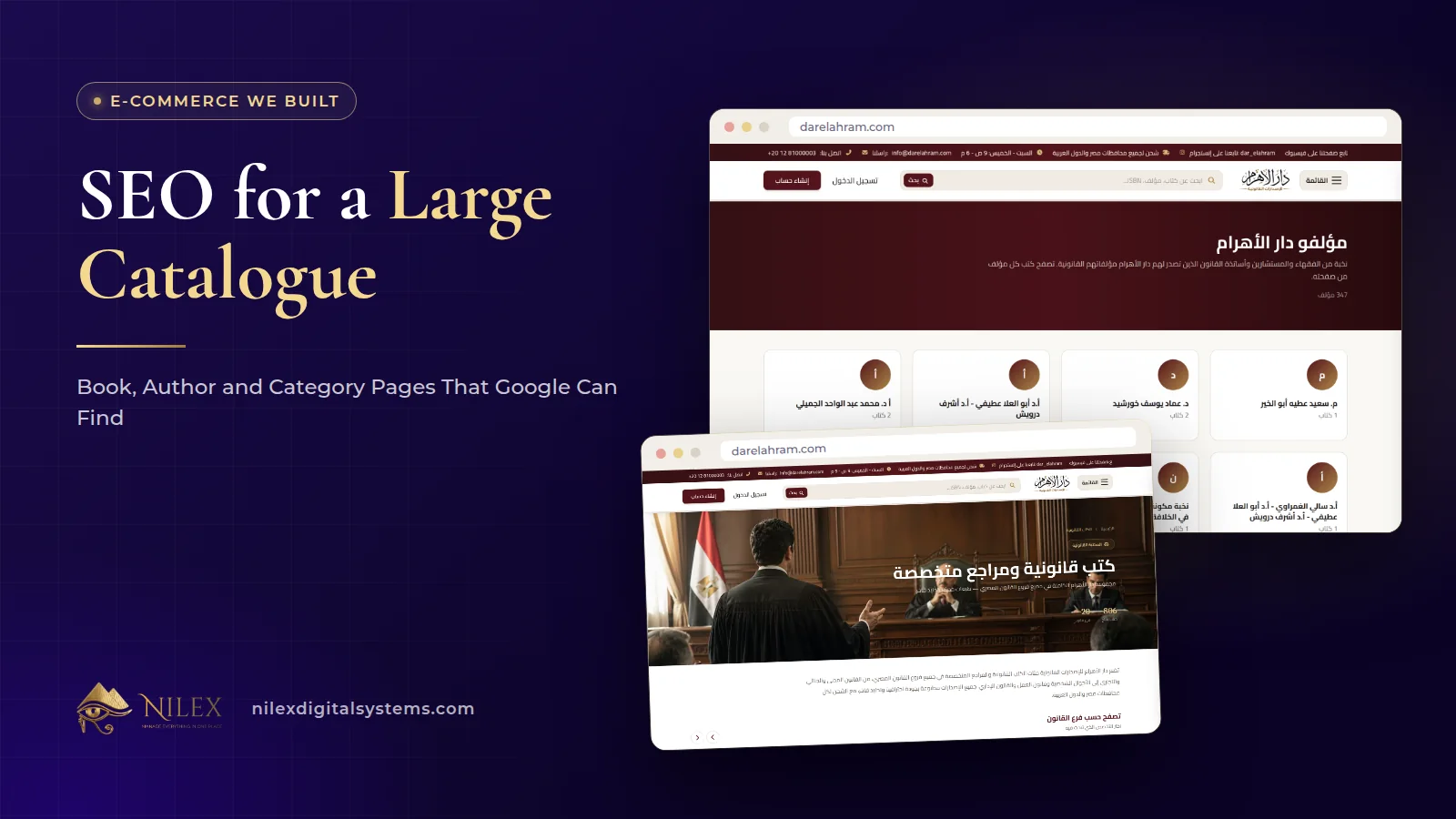 SEO for a Large Catalogue: Book, Author and Category Pages That Google Can Find11 October 2026 · 8 min
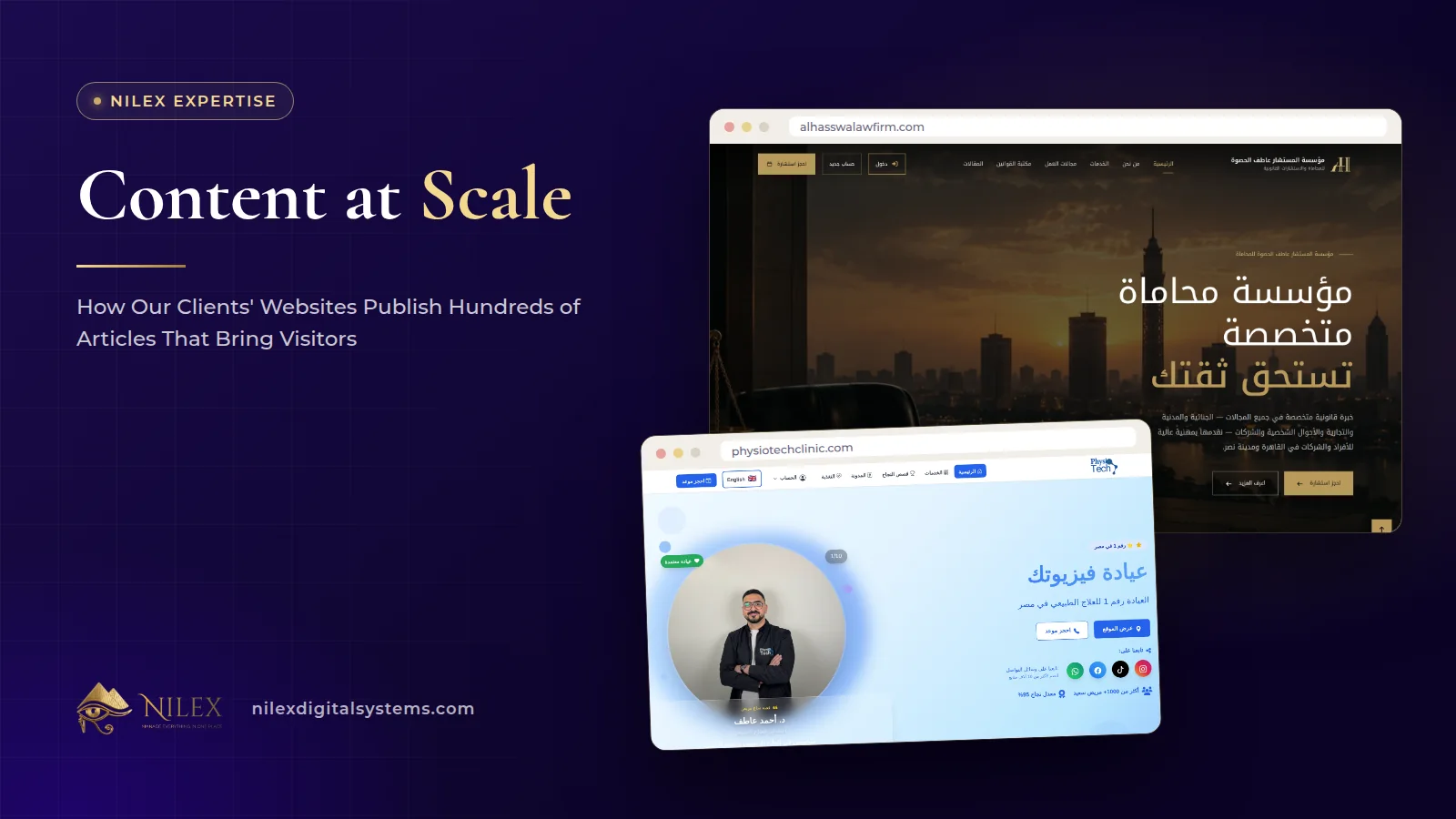 Content at Scale: How Our Clients' Websites Publish Hundreds of Articles That Bring Visitors11 October 2026 · 10 min
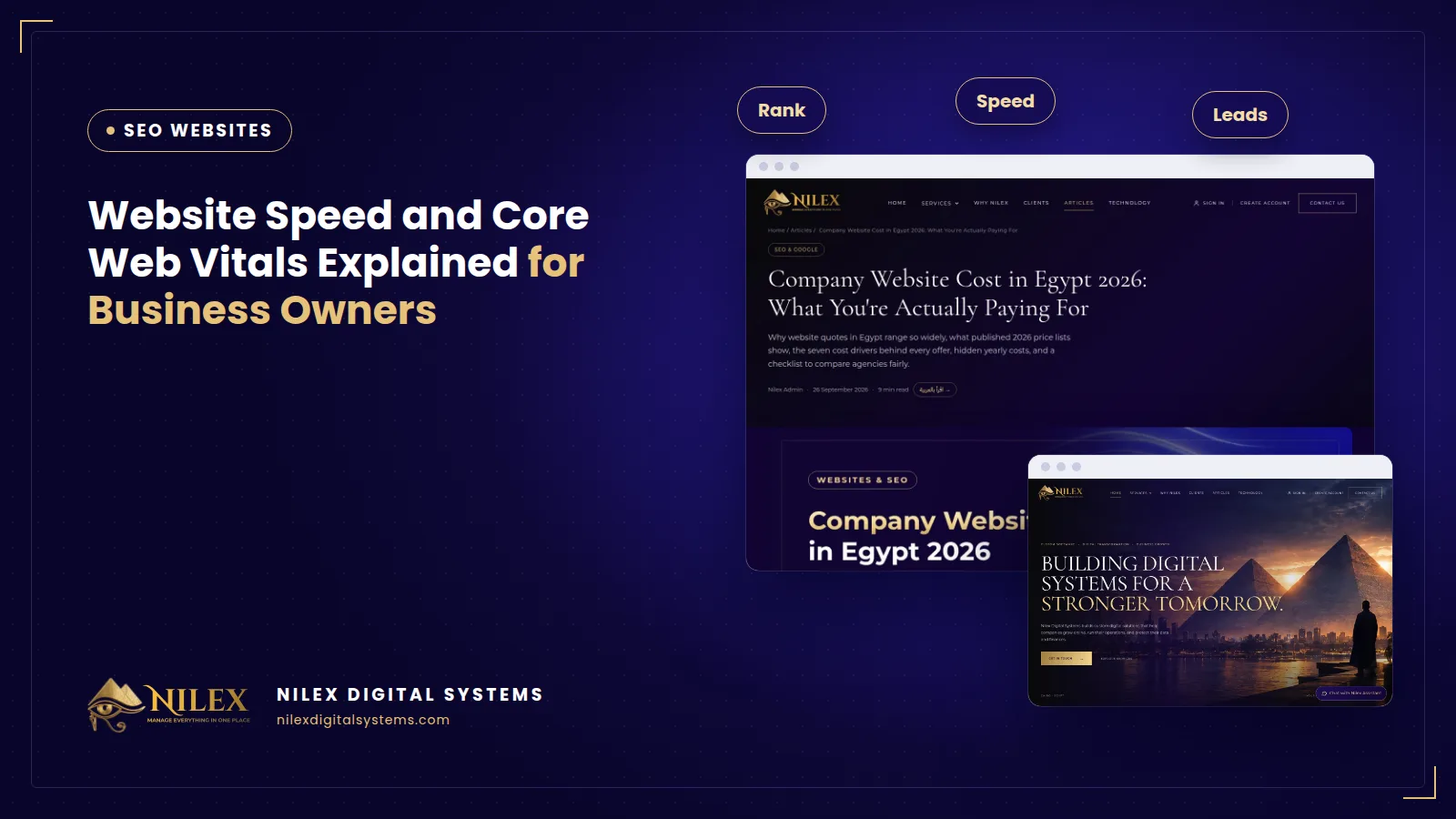 Website Speed and Core Web Vitals Explained for Business Owners5 October 2026 · 7 min