
Service Pages and Articles That Bring Enquiries: Intent, Structure, Proof and Calls to Action
How to write service pages and articles that turn Google visits into calls and messages: matching search intent, a structure that answers questions in order, real proof, clear calls to action and FAQs written for visitors.
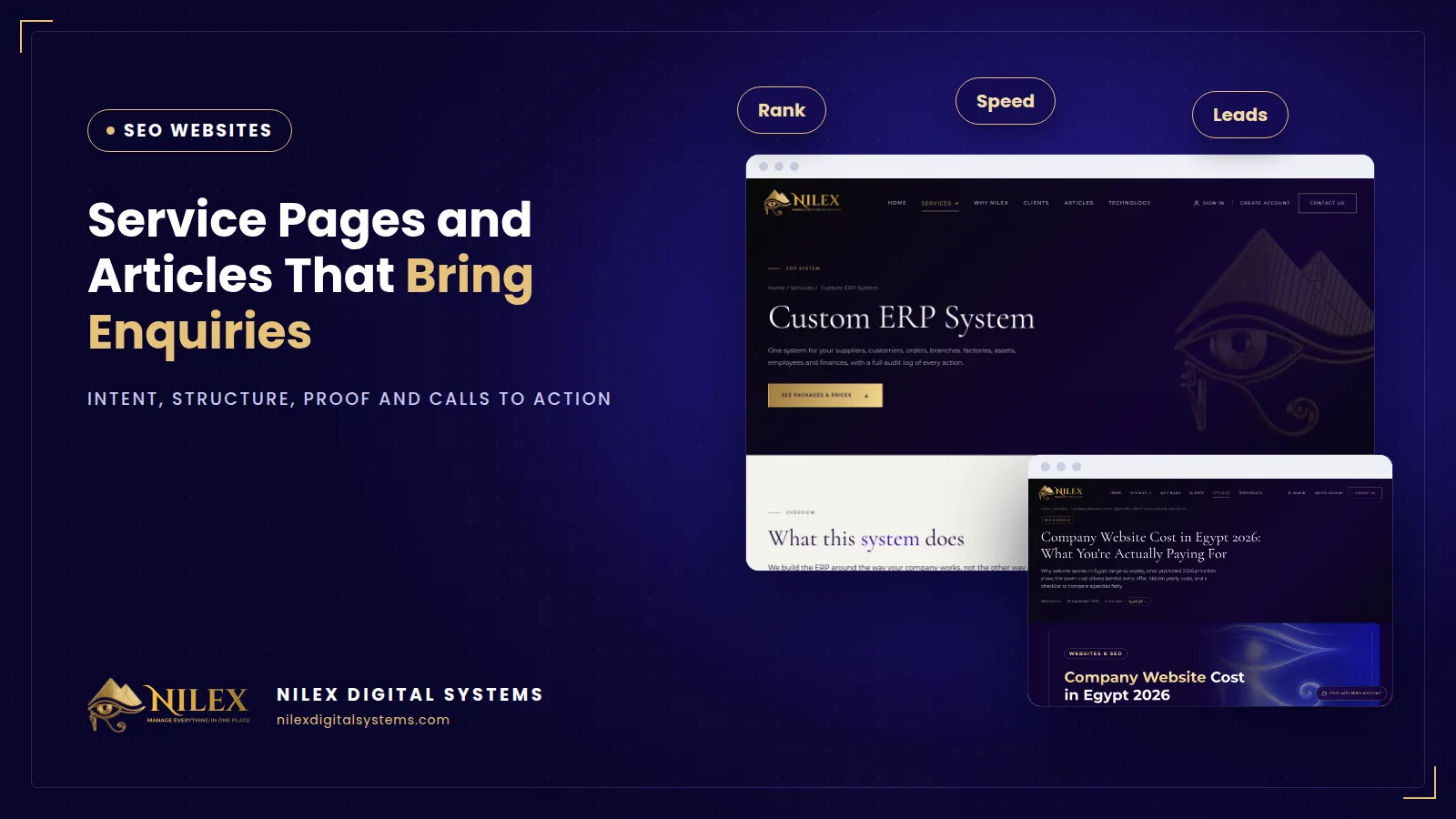
A service page brings enquiries when it matches what the searcher wants, answers their questions in the order they ask them, shows proof that you have done this work before, and makes the next step obvious. Articles bring people earlier, while they are still researching, and pass them to the right service page. Neither works if it is written for Google instead of for the customer.
This guide is about the writing: how to plan, structure and finish service pages and articles so that the visits they get turn into calls, WhatsApp messages and form submissions.
Key takeaways
- Start from the search: decide what the person typing it wants to do, then write the page that lets them do it.
- Answer first, then explain: the opening paragraph should tell the reader they are in the right place.
- Proof beats adjectives: process, examples, named people and specific details build trust.
- Give one clear call to action and repeat it, with the phone and WhatsApp a tap away on mobile.
- Write FAQs for the visitor's real objections. Google no longer shows FAQ rich results, so their value is on the page itself.
Start from the search, not from the company
Every search has a purpose behind it. Someone typing "accounting office Nasr City" wants to find and contact a provider. Someone typing "how much does monthly bookkeeping cost" wants to understand before deciding. The first search needs a service page; the second needs an article that answers the question honestly and then points to the service.
| What they type | What they want | Page to write | Next step to offer |
|---|---|---|---|
| "[service] company in [city]" | Find and contact a provider | Service page | Call, WhatsApp, quote request |
| "[service] price" or "cost" | Understand the budget | Article on costs | Service page with packages |
| "[option A] or [option B]" | Compare before choosing | Comparison article | The service that fits |
| "how to [task]" | Learn or solve a problem | Guide article | Offer to do it for them |
If a service page tries to be an encyclopaedia, it loses the ready-to-buy visitor. If an article ends in a hard sales pitch, it loses trust. Keep each page to its job and link them. Our pillar guide on company website pages that rank explains how these pages fit together across the site.
The structure of a service page that converts
- Heading and opening: name the service and who it is for in plain words, followed by two or three sentences on the result the customer gets.
- The problem: describe the situation the customer is in, in their language. If they recognise themselves, they keep reading.
- What is included: a clear list of what you deliver, and what is not included, so expectations are set before the first call.
- How the work happens: the steps from first contact to delivery, with who does what.
- Proof: examples of similar work, the people who will do it, and any facts you can stand behind.
- Prices or how pricing works: either your packages or the factors that decide the price. Silence on price makes people leave to find a competitor who explains it.
- FAQ: the objections you hear on the phone, answered briefly.
- Call to action: one main action, repeated after the opening, in the middle and at the end.
Proof: what makes a visitor trust you
Google's guidance on helpful content says trust is the most important part of what its systems look for, and it encourages showing who created the content, how, and why. It also values first-hand experience, such as having actually used a product or done the work. On a service page, that translates into:
- Names and roles of the people responsible for the service.
- A short, specific description of past projects, with the client's permission.
- Details only someone who does the work would know: the documents you ask for, the common mistakes you fix, the time each step really takes.
- No invented reviews, numbers or client counts. One real example is worth more than ten adjectives.
Calls to action that get used
- Use one main action per page, such as "Request a quote" or "Book a call", and phrase it as what the visitor gets.
- Show the phone number and WhatsApp as tappable links on mobile.
- Keep the form short: name, phone, and one question about their need is often enough.
- Say what happens next: who will reply and roughly when.
- Make sure the button and form load quickly and do not jump; our guide to website speed and Core Web Vitals explains why that matters on phones.
Writing articles that lead to enquiries
An article earns its visits by answering a real question better than the other results. Open with a direct answer in two or three sentences, then give the detail: steps, comparisons, examples and the limits of the advice. Use clear headings so readers can scan, and tables where you compare options.
Then connect it to the business:
- Link to the service page in the text where it naturally fits, with descriptive link text.
- End with a short section on how your company helps, without overselling.
- Link related articles to each other so a reader can go deeper.
Writing in Arabic as well as English opens searches with less competition; see the Arabic SEO content opportunity. Clear, direct answers also help your pages be used in AI answers, covered in appearing in Google AI Overviews.
Titles and descriptions that earn the click
Your title and description are what people see before they visit. Google recommends a distinct, descriptive title for each page and a unique description that truly summarises it. For a service page, include the service and, if relevant, the city. For an article, say what question it answers. Avoid stuffing the same keyword several times; Google may rewrite titles that do not describe the page well.
Pre-publish checklist
| Check | Service page | Article |
|---|---|---|
| Matches one clear search | Yes | Yes |
| Direct answer in the opening | What you offer and for whom | The answer to the question |
| Proof or first-hand detail | Examples, people, process | Specific steps and limits |
| Unique title and description | Yes | Yes |
| Link to the other | Links to related articles | Links to the service page |
| Call to action | One main action, repeated | Soft link to the service |
How Nilex helps
The SEO business website from Nilex gives every page its own title, description, link and image, and includes a contact form. The packages that include an articles section and an admin dashboard let you publish and edit service pages and articles yourself, in Arabic and English, with structured data. At launch we set up Google Search Console and follow the indexing of your pages. See the packages on the service page, or contact Nilex to plan your service pages.
Sources
- Google Search Central: Creating helpful, reliable, people-first content
- Google Search Central: Influencing your title links
- Google Search Central: Control your snippets in search results
- Google Search Central: Documentation updates (FAQ rich result removal)
Frequently asked questions
How long should a service page be?
Long enough to answer the questions a customer asks before contacting you, and no longer. For most services that means a clear opening, scope, process, proof, pricing approach and a short FAQ.
Should I publish prices on service pages?
If you can, yes, or at least explain what decides the price. Visitors who find no pricing information often leave to compare elsewhere.
Is an FAQ section still worth adding?
Yes, for visitors. It answers objections before the call. Google no longer shows FAQ rich results, so do not add one expecting a special search display.
How often should I publish articles?
Regularly enough to keep a rhythm you can sustain. One well-researched article that answers a real customer question is better than several thin ones.
Can I write the content myself?
Yes. You know your customers' questions best. A website with an admin dashboard lets you publish and edit it without a developer.
 SEO for a Large Catalogue: Book, Author and Category Pages That Google Can Find11 October 2026 · 8 min
 Content at Scale: How Our Clients' Websites Publish Hundreds of Articles That Bring Visitors11 October 2026 · 10 min
 Company Website Pages That Rank: What Each Page Needs to Bring Visitors and Enquiries5 October 2026 · 7 min