
Adding Online Card Payment to a Cash-on-Delivery Store: How We Did It for Dar El Ahram
Dar El Ahram launched with cash on delivery and added online card payment through Paymob in its second phase. How the checkout, the payment result page, retrying a payment and the payments dashboard work, and how the same approach serves paid consultations at Al Hasswa Law Firm.
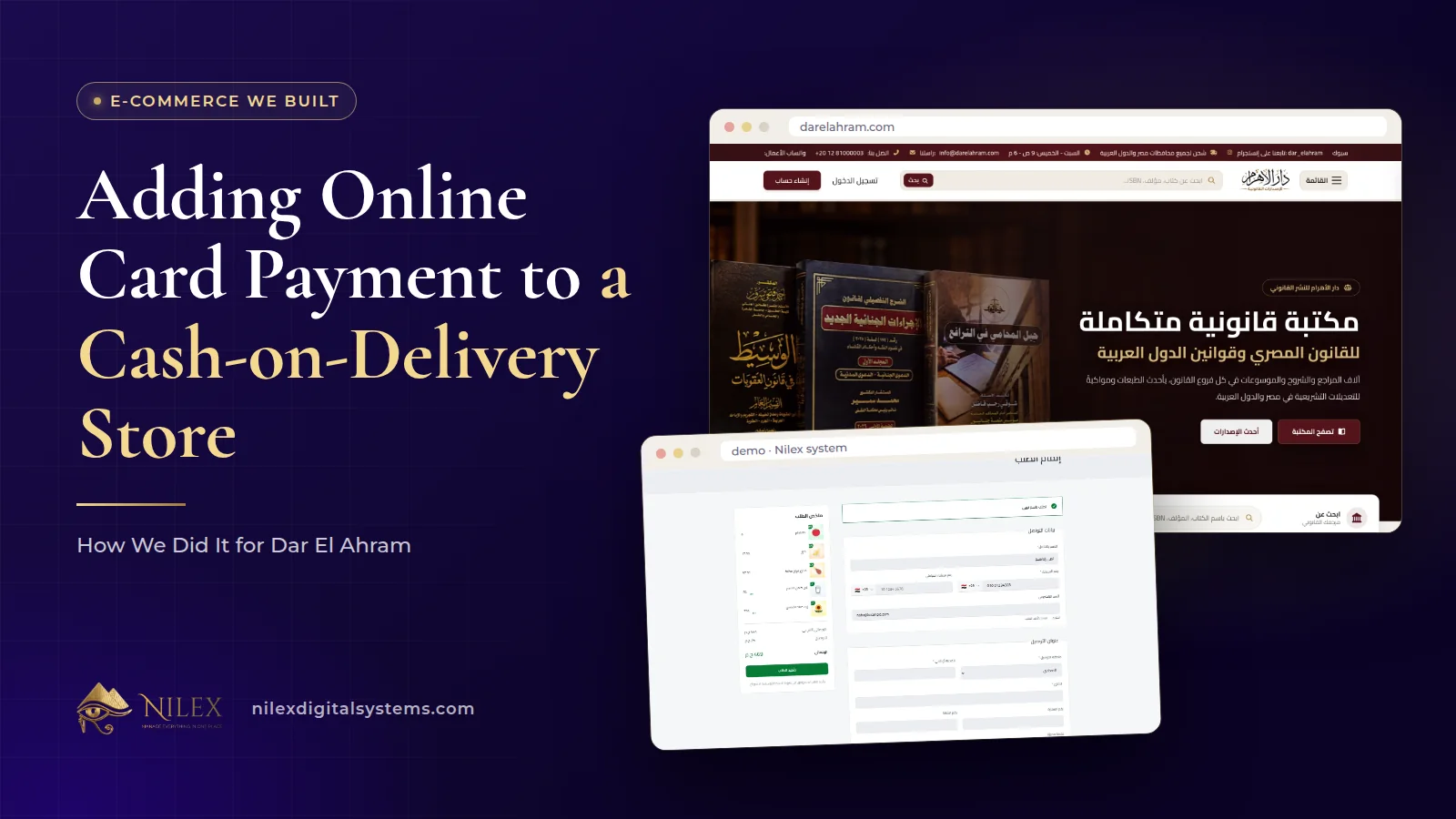
You can add online card payment to a store that sells by cash on delivery without replacing cash on delivery. That is what we did for Dar El Ahram: the bookshop launched with cash on delivery, and in its second phase we added card payment through Paymob as a second choice at checkout, a page that shows the customer the result of the payment, a way for signed-in customers to retry a payment, and a payments screen in the dashboard.
The order matters. Starting with cash on delivery let the first version go live within days; adding cards later gave readers in Egypt and abroad a way to pay upfront without forcing anyone to. This article explains how the flow works and what to prepare if you want to do the same.
Key takeaways
- Dar El Ahram went live first with cash on delivery and order emails; card payment came in the second phase with shipping abroad, coupons and the dashboard.
- Card payment is an extra choice at checkout. Cash on delivery stays available.
- Card details are handled by the payment provider, Paymob. Nilex never asks for or stores card numbers.
- A payment result page checks the payment status with the store's server, so the customer sees whether the order is paid.
- Signed-in customers can start or retry paying for an existing order from their profile, and the team sees online payments in a payments screen.
Why Dar El Ahram started with cash on delivery
Before the project, Dar El Ahram took orders by phone and WhatsApp, tracked them on paper and accepted cash only. The first goal was to get the catalogue and the store online quickly, so the first phase covered what sells: book, author and legal branch pages, a cart, and checkout with cash on delivery and order emails. That version was live within days. The bookshop launched on 6 March 2026.
Card payment came in the second phase, together with shipping prices per country, local delivery zones, coupons and offers, and the dashboard where the team follows every order, customer and payment. Building it as a phase meant the store was already selling while the payment work was done. The full project is in the Dar El Ahram case study.
What changed at checkout
The checkout page did not become a different page. It gained a choice. The customer fills in the same details, sees the delivery cost for their governorate or, for orders abroad, the shipping method and cost for their country, applies a coupon if they have one, and then chooses to pay by card online or in cash on delivery.
Guests and signed-in customers both use the same checkout: a guest can order without an account, and a signed-in customer has the order attached to their account. Cash on delivery stays the right choice for many buyers in Egypt; card payment is there for those who prefer it, and it is the practical option for many buyers outside Egypt. How to manage cash-on-delivery risk itself is covered in cash on delivery in Egypt.
How the card payment flow works
From the customer's side, paying by card is a few steps. Behind those steps, a few design choices keep the order and the payment in agreement.
- The order is created first. The store records the order with its items, delivery cost and total before payment starts.
- The customer pays with Paymob. The card details are handled by the payment provider. The store never asks for or stores card numbers.
- Paymob reports the result to the store's server. The server receives the payment notification and updates the order.
- The customer returns to a payment result page. That page asks the store's server for the order's payment status and shows it. It returns no card data.
- The team sees the payment. The online payment appears in the payments screen, and the order shows its payment status.
The important choice is step 4: the result page does not decide that an order is paid just because the customer came back to the site. It shows what the server knows from the payment provider. That prevents an order from being marked paid by a page load, and it keeps the customer, the order and the dashboard telling the same story.
Cash on delivery and card payment side by side
| Step | Cash on delivery | Card payment online |
|---|---|---|
| Chosen at | Checkout | Checkout |
| Who handles the money | Collected on delivery | Paymob |
| How the order becomes paid | The team updates the order status as it is delivered | The payment provider notifies the store's server |
| What the customer sees after ordering | Order success page | Payment result page with the payment status |
| If something goes wrong | Order refused or cancelled | Signed-in customer can retry paying from the profile |
| Where the team follows it | Orders screen | Orders screen and payments screen |
When a payment does not go through
Card payments fail for ordinary reasons: a wrong code, a card not enabled for online use, a closed tab. Without a way back, that order is stuck. At Dar El Ahram, a signed-in customer can open their profile, see their orders, and start or retry paying for an existing order. They can also cancel an order from the profile. The team can cancel an order from the dashboard too.
This is one reason accounts are useful even when guest checkout is available. A guest who abandons a payment has to start again; a customer with an account can return to the same order.
The payments dashboard
Adding card payment adds a new question for the team: which orders were paid online, and which are waiting for cash. Dar El Ahram's dashboard answers it in three places:
- Payments: a screen that lists online payments made through Paymob.
- Orders: each order with its status, shipping, items and invoice; the team can update the status, edit items, change shipping or apply a discount and email the customer about it.
- Finance: an overview of the money side of the store.
The back office in general, including editing orders and invoices, is covered in the online store back office.
The same approach for services: paid consultations
Card payment is not only for physical products. On the website we built for Al Hasswa Law Firm, a client chooses a consultation type and a time within the firm's working hours, pays online through Paymob when the consultation is paid, and the firm receives the booking in its dashboard. The principle is the same: the booking exists first, the payment provider handles the card, and the team sees one record with its payment. See the Al Hasswa Law Firm case study.
What to prepare before adding card payment
- A payment provider account. You need a merchant account with a gateway; our guide to payment gateways in Egypt compares the options, so we will not repeat it here.
- Clear policies. Your purchase, cancellation and refund rules should be written before customers pay upfront. Dar El Ahram has a purchase policy page.
- A routine for the payments screen. Decide who checks online payments and how often.
- A real test. Place a real order with a card before announcing it, and follow it through the result page, the order and the payments screen.
- Keep cash on delivery. Unless you have a reason to remove it, offer both.
How Nilex helps
We add online card payment to stores and service websites alongside cash on delivery, with a result page, retry from the customer's account and a payments screen for your team. You can:
- See the e-commerce store service, which covers card, wallet and cash-on-delivery payments; the plans there show what each one includes.
- Read the Dar El Ahram case study and how it ships abroad in selling online from Egypt to other countries.
- Ask us about adding cards to your current store on the contact page.
Frequently asked questions
Should I remove cash on delivery once I accept cards?
Usually not. At Dar El Ahram card payment was added as a second choice, and cash on delivery stayed for customers who prefer to pay on delivery.
Does my store store customers' card numbers?
No. The card is handled by the payment provider. Nilex never asks for or stores card numbers, and the payment result page returns no card data.
What happens if a customer's card payment fails?
At Dar El Ahram, a signed-in customer can retry paying for the same order from their profile, or cancel it. The order is not marked paid unless the payment provider confirms it.
Can card payment be added to a store after launch?
Yes. That is exactly how Dar El Ahram did it: the store launched with cash on delivery, and card payment came in the second phase.
Can I take card payment for a service, not a product?
Yes. Al Hasswa Law Firm takes payment for paid consultations online through Paymob when the client books.
 Starting Online Orders for Your Supermarket: A Practical Launch Plan, Decision by Decision11 October 2026 · 9 min
 Online Legal Bookshop Case Study: How Dar El Ahram Sells 800+ Legal Titles Online11 October 2026 · 11 min
 Selling Online From Egypt to Other Countries: Shipping Prices per Country, Local Zones and Card Payment11 October 2026 · 8 min