
Selling Online From Egypt to Other Countries: Shipping Prices per Country, Local Zones and Card Payment
A practical guide for Egyptian sellers who want buyers abroad, based on the Dar El Ahram legal bookshop: which countries to open, shipping methods per country, cost shown at checkout, governorate rates at home and card payment.
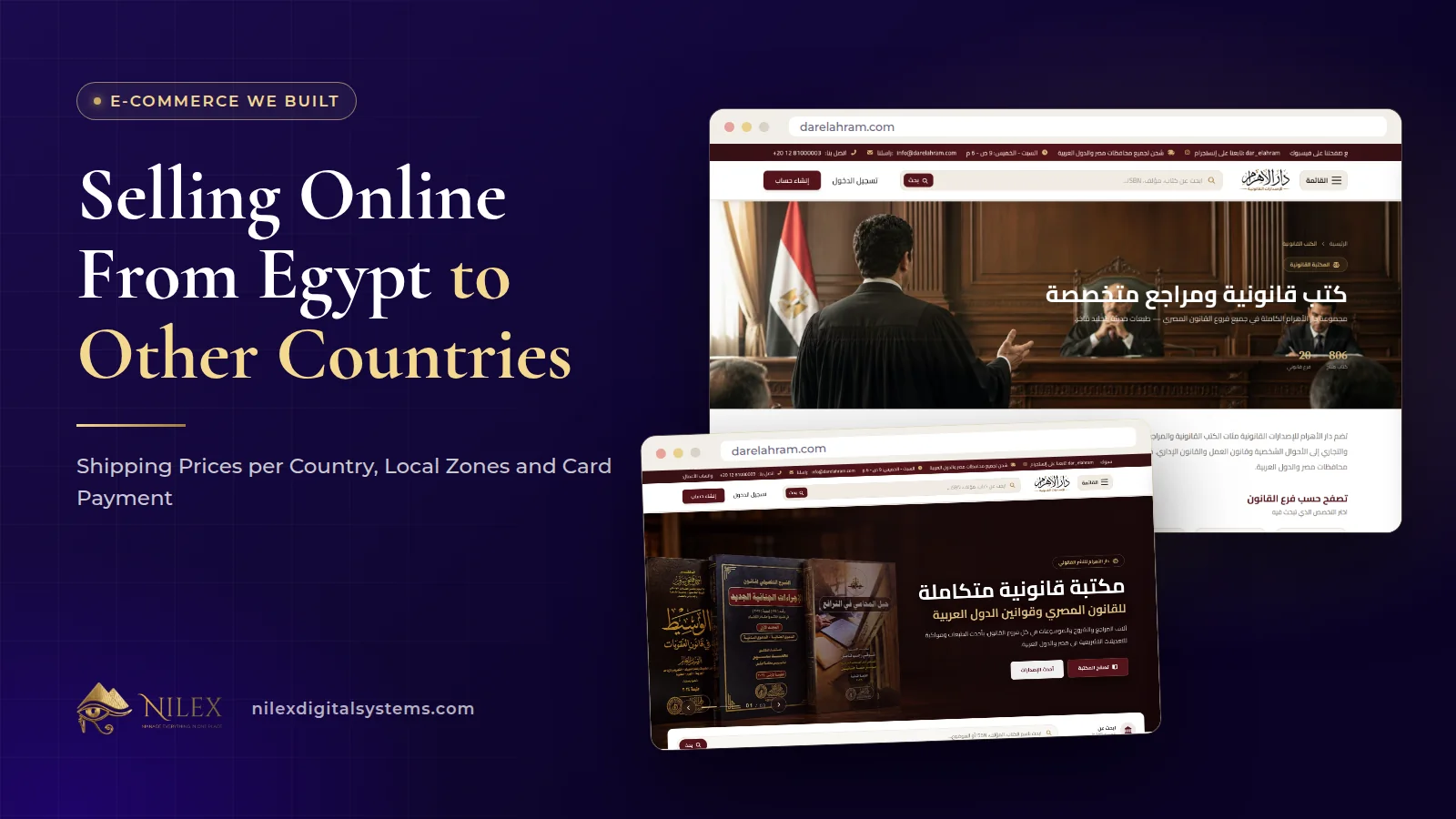
To sell online from Egypt to buyers in other countries, your store needs three things: a list of the countries you actually ship to, a shipping method and price for each of them that the buyer sees before he pays, and a way to pay that works from abroad, which usually means card payment. Inside Egypt, delivery is priced by governorate instead.
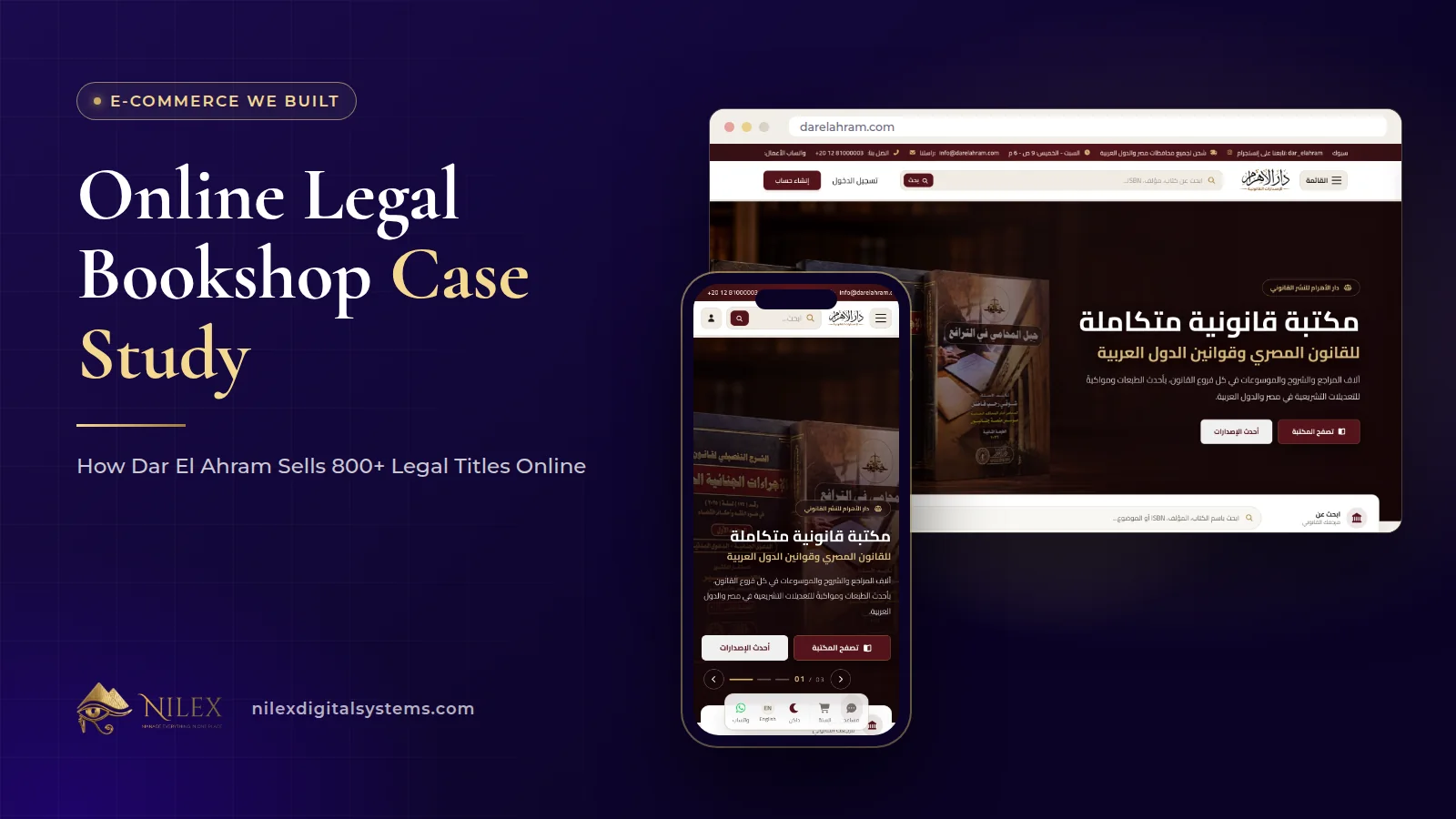
This is how the Dar El Ahram legal bookshop works. Before the project, readers outside Cairo, and outside Egypt, had no easy way to buy; today the store ships to every governorate and to other countries, with card payment online or cash on delivery. This guide walks through how we set it up and what any Egyptian seller should decide before opening a store to buyers abroad. The whole project is in the Dar El Ahram online bookshop case study.
Key takeaways
- Open countries one at a time. On Dar El Ahram each destination country is switched on or off from the dashboard.
- Each country has its own shipping methods, which the team can add, edit, switch off or delete.
- The buyer picks a country, then a method, and the cost is calculated for that method and the items in the cart before he confirms.
- Inside Egypt the delivery rate comes from the governorate, managed on a separate screen.
- Card payment through Paymob makes buying from abroad practical; cash on delivery stays available, and online card payments are followed from a payments screen.
Why selling abroad needs its own set-up
A store built only for Egypt usually has a single delivery fee or a table of governorates, and cash on delivery as the main payment. That breaks the moment a buyer in another country tries to order. Which countries can you reach? How much does it cost to send there, and by which service? How will he pay if cash on delivery is not an option where he lives?
If the store cannot answer these questions at checkout, the buyer has to send a message and wait, which is exactly the phone-and-WhatsApp process Dar El Ahram wanted to leave behind. The aim is that a reader anywhere you ship to can see the full cost and pay without talking to anyone.
Step 1: Decide which countries you ship to
On Dar El Ahram, international shipping is managed country by country. The shipping countries screen lists the countries, and the team switches each one on or off. Only the countries that are switched on appear at checkout.
That small design choice matters. It lets a seller start with the few countries where he already has buyers or a reliable courier, and add more later, instead of promising worldwide delivery on day one. It also means a country can be paused, for example while a courier's service there is interrupted, without touching anything else in the store.
Step 2: Set shipping methods and prices per country
Each country has its own page in the dashboard with its shipping methods. The team can create a method, edit it, switch it off or delete it. A country can have more than one method, which gives the buyer a choice, such as a faster or a cheaper option, where the seller offers one.
At checkout the buyer goes through three short steps:
- He chooses the country from the list of countries the store ships to.
- He sees the shipping methods available for that country and picks one.
- The store calculates the shipping cost for that method and the items in his cart, and shows it before he places the order.
Because the cost depends on the method and the order items, a single book and a box of ten do not have to cost the same to ship. The buyer sees the real figure up front, which avoids the message that every seller abroad dreads: "the shipping cost more than you said".
| What the seller sets | Where it is managed | What the buyer sees |
|---|---|---|
| Which countries are open | Shipping countries screen, on or off per country | Only the open countries at checkout |
| Shipping methods per country | The country's own shipping page | The methods available for his country |
| How shipping is priced | The settings of each method | A cost calculated for his method and items before he confirms |
| Delivery rate inside Egypt | Local delivery screen, one rate per governorate | The rate for his governorate |
| Coupons and offers | Coupons and offers screens | Coupons checked in the cart and offers shown in the store |
Inside Egypt: a rate per governorate
For orders inside Egypt the logic is simpler. The local delivery screen holds a delivery rate for each governorate, which the team can add, edit or delete, and checkout uses the active rates. We describe how governorate pricing works across our stores in delivery fees per governorate at checkout, so we will not repeat it here. The point for sellers going abroad is to keep the two systems separate: governorate rates for Egypt, countries and methods for everywhere else.
Payment: card online or cash on delivery
Dar El Ahram started with cash only. In the second phase of the project we added online card payment through Paymob, alongside cash on delivery. For a buyer outside Egypt, card payment is what makes ordering practical.
- A clear payment result. After paying, the buyer lands on a payment result page that shows whether the payment went through. That page returns no card data.
- A second chance. A signed-in customer can start or retry paying for an existing order from his profile, so a failed card attempt does not mean a lost order.
- A payments screen. The team follows online card payments on their own screen in the dashboard, next to the orders.
As with all our work, Nilex never asks for or stores card numbers; the card is entered with the payment provider. The full story of adding cards to a cash store is in adding card payment to a cash-on-delivery store, and the options available in Egypt are compared in payment gateways in Egypt.
Checkout details that matter to buyers abroad
Small details decide whether a foreign buyer finishes the order:
- Phone numbers with country codes. The phone field includes the full list of countries with their dialling codes, so a number from abroad is captured correctly.
- A location picker. The address can be set on a map, which helps when street names are unfamiliar to the courier.
- Guest checkout. A first-time buyer does not have to create an account before ordering; one who does gets order history and his valid coupons.
- Written policies. The store publishes a purchase policy, terms and a privacy policy as separate pages, which a buyer abroad will often read before paying.
After the order: following it from one dashboard
An international order is only finished when it arrives. In the Dar El Ahram dashboard the team opens each order, updates its status and its shipping details, edits items if needed, opens the invoice and, where necessary, cancels it. Because orders from Egypt and from abroad sit in the same list, the team does not need a separate process or spreadsheet for international buyers. For the back office in general, see the online store back office.
A checklist before you open your store to other countries
Every business is different, but these questions apply to any Egyptian seller planning to ship abroad:
- Which countries first? Start where you already have buyers or enquiries, and add more once the first ones run smoothly.
- Which courier and which services? Agree the services, transit times and pricing with your courier before you set methods in the store. Our article on integrating your store with couriers covers the options.
- How will you price shipping? Make sure the price you set per method covers heavier and larger orders, and test it with a few real baskets.
- Customs and paperwork. Rules differ by country and by product. Ask your courier what is required for each destination before you switch it on.
- Payment. Decide whether cash on delivery makes sense for a destination at all, and make card payment easy for buyers abroad.
- Policies. Write down delivery, cancellation and return terms for international orders and publish them before the first order.
How Nilex helps
We build online stores with the shipping and payment set-up your market needs, from governorate rates inside Egypt to countries and methods abroad, with card payment and one dashboard for every order. Next steps:
- See the project summary on the Dar El Ahram client page.
- Read about our e-commerce store development service; packages are listed there.
- Tell us which countries you want to reach and how you sell today through the contact page, and we will reply with a proposal.
Frequently asked questions
Does the store have to ship to every country?
No. On Dar El Ahram each country is switched on or off from the dashboard, and only open countries appear at checkout. You can start with a few and add more.
Does the buyer see the shipping cost before paying?
Yes. After he chooses the country and a shipping method, the store calculates the cost for that method and the items in his cart and shows it before he places the order.
Is card data stored on the store?
No. Card payment goes through Paymob, the payment result page returns no card data, and Nilex never asks for or stores card numbers.
What if a card payment fails?
A signed-in customer can retry paying for the same order from his profile, so the order is not lost.
Does the article cover customs rules?
No. Customs requirements differ by country and product and change over time, so check them with your courier for each destination before you open it.
 Starting Online Orders for Your Supermarket: A Practical Launch Plan, Decision by Decision11 October 2026 · 9 min
 Online Legal Bookshop Case Study: How Dar El Ahram Sells 800+ Legal Titles Online11 October 2026 · 11 min
 More Than a Store: Author Applications, Events, a Legal Questions Section and QR Flyers on a Publisher's Website11 October 2026 · 8 min