
Car Protection Center Management Software: 10 Features a PPF, Ceramic and Tint Center Needs
What a PPF, nano-ceramic and window tint center needs from its management software: signed check-in reports, work orders, film stock by the meter, warranties, follow-ups, payroll and multi-branch reports.
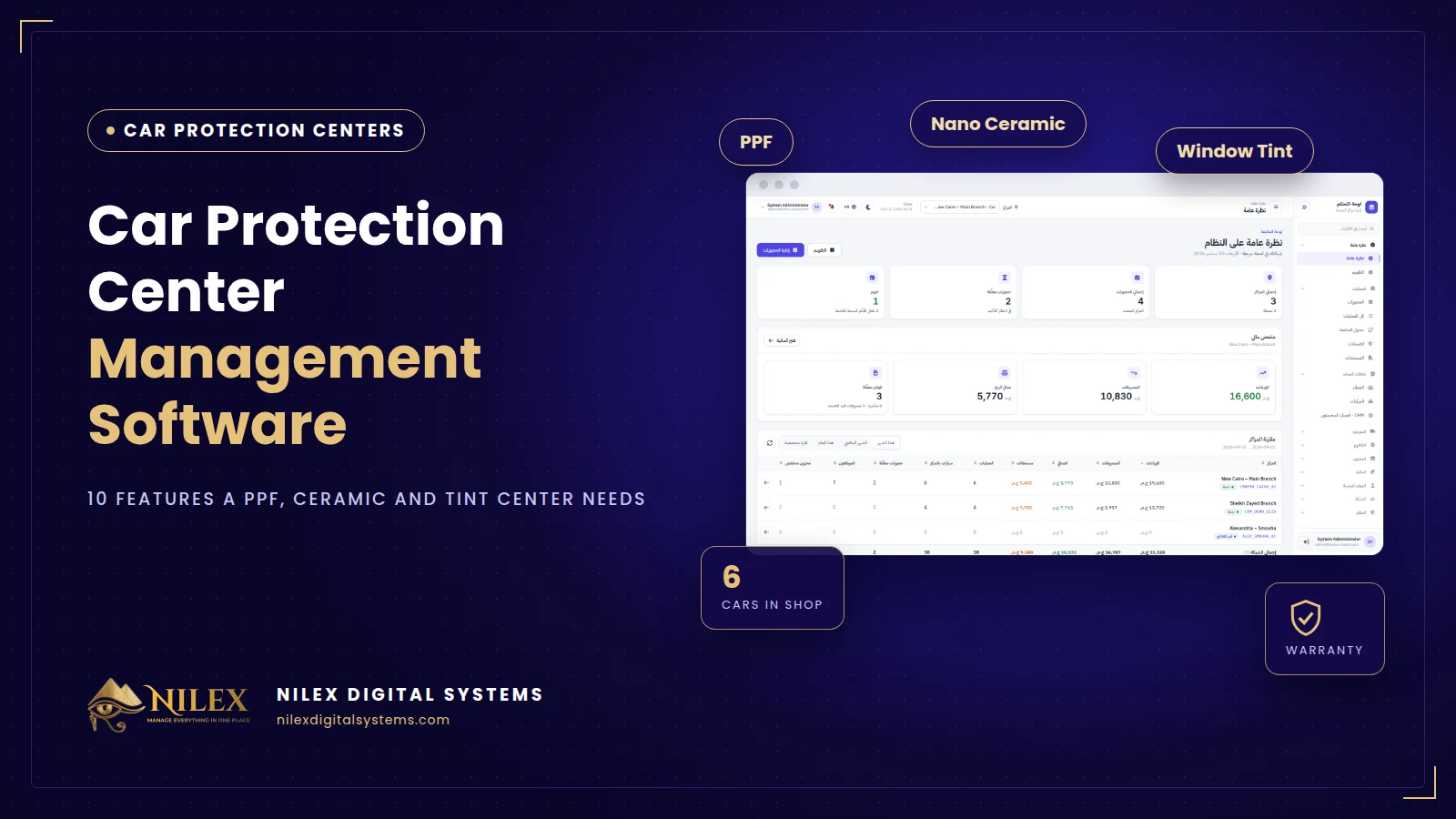
Car protection center management software is the system that runs a PPF, nano-ceramic, window tint and detailing center in one place: car check-in with a condition report, work orders, technicians, film stock, warranties, follow-ups, invoices, expenses and payroll. For centers in Egypt and the Gulf in 2026, the right system is judged by whether it matches how a protection center really works, not by how many generic screens it has.
Most centers start with WhatsApp, a notebook at reception and an Excel sheet for payments. That works for one bay and a few cars a week. It stops working when you have several technicians, cars staying two or three days, film rolls opened on different jobs, customers returning for warranty checks and, sooner or later, a second branch.
This guide lists what a car protection center actually needs from its software, the questions to ask before you buy, and how to tell a real protection-center system from a general accounting program with a new name.
Key takeaways
- A protection center is a workshop, a warehouse and a service business at the same time; generic POS or accounting software covers only part of it.
- The most expensive problems are disputes about the car's condition, film waste that nobody measures, and warranties nobody can find. Choose software that solves those first.
- Film must be stocked the way you buy it: rolls, measured by the meter, with cost per meter.
- Warranties and re-inspection follow-ups turn one job into a returning customer.
- If you have or plan more than one branch, the owner needs one dashboard that compares them.
Why generic software does not fit a protection center
A typical POS sells a product and closes the invoice. A protection center receives a car worth hundreds of thousands, keeps it for hours or days, applies several services to it, uses film and chemicals measured in meters and milliliters, and gives a warranty that can last years. The customer relationship starts at delivery, not ends there.
That is why centers that use a general program usually keep a second system on paper: a check-in sheet, a warranty booklet, a technicians' notebook and a list of cars due for inspection. The data never meets, so the owner cannot answer simple questions such as which service is really profitable or how much film was used on last week's jobs.
The 10 features a car protection center needs
1. Car check-in with a signed condition report
Search the customer by name or phone, choose the car, record mileage, notes on existing scratches or dents, and photos, then print a check-in form in Arabic or English for the customer to sign. This single step prevents most "this scratch was not there before" arguments. We cover it in detail in our article on check-in reports and digital warranties.
2. Work orders per car
Each car gets one file with the services performed (full PPF, partial front, ceramic, tint, color change, detailing), the price of each, the technicians assigned, payments, external costs such as a painter or a glass supplier, and documents. Status should be visible at a glance: started, in progress, finishing, completed.
3. Film stock by the meter
Full and opened rolls, meters remaining, cost per meter and stock value, plus consumables by the unit. Low-stock alerts should come before a roll runs out in the middle of a job. See how to control film stock by the meter.
4. Digital warranties per service
A warranty record for every delivered service with its period, end date and a PDF certificate for the customer. Film manufacturers take proof of installation seriously; XPEL, for example, states that proof of installation from an authorized installer is required to process a claim (XPEL warranty information). Your records are that proof.
5. Automatic re-inspection follow-ups
The system calculates follow-up dates from the delivery date and lists them as overdue, due soon and upcoming, so reception knows exactly who to call today. Every follow-up is a chance to sell maintenance, a ceramic top-up or tint.
6. Bookings and a calendar
Bookings from the website, phone or social media, with accept or decline in one click and a calendar that shows how loaded each day is. A full PPF can block a bay for two or three days; the calendar must show that.
7. Finance, treasury and approvals
Invoices, payments by cash, card, transfer or wallet, expenses with manager approval, and cash, bank and wallet accounts with live balances. Ready PDF reports should answer what came in, what went out and what is still owed.
8. Technicians, attendance and commissions
Protection work depends on skilled installers. The system should record who worked on each car, attendance, overtime, advances, deductions and commissions, and calculate payroll from that data. For the legal side, read our guide to Egypt's Labour Law 14 of 2025 and HR systems.
9. Sales CRM for inquiries
Many inquiries arrive as a WhatsApp message asking for a price. A CRM keeps every lead with its car, the service asked for, the quote, the next call and the result, so the sales team follows up instead of forgetting. Our article on what a CRM does explains the basics.
10. One dashboard for several branches
Revenue, expenses, net profit, cars in the shop, pending bookings and low stock for every branch side by side, plus stock transfers between branches. More on this in our guide to managing several protection centers.
Paper and Excel vs generic software vs a protection-center system
| Need | Paper + Excel | Generic POS / accounting | Protection-center system |
|---|---|---|---|
| Signed check-in condition report | Paper sheet, easy to lose | Usually missing | Built in, printed as PDF |
| Film stock by the meter | Estimated | Units only | Rolls and meters with cost |
| Warranty per service | Booklet | Missing | Record + PDF certificate |
| Re-inspection follow-ups | Memory | Missing | Automatic list |
| Technicians per car and commissions | Notebook | Partial | Linked to payroll |
| Several branches | Separate files | Sometimes | One comparison dashboard |
Questions to ask before you buy
- Can I record a full check-in with photos in under three minutes at reception?
- How does the system handle an opened roll used on several cars?
- Can a branch manager see only his branch while the owner sees all?
- Can I export all my customer and car data if I leave?
- Does it work in Arabic, on a tablet at reception and on the owner's phone?
- Who hosts it, how is it backed up, and who answers on a Saturday evening? Our backup and recovery guide lists what to check.
How Nilex helps
Nilex offers a ready management system for car protection film centers that covers everything above: check-in reports, work orders, warranties, follow-ups, film stock by the meter, purchasing, finance, payroll, bookings and a sales CRM, in Arabic and English, for one center or a chain. The page includes short videos of every module and the available packages. We set it up with your services, prices and staff and train your team before go-live.
Frequently asked questions
Does a small center with one bay need management software?
If you receive more than a few cars a week, yes. The check-in report and the warranty records alone protect you from disputes, and the follow-up list brings customers back. A one-branch package is enough to start.
Can I keep using Excel for stock?
You can, but Excel does not know which job used which part of a roll. The result is stock that looks fine on paper and runs out on the bay. A system that records usage per job keeps the numbers real.
Does it work on a tablet or phone?
A modern web-based system runs in the browser on computers, tablets and phones, so reception, technicians and the owner use the same data without installing anything.
What happens to my data?
Your customer, car and financial data should stay yours: ask for daily backups, role-based access and the right to export everything. Customer data is personal data under Egypt's Law 151 of 2020, so access should be limited to the staff who need it.
How long does it take to start?
A single center is usually running within about a week, including setup and training. A network depends on the number of branches and the data to move.
If your center is growing faster than its notebook, talk to Nilex or watch the demo videos on the system page.
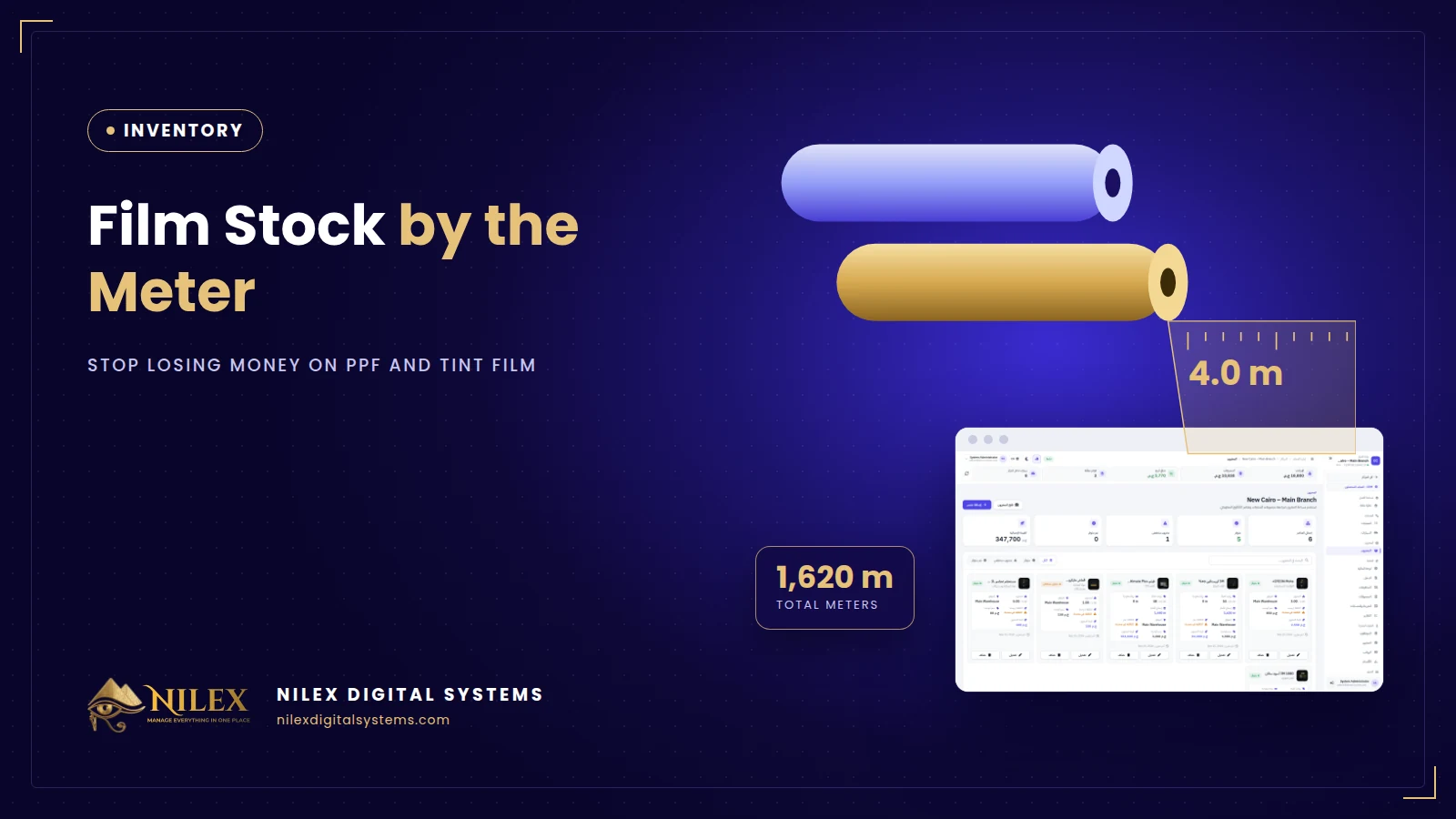 Film Stock by the Meter: How PPF and Tint Centers Stop Losing Money on Film30 September 2026 · 6 min
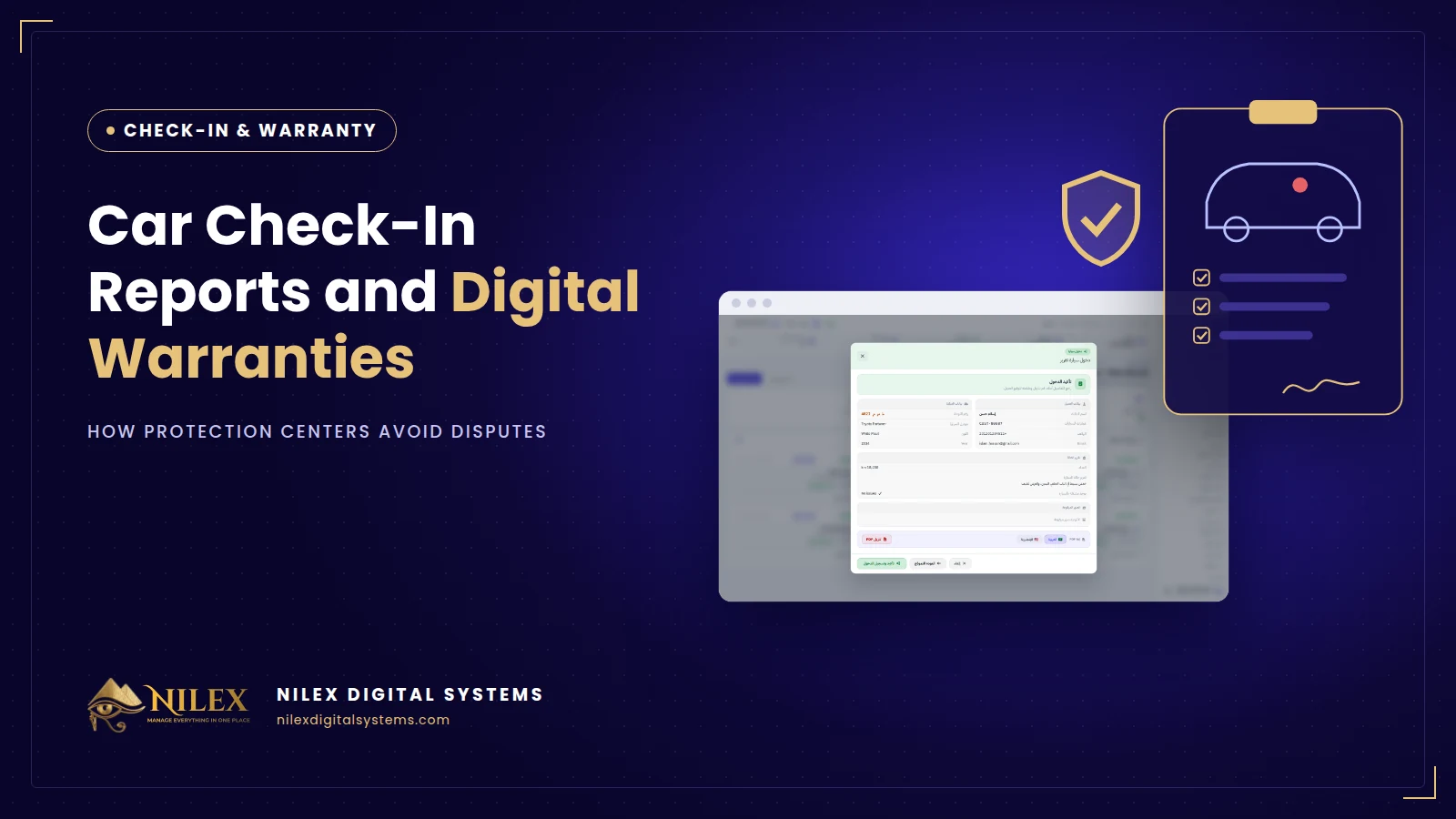 Car Check-In Reports and Digital Warranties: How Protection Centers Avoid Disputes30 September 2026 · 5 min
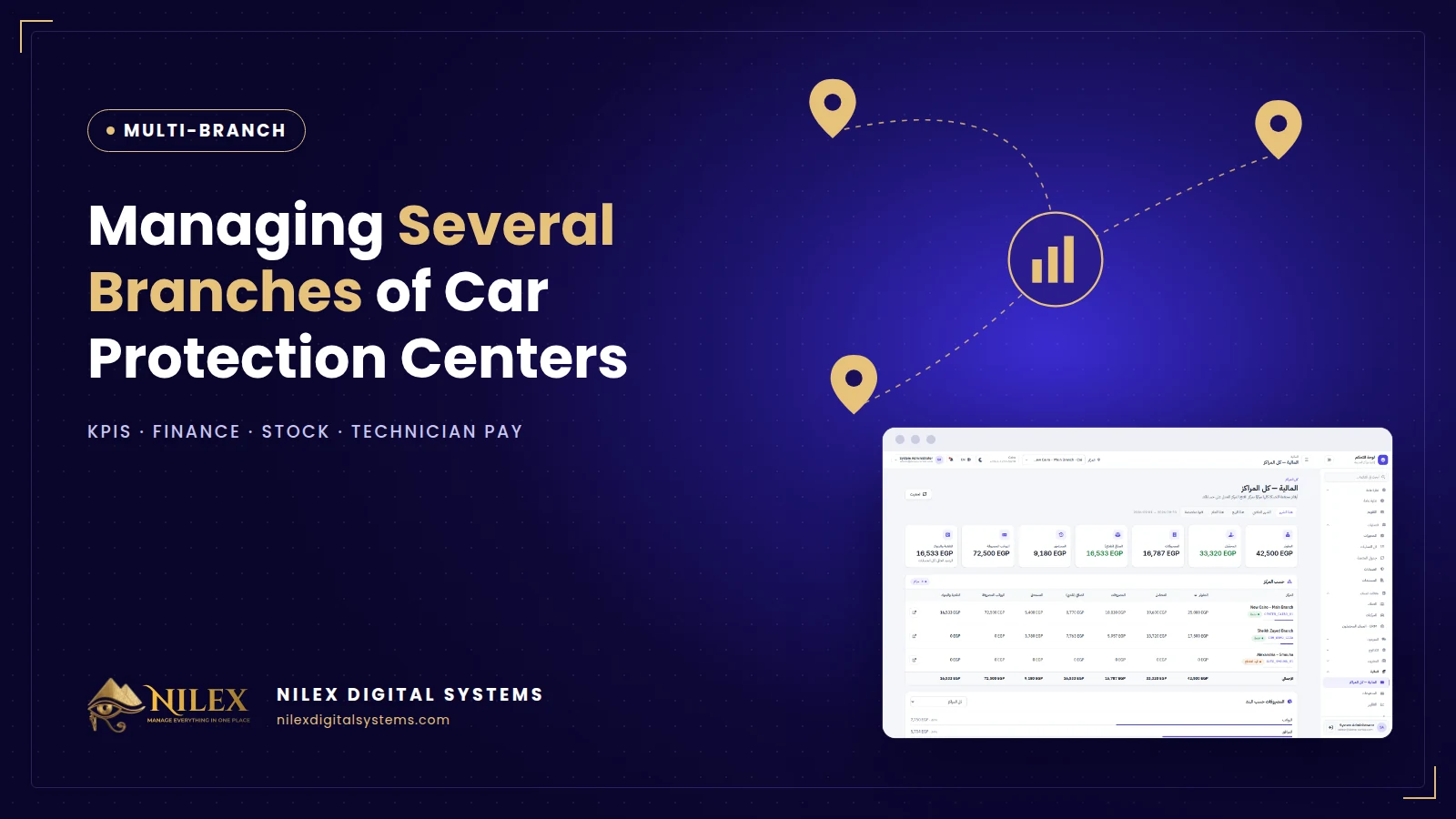 Managing Several Car Protection Branches: KPIs, Finance, Stock and Technician Pay30 September 2026 · 5 min