

ERP Software Development Company in Egypt: How a Professional ERP Is Built
What a professional ERP software development company in Egypt actually does: requirements workshops, data model, roles and approvals, audit log, accounting integrity, e-invoicing, testing, security, migration, training and support, with a checklist to compare offers.
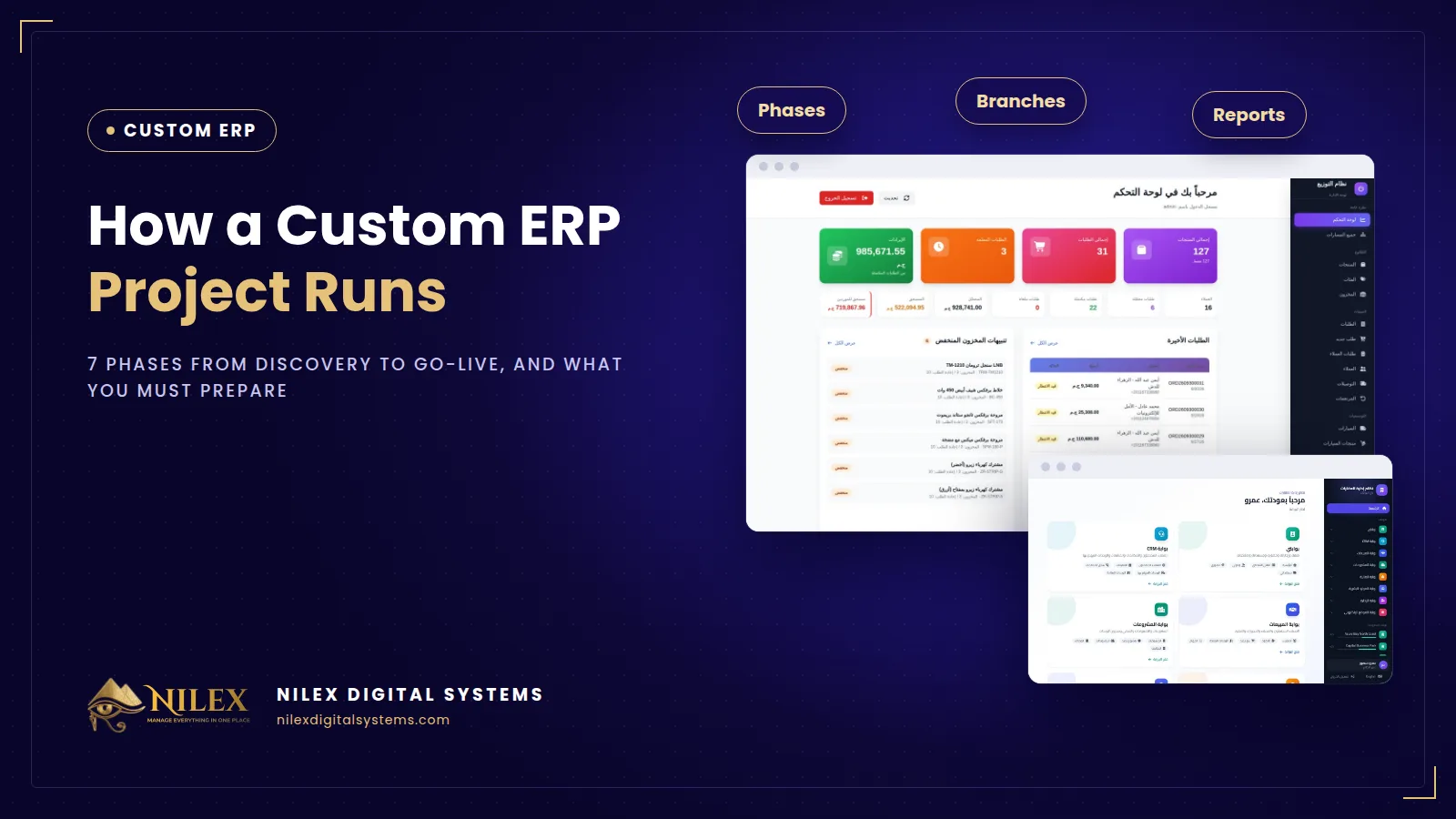
A professional ERP software development company in Egypt does much more than build screens for sales, stock and accounts. It runs requirements workshops with your team, designs a data model that will still hold up in five years, enforces roles and approvals, keeps an audit log of every action, protects the accounting with proper double entry and period closing, connects to the Egyptian e-invoice and e-receipt systems where you need them, tests with your real data, secures and backs up the system, migrates your old data, trains your staff and supports you after go-live.
The difference between a cheap ERP and a professional one rarely shows in a demo. It shows six months later, when the stock does not match the ledger or someone edits last month's invoice. This guide explains what happens behind the screens, so you can judge any offer, including ours. If you are still deciding whether you need an ERP at all, start with what an ERP is and what it covers.
Key takeaways
- A professional ERP starts with workshops and written processes, not with code.
- The data model decides whether the system can grow: branches, warehouses, cost centers and new modules.
- Roles, approvals and an audit log turn the ERP from a data-entry tool into a control tool.
- Accounting integrity means every transaction posts a balanced journal entry and closed periods cannot be silently changed.
- Testing with real data, backups, migration, training and a clear support agreement are part of the product, not extras.
1. Requirements workshops: understanding before building
A serious ERP project begins with structured sessions with the owner, accounts, stores, sales and purchasing. Each session follows one process from start to finish: how a customer order arrives, who approves a discount, how goods leave the warehouse, when the invoice is issued and how the payment is recorded. The output is a written description of each process, the documents involved and the decisions you must take.
Expect to be asked for samples of your invoices, sheets and reports; a company that does not ask is guessing. The phases of a custom ERP project explain how this discovery feeds the rest of the work.
2. The data model: the part you never see
Behind every screen is a data model: how items, units, prices, customers, suppliers, warehouses, branches and accounts relate to each other. A weak model works for one branch and breaks at the second. A professional model plans for:
- Items with several units (carton, box, piece) and conversion between them.
- Several warehouses and branches, each with its own stock and reports.
- Price lists per customer group, with dated changes instead of overwritten prices.
- Cost centers and projects, so expenses can be analysed by activity.
- Documents linked to each other: order, delivery, invoice, return and payment.
Ask the developer how the system will handle your second branch.
3. Roles, permissions and approvals
Each person should see and do only what their job requires. The storekeeper records receipts and issues but does not see profit margins. The salesperson creates orders within a discount limit; anything above it goes to a manager for approval. The accountant posts entries but cannot change closed periods. Approvals are recorded with name and time. Our guide to user permissions and audit logs goes deeper.
4. The audit log
An audit log records who did what, when and on which record: created, edited, deleted, approved or printed. When a stock figure looks wrong or an invoice changes, the log answers the question in minutes instead of a week of blame. It should be impossible for normal users to switch it off or edit it.
5. Accounting integrity: double entry and closing
This is where cheap systems fail most often. In a professional ERP:
- Every sales invoice, purchase, payment, receipt and stock movement with a value posts a balanced journal entry automatically. Debits always equal credits.
- Posted documents are not deleted. A mistake is corrected with a return, a credit note or a reversing entry, so the trail stays complete.
- Months and years can be closed. After closing, no one changes the numbers without a recorded, authorised reopening.
- Customer, supplier and stock balances reconcile with their control accounts in the ledger.
Ask the developer to show you how an edited invoice is handled. If the answer is "the user just edits it", be careful.
6. Egyptian e-invoice and e-receipt
If your company is registered with the Egyptian Tax Authority's e-invoice system, invoices to businesses must be issued and submitted electronically, and many businesses selling to consumers must issue e-receipts. A professional ERP issues these documents from the same invoice, with the right item codes and tax data, and shows the submission status of each document. Read how ERP integration with the e-invoice system works before you sign.
7. Reports people actually use
Reports should be designed from the questions management asks: what did we sell today, what is in stock, who owes us, which items are slow, what is our margin by branch. Each report needs filters, totals that match the ledger and export to PDF and Excel.
8. Testing with real scenarios
Before go-live, the system should be tested with your own items, customers and opening balances, and with real scenarios: a partial delivery, a return after the month closes, a discount above the limit, a transfer between warehouses.
9. Security and backups
An ERP holds your prices, margins, salaries and customer data. Expect encrypted connections, strong passwords and, for sensitive roles, two-step login, automatic session timeouts, regular automatic backups kept in a separate place, and a tested restore. Agree in writing where the system is hosted and who is responsible for updates.
10. Data migration, training and support
Old data has to be cleaned before it moves: duplicate customers merged, item names unified, opening balances agreed with your accountant. See moving data from Excel to an ERP. Training should be by role, with short guides for each job. After go-live, a support agreement should state how you report a problem, how fast the first response comes, what is fixed free and what counts as a new request.
Professional ERP vs cheap ERP: a checklist
| Question | Professional ERP | Cheap ERP |
|---|---|---|
| How does the project start? | Workshops and written processes | A demo and a price |
| Can it grow to a second branch? | Planned in the data model | Needs a rebuild |
| Who can approve discounts? | Defined by role, recorded in the system | Anyone with access |
| Is there an audit log? | Every action, cannot be edited | None or partial |
| Can posted invoices be edited? | No, corrected with returns or reversals | Yes, silently |
| Is there period closing? | Yes, with authorised reopening | No |
| E-invoice and e-receipt? | Issued from the same document | Re-entered elsewhere |
| Testing? | With your real data and scenarios | A quick look at the screens |
| Backups? | Automatic, stored separately, restore tested | Unclear |
| Who owns the data? | You, with export at any time | Unclear |
For a wider comparison of the total cost over years, read ERP pricing in Egypt and total cost of ownership.
How Nilex builds a custom ERP
Nilex builds the ERP from scratch around your workflow; it is not a reskinned ready-made system. Every action by every account is recorded in the audit log, financial records cannot be silently changed, each person sees only what they need, and you can export reports to PDF and Excel. The system and all its data are yours, and you can export your data at any time. We work fully online: workshops, demos, testing and training run on video calls and shared screens.
| Package | Starting price | Delivery | Main contents |
|---|---|---|---|
| Essentials | From EGP 150,000 in Egypt (USD 5,000 for companies abroad) | About 45 days | One company, one location: suppliers and customers, sales and purchase orders, stock, income and expenses, audit log, basic reports |
| Growth | From EGP 300,000 in Egypt (USD 8,500 for companies abroad) | About 75 days | Everything in Essentials plus multiple branches and warehouses, full accounting, employees and permissions, advanced reports, e-commerce connection |
| Enterprise | From EGP 800,000 in Egypt (USD 22,000 for companies abroad) | About 120 days | Everything in Growth plus factories and production, assets tracking, e-invoicing integration and an AI assistant inside the system |
Payment can be split 50% before start and 50% after delivery, or in three payments of 40%, 30% and 30%. See the full details on the custom ERP system service page, or contact Nilex to describe your processes.
Frequently asked questions
How do I choose between ERP companies in Egypt?
Ask each one to explain how they handle edited invoices, period closing, permissions, the audit log, backups and data ownership. Compare written scopes, not demos. The checklist above gives you the questions.
Is a custom ERP better than a ready-made one?
Not always. A ready-made system fits companies whose processes match it. A custom ERP fits when your workflow, approvals or reports are specific and you do not want to pay for modules you never use.
Can the ERP be built in phases?
Yes. Most companies start with customers, suppliers, orders, stock and accounts, then add branches, production or integrations once the core is in daily use.
Do we need to meet in person?
No. Nilex works online only. Workshops, reviews, testing and training are done remotely, which also makes it easy to include branch staff.
What happens to our data if we stop working together?
With Nilex, the system and all its data are yours and you can export them at any time. With any provider, put data ownership and export in the contract.
 ERP for Construction and Contracting Companies in Egypt: Projects, BOQ, Progress Invoices and Cash Flow28 November 2026 · 7 min
 ERP System for Companies in Saudi Arabia (ZATCA-ready): What to Require and How a Custom ERP Is Delivered28 November 2026 · 8 min
- ERP for Furniture and Woodworking Factories in Egypt: Orders, Cut Lists and Instalments28 November 2026 · 8 min