
Online Store Launch Checklist for Egypt: What to Prepare Before You Go Live
Everything to prepare before launching an online store in Egypt: catalogue data, product photos, delivery fees per governorate, policies, payment methods, admin roles and launch SEO, as one practical checklist.
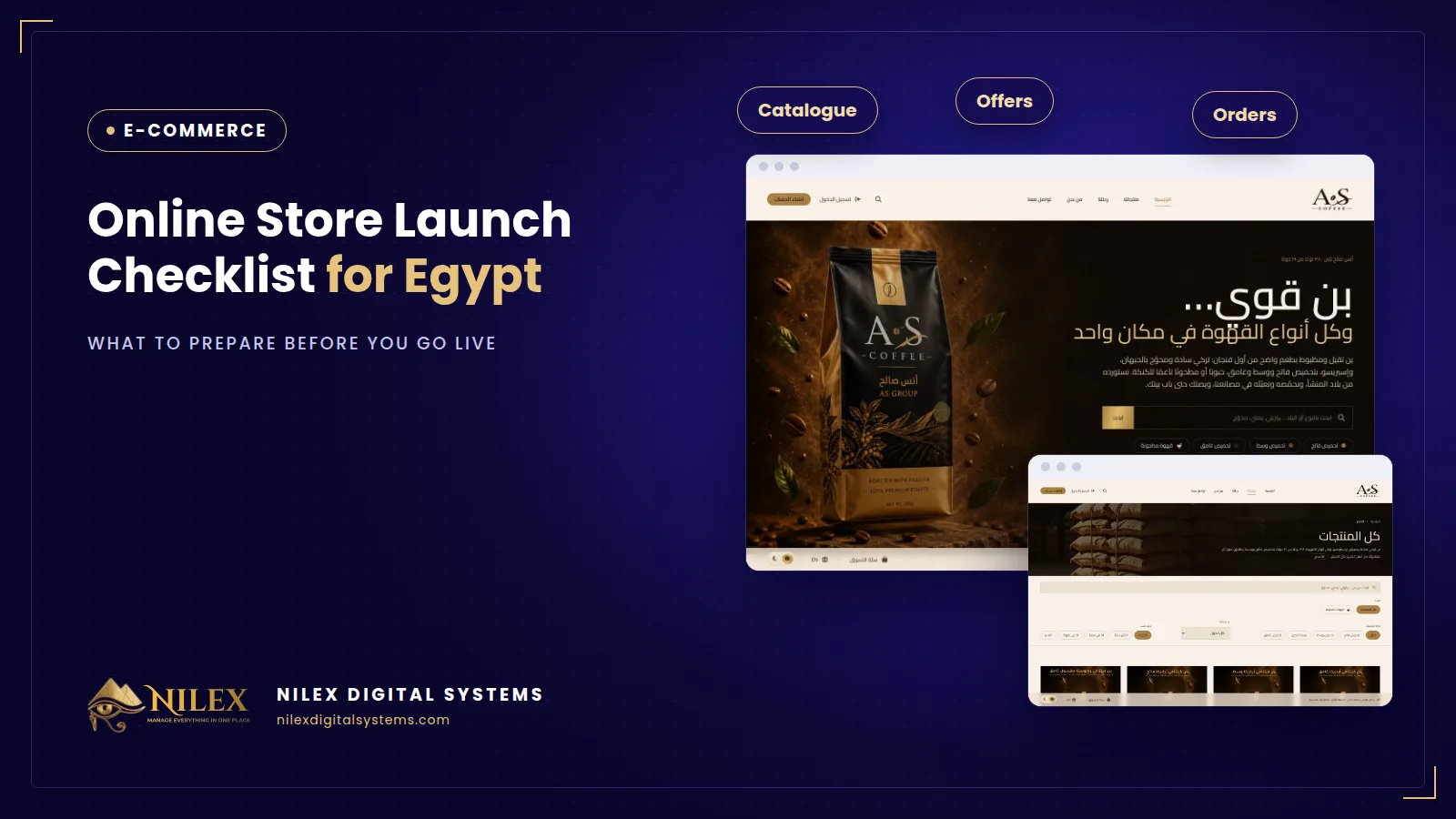
Before you launch an online store in Egypt, you need seven things ready: clean catalogue data, real product photos, a delivery fee for every governorate you ship to, written policies, the payment methods you will actually accept, admin accounts with clear roles, and the basic SEO that lets Google find your products. The software is usually the fastest part; the store's content and decisions are what delay most launches.
This checklist is written for the owner, not the developer: what you prepare on your side, in the order that saves the most time.
Key takeaways
- Start with the product sheet: name, model code, price, stock, category, variants and a short description for every product. Everything else depends on it.
- Use your own photos where you can, in the same size and background, and name them after the product code.
- Decide the delivery fee per governorate before launch, so the customer sees the full total at checkout instead of asking on WhatsApp.
- Write the returns, delivery and privacy policies in plain Arabic, and make sure your team follows what they say.
- Give every staff member their own login with only the access they need, and test a full order end to end before announcing the store.
1. Catalogue data: the work nobody budgets for
A store is only as good as its product list. Before any design work, prepare one spreadsheet with a row per product and these columns:
- Name in Arabic and, if you sell in English too, in English. Use the name customers search for, not your internal shorthand.
- Model code or SKU, unique per product. It is how your team, your supplier and the store will talk about the same item.
- Price and, if there is one, the old price you want to show crossed out.
- Stock per product, and per variant when the product comes in sizes, colours or weights.
- Category and sub-category, decided once for the whole catalogue. Our guide to structuring categories, brands and filters shows how to plan this before you upload anything.
- A short description written for the buyer: what it is, who it suits, the key specs, what is in the box.
Expect this to take longer than the store itself, so start it on day one.
2. Product photos
Customers cannot touch the product, so the photo does the selling. Prepare at least one clear main photo per product and, for products people compare closely, two or three more: the side, the inside, the label. Keep the same background and proportions so category pages look tidy, and name each file with the product code. Manufacturer photos are acceptable for appliances, but your own photos build more trust.
3. Delivery fees per governorate
One of the most common questions an Egyptian store receives is "how much is delivery to my city?". Answer it before launch. Agree on prices with your courier or your own drivers, then set a fee for every governorate you serve, and decide which ones you do not serve yet. The store should calculate the fee at checkout, so the customer sees the full total before confirming.
The Anas Saleh Coffee store is a good example: before launch, orders from other cities were arranged one by one on the phone with the delivery price worked out every time; the store now has a fixed delivery fee for each of Egypt's 27 governorates, calculated at checkout.
4. Policies: returns, delivery and privacy
Write three short pages before launch: how and when an order can be returned or exchanged, how long delivery takes and what happens if the customer is not available, and how you use the customer's personal data. Keep them short and specific, and make sure the people who answer the phone follow the same rules. Our article on consumer protection law and online stores explains what Egyptian law expects online sellers to disclose.
5. Payment methods
Decide what you will accept on day one, not what you might accept later. Most Egyptian stores launch with cash on delivery, and many add cards and mobile wallets through a payment gateway. A gateway merchant account takes its own paperwork, so apply early; if it is not ready, open with cash on delivery and switch cards on later.
6. Admin accounts and who does what
Write down who will do each job once orders start: who confirms orders, who edits prices, who prints invoices, who updates stock, who answers customers. Then give each person a separate login with only the access their job needs. Shared passwords make it impossible to know who changed a price or cancelled an order. Our guide to the store back office: orders, invoices, stock and staff roles covers the daily routine in detail.
7. Launch SEO
Google needs to find and understand your products from the first day. Before launch, check that every product and category has its own page with a unique title, link and description, that the XML sitemap is generated, and that the store is added to Google Search Console with the sitemap submitted. Our article on e-commerce SEO, product pages and structured data explains each of these in more depth.
8. A first offer, planned not improvised
Many stores open with an offer. Plan it like any other: which products, what discount, when it ends, and whether your margin can take it. Our guide to timed offers, bundles and countdowns shows how to run offers without hurting margins or customer trust.
The launch checklist at a glance
| Area | Ready when | Usually owned by |
|---|---|---|
| Catalogue data | Every product has name, code, price, stock, category and description | Owner or store manager |
| Photos | One clear main photo per product, named by code | Store team or photographer |
| Delivery fees | A fee set for every governorate you serve | Owner with the courier |
| Policies | Returns, delivery and privacy pages published | Owner, reviewed by a lawyer if needed |
| Payments | Cash on delivery tested; card account approved or planned | Owner and accountant |
| Admin roles | Each staff member has their own login and role | Owner |
| Launch SEO | Unique product pages, sitemap, Search Console set up | Developer |
| Test order | A full order placed, confirmed, invoiced and delivered | Everyone |
The day before launch: one real test order
Place a real order as a customer, on a phone, to an address outside Cairo. Check the delivery fee, the confirmation email, the order in the dashboard, the invoice, the stock change and the delivery itself. Then cancel or return it to test that path too.
How Nilex helps
Nilex builds online stores for Egyptian businesses where every product and category gets its own SEO page, with cash on delivery and card and wallet payments, an order dashboard, PDF invoices, and delivery prices you manage yourself. At launch we generate the sitemap and set up Google Search Console so your products start getting indexed. We also help you shape the catalogue sheet before upload, because that is where most launches slow down. Most stores launch in 3 to 6 weeks, depending on the package and the number of products; see the packages on the service page or talk to us about your catalogue.
Frequently asked questions
How long does it take to prepare a store for launch?
The build itself usually takes a few weeks. The catalogue data and photos often take as long or longer, so start them on the first day of the project, not after the design is approved.
Do I need all my products online on day one?
No. Launch with your best sellers and the products you have in stock, then add the rest in batches. A smaller, accurate catalogue is better than a large one with missing prices and photos.
Can I launch with cash on delivery only?
Yes. Many stores do, then add card and wallet payments once the gateway account is approved. Plan it from the start so switching it on later is a setting, not a rebuild.
Should I deliver to every governorate from the start?
Only where your courier gives you a reliable price and delivery time. It is better to list fewer governorates honestly than to accept orders you cannot deliver on time.
Can I add products myself after launch?
You should be able to. A good store gives you a dashboard to add products, prices, photos and stock without technical knowledge.
 Starting Online Orders for Your Supermarket: A Practical Launch Plan, Decision by Decision11 October 2026 · 9 min
 Online Legal Bookshop Case Study: How Dar El Ahram Sells 800+ Legal Titles Online11 October 2026 · 11 min
 Selling Online From Egypt to Other Countries: Shipping Prices per Country, Local Zones and Card Payment11 October 2026 · 8 min