

WhatsApp Inbox and AI Sales Assistant for a PPF, Ceramic and Tint Studio
How a PPF, ceramic or tint studio should run WhatsApp: the Business Platform inside a CRM, the 24-hour rule and approved templates, automatic replies, an AI assistant that answers prices and branches and books visits, and human takeover, with Layer Protect as the example.
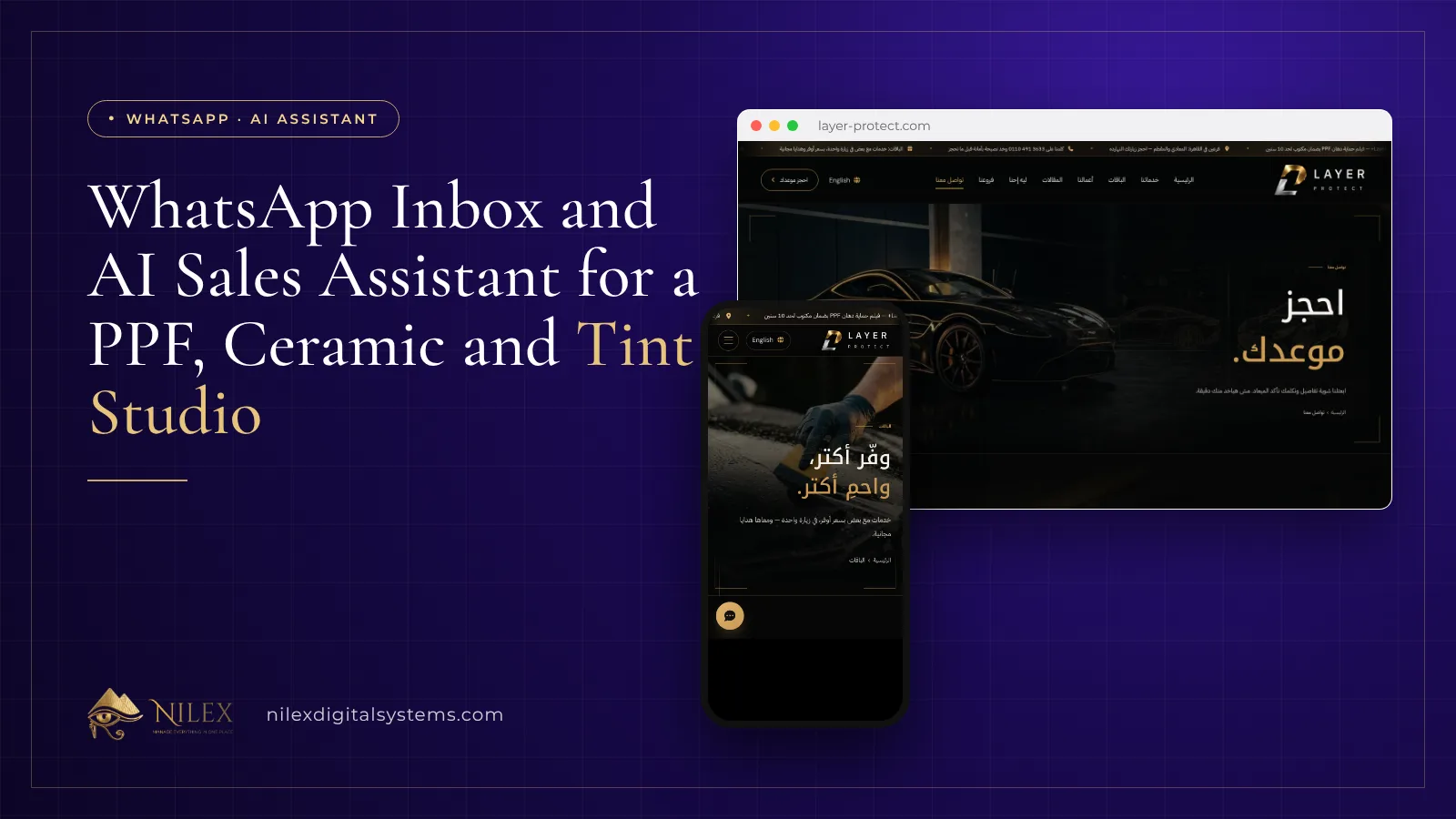
A car protection studio gets the most out of WhatsApp when its number runs on the official WhatsApp Business Platform inside its CRM: one shared inbox for the whole team, approved templates for messages after the 24-hour window, automatic replies to new leads, and an AI sales assistant that answers questions about services, packages, prices and branches from the studio's own data and books the customer for a visit. A person can take over any chat with one click. That is how Nilex set up WhatsApp for Layer Protect, a PPF and ceramic studio with two branches in Cairo.
This guide is for owners and sales managers of PPF, nano ceramic, window tint and wrapping studios whose customers ask "how much for full front PPF?" on WhatsApp at eleven at night. It explains the rules WhatsApp imposes, what each piece of automation does, how to configure an AI assistant that sells without inventing anything, and when a human must step in.
Key takeaways
- A team needs the WhatsApp Business Platform (the API) connected to a CRM, not one phone running the WhatsApp Business app.
- When a customer messages you, a 24-hour customer service window opens. Inside it you reply freely; outside it you can only send templates approved by Meta.
- A good system shows each chat's window state and blocks free-form messages once the window has closed.
- Automatic replies cover predictable moments: a welcome template for a new lead from the website and a welcome reply to a customer's first message.
- The AI assistant should answer only from the studio's own services, packages, branches and FAQs, with a clear goal such as booking a visit.
- The bot must be easy to switch off per conversation so a salesperson can take over complaints, warranty questions and negotiations.
Why does a protection studio need more than a phone with WhatsApp?
PPF, ceramic and tint are sold in conversation. Customers send photos of their car, ask for the difference between PPF and nano ceramic, ask which branch is closer and whether Thursday is free, then disappear for three days. At Layer Protect these questions arrived on WhatsApp, by phone and through the website, often late in the evening, and they were answered from personal phones. Late messages waited until the next day, follow-ups depended on memory, and nobody could tell which chats became bookings.
A single phone with the free WhatsApp Business app cannot fix this. Several people cannot work on it at once with clear ownership, chats are not attached to customer records, and nothing measures who replied or when. We compare the app with the Platform in detail in a WhatsApp CRM for Egyptian sales teams. The short version: if more than two or three people answer customers, or you want automation and reports, you need the Platform connected to a CRM.
The 24-hour rule and approved templates, explained simply
WhatsApp protects users from unwanted business messages with one central rule. When a customer sends you a message, a 24-hour customer service window opens. While it is open, your team, your bot or your AI assistant can send any normal reply. Once 24 hours pass without a new message from the customer, the window closes, and the only way to restart the conversation is a message template that Meta has reviewed and approved.
According to Meta's WhatsApp pricing documentation, Meta has charged the Platform per message since 1 July 2025. Service replies inside the window are free, utility templates sent inside an open window are free, and templates outside it are charged by category (marketing, utility, authentication) and by the recipient's country. Check the current rates for Egypt or your market before you plan campaigns.
For a studio this has practical consequences:
- A customer who asked for a quote on Saturday and went quiet cannot receive a free-form "any news?" on Tuesday. You need an approved follow-up template.
- A lead who filled in the website form but never messaged you has no open window, so the first WhatsApp message to him must be a template.
- Answering fast matters twice: the customer is still interested, and the window is still open.
In the Layer Protect CRM the system enforces the rule. Each conversation shows whether its window is open, and when it has closed the salesperson picks an approved template instead of typing a message that would not be delivered.
What does a shared inbox change for the sales team?
With the Platform connected, all WhatsApp chats arrive in one inbox inside the CRM. Every chat belongs to a lead, and every lead has an owner, a status on the sales board and a timeline where the WhatsApp conversation sits next to notes, calls and follow-ups. When the customer calls the next day, whoever answers sees what was already said on WhatsApp. When a salesperson is on leave, a colleague continues the chat from the same company number.
This is also where WhatsApp links to the rest of the sales process. A chat that turns into "I'll think about it" gets a scheduled follow-up, and the follow-ups screen shows it as due or overdue. For how bookings move from enquiry to the studio floor, see bookings and CRM for car protection centers.
Automatic replies and the rule-based bot
Some moments are predictable, so the system handles them without anyone typing:
- New lead: when a lead is created, for example from the booking form on the website, the system sends a welcome template on WhatsApp. Because no window is open yet, it has to be an approved template.
- First message: when a customer writes to the studio for the first time, he gets a welcome reply at once, whatever the hour.
- Frequent questions: a rule-based bot answers the questions the studio defines, such as which branches it has or how to book.
Rule-based answers are predictable and cheap, but they only match the questions you wrote down. Real customers write "el PPF b kam?" or send a voice note. That is where the AI assistant comes in.
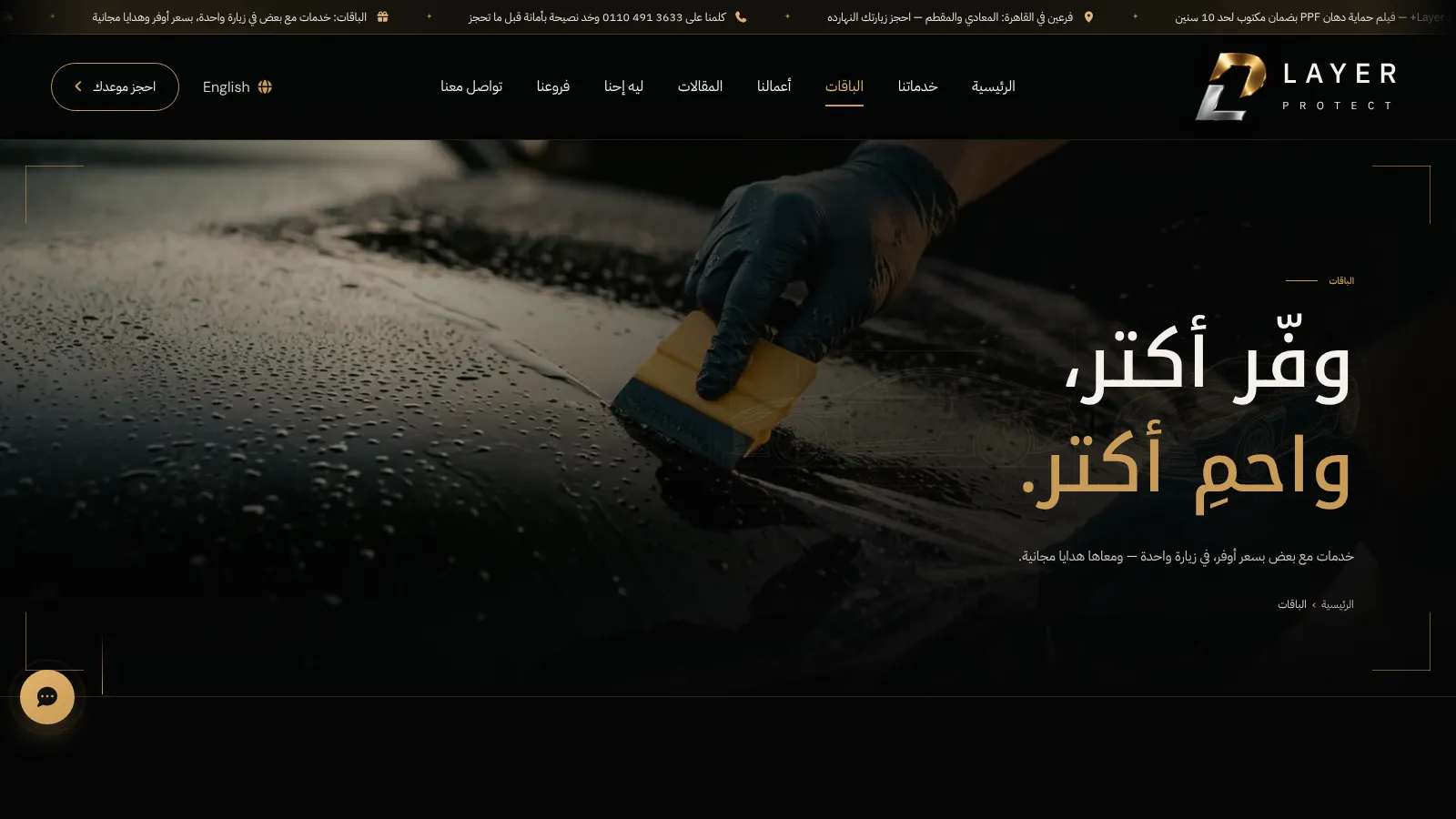
How should an AI sales assistant for a protection studio be configured?
An AI assistant is only as good as what it knows and what it is told to achieve. In the Layer Protect CRM the studio controls these settings itself:
| Setting | Options | Why it matters for a studio |
|---|---|---|
| Knowledge | Built from the services, packages, branches and FAQs stored in the CRM | The assistant answers from the studio's own catalogue, so a changed package is reflected without retraining |
| Language | Egyptian dialect, Modern Standard Arabic, or match the customer | A customer who writes in Egyptian Arabic gets an answer that sounds like the studio, not a translation |
| Tone | Set by the studio | A premium studio may want a calm, precise voice rather than a pushy one |
| Goal | Book a visit, collect information, or answer only | Decides whether the assistant invites the customer to book, gathers his details for a salesperson, or simply informs |
| Reply limits | Set by the studio | Keeps the assistant from running long conversations on its own |
| Test playground | Try questions before going live | Lets the owner check answers on real-sounding questions, such as "what is the difference between PPF and ceramic?" |
Two rules protect the studio. First, prices come only from the packages the studio entered; the assistant must not invent discounts or prices. We explain why this matters in price accuracy and guardrails for chatbots. Second, the assistant serves the studio's own customers about the studio's own services. That is also WhatsApp's policy: from 15 January 2026 its business terms bar general-purpose AI assistants as the main product on the Platform, while assistants that serve a business's customers remain allowed (TechCrunch report). For Egyptian dialect and Franco in particular, see a WhatsApp chatbot that understands Egyptian Arabic.
From chat to a booked visit
With the goal set to booking, the assistant answers the question and then moves the conversation forward: which service the customer is interested in, which branch suits him, and when he wants to come. The details land on the lead in the CRM, where the salesperson confirms the appointment.
The same assistant answers on the website chat, and those transcripts are kept in the CRM too. A visitor who chats on the website at night and messages on WhatsApp the next morning is the same lead with one history. The booking form on the contact page also creates a lead directly, which then receives the welcome template on WhatsApp.
When should a person take over from the bot?
Automation is there to make sure nobody waits, not to replace the sales team. In the Layer Protect CRM the bot can be turned on or off for each conversation, and a salesperson can take over at any moment. Good moments to hand over:
- A complaint about an installed film or coating, or a question about a warranty claim.
- A request for a discount, a fleet deal or anything outside the published packages.
- An unusual car or a job that needs inspection before a price can be given.
- A customer who is ready to pay and wants to confirm details with a person.
- Any answer the assistant is not sure about.
Which message for which situation?
A quick reference, using examples from a protection studio (illustrative situations, not Layer Protect data):
| Situation | Window open? | What is sent | Who sends it |
|---|---|---|---|
| Customer asks the price of front PPF at night | Yes | Answer from the studio's packages, then an invitation to book | AI assistant |
| Customer writes for the first time | Yes | Welcome reply | Automatic |
| Lead from the website form, no chat yet | No | Approved welcome template | Automatic |
| Quote sent three days ago, no answer | No | Approved follow-up template | Salesperson |
| Question about branch locations | Yes | FAQ answer or AI answer from the branches | Bot |
| Complaint or warranty question | Usually yes | Personal reply, bot switched off | Salesperson or manager |
A launch checklist for your studio
- Move the studio's main number to the WhatsApp Business Platform and connect it to the CRM.
- Enter your services, packages, branches and FAQs in the CRM; they become the assistant's knowledge and your website content.
- Write and submit templates for the welcome message, follow-ups and booking confirmations.
- Set the assistant's language, tone, goal and limits, then test it on the playground with real customer questions.
- Decide who owns new chats and when a human must take over.
- Review chats and follow-ups weekly, and correct the knowledge where the assistant was unsure.
For the whole Layer Protect project, including calls and the website, read the Layer Protect CRM and website case study. If your team also sells by phone, see click-to-call and a log of every call.
How Nilex helps
Nilex connects WhatsApp to your sales system through the official WhatsApp Business Platform and builds the AI assistant on your own data, as we did for Layer Protect (see the Layer Protect client page). Our AI business chatbot service covers WhatsApp and website chat, and a custom business system adds leads, follow-ups, calls and the management dashboard. Our article what we build in an AI business chatbot describes the limits we set. Studios that also need jobs, film stock and warranties can use our car protection film centers management system. We work online with clients in Egypt, Saudi Arabia and Kuwait. Contact us to plan your WhatsApp setup.
Frequently asked questions
Do I need the WhatsApp Business API, or is the app enough?
The free app suits one owner answering from one phone. A sales team that shares a number, wants each chat attached to a customer record, and needs automatic replies or an AI assistant needs the WhatsApp Business Platform (the API) connected to a CRM.
What happens after 24 hours without a reply from the customer?
The customer service window closes. You can then only message the customer with a template approved by Meta, which is charged per message according to Meta's pricing. A good system shows the window state and offers your approved templates.
Will the AI assistant give wrong prices?
It should answer only from the services and packages you enter in the CRM, so its prices are your own. Test it before launch, review its chats, and let a person take over anything outside the published packages.
Can the assistant reply in Egyptian Arabic?
Yes. In the Layer Protect setup the language can be Egyptian dialect, Modern Standard Arabic, or whatever language the customer uses.
Can a salesperson stop the bot in a conversation?
Yes. The bot can be switched on or off for each conversation, and a person can take over at any time, for example for complaints, warranty questions or special requests.
 An AI Shopping Assistant for Your Online Store in Saudi Arabia and the Gulf: What It Does and What It Takes5 November 2026 · 9 min
 AI Book Assistant Case Study: Recommending Legal Books From a Reader's Case11 October 2026 · 8 min
 How We Built Our Own AI Sales Assistant: A Consultant That Recommends Systems Without Making Things Up11 October 2026 · 8 min