

Click-to-Call from the CRM and a Log of Every Call: How Phone-Heavy Sales Teams Stop Losing Leads
How click-to-call from a CRM, a log of every call with outcome, duration and notes, incoming calls that ring the right employee, follow-ups after calls and a manager dashboard stop phone-heavy sales teams losing leads, with Layer Protect's CRM as the example.
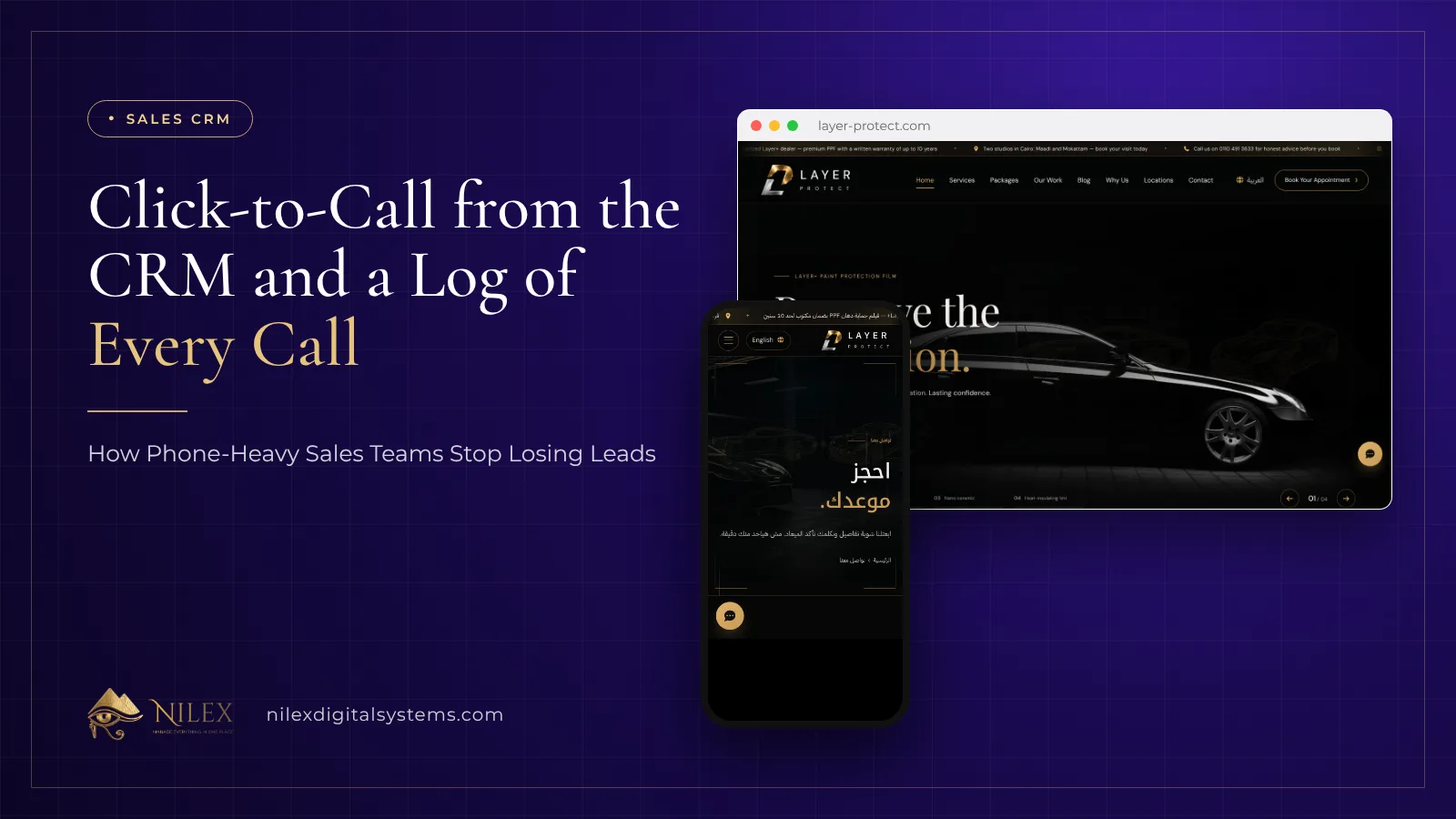
Click-to-call means an employee opens a lead in the CRM and clicks the phone number: the call goes out through the company's phone system from the browser, not from a personal mobile, and when it ends the employee records the outcome while the system keeps who called, when and for how long. Incoming calls ring the right employee, and every call, in or out, lands on the lead's timeline next to its notes, follow-ups and WhatsApp messages. For a sales team that lives on the phone, this is the difference between knowing what happened with every enquiry and guessing.
This article is for owners and sales managers of businesses where customers still pick up the phone: car protection and tint studios, clinics, real estate offices, training centers, showrooms, service companies. It explains what to record on every call, how incoming calls should reach the right person, how follow-ups come out of calls, and what a manager should see on a dashboard. The example is the sales CRM Nilex built for Layer Protect, a PPF and window-tint dealer with two studios in Cairo, whose office phone system is connected to the CRM.
Key takeaways
- Phone-heavy teams rarely lose leads because of price; they lose them to unreturned calls, calls on personal mobiles, and promises nobody wrote down.
- Click-to-call from the CRM puts every outgoing call through the company phone system and ties it to the lead automatically.
- A call log is only useful if every call has an outcome, a duration and a short note, and the outcome list is short and agreed.
- Incoming calls should ring the employee responsible, with extensions and numbers managed in the CRM, not in someone's head.
- A call that ends with "call me Sunday" must end with a follow-up on Sunday, owned by someone, that shows as overdue if missed.
- The manager's dashboard should show calls, follow-ups and conversions per employee, so coaching is based on records, not impressions.
Why do phone-heavy sales teams lose leads?
In many Egyptian businesses the phone is still where the sale happens. A customer sees an ad or a post, sends a WhatsApp message, then calls because they want to hear a voice before paying. The calls themselves go fine. The leaks happen around them:
- Calls on personal mobiles. The salesperson calls from their own number. The company has no record of the call, and when the employee leaves, the customers' numbers and conversation history leave with them.
- No outcome recorded. The call happened, but nobody knows whether the customer was interested, asked for a callback, or said no. The next person calls again and asks the same questions.
- Missed incoming calls. The customer calls the main number, it rings at reception or nobody answers, and the person who quoted them yesterday never knows they called.
- Promises without dates. "I'll send you the details and call you Thursday" lives only in the salesperson's memory.
- No visibility for the manager. The owner cannot tell who makes twenty calls a day and who makes three, or which leads have not been called at all.
The fix is making the CRM the place where calls are made, received and recorded. If you are new to CRMs, start with our guide on what a CRM is.
How does click-to-call from a CRM work?
The office phone system (the PBX, or "سنترال") is connected to the CRM. Each employee has an extension, and the CRM includes a softphone that runs in the browser. When the employee opens a lead and clicks the number, the call is placed through the office phone system, and the CRM already knows which lead it belongs to. There is no dialling by hand, no copying numbers into a personal phone, and no separate step to "log the call" later.
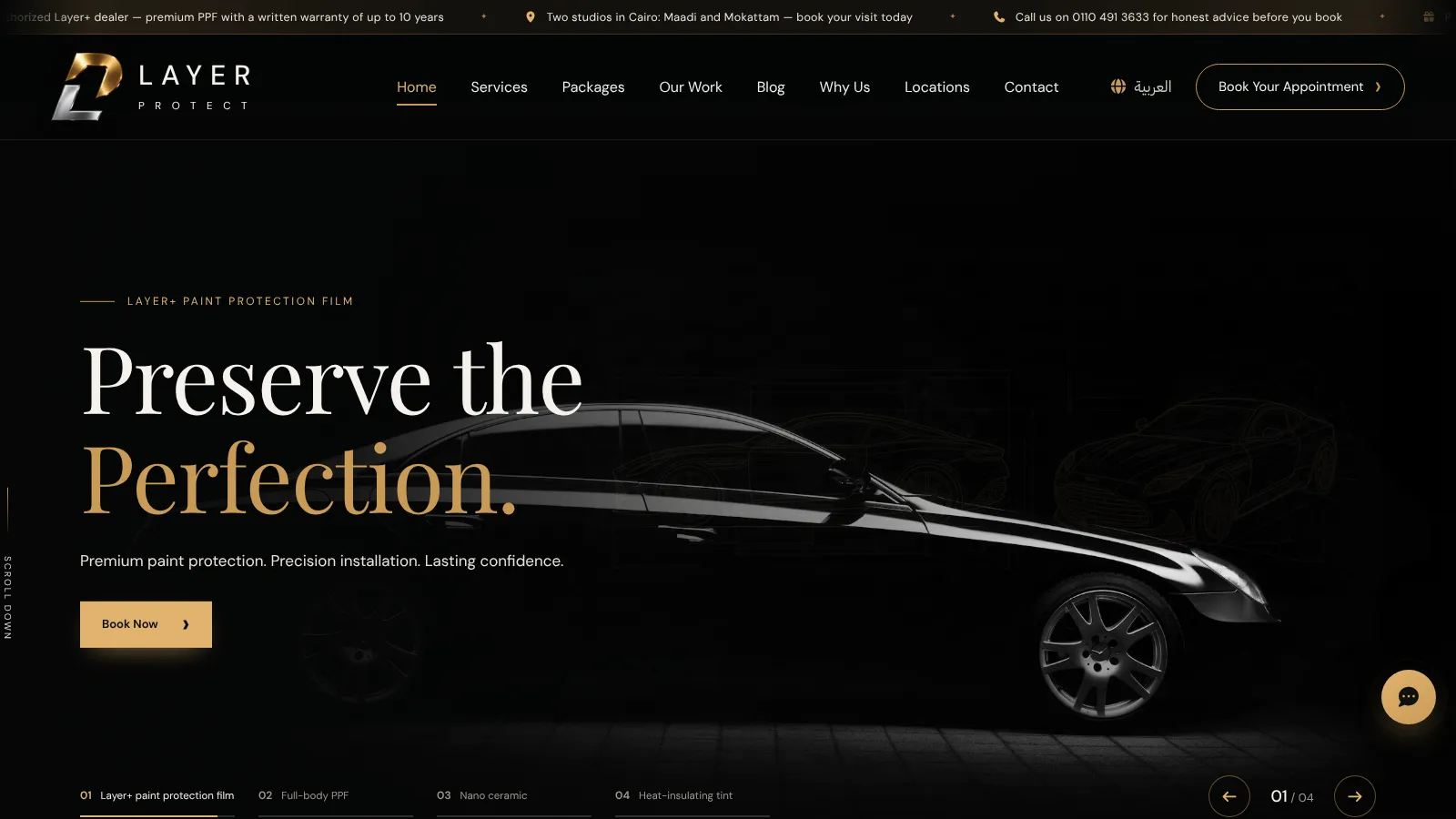
In Layer Protect's CRM, the phone numbers and employee extensions are managed inside the CRM itself, so when an employee joins or leaves, the manager changes it there. Employees call a lead with one click, and every call is logged with its outcome.
Many people search for a "cloud call center" when what they need is calls placed and received from the screen where the customer's history lives. The important part is not where the phone system runs; it is that the call and the customer record are in the same place.
What should every call log record?
A call log is a list of every call with enough detail that anyone on the team can pick up where the last person stopped. Layer Protect's calls log keeps the outcome, the duration and notes for each call, attached to the lead and its owner. In practice, each entry should answer:
- Who called or was called: the employee and the lead.
- When and how long: date, time and duration, recorded by the system, not typed in.
- Direction: outgoing or incoming.
- Outcome: chosen from a short list.
- Note: one or two lines on what was said, such as the car model, the service discussed, or the objection.
- Next step: a follow-up with a date, if one was promised.
The outcome list is where teams go wrong: too many options and nobody chooses carefully. Agree on a short list your whole team uses the same way. The list below is an illustrative example, not Layer Protect's actual list:
| Outcome (example) | What it means | What should happen next |
|---|---|---|
| Interested | Customer wants details or a quote | Send details; follow-up within a set time |
| Visit booked | Customer agreed on a day and branch | Booking confirmed; lead status moves forward |
| Call back later | Customer asked to be called at a specific time | Follow-up at that time, owned by the caller |
| No answer | Call not picked up | Retry later or send a WhatsApp message |
| Not interested | Customer declined | Record the reason; close or move to a later list |
| Wrong number | Number does not belong to the customer | Correct the contact details or close the lead |
With outcomes recorded the same way, the log becomes data: how many calls end in a booked visit and how many leads are stuck at "no answer".
How should incoming calls reach the right employee?
Outgoing calls are half the story. Customers call back, often at the moment they are ready to decide, and if that call is lost, so is the sale. In Layer Protect's setup, incoming calls ring the right employee and are logged on the lead just like outgoing ones.
What "the right employee" means is a business decision you make when the system is set up. A common approach is that the call reaches whoever owns the lead, so the customer talks to the person who already knows their car and their quote; other businesses prefer a sales line that rings the team. Whatever you choose, write it down, set the extensions in the CRM, and make sure a call that nobody answers still leaves a record that someone must act on.
When the employee picks up, the lead's timeline is on the screen: previous calls and outcomes, notes, follow-ups and the WhatsApp conversation, so the customer does not have to repeat themselves.
Follow-ups: what happens after the call ends
Most leads are not won on the first call. They are won on the second or third, and those only happen if the first call ends with a scheduled follow-up. In Layer Protect's CRM, follow-ups are listed as overdue, due today and upcoming, so each employee starts the day with a list of calls they promised to make, and the manager can see which promises are slipping.
The habit to build is simple: no call ends without either a follow-up date or a closed outcome. "Call back later" without a date is not an outcome. When follow-ups are scheduled from the call screen itself, the habit is easier to keep. Our article on bookings and sales CRM for car protection centers shows how follow-ups lead to a confirmed booking in that industry.
Calls and WhatsApp on one timeline
Customers do not stick to one channel. They message on WhatsApp, call, message again, and fill in the booking form on the website. If calls are in the CRM but WhatsApp is on a phone in a drawer, the timeline is still broken.
In Layer Protect's CRM, each lead has one timeline with notes, calls, follow-ups and the WhatsApp conversation, which runs through the official WhatsApp Business Platform. Whoever opens the lead sees everything, whatever channel it came through. We cover the WhatsApp side in detail in the WhatsApp inbox and AI assistant for car protection studios and, for sales teams generally, in a CRM connected to WhatsApp for Egyptian sales teams.
What should the manager see on the dashboard?
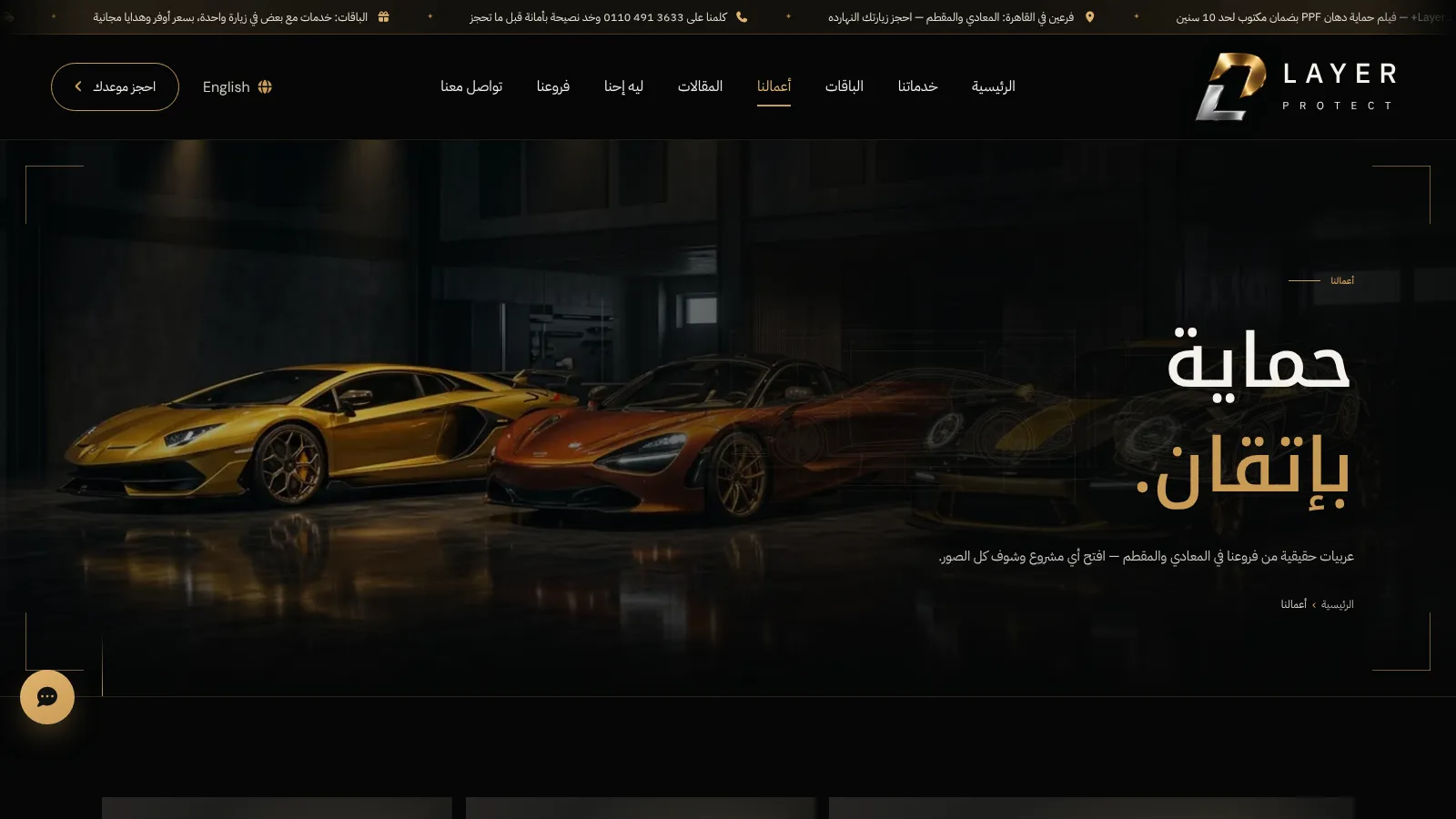
When calls are logged automatically, the manager can see the team's work without asking for reports. Layer Protect's management dashboard shows leads by status and source, team performance, calls, follow-ups and conversions. Useful questions it answers every week:
- How many calls did each employee make and receive, and how long were they?
- How many leads have had no call at all since they arrived?
- How many follow-ups are overdue, and whose?
- Which sources (website, WhatsApp, phone) bring leads that end in a booked visit?
- Which employee turns calls into bookings most often, and what can the others learn from them?
Roles and permissions decide who sees what: a salesperson works from their own "my portal" home screen, the manager sees the team. Our article on user permissions and audit logs in ERP and CRM explains how to plan this.
Personal phones vs calling from the CRM
| Question | Calls on personal mobiles | Click-to-call from the CRM |
|---|---|---|
| Is there a record of the call? | Only on the employee's phone | Logged on the lead with time and duration |
| Is the outcome recorded? | If someone remembers to write it | Chosen at the end of each call |
| Who sees the customer's history? | The person who spoke to them | Anyone allowed to open the lead |
| What happens when the customer calls back? | May reach someone who knows nothing | Rings the right employee with the timeline on screen |
| What happens when an employee leaves? | Numbers and history leave with them | Leads, calls and notes stay in the company |
| Can the manager measure the team? | Only by asking | From the dashboard |
Before you connect your phones to the CRM
A few decisions make the rollout smoother:
- List your numbers and extensions: which lines customers call, and which employee has which extension.
- Agree on the outcome list and what each outcome means, before the first call is logged.
- Decide who owns a lead and where incoming calls go when that person is busy or absent.
- Set the follow-up rule: every call ends with a date or a closed outcome.
- Decide who sees what: salespeople, team leaders, management.
- Treat customer data with care: phone numbers and call notes are personal data. Our article on CRM and Egypt's personal data protection law is a general starting point; ask your lawyer about your own obligations.
How Nilex helps
Nilex builds sales CRMs as part of our custom business systems, shaped around how your team actually sells: leads from the website, WhatsApp and phone; a status board; a timeline per lead; scheduled follow-ups; an office phone system connected for one-click calling, incoming calls to the right person and a log of every call; a management dashboard; and roles and permissions. For Layer Protect we built this CRM together with its bilingual website; read the Layer Protect project and the Layer Protect CRM and website case study.
The CRM can include an AI assistant on WhatsApp and the website, and car protection businesses can later add the full car protection centers management system for jobs, film stock and warranties. If you are comparing options, see our comparison of CRM software in Egypt. Contact us to talk about your sales team's calls.
Frequently asked questions
What is click-to-call in a CRM?
It lets an employee call a lead by clicking the number in the CRM. The call goes through the company phone system from a softphone in the browser, and the CRM logs it on that lead automatically, with time and duration.
Can my team keep using their personal mobiles?
They can, but those calls leave no record in the company, nobody else sees the outcome, and the customer's number leaves with the employee. Calling from the CRM keeps every call and its history with the business.
Do incoming calls appear in the CRM too?
Yes, in the setup Nilex built for Layer Protect incoming calls ring the right employee and are logged on the lead like outgoing calls, so the person answering sees the customer's history.
Is this the same as a cloud call center?
It covers what most sales teams look for under that name: placing and receiving calls from one screen, logging every call and measuring the team. The difference is that the calls sit inside the sales CRM next to the lead, its follow-ups and its WhatsApp messages.
What call outcomes should we use?
Keep the list short and agreed, for example interested, visit booked, call back later, no answer, not interested and wrong number. Each outcome should lead to a clear next step, usually a dated follow-up.
What does the manager see?
In Layer Protect's CRM, a dashboard with leads by status and source, team performance, calls, follow-ups and conversions, plus overdue follow-ups, so the manager knows which leads need attention and who needs help.
 Clinic Management System for Every Specialty: One Professional Core, Built Around Your Clinic8 November 2026 · 8 min
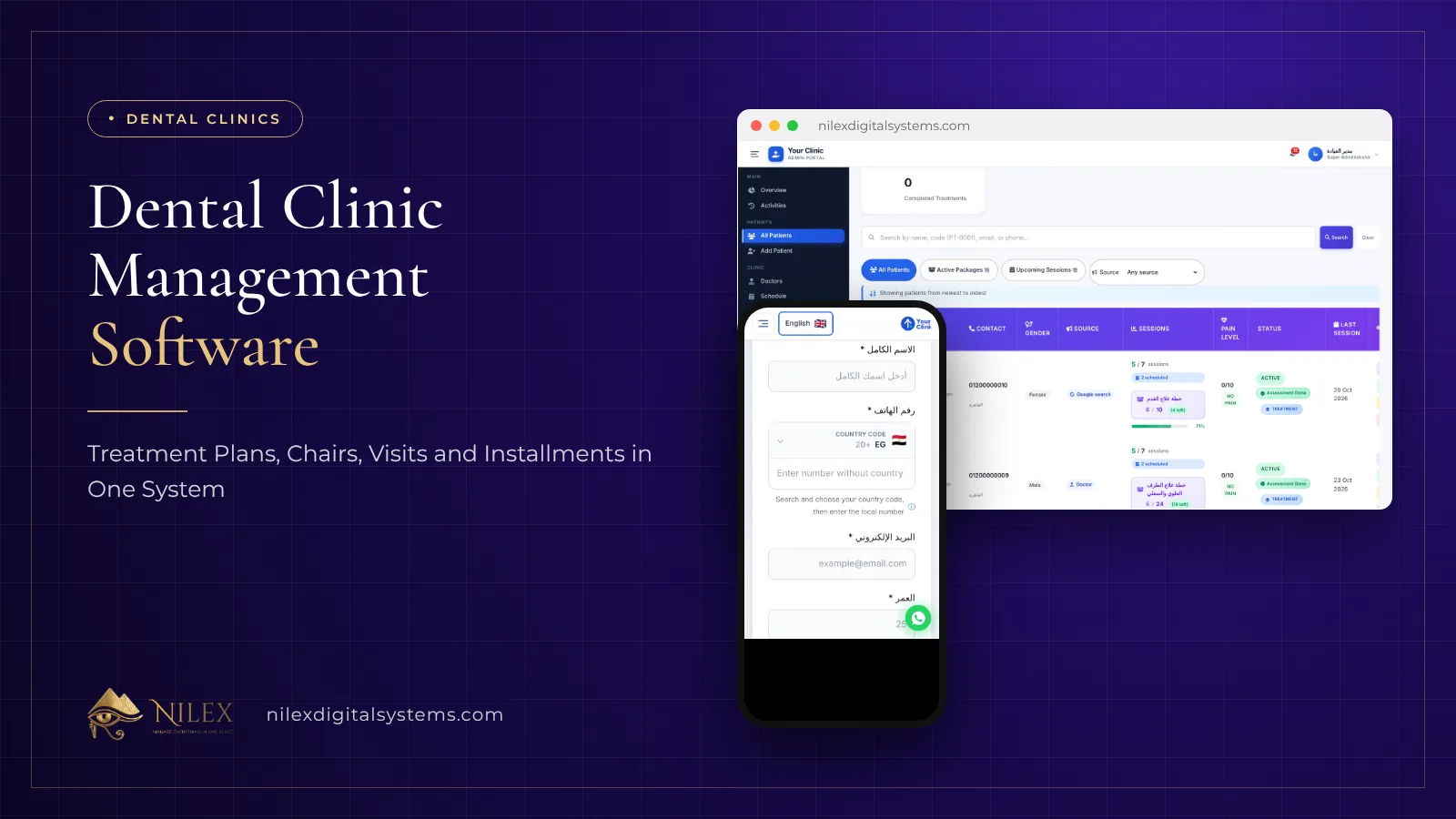 Dental Clinic Management Software: Treatment Plans, Chairs, Visits and Installments in One System8 November 2026 · 6 min
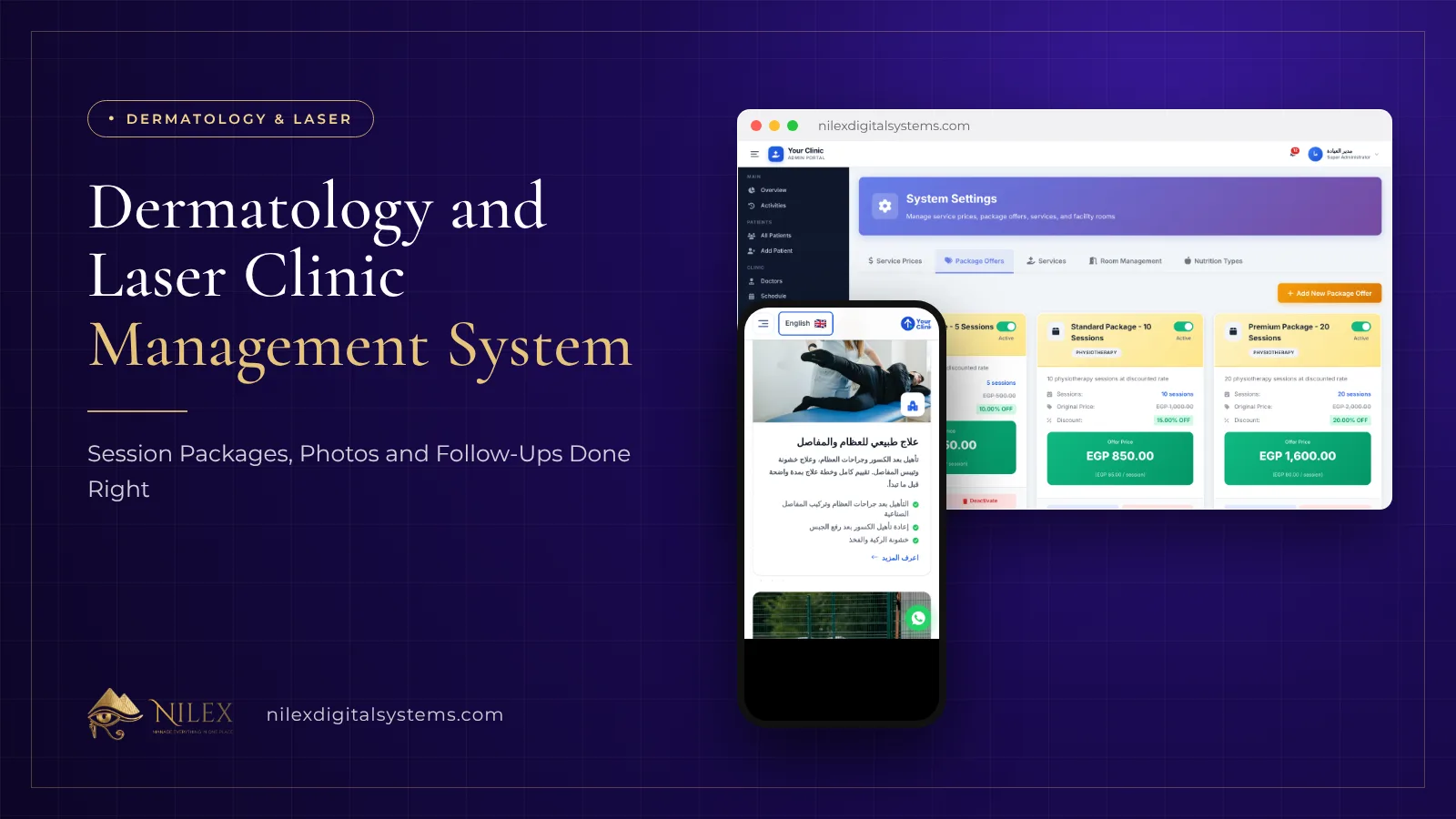 Dermatology and Laser Clinic Management System: Session Packages, Photos and Follow-Ups Done Right8 November 2026 · 5 min