
Grocery Substitutions and Order Picking: Handling Out-of-Stock Items from Basket to Doorstep
How an online supermarket handles out-of-stock items and order picking: the customer's substitution choice in the basket, clear rules for similar items, and order stages from pending to delivered.
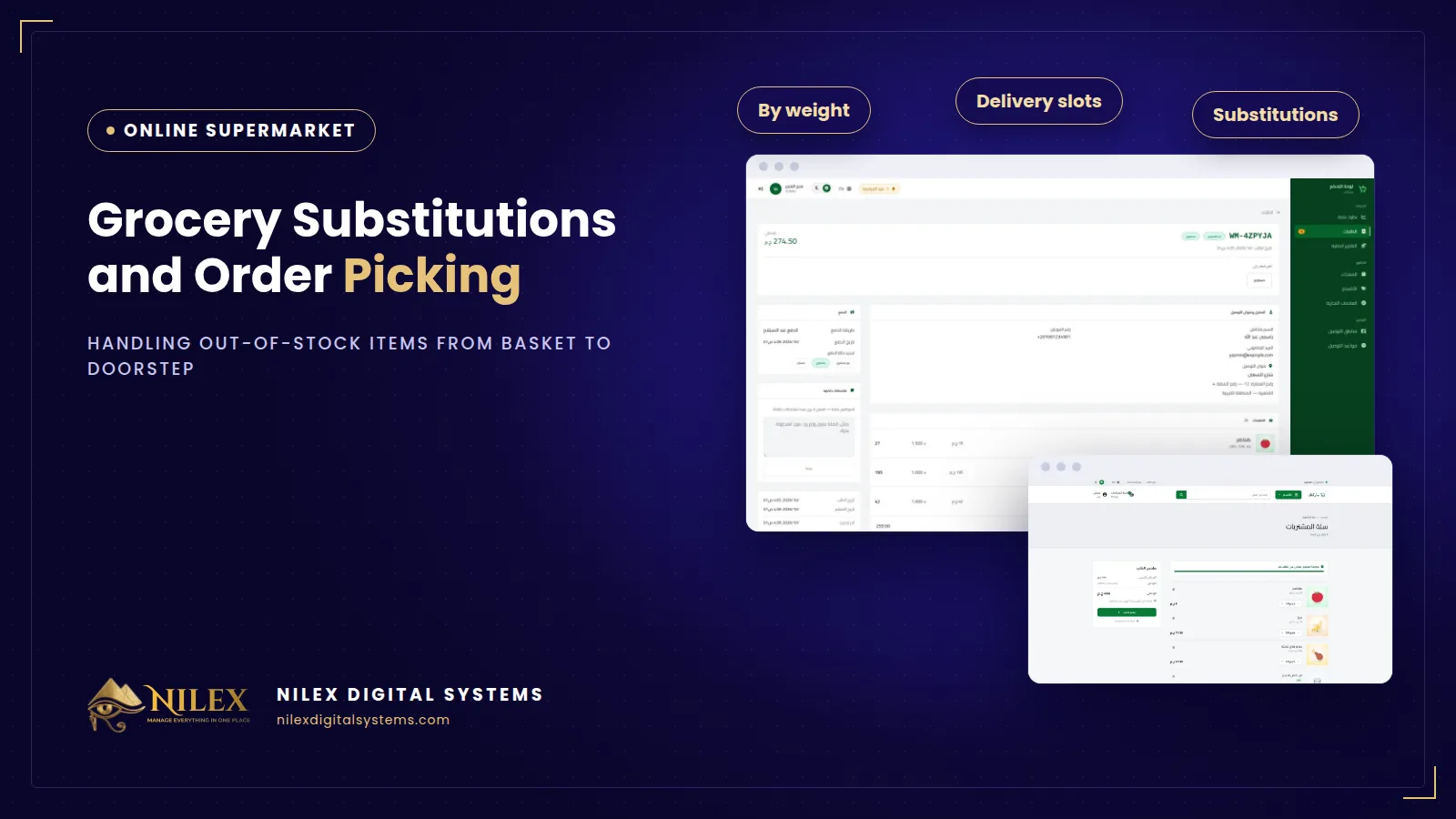
Out-of-stock substitutions in an online supermarket should be decided by the customer before picking starts, not by the picker in the aisle: in the basket, the customer chooses whether you should call them first, replace the item with something similar, or remove it. Each order then moves through clear stages (pending, confirmed, picking, out for delivery, delivered) with the time of every change recorded, so everyone on the team knows where each order stands.
Groceries run out during the day. The yoghurt brand in the order sold out at noon, the bread is finished, the offer item is gone. What the picker does next decides whether the customer is pleased or calls to complain. Without a rule, each picker guesses, and the same situation is handled three different ways by three different people.
Key takeaways
- Ask the customer in the basket what to do if an item is out of stock: call me, replace with something similar, or remove it.
- The picker follows the customer's choice instead of guessing.
- Use clear order stages from pending to delivered, and record the time of each change.
- Keep payment status and internal notes on the order, not in a notebook or a chat group.
- Stock levels and low-stock alerts reduce how often substitutions are needed in the first place.
The three substitution choices
| Customer's choice | What the picker does | Best for |
|---|---|---|
| Call me | Calls the customer and agrees on an alternative or removal | Customers with specific brands or dietary needs |
| Replace with something similar | Picks a close alternative: same type, similar size and price | Customers who want the order complete and on time |
| Remove it | Leaves the item out; the order total goes down | Customers who only want exactly what they chose |
Asking in advance has a practical benefit: a picker does not stop work to wait for a customer who does not answer the phone. Calls are made only for customers who asked for them.
What counts as "something similar"?
Write a short rule for your pickers, and tell customers about it on the store:
- Same type of product: full-fat milk for full-fat milk, not skimmed.
- Similar size: two 500 g packs can replace a 1 kg pack if that is your rule.
- Similar or lower price. If a substitute costs noticeably more, call the customer instead.
- Never substitute baby food, medical or special-diet products without calling.
When the order is paid in cash at the door, a clear substitution rule also reduces refused orders. Our article on reducing COD returns lists other ways to cut refusals.
Order stages from picking to delivery
Each stage answers one question: who has the order now, and what is the next step?
- Pending. The order has arrived with its area, time slot, address, payment method and substitution choice.
- Confirmed. The team has reviewed it. If the customer paid by e-wallet or InstaPay, the transfer reference is checked and the payment status is updated.
- Picking. The picker collects the items, confirms weighed items at their actual weight and applies the customer's substitution choice. See selling groceries by weight for how weighed items are handled.
- Out for delivery. The order has left with the driver, in its booked slot.
- Delivered. The customer has received it, and for cash orders the payment is collected.
Recording the time of every change gives you a simple history: when the order arrived, how long picking took, when it left and when it was delivered. Over a few weeks this shows where orders wait, and whether a time slot needs more capacity, as we explain in delivery areas and time slots.
Practical picking habits
- Pick by department. Walk the store in one direction: dry goods first, then fruit and vegetables, then chilled and frozen items last, so cold products spend the least time outside the fridge.
- Bag by storage type. Keep chilled, frozen, cleaning products and food in separate bags. The storage type on each product makes this easy to see.
- Check before closing. Count the items against the order and confirm every substitution and removal is written on it before it moves to "out for delivery".
- Pick by slot. Start each order early enough for its booked slot, not in the order it arrived.
Internal notes and payment status
Write everything about an order on the order itself: "customer asked to ring the bell twice", "replaced brand A yoghurt with brand B", "called at 6 pm, no answer, item removed". The next person who opens the order sees the full story. Keep the payment status there too, so the driver knows whether to collect cash or the order is already paid.
Reducing substitutions before they happen
- Keep stock numbers updated in the admin panel, and mark items unavailable when they run out.
- Use low-stock alerts to reorder fast movers before they finish.
- Use the maximum per order on strong offers, so one basket does not take the whole shelf.
- Check the substitution notes weekly: the same item replaced again and again needs more stock.
How Nilex helps
In the online supermarket and grocery delivery system from Nilex, the customer chooses in the basket what happens if an item is out of stock: call me, replace with something similar, or remove it. In the admin panel every order moves through pending, confirmed, picking, out for delivery and delivered, with the time of each change recorded, the payment status and internal notes. Products have stock levels and low-stock alerts. For the full picture, read what an online supermarket must have, see the plans on the system page, or contact us.
Frequently asked questions
What if a weighed item runs out?
The same rule applies: the picker follows the customer's choice. For "replace", pick a close alternative and confirm its actual weight; for "call me", call first; for "remove", leave it out and the total goes down.
What if the customer does not choose?
Set a clear default in your store policy, and tell customers what it is. Many supermarkets choose "call me" as the safest default.
What if the substitute costs more?
Your rule should say similar or lower price. If the only alternative is more expensive, call the customer before adding it.
Can the customer see the order stage?
Customers with an account keep their orders in their account. The stages themselves are managed by your team in the admin panel.
Why record the time of each stage?
It shows how long orders wait between stages, helps you answer customer questions with facts and tells you when a slot or a team needs more capacity.
 Starting Online Orders for Your Supermarket: A Practical Launch Plan, Decision by Decision11 October 2026 · 9 min
 Online Legal Bookshop Case Study: How Dar El Ahram Sells 800+ Legal Titles Online11 October 2026 · 11 min
 Selling Online From Egypt to Other Countries: Shipping Prices per Country, Local Zones and Card Payment11 October 2026 · 8 min