
Online Supermarket System in Egypt: What a Grocery Store Needs to Sell and Deliver Online
Why a supermarket needs a grocery-specific online store, not a general template: selling by weight, delivery areas and time slots, substitution choices, cash or wallet payment and clear order stages.
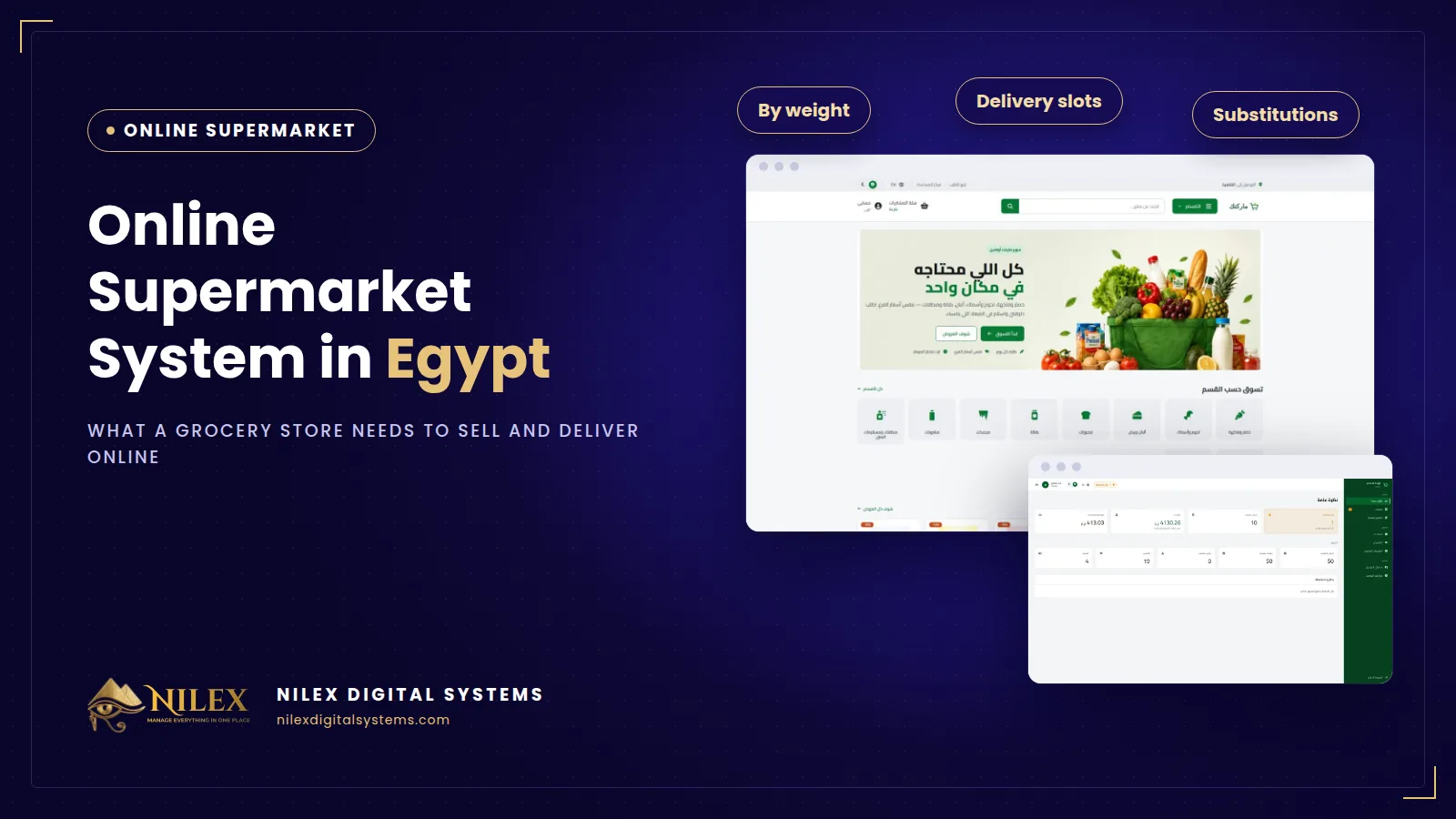
An online supermarket system is an online store built around how groceries are actually sold: products by the piece, by weight or by volume, delivery areas with their own fees and minimums, delivery time slots the customer books, and a clear rule for what happens when an item is out of stock. A supermarket in Egypt that wants home-delivery orders online needs these grocery-specific parts; a general store template that only knows "add one item to the cart" leaves the team fixing every order by phone.
Most supermarkets start online with a WhatsApp number, a PDF price list or a Facebook page. Orders arrive as voice notes and photos, someone writes them on paper, someone else calls back to confirm prices and weights, and the driver leaves without knowing whether the customer will pay cash or has already sent a wallet transfer. That works for ten orders a day. It breaks at fifty.
Key takeaways
- A grocery basket is different from a fashion or electronics basket: kilos, litres and pieces in the same order, bought again every week.
- Each product needs a sale unit (piece, weight or volume), a quantity step and a maximum per order, with the price per kilo, litre or unit shown clearly.
- Delivery should be set by area, each with its own fee, minimum order and free-delivery threshold.
- Customers should book a day and a time slot, and each slot should close when it reaches its capacity.
- The customer, not the picker, should decide in advance what happens to an out-of-stock item.
- Every order should move through clear stages from picking to delivery, with the time of each change recorded.
Why a normal online store template is not enough
A general e-commerce template assumes fixed products in fixed quantities, shipped by a courier in two or three days. A supermarket works differently:
- Quantities are not whole numbers. A customer wants 1.5 kg of tomatoes and a quarter kilo of white cheese, not "2 tomatoes".
- Delivery is local and same-day or next-day. The question is not "which courier" but "which area, at what time, and is the order big enough to be worth the trip".
- Stock changes during the day. An item that was available when the customer ordered may be finished by the time the order is picked.
- Customers return weekly. They expect saved addresses, their previous orders and a quick way to find the same products again.
What an online supermarket must have
1. A storefront organised by department
Customers shop by department: fruit and vegetables, dairy, bakery, frozen, cleaning. They should be able to filter by offers, availability and chilled or frozen goods, and search by product name, brand or barcode. The store should work in Arabic and English, on a phone first, because that is where most grocery orders are placed.
2. Selling by piece, weight or volume
Each product is sold the way it is sold at the counter, with its own quantity step and limit. Weighed items are confirmed at the actual weight when the order is picked. We explain the details in selling groceries by weight online.
3. A basket that shows the delivery rules
While shopping, the customer should see the minimum order for their area and how much is left to reach free delivery. This alone answers many of the questions your team would otherwise get by phone.
4. Delivery areas and time slots
Every area has its own fee, minimum order and free-delivery threshold, and every time slot has a capacity. See how to set delivery areas and time slots for practical settings.
5. A substitution choice
For each order the customer chooses: call me first, replace it with something similar, or remove it. The picker then knows what to do without guessing.
6. Payment methods customers already use
Cash on delivery remains common for groceries, along with e-wallet and InstaPay transfers. Our article on reducing COD returns and fake orders covers how to protect yourself when most orders are paid at the door.
7. Clear order stages
Pending, confirmed, picking, out for delivery, delivered: each change recorded with its time, plus payment status and internal notes. Read substitutions and order picking for how a supermarket team uses these stages.
8. A product catalogue the team can maintain
Arabic and English names, barcode, brand, category, unit, net content, storage type, sale prices with start and end dates, stock and low-stock alerts, and several images per product.
WhatsApp orders vs a general store vs a grocery system
| Need | WhatsApp and phone | General store template | Grocery-specific system |
|---|---|---|---|
| 1.5 kg of tomatoes | Written by hand | Usually whole units only | Weight with a quantity step |
| Delivery fee by area | Told on the phone | Often one flat fee | Fee, minimum and free threshold per area |
| Choosing a delivery time | Back-and-forth messages | Rarely available | Day and slot with capacity |
| Out-of-stock items | Call during picking | Order fails or waits | Customer's choice in the basket |
| Where is my order? | Ask the shop | Generic statuses | Picking, out for delivery, delivered |
| Price per kilo or litre | Not shown | Not standard | On every product |
Before you start: a short checklist
- List your departments and decide which products are sold by weight, by piece or by volume.
- Draw your delivery areas, and for each one decide the fee, the minimum order and the free-delivery threshold.
- Decide your delivery slots and how many orders your pickers and drivers can handle in each.
- Prepare product photos and names in Arabic and English; this is usually the longest part of the launch.
- Write clear delivery, return and contact information; our guide to what Egypt's Consumer Protection Law expects online stores to show is a useful starting point.
- Estimate the full cost, including hosting and yearly support, using our online store cost breakdown.
How Nilex helps
Nilex offers a ready online supermarket and grocery delivery system with everything described above: an Arabic and English storefront with dark mode, selling by piece, weight or volume, delivery areas with fees and minimums, time slots with capacity, the substitution choice, cash on delivery or e-wallet / InstaPay payment, guest checkout or customer accounts, and an admin panel for orders, products, delivery and financial reports. The store is server-rendered with structured data for a grocery store, so search engines can read it.
We deliver it with your logo, colours, departments, products and delivery areas, and train your team before launch. Online card payment, bulk import from Excel, a mobile app, a link to your POS or ERP and several branches are not part of the standard store; they can be added for you as custom work. See the plans on the system page, or contact us to discuss your supermarket.
Frequently asked questions
Is an online store worth it for a neighbourhood supermarket?
If you already take orders by WhatsApp or phone every day, yes. The store turns those messages into complete orders with area, time slot and payment method, so your team picks and delivers instead of typing and calling.
Do customers need an account?
No. Customers can order as guests. An account keeps their previous orders and saved addresses, which helps weekly shoppers.
Which payment methods are supported?
Cash on delivery and e-wallet or InstaPay transfer with its reference. Online card payment can be added as custom work.
Will the store appear on Google?
The store is server-rendered with structured data for a grocery store and product pages, which search engines can read. Ranking still depends on your content and competition.
How long does launch take?
Usually two to three weeks, depending on how many products need to be uploaded with their photos.
 Starting Online Orders for Your Supermarket: A Practical Launch Plan, Decision by Decision11 October 2026 · 9 min
 Online Legal Bookshop Case Study: How Dar El Ahram Sells 800+ Legal Titles Online11 October 2026 · 11 min
 Selling Online From Egypt to Other Countries: Shipping Prices per Country, Local Zones and Card Payment11 October 2026 · 8 min