
Grades, Results and Behaviour Records: How a School System Turns Marks Into Reports Parents Understand
The path from a teacher's mark to a report card a parent can read: grading schemes as settings, the gradebook, approval before publishing, report cards, the second round and promotion, plus behaviour points and social-work cases.
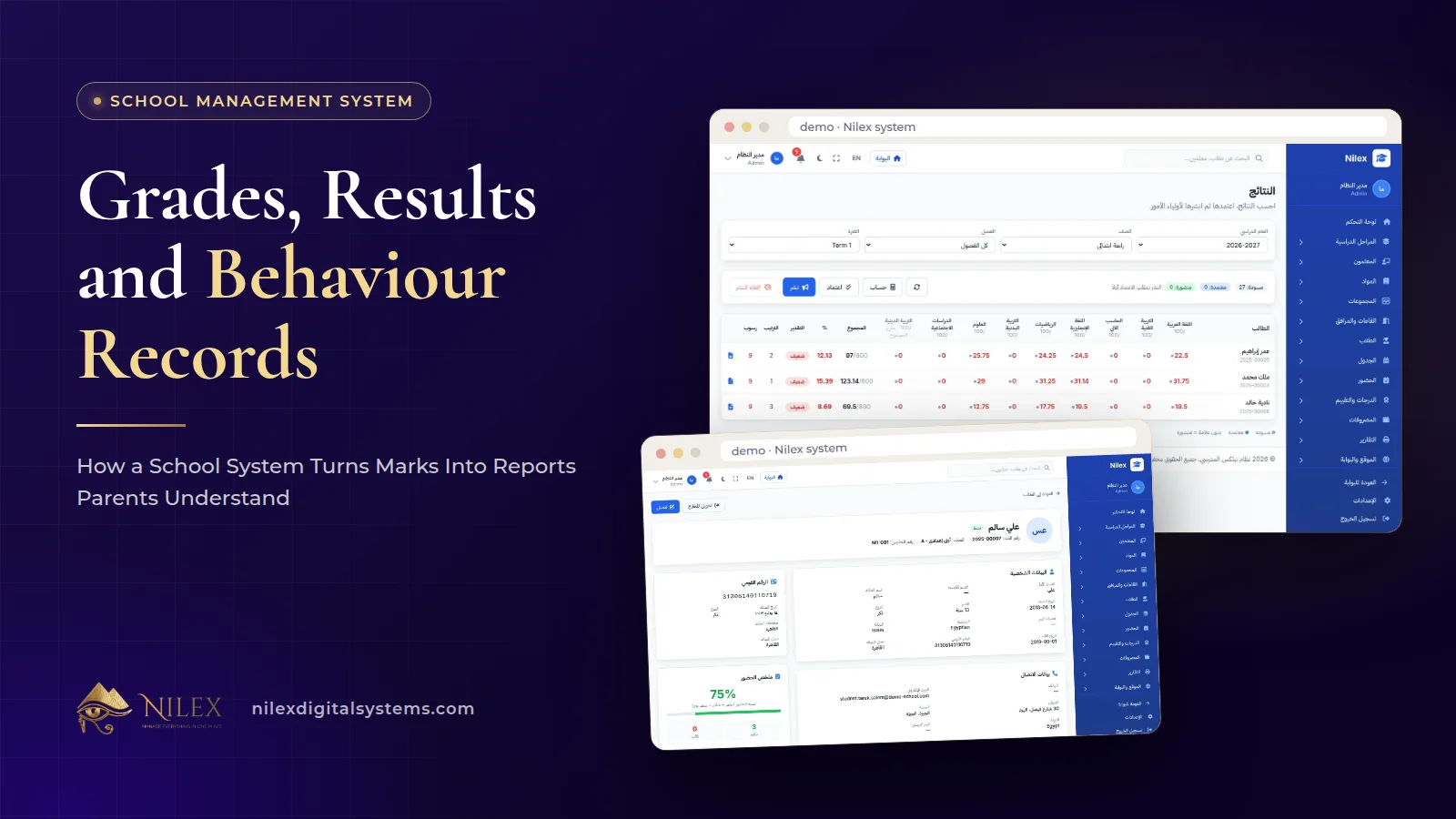
A school system turns marks into reports parents understand by following one path: teachers enter marks into a gradebook built on the grading scheme the school has set, the results go through approval, they are published, and only then do report cards and the parent portal show them. The same records drive the second round and promotion at the end of the year.
Behaviour belongs next to grades because parents and administrators ask about both in the same breath: "How is my son doing?" rarely means only marks. In our School Management System, behaviour points and social-work cases are recorded in the same system as results, with access limited to the people who need them. This guide walks through each step and the decisions a school should take before the first term.
Key takeaways
- Grading schemes follow the Ministry and are kept as settings the school reviews every year, not numbers fixed in the software.
- Results move from the gradebook through approval to publishing; nothing reaches parents before it is approved.
- Report cards, the second round and promotion are handled in the same grades and results module as the marks, so there is no separate sheet to retype at year end.
- Behaviour points and social-work cases are recorded in the system, with sensitive cases seen only by the right staff.
- Parents see their children's results in the parent portal; official reports print or export to CSV.
The path of a mark, step by step
- The scheme is set. At the start of the year the administration sets the grading scheme for each stage according to the Ministry's rules.
- Teachers enter marks. Each teacher records marks for their classes and subjects in the gradebook.
- Results are approved. Results are reviewed and approved before they go anywhere.
- Results are published. Once published, they appear in the parent portal and on report cards.
- The year closes. Students who need it go to the second round, and promotion is decided from the same records.
The order matters more than any single screen. Most disputes about results start when a mark leaks before it is checked, or when the report card was typed from a different sheet than the one the teacher used.
Why grading schemes should be settings
The FAQ answer on our system page is short: the system follows Ministry of Education rules for grading schemes, attendance warnings and dismissal, admission age, the second round and promotion, and the official reports, and the rules are settings you can review every year. We explained why this design matters in school management system in Egypt; for grades the practical consequence is a yearly checklist:
- Confirm the current decisions for each stage before the first assessment, not after.
- Review each scheme in the system against those decisions, and record who reviewed it and when.
- Tell teachers which assessments count and how, in writing, before they enter the first mark.
We do not reproduce weights or pass marks in this article, because they differ by stage and change by decision. Your administration should take them from the Ministry's current documents.
The gradebook: one place for every mark
The gradebook replaces the teacher's private sheet. Each teacher works on their own classes and subjects, under the scheme the school has set, so the totals are calculated the same way for every class. Practical habits that keep it clean:
- Enter marks soon after each assessment, not all at once before results day.
- Agree how to record an absent student versus a zero; the difference matters for the second round.
- Let the subject coordinator look across classes before approval, to catch one class marked far more strictly than another.
Approval and publishing: why results wait
Results are approved before they are published. This single step protects the school more than any other. It gives the administration a moment to check missing marks, obvious typing errors and inconsistent classes, and it means a parent never sees a provisional result that changes the next day.
Decide before the term who approves results for each stage, and publish on a date you announce in advance. Parents who know when results arrive tend to call the school less than parents waiting without a date. Announcements to certain roles or classes, covered in our guide to targeted announcements and parent portals, are the natural way to tell them.
Report cards, the second round and promotion
Report cards are part of the same grades and results module, so the school does not type them from a separate sheet. At year end the same records drive the second round for students who need it, and promotion to the next grade. Official reports are available for printing or as CSV, which helps when the school needs to submit or archive them.
Because promotion depends on more than marks in some cases, keep attendance records accurate during the year too; our guide to student attendance and absence warnings covers that side.
Behaviour points and social-work cases
The system records behaviour points for students and keeps social-work cases. They serve different purposes and should be handled differently:
- Behaviour points are day-to-day records that build a picture over a term. Agree as a school what earns or costs points, so two teachers do not record the same incident in different ways.
- Social-work cases are for situations the social worker follows over time. They can include family or health details, so they need tighter access than marks.
Every user sees only what their role allows, and important actions are recorded in an audit log with who did them and when. For student records, that means a class teacher sees their classes, and social-work cases stay with the people responsible for them. Our guide to user permissions and audit logs explains why that matters when the data is about children.
Who sees what
| Record | Teacher | Administration | Social worker | Parent |
|---|---|---|---|---|
| Marks in the gradebook | Their own classes and subjects | Yes, for review and approval | Only if the school grants it | No, until published |
| Published results and report cards | Their classes | Yes | As the school decides | Their own children |
| Behaviour points | As the school decides | Yes | Yes | As the school decides |
| Social-work cases | No, by default | Senior staff the school names | Yes | No |
This table is a recommended starting point built on role permissions, not a fixed setting: each school decides its own policy, then sets the roles to match.
What parents see in the portal
In the parent portal, parents see their children's announcements, timetable, attendance and results, and in the Complete School plan their fee statements too. They can also send absence excuses. The parent portal covers the parent's children at the school. Results appear only after they are published, which is exactly why the approval step matters.
How Nilex helps
The gradebook, results, report cards and promotion, behaviour and social-work cases, the parent portal and official reports are part of the School Management plan of our School Management System, with unlimited students and users. We deliver it with your school's name, logo, stages and classes, and train your staff before launch.
- See the results and report card screens, the modules and the plans on the system page, and use its form to request the system or a similar one.
- If your school group needs something the system does not cover, see our custom business systems service.
- To plan your first term on the system, contact us.
The money side of the school year, fees and payroll, is covered in school fees and staff payroll.
Frequently asked questions
Does the system follow Ministry of Education rules?
Yes: grading schemes, attendance warnings and dismissal, admission age, the second round and promotion, and the official reports. The rules are settings the school can review every year.
When do parents see results?
After the results are approved and published. Marks being entered in the gradebook are not visible to parents.
Can we print or export official reports?
Yes. Official reports are available for printing or as CSV.
Are social-work cases private?
Access follows roles and permissions, so the school can limit social-work cases to the social worker and the senior staff it names, and important actions are recorded in the audit log.
Which plan includes grades and behaviour?
The School Management plan and the Complete School plan. The Website & Portal plan covers the website and portals without the management system.
 What Makes a Business System Professional: The Standards Nilex Builds Into Its Systems11 October 2026 · 11 min
 A Portal for Every Role: Why Nilex Systems Give Owners, Staff, Technicians and Customers Their Own Screens11 October 2026 · 9 min
 The Nilex Client Portal: Follow Your Project, Invoices, Payments and Requests in One Place11 October 2026 · 8 min