
School Management System in Egypt: Website, Portals and the Whole School Year in One Place
What a school management system should cover for Egyptian schools: a bilingual website, targeted announcements, portals for parents and teachers, timetable, attendance warnings, grades, fees and payroll.
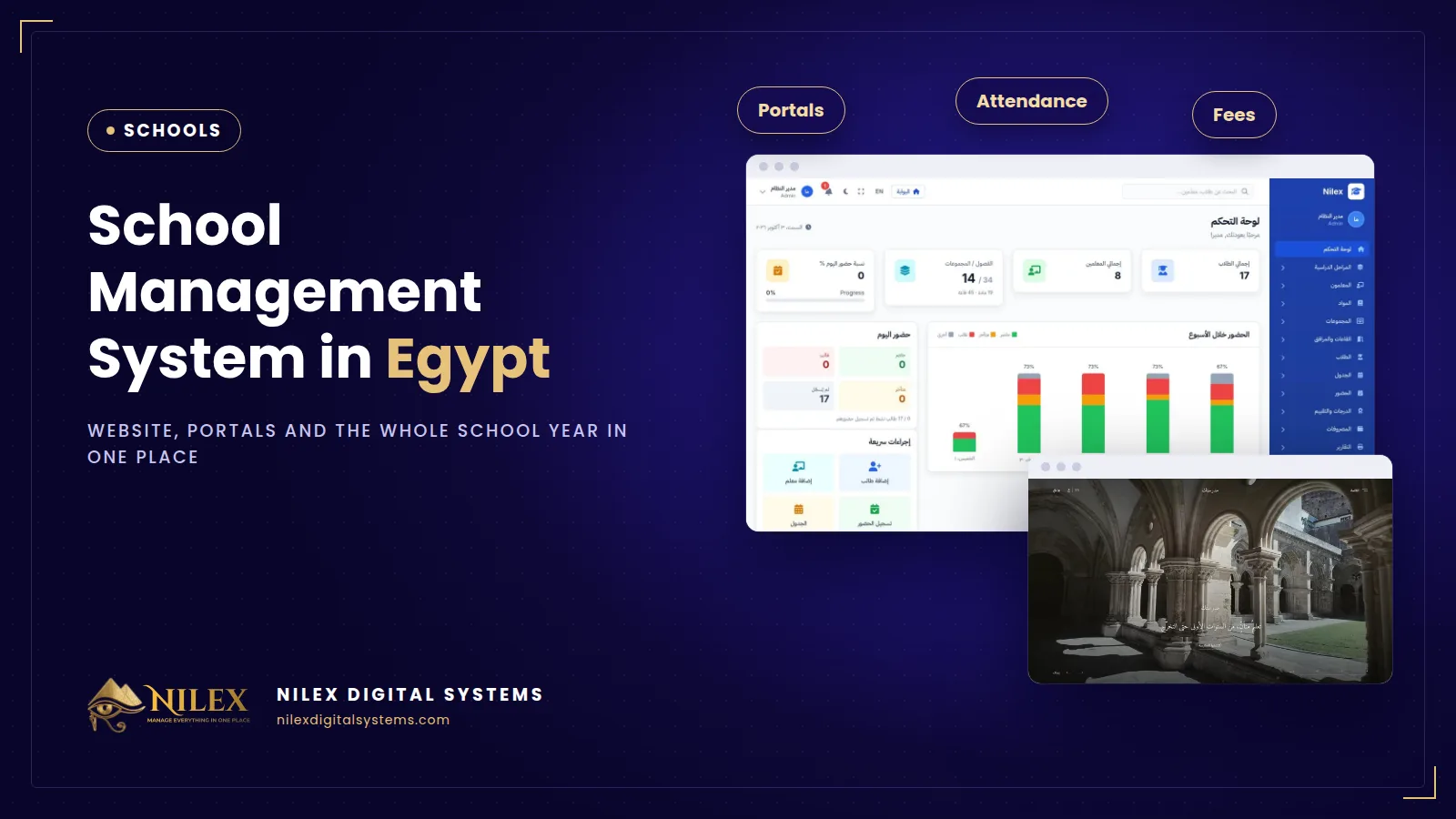
A school management system is the software that runs a school's year in one place: the public website and announcements, a portal for every student, parent and teacher, and the back office for students, classes, the timetable, attendance and absence warnings, grades and results, fees and staff. For private, language and international schools in Egypt, the right system is the one that follows the Ministry's rules as settings the school can review, and that gives every family a clear view of their own child without a flood of WhatsApp messages.
Most schools run on a mix of tools: a Facebook page for news, several WhatsApp groups per class, an Excel file for attendance, another for grades, a receipt book at the cashier and a payroll sheet in the accountant's computer. Each tool works on its own. The trouble is between them: an announcement that never reached half the parents, an absence warning sent a week late, a fee installment nobody chased, a teacher booked in two classes at the same period.
Key takeaways
- A school system has three layers: the public website, the portals for each user, and the management system behind them. Buying them separately leaves the same data typed three times.
- Announcements should be targeted: to everyone, signed-in users, certain roles or certain classes, with publish and expiry dates.
- Attendance should be taken by the teacher in the period, with absence warnings calculated from settings the school reviews every year.
- Grades, results and report cards need an approval step before they are published to parents.
- Fees with installments and staff payroll belong in the same system, so the owner sees money and people next to students.
What should a school management system cover?
1. The school website
Home, about, news and articles, public announcements, an events calendar, an online admissions form and a contact form, in Arabic and English, all edited from the dashboard without a developer. Parents search on Google before they visit, so the website also needs to be built for search; our guide to Arabic SEO explains why Arabic pages matter.
2. Portals for students, parents and teachers
Every user has an account. Each one sees only their own announcements, news, events and timetable; parents also see their children's attendance and results. The detail is in our article on school websites, announcements and parent portals.
3. Students, classes and teachers
Stages, grades and classes; each student with guardians, national ID and an admission-age check; transfers between classes; teachers with their subjects.
4. A timetable without clashes
The timetable should refuse to put the same teacher, or the same room, in two places at one period. That one rule saves hours of rework at the start of each term.
5. Attendance and absence warnings
Daily attendance taken by the teacher, absence warnings and dismissal letters, excuses sent by parents, and a school calendar so holidays are not counted as absences. See student attendance and absence warnings.
6. Grades, results and promotion
Assessment schemes per stage, a gradebook, approval and publishing of results, report cards, the second round and promotion to the next year, plus behaviour points and social-work cases.
7. Fees, HR and payroll
Fee structures with installments and discounts, a cashier with numbered receipts, fee statements for parents, staff attendance, leave, substitute periods and payroll with payslips. See school fees, installments and staff payroll.
How should the system handle Ministry rules?
Schools in Egypt work under Ministry of Education decisions on attendance, assessment, admission age, second rounds and promotion, and these decisions change from year to year and differ by stage. A system that hard-codes last year's numbers becomes wrong the day a new decision is issued.
The safer design is to keep each rule as a setting: the number of absence days that triggers each warning, the weights of coursework and exams, the admission-age date. The school's administration reviews them at the start of every year against the current decisions. As one example of a rule worth checking, a Ministry periodical published in 2022 states that a student who has not attended at least 85% of actual school days, after excused absences are deducted, may not sit the exam as a regular student, and asks schools to register absences electronically every week and keep parents informed. Always confirm the rule in force for your stage before you change a setting.
Separate tools vs a school management system
| Need | WhatsApp + Excel + receipt book | School management system |
|---|---|---|
| Announcement to one class's parents | A message in one group, lost in an hour | Targeted to that class, pinned, with an expiry date |
| Who is absent today | Paper sheets collected at noon | Taken by the teacher in the period |
| Absence warnings | Counted by hand, often late | Calculated from the school's settings |
| Teacher booked twice | Discovered in the corridor | Blocked when the timetable is built |
| Results to parents | Photos of report cards | Approved, then published in the parent portal |
| Fee balance per student | Receipt book and a spreadsheet | Statement linked to installments and receipts |
| Payroll | Separate sheet | Next to staff attendance and leave, with payslips |
Student data, permissions and privacy
A school holds names, national IDs, guardians' phone numbers, grades, behaviour notes and social-work cases. That is personal data, some of it about children, so access must follow the job: a class teacher sees their classes, the cashier sees fees, the social worker sees cases. Read our guides to privacy notices under Egypt's data protection law and to user permissions and audit logs before you choose.
How to choose
- Test a real day: publish an announcement to one class, take attendance for one period, record an excuse, enter a grade and print a receipt.
- Ask how Ministry rules are stored: as settings you can review, or as code only the vendor can change.
- Check that a parent can use the portal on an ordinary phone, in Arabic.
- Ask how your student list, guardians and opening fee balances are imported.
- Ask who hosts the system, how it is backed up and how you export your data.
How Nilex helps
Nilex offers a ready school management system: a school website in Arabic and English, targeted announcements, a portal for every user and the management system for students, timetable, attendance, grades, fees and HR, with unlimited students and users. You can start with the website and portal and add the management system later. The system page has seven short videos and the available plans. We deliver it with your school's name, logo, stages and classes, and train your staff before launch. Talk to us about your school.
Sources
Frequently asked questions
Can we start with the website only?
Yes. The website and portal can run on their own, and the management system is added later on the same accounts.
Does the system follow Ministry rules?
It covers grading schemes, attendance warnings and dismissal, admission age, the second round, promotion and the official reports. The rules are settings your administration reviews every year.
Is there a limit on students?
No. Every plan has unlimited students and users.
Are announcements sent by email?
Today announcements reach users in their portal and on the website. Sending them by email is planned and not yet available, so ask us about it when you plan your launch.
How long does it take to launch?
The website plan takes about a week. The management plans take two to four weeks, depending on how much student data is loaded.
 What Makes a Business System Professional: The Standards Nilex Builds Into Its Systems11 October 2026 · 11 min
 A Portal for Every Role: Why Nilex Systems Give Owners, Staff, Technicians and Customers Their Own Screens11 October 2026 · 9 min
 The Nilex Client Portal: Follow Your Project, Invoices, Payments and Requests in One Place11 October 2026 · 8 min