
Vehicle Inspection and the Workshop Customer Portal: Showing Customers What Their Car Needs
How a car repair workshop turns an inspection into something the customer understands: OK, needs attention or urgent, a portal where the customer follows the car stage by stage and approves lines, and a live view of every car inside every branch.
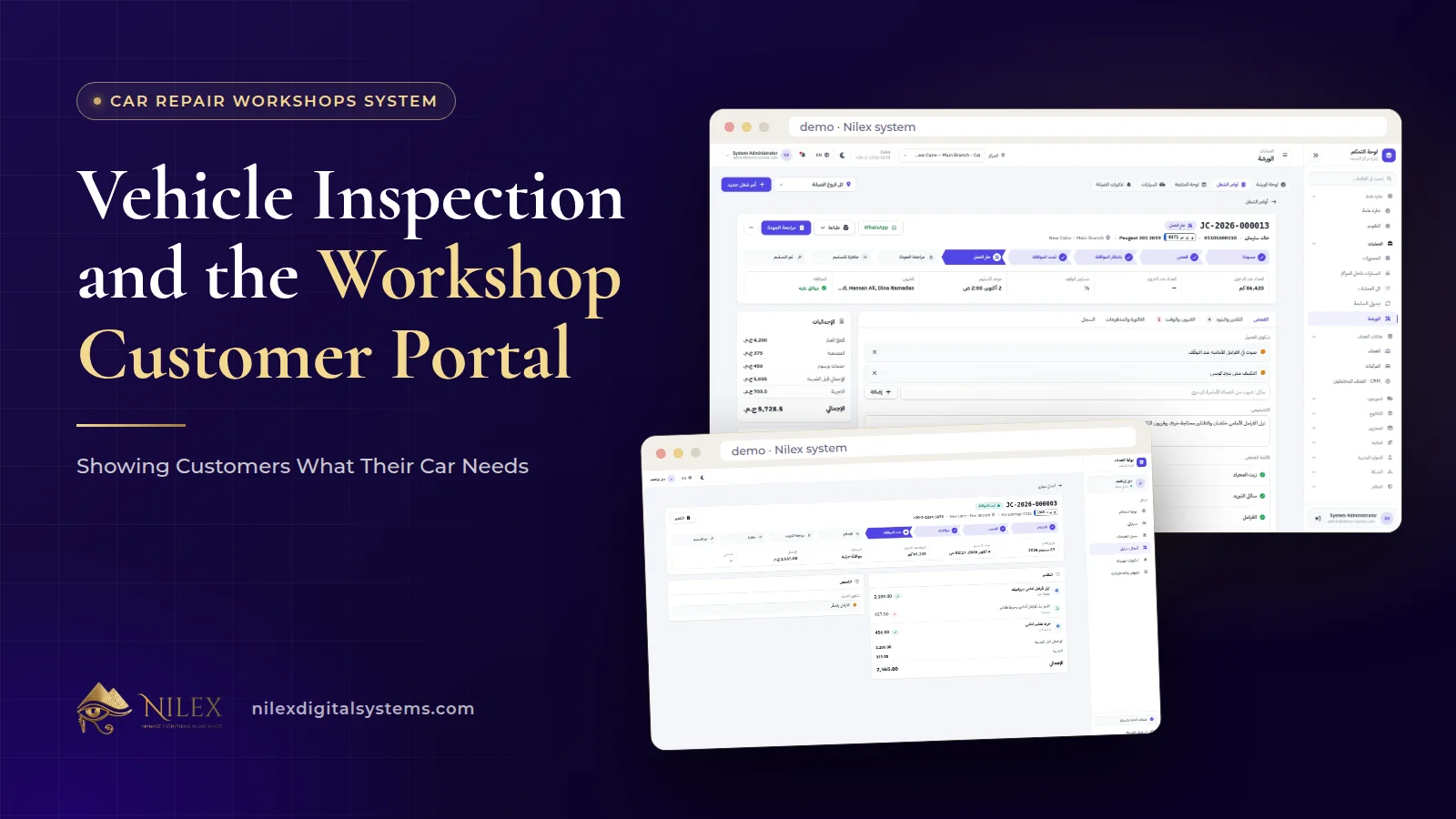
A workshop shows customers what their car needs by doing the inspection in a fixed shape: every checklist item is marked OK, needs attention or urgent, the technician writes the diagnosis, and the customer receives priced lines he can approve or decline from his phone. After that, the customer portal lets him follow the car through each stage, so "is it ready?" no longer needs a phone call.
This matters because most friction between workshops and customers is not about price alone. It is about not knowing: not knowing why a part is needed, not knowing whether something can wait, and not knowing where the car is right now. A clear inspection answers the first two, the portal answers the third, and a live view of the cars inside each branch tells management which promises are about to be broken. Job cards and line-by-line approval are covered in our guide to job cards, estimates and customer approval; this article goes deeper into the inspection itself and what the customer sees afterwards.
Key takeaways
- Three ratings, OK, needs attention and urgent, give the customer a priority order he can act on.
- Write the diagnosis for the customer and keep internal notes for the team; they serve different readers.
- The customer portal lets the customer follow his car's stage and approve or decline estimate lines from his phone.
- Stages only help the customer if the team moves the job card honestly, including "waiting for parts".
- The cars-inside-branches view shows every car's stage, time inside and late deliveries, so managers act before the customer calls.
Why is the inspection the most important conversation in a workshop?
The customer arrives with a complaint in his own words: "a noise from the front when braking", "the A/C is weak". He leaves with an invoice. Everything between those two moments depends on the inspection. If it is vague, the estimate looks arbitrary and the customer suspects he is being sold things. If it is clear, the same estimate looks like advice.
A checklist gives every inspection the same shape, whoever does it. The customer gets a consistent picture whether his car was inspected by your senior technician or by the newest one, and the service advisor has something concrete to explain instead of relaying a verbal summary from the bay.
OK, needs attention, urgent: how to use the three ratings
In the Nilex workshop system, each checklist item is marked OK, needs attention or urgent, with the diagnosis and internal notes. The ratings are simple on purpose. Their value comes from using them consistently.
| Rating | What it should mean in your workshop | What to tell the customer | Usual decision |
|---|---|---|---|
| OK | Checked, nothing to do now | "We checked it, it is fine" | No estimate line |
| Needs attention | Worn or borderline; safe for now but will need work | "This can wait, but plan for it" | Priced line; the customer may approve or decline |
| Urgent | Safety or further damage if left | "We recommend doing this now, and here is why" | Priced line recommended for approval today |
Agree on these definitions with your technicians and write them down. If one technician marks worn brake pads urgent and another marks them needs attention, the ratings lose their meaning for the customer. A short internal guide with examples for the items you check most often keeps everyone aligned.
Why the OK items matter too
Many workshops only report problems. Showing what was checked and found OK builds trust: the customer sees that the workshop looked at the whole car and is not inventing faults. A report with ten OK items, two needing attention and one urgent reads very differently from a list of three expensive repairs.
Diagnosis for the customer, internal notes for the team
The inspection holds two kinds of text, and they have different readers:
- The diagnosis explains the finding: what is wrong and what it affects. Write it so a non-technical customer understands it, without part numbers or workshop shorthand.
- Internal notes are for the team: a suspicion to check, an instruction for the technician, a reminder about the customer's preferences.
Keeping the two apart lets technicians write freely without worrying how a note will sound to the customer, and lets the advisor send a clean explanation. From there, the findings become estimate lines: parts from the branch stock with the quantity available shown, labor by the hour and services from the price list, with totals and tax calculated.
What does the customer see in the portal?
The estimate is sent by WhatsApp, SMS or email with a link to the customer portal, where the customer approves or declines each line. The same portal lets him follow his car's stage. If he prefers the counter or a phone call, approval can also be recorded there with the method and the name of the person who approved.
Following the stage is where the portal saves the most calls. A job card moves through clear stages, and each one can be explained to the customer in one line:
| Stage | What it means for the customer | What the workshop must do to keep it true |
|---|---|---|
| Inspection | The car is being checked | Move the job on when the checklist is complete |
| Awaiting approval | Your estimate is ready for you | Send the estimate link straight away |
| Approved | We have your decision | Plan technicians and parts for approved lines |
| In progress | Work has started on approved lines | Start only on approved lines |
| Waiting for parts | A part is on its way | Set it honestly; do not hide delays as "in progress" |
| Quality check | Final checks before handover | Approved parts issued, odometer out recorded |
| Ready | You can collect your car | Tell the customer the car is ready |
| Delivered | Handed over | Invoice created from approved lines; payment recorded, full or partial |
Before those stages, a job card starts as a draft while it is being opened at check-in. The portal is only as honest as the stages behind it. A car left in "in progress" while it waits two days for a part produces exactly the angry call the portal was meant to prevent. "Waiting for parts" is not an admission of failure; it is information the customer is glad to have.
The cars-inside-branches view: catching late cars before the customer calls
At check-in, the advisor records a promised time with the odometer, fuel level, priority and complaints. The cars-inside-branches view shows every car inside every branch right now: its stage, how long it has been inside and which deliveries are late. Next to it, the workshop dashboard shows open jobs, jobs by stage, cars in the workshop, due reminders and workshop revenue, and the follow-up board shows every job as a card in its stage.
A short daily routine makes this view useful:
- Morning: open the view and sort out every late car. Either fix the cause or call the customer with a new time before he calls you.
- Midday: check cars stuck in "awaiting approval". Often the customer simply has not opened the link; one call moves the job.
- Afternoon: look at cars in "waiting for parts" and confirm arrival times, so the promised time for tomorrow is realistic.
For owners of several branches, the same view answers which branch is overloaded and where promises are slipping. Parts and technician time, the usual causes of delays, are covered in spare parts and technician time in the workshop, and running several sites in general in systems for businesses with several branches.
After the visit: inspection findings as a reason to come back
A line marked needs attention and declined today is not lost work. It is the next conversation. Every car keeps its full history, with visits, odometer readings, spending and service log, and service reminders by kilometers or date bring customers back on time. How to turn that history into a daily call list is explained in vehicle service history and maintenance reminders; the inspection is where those future visits start.
Why this protects the workshop as well as the customer
Every action is recorded in the job card timeline with who did it and when: the inspection, the estimate, each approval, the stage changes. Work can start before approval only by a manager, and that decision is recorded too. When a customer later disputes a line, the record shows what was found, what was approved, how and by whom. The same idea of giving each role its own view, the customer included, is discussed in a portal for every role.
How Nilex helps
The car repair center and workshop management system includes inspection checklists rated OK, needs attention or urgent with the diagnosis and internal notes, estimates built from parts, labor and services and sent by WhatsApp, SMS or email, a customer portal where customers follow their car's stage and approve or decline lines, the workshop dashboard, the follow-up board and the view of cars inside every branch. It runs in the browser in Arabic and English, and estimates, job cards and invoices print as Arabic PDFs.
On the system page, the Single Workshop plan includes job cards, inspection and estimates and customer approval by link, while the customer portal and the cars-inside-branches view are listed in the Growing Network plan. Prices, demo videos and the request form are on the system page. For the whole cycle, read our guide to the car repair workshop management system, or contact us.
Frequently asked questions
Does the customer see the internal notes?
Internal notes are, as the name says, for the team. What the customer receives is the estimate with its priced lines to approve or decline.
What if the customer does not use the portal?
Approval can be recorded at the counter with the method and the name of the person who approved, so the record is complete either way.
Does the portal notify the customer at every stage?
The published description covers following the stage in the portal and sending the estimate by WhatsApp, SMS or email. Automatic messages at every stage are not listed; ask for them as custom work if you need them.
Which plan includes the customer portal?
The customer portal and the cars-inside-branches view are listed from the Growing Network plan. See the system page for the full contents of each plan.
How do I know which cars are late?
The cars-inside-branches view shows each car's stage, its time inside and late deliveries against the promised time recorded at check-in.
 What Makes a Business System Professional: The Standards Nilex Builds Into Its Systems11 October 2026 · 11 min
 A Portal for Every Role: Why Nilex Systems Give Owners, Staff, Technicians and Customers Their Own Screens11 October 2026 · 9 min
 The Nilex Client Portal: Follow Your Project, Invoices, Payments and Requests in One Place11 October 2026 · 8 min