
Car Repair Workshop Management System: 10 Things It Must Do from Check-In to Delivery
What a car repair center or workshop system must cover: job cards, inspection, estimates the customer approves, technicians and time, spare parts, quality check, delivery, invoices, vehicle history, reminders and branches.
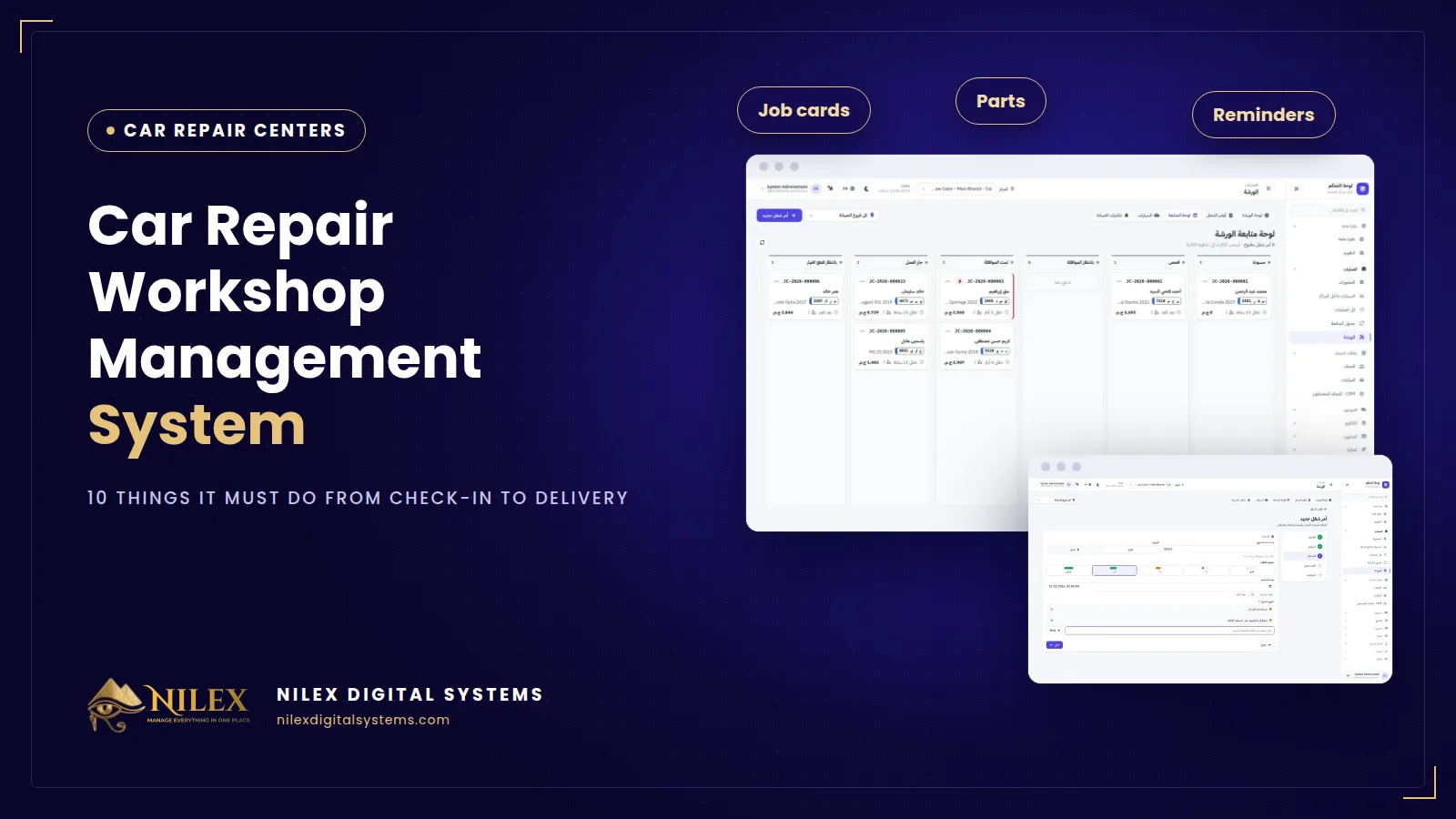
A car repair workshop management system is the software that follows every car from the moment it enters the gate until the customer drives it away: the job card, the inspection, the estimate and the customer's approval, the technicians and their time, the spare parts, the quality check, the invoice and the payment. Afterwards it keeps the car's history and reminds the customer of the next service. For a repair center in Egypt, the right system is the one that closes the small gaps where a workshop quietly loses money.
Most workshops run on a receipt book, a whiteboard, a WhatsApp chat with the customer and a service advisor who remembers what was agreed. It works with ten cars a day and one branch. It stops working when two advisors give two different prices, when a part is fitted and never billed, or when a customer says "I never agreed to that".
Key takeaways
- A workshop is one cycle: check-in, inspection, estimate, approval, work, parts, quality check, delivery, invoice. Gaps between steps are where money leaks.
- Every car should enter with a job card that records the odometer, fuel level, the customer's complaint and a promised time.
- Work should start only on lines the customer approved, and the approval should be recorded.
- Parts should be issued to a specific job from a specific branch's stock, so nothing is fitted without being billed.
- The car's history and service reminders are what turn a one-time repair into a regular customer.
Where does a repair center lose money?
- A car checked in without a record. No odometer reading, no fuel level, no written complaint, so any later argument is one word against another.
- Work started before the price was agreed. The customer refuses to pay for the extra job, and you either absorb it or lose the customer.
- A part fitted but never billed. It left the shelf, went into the car and never reached the invoice.
- Technician hours nobody counted. You pay for a full day but do not know how many hours went into paid jobs.
- The customer who never came back. Nobody called him when his next oil change was due, so another workshop did it.
The 10 things a workshop system must do
1. A job card at check-in
Opening a job card should take a few short steps: the customer, the car, then the check-in details (odometer, fuel level, priority, promised delivery time and the customer's complaints), an optional first estimate and a review. If check-in is slow, reception will skip it on busy days.
2. Clear stages for every job
Draft, inspection, awaiting approval, approved, in progress, waiting for parts, quality check, ready, delivered. A follow-up board that shows every job as a card in its stage answers "where is my car?" without anyone walking to the bay.
3. An inspection checklist and diagnosis
Each item marked OK, needs attention or urgent, with the diagnosis and internal notes. The checklist is what turns "the car makes a noise" into a list of priced lines.
4. Estimates the customer approves line by line
Parts from stock, labor by the hour and services from a price list, with totals and tax calculated. The estimate is sent to the customer, who approves or declines each line from a link. We cover this step in detail in job cards, estimates and customer approval.
5. Technicians and their time
Assign technicians to the job and let each one record when he starts and stops, so you know how long each job took and how much each technician worked.
6. Spare parts issued per job
Parts move from to-order to ordered, received and issued, and issuing deducts them from the branch stock. See spare parts and technician time in the workshop.
7. A quality check before "ready"
Before a car is marked ready, the system should check that every approved part was issued and the odometer out is recorded.
8. Delivery, invoice and payments
The invoice is built from the approved lines, payments can be full or partial in cash, card or transfer, and the estimate, job card and invoice print as Arabic PDFs.
9. Vehicle history and service reminders
Every visit, odometer reading and amount spent per car, plus reminders by kilometers or date. More in vehicle service history and maintenance reminders.
10. Branches and a customer portal
Each branch with its own jobs, stock and team; management sees every car inside every branch and what is late. Customers follow their car's stage from their phone.
Receipt book vs general accounting software vs a workshop system
| Need | Receipt book + WhatsApp | General accounting software | Workshop system |
|---|---|---|---|
| Check-in with odometer and complaint | If someone remembers | Not covered | Part of the job card |
| Customer approval of the price | A voice note | Not covered | Per line, recorded |
| Parts linked to the job | Written on the card | Sales invoice only | Issued from branch stock |
| Technician time per job | Not known | Not covered | Start and stop per technician |
| Where each car is now | Walk to the bay | Not covered | Stage board and floor view |
| Next service reminder | None | None | By kilometers or date |
How to choose a workshop system
- Test a real morning: check in five cars, send two estimates, approve one line and decline another, issue parts and close one job with a partial payment.
- Check that the service advisor can open a job card in a couple of minutes on a tablet or phone.
- Ask who can start work before approval, and whether that decision is recorded with the name of the person.
- Ask how your price list, parts and customers are loaded at the start, and how you export your data later.
- Check permissions: an advisor, a technician and a branch manager should not see the same things. Our guide to user permissions and audit logs explains why.
If your work is detailing, PPF or tint rather than mechanical repair, the needs are different (film by the meter, warranties per panel); read our guide to car protection center software instead.
How Nilex helps
Nilex offers a ready car repair center and workshop management system that covers the cycle above: five-step job cards, inspection checklists, estimates approved line by line, technicians and time, parts from branch stock, quality check, invoices with partial payments, vehicle history, service reminders, a workshop dashboard and a floor view of every branch. It also includes a CRM for leads and follow-ups, explained in what a CRM is. The system runs in the browser, in Arabic and English, and we set it up with your branches, services, parts and prices and train your team before go-live. See the plans on the system page for what each one includes, or contact us.
Frequently asked questions
Is a system worth it for a small workshop?
If you check in more than a handful of cars a day or have more than two technicians, usually yes. Approved estimates and parts issued per job alone stop the most common silent losses.
Do I need to install anything?
No. It runs in the browser on computers, tablets and phones, and Nilex hosts it.
How long does setup take?
A single workshop is usually running within a week, including setup and training. Larger networks depend on the number of branches and the data to import.
Does it suit fleet maintenance departments?
Yes. A company workshop maintaining its own vehicles follows the same cycle: check-in, inspection, parts, technicians, history and reminders by kilometers.
Can it run several branches?
Yes. Each branch has its own jobs, stock, finance and team, and management compares branches.
 What Makes a Business System Professional: The Standards Nilex Builds Into Its Systems11 October 2026 · 11 min
 A Portal for Every Role: Why Nilex Systems Give Owners, Staff, Technicians and Customers Their Own Screens11 October 2026 · 9 min
 The Nilex Client Portal: Follow Your Project, Invoices, Payments and Requests in One Place11 October 2026 · 8 min