
Customer and Technician Portals at Car Protection Centers: Cars, Services, Payments and Assigned Jobs Without Phone Calls
What a customer and a technician actually see in the portals of the Nilex car protection system, which phone calls each portal replaces, how they fit with warranties and payroll, and how to introduce them in your center.
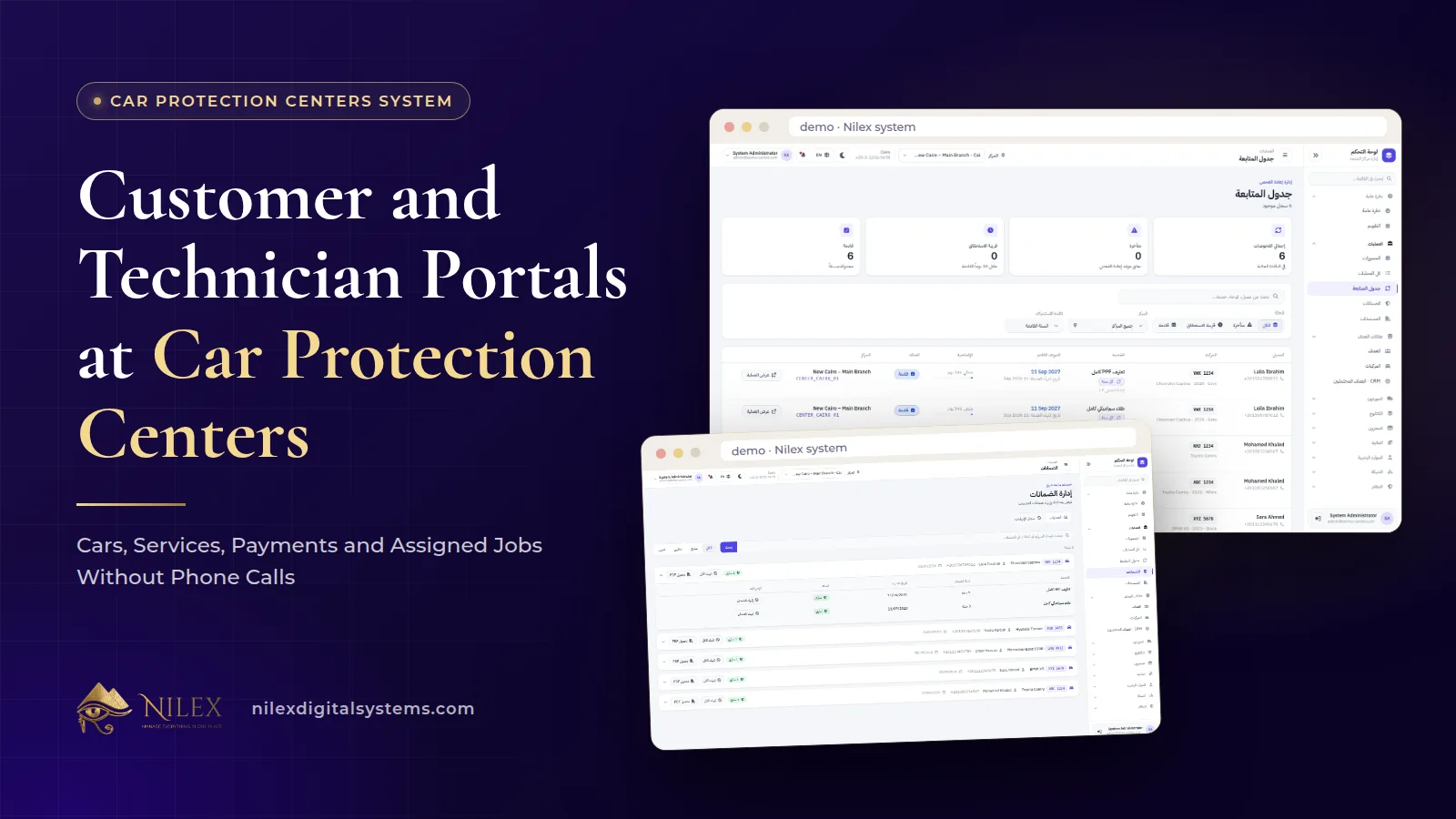
In the Nilex car protection system, the customer portal shows each customer their own cars, the services done on them, their payments and their follow-up dates, and the technician portal shows each technician the jobs assigned to them. The point of both is the same: the answers people usually phone the center for are already on their own screen.
A busy PPF, ceramic or tint center answers the same questions all day. Customers ask what was done on the car, how much is still owed and when they should come back for the inspection. Technicians ask which car they are on today. Each call takes a minute; together they take a receptionist's afternoon and interrupt the branch manager every hour. This article explains what each portal shows, what it does not, and how to roll the portals out so people actually use them.
Key takeaways
- The customer portal is built around four things: the customer's cars, their services, their payments and their follow-up dates.
- The technician portal is built around one thing: the jobs assigned to that technician.
- Portals only stay accurate if the work order is accurate, so assigning technicians and recording payments properly comes first.
- Warranty certificates and payroll stay where they already live: a PDF certificate for the customer, and payroll in the HR module for management.
- Each person sees only their own data, which matters for customer privacy and for trust inside the team.
Why give customers and technicians their own screens?
Most of the calls a protection center receives are not about new work. They are about work already recorded somewhere in the system, but visible only to staff. A portal moves a slice of that record to the person it concerns, so the question can be answered without a call.
There is also a quieter benefit. When a customer can see the services on their car and the payments against them, there is less room for "I thought the tint was included" at delivery. When a technician sees the jobs assigned to him, there is less room for "nobody told me I was on the black SUV". Visibility reduces arguments before they start.
If you are thinking about portals across a whole business, not only a protection center, our article on a portal for every role explains the general idea. Here we stay with the two portals of a protection center.
What does the customer see?
| In the customer portal | The question it answers | The call it replaces |
|---|---|---|
| Their cars | Which of my cars do you have on record? | "Can you check the file for my other car?" |
| Services | What exactly was done on my car? | "Was the hood included in the PPF?" |
| Payments | What have I paid? | "Did my transfer arrive? How much is left?" |
| Follow-ups | When should I come back for inspection? | "When is my check-up due?" |
Their cars, plural
Many customers bring more than one car: a family with two cars, a company with a few, an enthusiast who protects every new car he buys. The portal shows the customer their cars, so each car's services and follow-ups stay with the right car instead of being mixed into one history.
Services and payments
Services are the record of what was done: full PPF, front package, nano-ceramic, tint, color change or detailing. Payments show what the customer has paid. On the staff side, each work order holds the total, paid and remaining amounts, so recording payments on the work order the day they are received matters.
Follow-up dates
Re-inspection dates are calculated from the delivery date. Staff see them in the follow-up schedule as overdue, due soon and upcoming; the customer sees their own dates in the portal. Keeping the next check-up date in front of the customer helps them remember it, and every inspection is a natural moment to offer maintenance or another service.
Where do warranties and documents fit?
Each delivered service gets a digital warranty with its period and end date, and the center can print a PDF warranty certificate for the customer. In the published description of the system, the warranty certificate is the document the customer receives, while the portal is described as showing cars, services, payments and follow-ups. So the practical routine is simple: hand over or send the PDF certificate at delivery, and let the portal carry the follow-up dates that keep the customer coming back.
If you would like warranties shown inside the customer portal as well, mention it in your request; changes beyond the published modules are quoted as custom work. How the check-in report and warranty protect the center in a dispute is explained in check-in reports and digital warranties, and the documents a good system produces in general are covered in PDF invoices, receipts, warranties and reports.
What does the technician see?
The technician portal shows the jobs assigned to that technician. That sounds modest, and it is meant to be. A technician's day is about cars, not screens. What he needs is a clear answer to "what am I working on?" without walking to reception or waiting for the manager to call out names.
Work orders record the technicians on each car's services. That has a useful side effect: if technicians start relying on their list of assigned jobs, managers have a reason to assign every job properly, and the record of who worked on which car becomes complete.
What about technician pay?
Technician pay lives in the HR, attendance and payroll module: employees by department, attendance, overtime, advances, deductions, technician commissions and monthly payroll, plus a staff salaries PDF report. That is management's side of the system. The technician portal is described as showing assigned jobs, so pay questions are answered by the manager from payroll and the salaries report. Our article on HR, attendance and payroll inside your operations system explains why we build pay into the same system as the work.
Who sees what in a protection center?
| Role | Main view | Scope |
|---|---|---|
| Owner | Network dashboard, finance, reports | All branches |
| Branch manager | Their center: cars, work orders, stock, staff | Their own branch only |
| Reception | Check-in, bookings, follow-up schedule | As their role allows |
| Technician | Technician portal: assigned jobs | Their own jobs |
| Customer | Customer portal: cars, services, payments, follow-ups | Their own data |
Every user only sees what their role allows, and a customer only sees their own data. Names, phone numbers, plates and payment records are personal data, so this separation is not a detail. Our article on user permissions and audit logs explains the principles behind it.
How to introduce the portals in your center
- Clean the basics first. Correct phone numbers, each car linked to the right customer, and payments recorded on the work order the day they are received. A portal that shows wrong data does more harm than no portal.
- Assign technicians on every work order. The technician list is only as complete as the assignments behind it.
- Tell the customer at delivery. The best moment to introduce the portal is when the car is handed over with its warranty certificate: "your services, payments and next inspection date are here."
- Answer calls by pointing to the portal. Politely, and after answering the question.
- Review after a month. Ask reception which calls dropped and which did not. Those that did not show where data is still missing.
How portals support repeat business
A protection job is not a one-time sale. Ceramic needs maintenance, tint and PPF on a new car follow, and inspections bring customers back to the bay. The portal keeps the next follow-up date in front of the customer, while the follow-up schedule keeps it in front of your team. Both lists come from the same delivery date, so they agree. New customers who have not booked yet are a different list, handled in the sales CRM; we cover that in bookings, calendar and sales CRM for car protection centers.
How Nilex helps
The car protection film centers management system includes the customer portal and the technician portal alongside check-in reports, work orders, digital warranties with PDF certificates, the follow-up schedule, film stock by the meter, finance, payroll with technician commissions, bookings and the sales CRM. It runs in the browser on any device, in Arabic and English.
On the system page, the customer and technician portals are listed in the Growing Network plan, together with branch comparison, stock transfers and the sales CRM; the Unlimited Chain plan includes everything in Growing Network. Plan prices are on the system page with demo videos and a request form. For the full feature picture, start with car protection center management software, or contact us with your questions.
Frequently asked questions
Does the customer need to install an app?
No. The system runs in the browser on computers, tablets and phones, and we host it.
Can a customer with several cars see all of them?
Yes. The customer portal shows the customer their cars, with the services, payments and follow-ups of each.
Does the technician see prices and payments?
The technician portal is described as showing the jobs assigned to the technician. Payments and finance belong to staff roles such as reception, the branch manager and the owner.
Which plan includes the portals?
The customer and technician portals are listed from the Growing Network plan. See the system page for each plan's full contents.
Can the warranty certificate appear in the customer portal?
The warranty certificate is a PDF printed for the customer. Showing warranties inside the portal is not part of the published description, so ask for it in your request and we will quote it as custom work.
 What Makes a Business System Professional: The Standards Nilex Builds Into Its Systems11 October 2026 · 11 min
 A Portal for Every Role: Why Nilex Systems Give Owners, Staff, Technicians and Customers Their Own Screens11 October 2026 · 9 min
 The Nilex Client Portal: Follow Your Project, Invoices, Payments and Requests in One Place11 October 2026 · 8 min