
PDF Invoices, Receipts, Warranties and Reports: The Documents a Good Business System Produces
Check-in forms, warranty certificates, estimates, invoices, numbered receipts, statements and ready reports: the documents Nilex systems and stores produce, what each one is for, and what to check in any system before you buy.
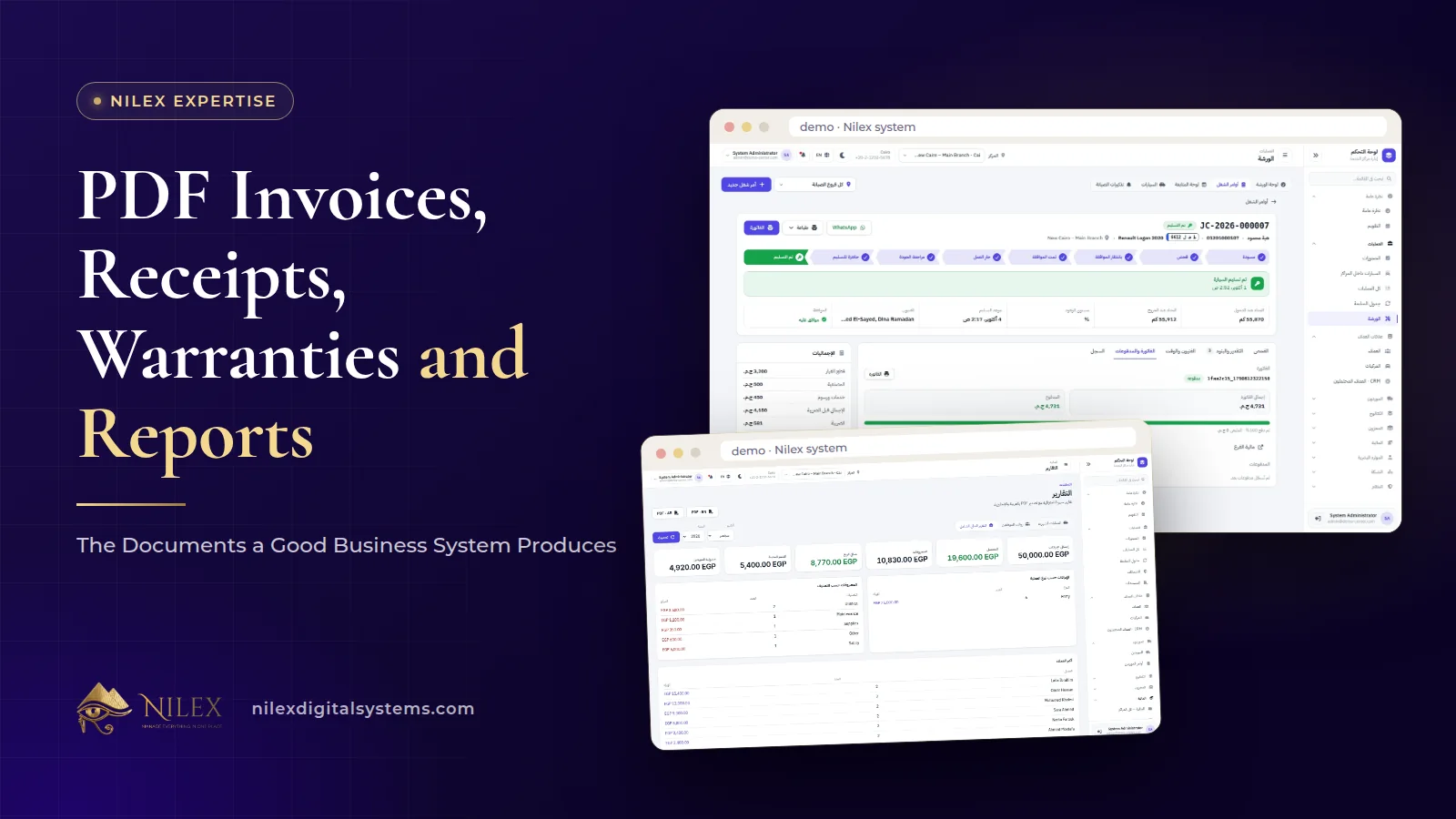
A good business system produces the documents your business hands to customers and reads internally, directly from the records, with no retyping: invoices from orders, receipts from payments, warranties from delivered services, statements from customer accounts and reports from the day's transactions. Because each document is generated from the same data, its totals match the system, and anyone can print it again later.
That matters more than it sounds. Documents are where customers judge your professionalism, where disputes are settled and where owners read their numbers. A system that tracks everything but cannot print a clean Arabic invoice or a signed check-in form leaves the most visible part of the work on paper and in Word files.
Key takeaways
- Documents should be generated from records, never typed separately, so a total on paper always matches the total in the system.
- Customer-facing documents (invoices, receipts, warranties, statements) build trust and settle disputes; internal ones (reports, payslips) support decisions.
- Nilex systems produce check-in forms, warranty certificates, estimates, job cards, invoices, numbered receipts, statements and ready PDF reports, depending on the system.
- Language matters: several of our systems print in Arabic and English, and the car repair system prints Arabic PDFs.
- Your logo on printed documents depends on the system: the car protection system adds it during setup, and some systems list it in a specific plan.
- A PDF invoice is a commercial document; it is not, by itself, a submission to Egypt's e-invoice or e-receipt systems.
Why do generated documents matter so much?
When documents are typed by hand, three problems appear. Totals drift away from the system because someone typed a discount differently. Documents look different depending on who made them. And when a customer asks for a copy months later, nobody can find the right version.
When the system produces the document, those problems disappear. The invoice is made from the order lines, the receipt from the recorded payment, the warranty from the delivered service. You can print it again at any time, and it will say the same thing. That is also why a printed document is good evidence: it reflects the record, not someone's memory.
Which documents do Nilex systems produce?
Each system produces the documents its type of business actually uses. This table summarises what the system pages describe:
| System or project | Documents | Notes from the system page |
|---|---|---|
| Car protection centers | Check-in form, work order report, warranty certificate, ready PDF reports | Check-in forms, warranties and reports print in Arabic or English |
| Car repair workshops | Estimates, job cards, invoices | Printed as Arabic PDFs |
| Coffee roasteries and factories | Order PDF, invoices | Logo on invoices and PDF orders in the Several Factories plan |
| Wholesale distribution | Customer and supplier statements, returns reports, invoices | Statements and reports in Arabic and English; logo on invoices and statements in the Distribution Network plan |
| Real estate developers | Numbered receipts for installments, reports exported to Excel | Receipt issued when an installment is collected |
| School management | Numbered cashier receipts, fee statements, payslips, report cards, official reports | Official reports for printing or CSV |
| Bashayer El Khair store | PDF invoices | Sent by email with the order |
| Nilex client portal | Receipt or invoice for every payment | Visible in the portal, also sent by email |
The sections below explain what each kind of document does and what to check in it.
Check-in forms and warranty certificates: documents that prevent disputes
In the car protection centers system, every car is checked in with its mileage, condition notes and photos, and the customer signs a printed check-in form in Arabic or English. If a scratch was there before the job, the signed form shows it.
When the car is delivered, each service gets a digital warranty with its period and end date, and the customer receives a PDF warranty certificate. The system shows which warranties are active, expired or terminated, so a warranty claim is checked against the record, not against a booklet the customer may have lost. Our article on car check-in reports and digital warranties explains how to fill these in so they settle disputes.
Estimates, job cards and invoices: documents that prevent price arguments
In the car repair workshop system, estimates, job cards and invoices are printed as Arabic PDFs. The sequence matters: the estimate is built from parts, labor and services; the customer approves or declines each line; and on delivery the invoice is created from the approved lines only. A customer cannot be surprised by a line they never approved, and the workshop cannot forget to bill a part that was approved and issued.
In the coffee roastery system, payments, order status and the PDF are on the order page, and the pricing details show the base price plus services such as roasting, grinding and packing. In online stores, the same principle applies: at Bashayer El Khair, orders come with PDF invoices sent by email, replacing invoices that used to be written by hand. Our guide to the online store back office covers editing an order and its invoice.
Numbered receipts: why the number matters
A receipt confirms that money was received. A numbered receipt adds control: numbers run in sequence, so a missing or duplicated number is noticed, and a receipt can be traced back to the payment that created it.
- In the real estate developer system, collecting an installment records the method (cash, bank transfer, InstaPay, cheque, card or wallet) and the account it went into, and issues a numbered receipt. The installment, contract, customer balance and account are updated together. See real estate payment plans and installments.
- In the school management system, the cashier desk issues numbered receipts, and parents see fee statements in their portal in the Complete School plan. See school fees, receipts and payroll.
- At Nilex itself, every payment a client makes gets a receipt or invoice that appears in the client portal and is also sent by email. Read about the Nilex client portal.
Statements: one document that answers "what do I owe?"
A statement lists every invoice, payment and return for one customer or supplier, with a running balance. It is the document that ends most arguments about balances, because both sides can check each line.
In the wholesale distribution system, every customer and every supplier has an account with a printable statement and running balance, and customer payments are allocated to open orders automatically. Statements and reports work in Arabic and English. Our article on customer statements and collections for wholesalers explains how to use them in collection visits.
Ready reports: documents the owner reads
Internal documents matter too. The car protection system includes ready PDF reports: monthly operations, staff salaries and a comprehensive financial report, in Arabic or English. A report that is ready to print or send saves the owner from rebuilding numbers in a spreadsheet at the end of each month.
Other systems produce the reports their sector needs: official reports for printing or CSV in the school system, sales and collection reports exported to Excel in the real estate system, printable returns reports in the wholesale system. Payroll documents follow the same logic; the school system produces payroll with payslips.
What should you check in any system's documents?
| Check | Why it matters |
|---|---|
| Generated from the record, not typed | Totals always match the system |
| Your logo and business details | Customers recognise the document as yours |
| Arabic layout that reads correctly | Many customers and staff read Arabic first |
| Sequential numbering on receipts and invoices | Missing or duplicate documents are noticed |
| Reprint at any time, same content | Copies requested later match the original |
| Sent by email or shown in a portal | The customer gets the document without a visit |
| Which plan includes it | Some document features belong to larger plans |
Is a PDF invoice the same as an e-invoice?
No. A PDF invoice from your system or store is a commercial document for your customer. Egypt's electronic invoice and e-receipt systems are separate requirements with their own rules, and a PDF does not submit anything to them. If your business must issue e-invoices or e-receipts, plan the integration separately; our guides to integrating with Egypt's e-invoice and online sellers, tax and e-receipts explain where to start.
How Nilex helps
Each Nilex system page describes the documents in its modules and FAQs and, where it applies, the plan that adds your logo to them. Open the system for your business on the systems page and read the modules, screenshots and plans with the checklist above. Each system is set up around your business before go-live; whether your logo appears on its printed documents depends on the system and plan, as listed on its page.
If your business needs a document none of the systems produce, such as a special certificate or a report in a set format, describe it in the request form on the system page or on the custom ERP service page. Custom documents are quoted and agreed before they are built. You can also reach us through the contact page.
Frequently asked questions
Do the documents print in Arabic?
Yes, in the systems that state it. The car repair system prints Arabic PDFs, and the car protection system prints check-in forms, warranties and reports in Arabic or English.
Can my logo appear on invoices and reports?
On some systems, yes. In the car protection system, setup puts your logo on the printed forms and reports, and some plans list it explicitly: the Growing Network plan in the car protection system, the Several Factories plan in the coffee system and the Distribution Network plan in the wholesale system. For other systems, ask in the request form.
Can invoices be emailed to customers automatically?
In the Bashayer El Khair store, orders come with PDF invoices sent by email. For a system where this is not listed, ask in the request form.
Can customers sign documents?
In the car protection system, the customer signs the printed check-in form. Ask us if you need a different signing process.
Can you add a document my business needs?
Yes, as custom work that is quoted and agreed before it is done. Larger plans on several system pages include custom changes to reports.
 What Makes a Business System Professional: The Standards Nilex Builds Into Its Systems11 October 2026 · 11 min
 A Portal for Every Role: Why Nilex Systems Give Owners, Staff, Technicians and Customers Their Own Screens11 October 2026 · 9 min
 The Nilex Client Portal: Follow Your Project, Invoices, Payments and Requests in One Place11 October 2026 · 8 min