
Real Estate Payment Plans and Installments: Schedules That Add Up and Collections You Can Trust
How real estate developers should build payment plans (down payment, contracting and delivery payments, installments and fees), make schedules add up to the contract value, and collect installments with numbered receipts.
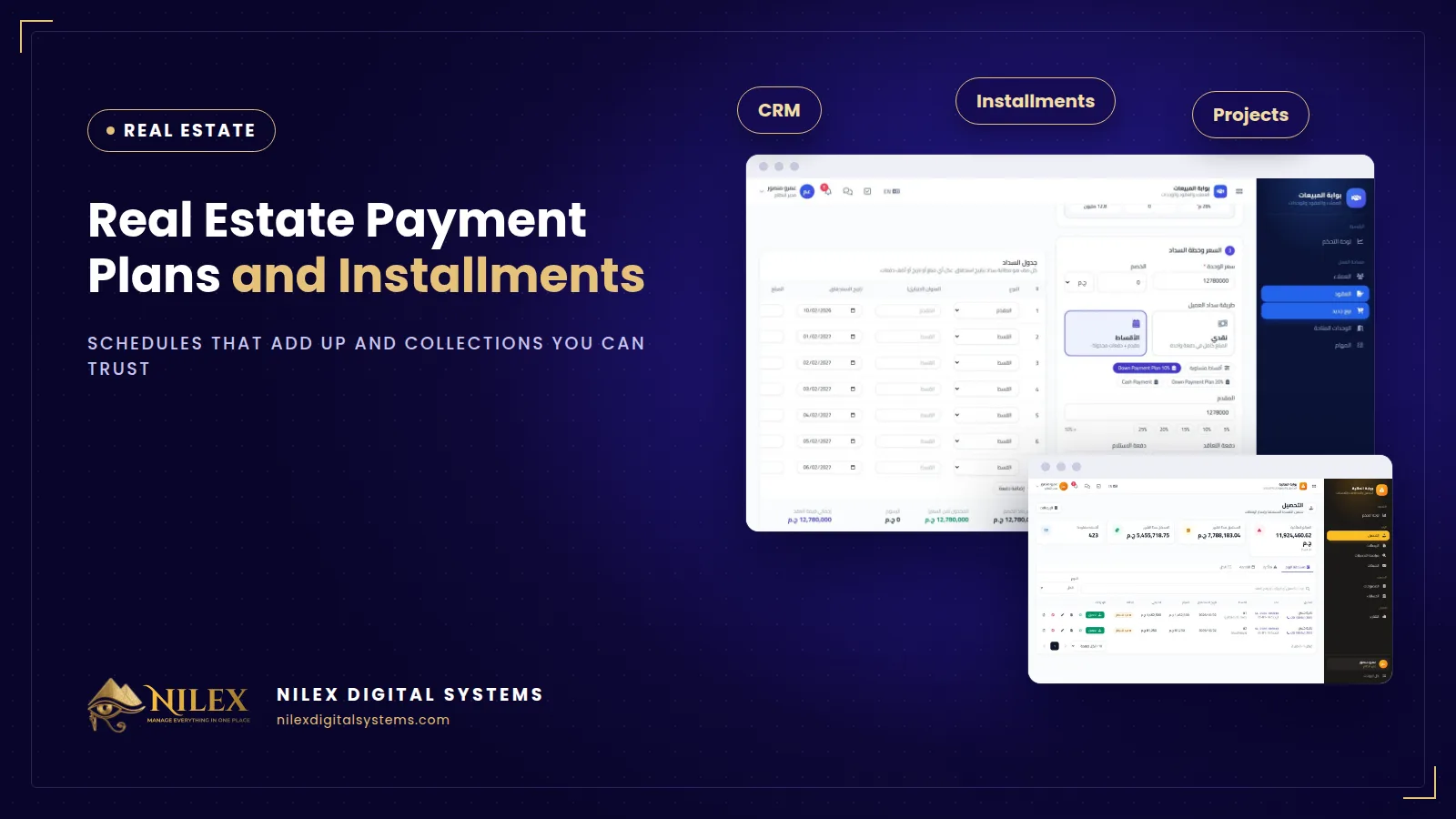
A real estate payment plan splits the price of a unit into a down payment, contracting and delivery payments, and monthly or quarterly installments, with maintenance, club or parking fees listed alongside. The schedule must add up exactly to the contract value, to the piastre, and every payment collected against it must issue a numbered receipt and update the contract, the customer's balance and the bank or cash account at the same moment.
For a developer, the contract is signed once but the money arrives over five, seven or ten years. That makes the payment schedule the most important document in the company after the contract itself. A schedule built by hand in Excel looks fine on the day of signing. The problems appear later: a rounding difference at delivery, an installment nobody chased, a cheque recorded in the bank but not on the contract.
Key takeaways
- A payment plan has distinct parts: down payment, contracting payment, delivery payment, regular installments and fees. Each should be its own row with its own due date.
- The total of the schedule must equal the contract value exactly. Rounding differences have to be placed somewhere on purpose, not left to chance.
- Ready-made plans per project save time and keep offers consistent, but every row should still be editable for the negotiated exceptions.
- Collecting an installment is one action that should update four things: the installment, the contract, the customer balance and the account.
- Finance needs one list of due, overdue and upcoming installments across all projects, not one sheet per project.
What goes into a real estate payment plan?
- Down payment. Paid at reservation or signing, usually a percentage of the price.
- Contracting payment. A second lump sum some developers take when the final contract is signed.
- Installments. Monthly or quarterly, over a number of years. Some plans add interest; many do not.
- Delivery payment. A lump sum due when the unit is handed over.
- Fees. Maintenance, club membership and parking, each with its own amount and due date.
Why must the schedule add up exactly?
Divide almost any balance by 28 quarterly installments and you get a number with endless decimals. If each installment is rounded and nobody checks the total, the schedule ends up a few piastres or a few pounds away from the contract. Multiply that by hundreds of contracts and the customer balances in your system no longer match the contracts in your files. It becomes an argument at handover, exactly when you want the customer happy.
The fix is simple and must be automatic: the schedule is calculated by the system, rounded to the piastre, and the difference is placed deliberately (for example on the last installment) so the total equals the contract value. Here is an illustrative example.
| Row (illustrative example) | Due | Amount (EGP) |
|---|---|---|
| Unit price | 3,000,000.00 | |
| Down payment 10% | At signing | 300,000.00 |
| Contracting payment 5% | After 3 months | 150,000.00 |
| Delivery payment 10% | At handover | 300,000.00 |
| Quarterly installments 1 to 27 | Every 3 months | 80,357.14 each = 2,169,642.78 |
| Quarterly installment 28 | Last quarter | 80,357.22 |
| Total | 3,000,000.00 |
The remaining 2,250,000 after the three lump sums divided by 28 is 80,357.142857… Rounding all 28 to 80,357.14 would total 2,249,999.92, eight piastres short. Placing the difference on the last installment closes the gap. Maintenance, club and parking fees would appear as their own rows with their own due dates.
Ready plans per project, editable per contract
Sales teams usually offer a handful of standard plans per project: cash, a short plan, a long plan. Saving them as ready plans per project means an agent chooses one, and the schedule is generated in seconds instead of rebuilt in Excel. Real negotiations still produce exceptions: a larger down payment, a delayed first installment. That is why every row of the generated schedule should remain editable before the contract is saved, with the total checked again.
How should installment collection work?
Finance should open one page and see due, overdue and upcoming installments across all projects. Collecting a payment should take one screen:
- Choose the installment and the amount received.
- Choose the method: cash, bank transfer, InstaPay, cheque, card or wallet.
- Choose the account the money went into, a cash box or a specific bank account.
- Save, and a numbered receipt is issued.
At that moment the installment is marked paid, the contract and the customer balance reflect the payment, and the account balance increases. Nobody has to update three files later. A numbered receipt sequence also means a missing or duplicate receipt is visible immediately. Who can collect, who can edit and who can only view should be set by permissions, as explained in our guide to user permissions and audit logs.
Excel schedules vs a system-generated schedule
| Check | Excel per contract | Payment plans in a developer system |
|---|---|---|
| Total equals contract value | Only if someone checks | Always, calculated to the piastre |
| Standard plans per project | Copied from an old file | Saved ready plans, then edited per contract |
| Due and overdue across projects | One sheet per project | One collections list |
| Receipt | Receipt book, numbered by hand | Numbered receipt issued on save |
| Contract, balance and account | Updated separately, if at all | Updated together |
| Reports | Built every month | Sales and collection reports with Excel export |
If several of these checks fail in your company today, our article on moving from Excel to a system covers how to plan the switch.
A short checklist before you sign a payment plan
- The unit was available and is now locked to this customer.
- Every part of the plan has a row: down payment, contracting, installments, delivery and each fee.
- The total equals the contract value.
- The customer has a profile with contact details so finance can reach them.
- The lead that became this customer is closed in the CRM; see real estate CRM and follow-ups.
How Nilex helps
Payment plans and collections are the core of Nilex's real estate developer management system. A new sale takes a customer, an available unit, the price and a payment plan; the schedule is calculated on screen and always adds up to the contract value, and the unit is locked so it cannot be sold twice. Ready plans can be saved per project, every row can be edited, and interest can be added if needed. Collections record the method and the account, issue a numbered receipt and update the installment, contract, customer balance and account together, alongside cash boxes, bank accounts, cheques and expenses. These are in the sales and collections package and above; see the plans on the system page. For the full picture, read the series pillar on real estate developer management systems, or see how sales money feeds construction cash flow.
Frequently asked questions
Which payment plans are supported?
Cash or installments: down payment, contracting and delivery payments, monthly or quarterly installments, interest if needed, and maintenance, club and parking fees.
Can I change one installment for a specific customer?
Yes. Ready plans are a starting point; every row of the schedule can be edited before the contract is saved.
Which payment methods can be recorded?
Cash, bank transfer, InstaPay, cheque, card or wallet, together with the cash box or bank account the money went into.
Does the customer pay online through the system?
The system records payments that finance receives; it is not described as an online payment gateway. If you need online payment, ask us about adding it.
Can finance export collections to Excel?
Yes. Sales and collection reports export to Excel.
If your installment schedules still live in spreadsheets, talk to Nilex about moving them into one system.
 What Makes a Business System Professional: The Standards Nilex Builds Into Its Systems11 October 2026 · 11 min
 A Portal for Every Role: Why Nilex Systems Give Owners, Staff, Technicians and Customers Their Own Screens11 October 2026 · 9 min
 The Nilex Client Portal: Follow Your Project, Invoices, Payments and Requests in One Place11 October 2026 · 8 min