
Real Estate Developer Management System: One Platform for Sales, Collections and Construction
What a real estate developer management system covers: a portal per department, CRM, unit inventory, sales contracts with payment plans, installment collection, project execution, HR and a website whose enquiries become leads.
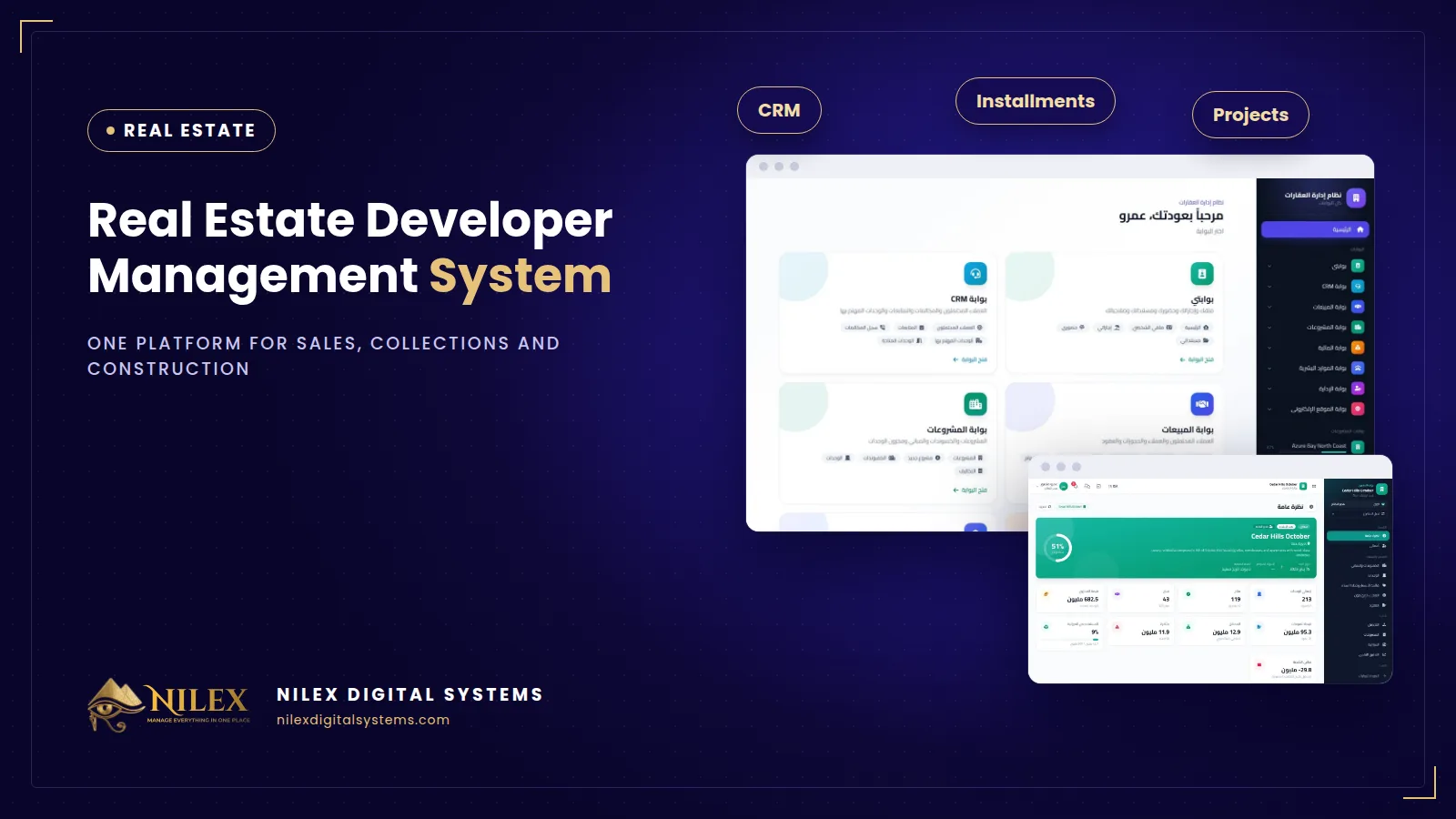
A real estate developer management system is one platform that runs the whole company: leads and follow-ups, unit inventory, sales contracts with payment plans, installment collection, project execution, HR and the company website, with a separate portal for every department. It replaces the separate spreadsheets of sales, finance and projects with one set of numbers that management can trust.
A developer is really several businesses under one name. Sales chases leads and books units. Finance collects installments for years after each contract. The projects team builds, pays contractors and reports progress. Management needs to see all of it together. When each team keeps its own Excel file, the same unit gets offered to two customers, a quarterly installment is missed because nobody noticed it was due, and the cash position is a guess until the end of the month.
Key takeaways
- A developer's work is one chain: lead, unit, contract, payment plan, collection, construction. Gaps between teams are where units are double-sold and installments are forgotten.
- Each department needs its own portal with its own menu, and each employee should see only what their role and permissions allow.
- Payment plans must be calculated by the system and always add up exactly to the contract value.
- Collections should issue a numbered receipt and update the installment, contract, customer balance and account in one step.
- Project execution (timeline, site reports, contractors, budget and cash flow) belongs in the same system as sales, because sales money pays for construction.
Why do spreadsheets fail real estate developers?
Excel is fine for one project and a small sales team. It breaks for predictable reasons as the company grows, and our article on the signs you have outgrown spreadsheets covers the general pattern. For developers the symptoms are specific:
- The same unit sold twice. Two agents reserve the same apartment on the same afternoon because the availability sheet was not updated.
- Schedules that do not add up. A hand-built installment table is off by a few hundred pounds, and the difference shows up years later at delivery.
- Collections without a trail. A cheque is received, but the contract balance and the bank account are updated at different times by different people.
- Leads that disappear. Enquiries from the website, the phone and the sales office live in personal phones and notebooks, and leave when the agent leaves.
- Construction in the dark. Management learns about a delay or a budget overrun in a monthly meeting, long after it could have been fixed.
One platform, one portal per department
The core idea is a single database with a separate portal for each department: CRM, Sales, Projects, Finance, HR, Administration and the Website. Each portal has its own menu. An employee's access is their role, plus their department's permissions, plus any personal permissions, so a sales agent does not see the bank accounts and an accountant does not edit the price list. Our guide to user permissions and audit logs explains why this matters for any company that handles customer money.
What the system covers, module by module
1. CRM: leads, calls and follow-ups
Every lead moves through new, contacted, interested, qualified and negotiation on a kanban board. Each lead has a page with every call (result, channel, duration and summary), scheduled follow-ups, overdue alerts and the units they are interested in. A follow-ups queue shows each agent what is overdue, due today and coming up. Read more in real estate CRM for leads and follow-ups.
2. Unit inventory and price list
Projects, compounds and buildings, with a colour-coded floor plan showing every unit by status. The price list supports bulk price updates with a preview before anything is saved, which is useful when a new phase launches or prices are revised.
3. Sales contracts and payment plans
A new sale takes a customer, an available unit, the price and a payment plan: down payment, contracting and delivery payments, monthly or quarterly installments, and maintenance, club and parking fees. The schedule is calculated on screen and always adds up to the contract value. The unit is locked while the sale is saved, and only available units can be chosen, so a unit cannot be sold twice. See payment plans and installments for a worked example.
4. Collections and finance
Finance sees due, overdue and upcoming installments. Collecting one records the method (cash, bank transfer, InstaPay, cheque, card or wallet) and the account it went into, and issues a numbered receipt. Installment, contract, customer balance and account are updated together. Expenses go through request, approval and payment, and reports export to Excel.
5. A portal for every project
Progress, a Gantt timeline of milestones, a work plan with an S-curve of planned against actual progress, daily site reports with photos, contractors and their payment certificates, budget against actual and a 24-month cash flow. Details in construction project tracking and cash flow.
6. HR and employee self-service
Employees, org chart, attendance, leave and documents, plus a self-service portal where every employee sees their own information.
7. Company website
The website shows available units straight from the inventory, your projects and articles, in Arabic and English. Every contact form becomes a CRM lead with a follow-up for the lead owner, so no enquiry waits in an inbox.
Spreadsheets vs separate tools vs one developer system
| Need | Excel per team | Separate CRM + accounting | One developer system |
|---|---|---|---|
| Unit availability | A shared sheet, often outdated | Kept in one tool, copied to the other | Floor plan by status; unit locked at sale |
| Payment schedule | Built by hand | Often outside both tools | Calculated, adds up to the contract value |
| Collection and receipt | Receipt book + sheet | Accounting only | Numbered receipt; contract, balance and account updated together |
| Website enquiries | Email inbox | Depends on integration | Become CRM leads with a follow-up |
| Construction progress and cash flow | Separate files | Not covered | Project portal: Gantt, S-curve, budget, cash flow |
| Who sees what | Whoever has the file | Per tool | Portal, role, department and personal permissions |
How to evaluate a system before you buy
- Run a real sale end to end: pick an available unit, build a payment plan with a down payment, quarterly installments and fees, and check the total equals the contract value.
- Try to sell the same unit from two screens at once. It should not be possible.
- Collect an installment by cheque and check that the receipt, contract, customer balance and account all changed.
- Log in as a sales agent and confirm you cannot see finance.
- Ask how your projects, units and customers will be loaded, and what the yearly running costs are. Our guide to total cost of ownership lists what to compare.
How Nilex helps
Nilex built and runs its own real estate developer management system covering everything above, in Arabic and English, with unlimited projects and users. Packages range from CRM and sales only, to sales and collections, to the full commercial setup with website and HR, to the complete developer package with construction follow-up; see the plans on the system page. We deliver it with your projects, units, users and branding, and train your team before launch. Integration with your accounting or other systems and migration from your current files can be added for you.
Frequently asked questions
Can each department see only its own work?
Yes. Every department has its own portal, and each employee's access is their role plus their department's permissions plus any personal permissions.
Can a unit be sold twice by mistake?
No. Only available units can be chosen, and the unit is locked while the sale is saved.
Is it only for large developers?
No. It suits compound and residential developers, coastal and resort projects, commercial and office projects, and brokerage and sales companies. A brokerage can start with the CRM and sales package.
Does it follow construction too?
Yes, in the complete package: each project has a Gantt timeline, a work plan with an S-curve, daily site reports with photos, contractors and payment certificates, budget against actual and cash flow.
How long does it take to launch?
Usually three to six weeks, depending on how many projects and units are loaded and how much data is migrated.
If your sales, finance and projects teams are still reconciling spreadsheets, talk to Nilex.
 What Makes a Business System Professional: The Standards Nilex Builds Into Its Systems11 October 2026 · 11 min
 A Portal for Every Role: Why Nilex Systems Give Owners, Staff, Technicians and Customers Their Own Screens11 October 2026 · 9 min
 The Nilex Client Portal: Follow Your Project, Invoices, Payments and Requests in One Place11 October 2026 · 8 min