
Online Booking for Service Businesses: What We Built for a Clinic, a Law Firm and Car Centers
Four ways to take bookings online, from real Nilex projects: booking requests a physiotherapy clinic confirms, paid consultation booking for a law firm, a bookings calendar for car protection centers, and check-in at car repair workshops.
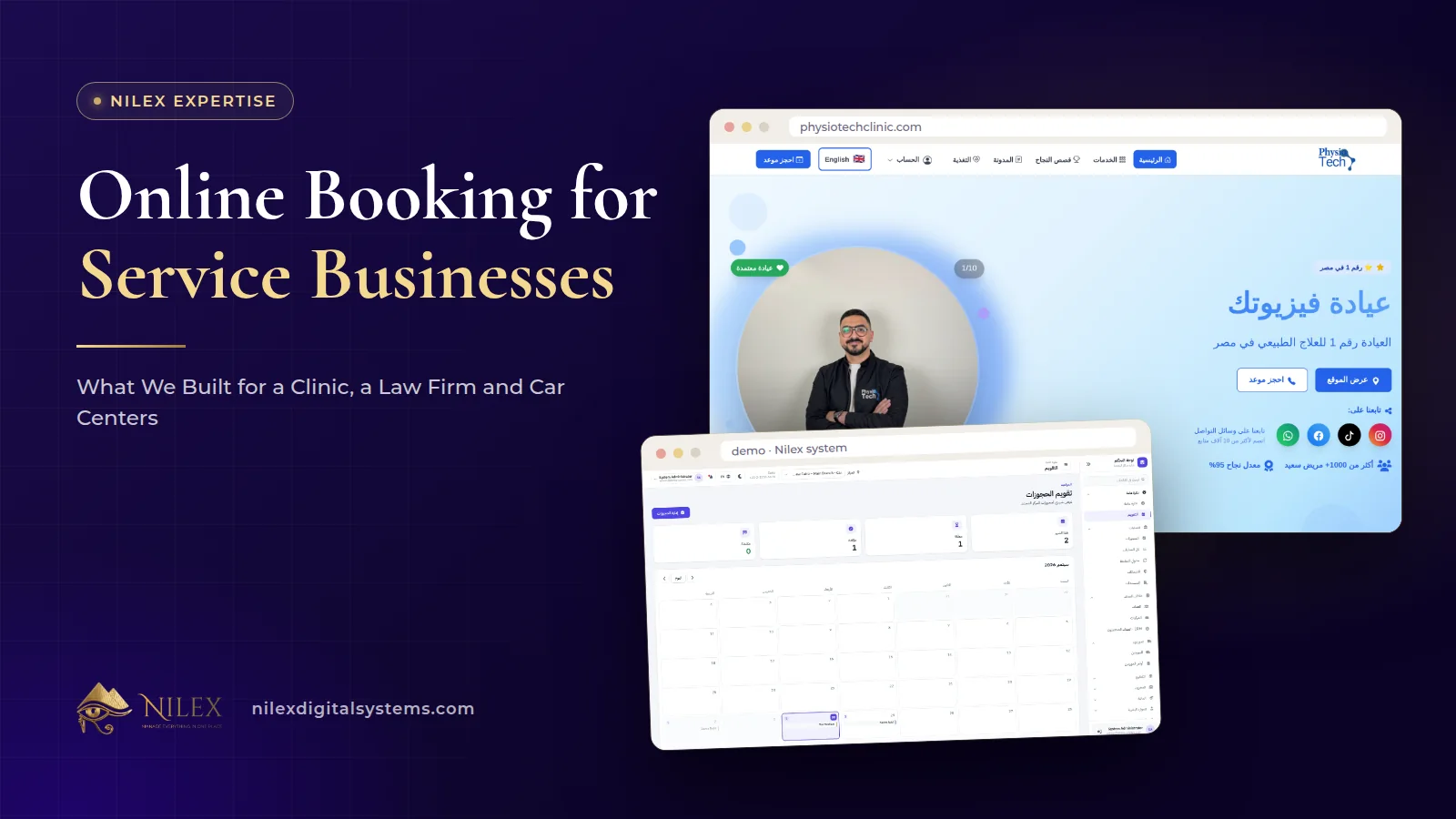
Online booking for a service business means a customer can ask for a time without calling, and the business receives that request as a record it can confirm, schedule and follow. The right design depends on the business: a clinic confirms each booking request, a law firm can take paid consultations within its working hours, and a car center needs to see how busy each day is before it accepts more work.
We have built all of these. This article compares what we built for PhysioTech Clinic, Al Hasswa Law Firm and the car protection and car repair systems, so you can decide which model fits your business before you build or buy anything.
Key takeaways
- There is no single "booking system": choose between a request the business confirms, a booking within set hours, and a booking the business accepts after checking capacity.
- PhysioTech receives online booking requests that the clinic confirms, behind which sit doctors' schedules, rooms and sessions.
- Al Hasswa Law Firm's clients choose a consultation type and a time within working hours, and pay online when the consultation is paid.
- Car protection centers accept or decline bookings in one click and see how busy each day is before confirming new ones.
- In car repair, the key moment is check-in: a job card with the promised time, then reminders that bring the customer back.
- Whatever the model, the booking must land in the same system where the work is managed, not in a separate inbox.
Why do service businesses need online booking?
Before their projects, both the clinic and the law firm took bookings by phone. At PhysioTech, bookings were written in a paper diary. At Al Hasswa, consultation requests arrived as phone calls and messages that had to be remembered. Neither method is wrong for a small volume, but both lose requests when the phone is busy, the office is closed or the person who took the call is away.
Online booking fixes the capture problem: every request becomes a record with a name, a time and a reason, visible to the team. It also lets the website do more than describe services. A visitor who has just read about a treatment or a legal problem can book at that moment, while the need is fresh.
What are the three booking models?
| Model | How it works | Best for | Example we built |
|---|---|---|---|
| Booking request, confirmed by the business | The customer asks for a time; staff confirm it against schedules | Businesses where each booking depends on a specific person, room or assessment | PhysioTech Clinic |
| Booking within set hours, optionally paid | The customer picks a service type and a time inside working hours, pays online when needed | Consultations with clear durations and prices | Al Hasswa Law Firm |
| Booking accepted after checking capacity | Bookings arrive in a calendar; the team accepts or declines after seeing how busy the day is | Workshops and centers where jobs take hours and capacity changes daily | Car protection centers system |
A fourth case is the walk-in business: many car repair customers simply arrive. There, what matters most is a fast, complete check-in, which we cover below.
How does booking work at PhysioTech Clinic?
On the PhysioTech website, patients book a session online, and the clinic receives the request and confirms it. A confirmation step suits a clinic: a physiotherapy session depends on which doctor is available, which room is free and, for a new patient, whether an assessment is needed first, and automatic confirmation could create clashes the reception then has to undo.
Behind the booking, the clinic runs everything from one system: doctors and their schedules, rooms, sessions, patient records and assessments, services and packages, with separate portals for doctors and for patients. So bookings are no longer notes in a paper diary: sessions are managed in the same system as patient files and doctors' schedules. The website also gives each of the clinic's 10 treatments its own page, so a patient searching for their condition can read about it and book from the same visit.
The full project is described in the physiotherapy clinic case study. For reducing no-shows once bookings are online, see our guide to online booking and reminders in clinics.
How does paid consultation booking work for a law firm?
At Al Hasswa Law Firm, clients book a consultation from any page of the website. They choose a consultation type and a time within the firm's working hours, pay online when the consultation is paid, and the firm receives the booking in its dashboard.
Three design choices make this work for a law firm:
- Consultation types. The client picks the type of consultation they need instead of explaining it on the phone.
- Working hours. Times are offered within the firm's hours only, which avoids requests the firm cannot honour.
- Payment when needed. Card payment runs through Paymob. Paying at booking time can filter out casual requests and confirm the client's commitment.
The result, as the case study puts it, is that consultation requests arrive as records in a dashboard rather than phone calls to remember. Read the law firm case study for the whole web app, and our overview of payment gateways in Egypt if you are considering paid bookings.
How do car protection centers handle bookings?
A PPF or ceramic job can occupy a bay and a technician for a long time, so a center cannot accept every request automatically. In our car protection centers system, bookings arrive in a bookings module with a calendar. The team accepts or declines each booking in one click and sees how busy each day is before confirming new ones.
Bookings are connected to the rest of the business:
- The sales CRM holds leads, calls and follow-ups, a pipeline with the value of each deal and reports on where customers come from, so an enquiry that is not ready to book is not lost.
- The network dashboard shows pending bookings for every branch next to revenue, cars in the shop and low stock.
- The follow-up schedule calculates re-inspection dates from the delivery date, grouped as overdue, due soon and upcoming, so the team knows which customers to call.
- The customer portal lets customers see their cars, services, payments and follow-ups.
For chains, the Unlimited Chain plan adds a website for the centers with online booking and articles. Our article on bookings, calendar and CRM for car protection centers goes into the workflow from first call to booked job.
What about car repair workshops?
The car repair workshop system is built around what happens when the car arrives, and its published modules do not include an online booking calendar. If you need one, treat it as custom work and ask for it in the request form.
What the system does at arrival is open a job card in five steps: the customer, the car, the check-in (odometer, fuel level, priority, promised time and the customer's complaints), an optional first estimate and a review. The promised time is recorded from the start, and the floor view shows every car inside every branch, its stage, time inside and late deliveries.
The "booking" side of a workshop is the return visit. Service reminders by kilometers or date, for example an oil change, list what is due or overdue with call and WhatsApp buttons. And the customer portal lets customers follow their car's stage and approve or decline estimate lines from their phone.
What should you decide before building online booking?
Whichever model you choose, decide these points first. They shape the screens more than any design choice:
- Who confirms? Automatic, or a person after checking schedules or capacity.
- What does the customer choose? A service type, a person, a branch, or only a preferred time.
- Which hours are bookable? Working hours per day, and how far ahead.
- Is it paid? Free request, paid at booking, or paid at the visit.
- What information do you need? Ask only for what the team uses: name, phone, the reason in a sentence. More fields mean fewer bookings.
- Where does the booking land? In the system where the work is managed, linked to the customer's file, never in a separate email inbox.
- What happens after? Confirmation to the customer, a follow-up, a reminder or a return visit.
Booking forms collect personal data, and health bookings collect sensitive data. Collect the minimum and explain on your privacy page how you use it.
How Nilex helps
If you run a car protection center, review the bookings, calendar and CRM on the car protection system page and its plans. If you run a workshop, the car repair system page shows check-in, the customer portal and reminders; mention online booking in the request form if you need it.
For clinics, law firms and other service businesses, we build the website and the booking flow around your model, connected to a management system behind it, as we did for PhysioTech and Al Hasswa. Start with the SEO business website service or the custom system service, or describe your booking process on the contact page.
Frequently asked questions
Should online bookings be confirmed automatically?
Only when a time slot does not depend on a specific person or resource. When it does, as at a clinic or a workshop, a quick confirmation by the team avoids clashes.
Can customers pay when they book?
Yes, when the business wants it. Al Hasswa Law Firm's clients pay online for paid consultations when they book, through Paymob.
Do I need a new website to add online booking?
Not always, but booking works best on pages that bring visitors from search, such as treatment or practice-area pages, so customers can book from the page they just read.
Does the car repair system include online booking?
Its published modules start at check-in and include reminders and a customer portal, not an online booking calendar. Online booking for a workshop would be custom work.
Can bookings be split by branch?
In the car protection system, the network dashboard shows pending bookings for every branch, and each branch manager sees only their own center.
 What Makes a Business System Professional: The Standards Nilex Builds Into Its Systems11 October 2026 · 11 min
 A Portal for Every Role: Why Nilex Systems Give Owners, Staff, Technicians and Customers Their Own Screens11 October 2026 · 9 min
 The Nilex Client Portal: Follow Your Project, Invoices, Payments and Requests in One Place11 October 2026 · 8 min