
A Website Connected to Your Management System: Why Our Client Sites Are Not Just Brochures
Why a company website should feed the system you run your business on: bookings that land in the clinic schedule, consultation requests in a law firm dashboard, school announcements in parent portals and property enquiries that become CRM leads.
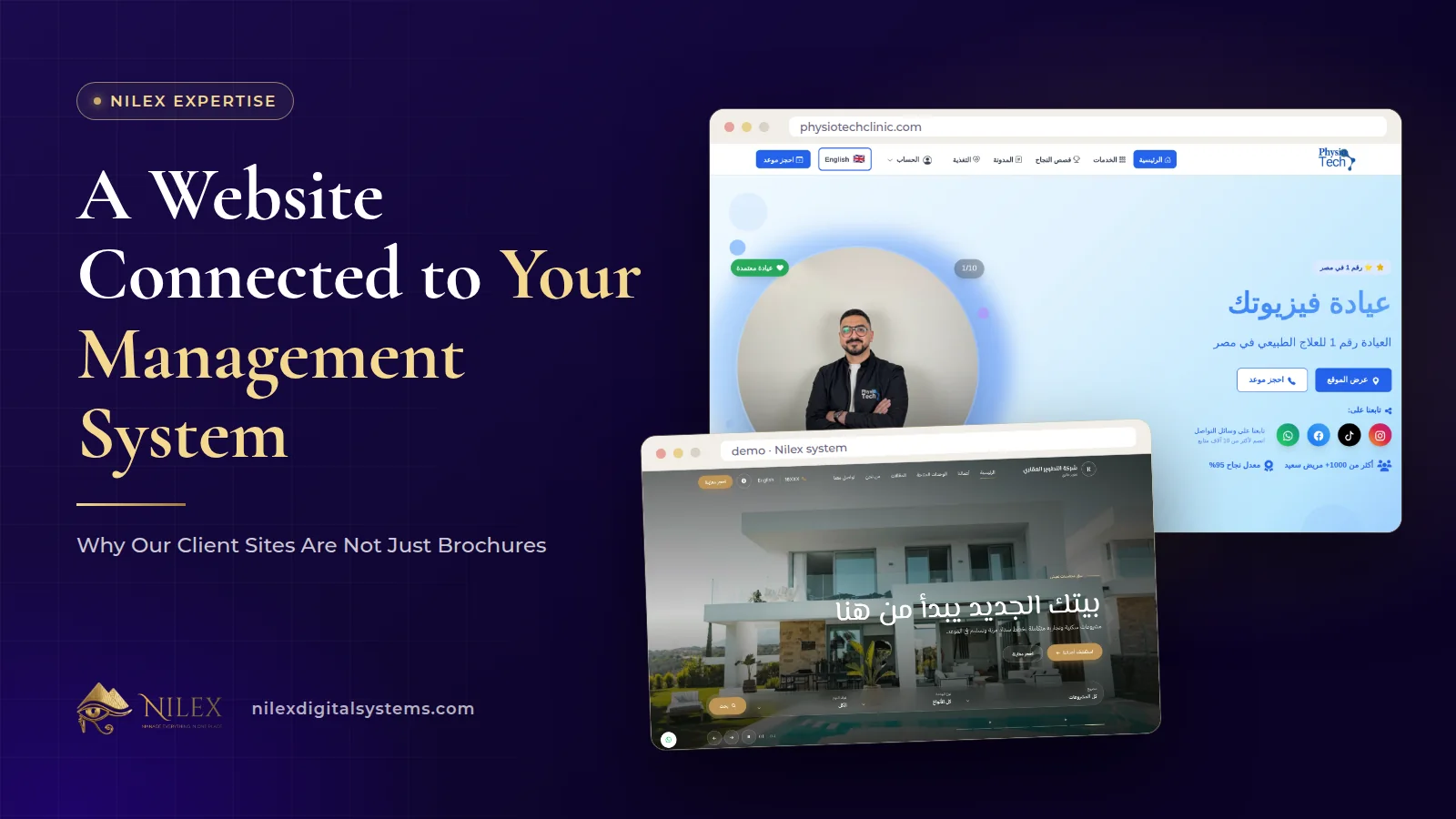
A website connected to your management system is one where what a visitor does on the site, such as booking a session, requesting a consultation, applying for admission or asking about a unit, arrives as a record inside the system your team already works in. Nothing is copied from an email inbox into a spreadsheet, and nobody has to remember a phone call.
A brochure website, by contrast, ends at the contact form. It may rank on Google and look professional, but every enquiry leaves the site as a loose message. For a clinic, a law firm, a school or a property developer, that gap is where bookings get lost and leads go cold. This article shows how we close it, using four real setups.
Key takeaways
- The value of a connected site is not the design; it is that each enquiry becomes a record with an owner and a next step.
- PhysioTech Clinic's online booking requests reach the clinic system, where doctors, schedules, rooms and sessions are managed.
- Al Hasswa Law Firm's consultation bookings arrive in the firm's dashboard, beside client and employee portals and case management.
- In the Nilex school system, the website, targeted announcements and the portals of students, parents and teachers are one platform.
- In the Nilex real estate system, available units on the website come straight from the inventory, and every contact form becomes a CRM lead with a follow-up.
What is the difference between a brochure site and a connected site?
Both can be fast, bilingual and well optimised. The difference is what happens after the visitor acts.
| Question | Brochure website | Website connected to your system |
|---|---|---|
| Where does an enquiry go? | An email or a WhatsApp message | A record in the system: a booking, a lead, an admission request |
| Who follows it up? | Whoever reads the message first | The person the system assigns, with a follow-up or status |
| Is the content up to date? | Only when someone remembers to edit it | Parts of it are read from the system, such as available units |
| What can the customer do after the first contact? | Call again | Sign in to a portal to see what concerns them |
| Can you measure it? | Hard; messages are scattered | Yes; every request is a record you can count and report on |
None of this replaces the SEO basics. A connected site still needs a page for every service, its own titles and descriptions and a sensible structure, which we cover in company website pages that rank. The connection is what turns those visits into work your team can act on.
Example 1: a clinic website that feeds the clinic system
PhysioTech Clinic in Maadi used to take bookings by phone and write them in a diary, with patient files and session notes on paper and income tracked in spreadsheets.
The public side now gives each of its 10 treatments its own page, along with a blog of more than 100 articles and patient success stories with video, prepared for search in Maadi and Cairo. Patients send booking requests online, and the clinic confirms them. Behind the website sits the clinic management system: patients, doctors, schedules, rooms, sessions, assessments, services and packages, plus income and expense tracking with financial reports.
The system has four portals: admin, doctor, patient and nutrition. So the website and the clinic's daily work belong to one project: a visitor who finds the page for their condition can send a booking request, and the clinic manages patients, doctors, schedules and sessions in the system behind it. The full project is in our physiotherapy clinic case study.
Example 2: a law firm site with bookings, a client portal and case management
Al Hasswa Law Firm depended on referrals, received consultation requests as calls and messages, and followed cases, hearings and deadlines in notebooks and spreadsheets.
The website gives each of the firm's 10 practice areas its own page and publishes more than 140 articles and a law library of more than 550 laws and decrees. Visitors book a consultation from any page: they choose a consultation type and a time within the firm's working hours, pay online when needed, and the booking arrives in the firm's dashboard.
Behind it is the practice-management side: client and employee portals, case files, hearings, deadlines, tasks, documents and powers of attorney, with notifications and access rights for each team member. Client accounts in the portal are opened with sign-up approval, so the firm decides who gets in. Read the details in our law firm web app case study.
Example 3: a school website, announcements and portals in one platform
In the Nilex school management system, the school's own website is the front door: home, about, news and articles, public announcements, an events calendar, an online admissions form and a contact form, all edited from the dashboard without a developer.
The connection shows in three places:
- Announcements reach the right people. An announcement can go to the public website, to all signed-in users, to certain roles such as parents or teachers, or to certain classes, with optional publish and expiry dates and pinning. Each person sees only what is meant for them.
- Admissions and messages arrive in one inbox. Requests from the admissions form and contact messages land in the same place, not in separate mailboxes.
- Parents sign in instead of asking. The parent portal shows their children's announcements, timetable, attendance and results, and in the complete plan their fee statements. Parents can also send absence excuses.
A school can start with the Website & Portal plan and add the management system later. Our article on the school website, announcements and parent portal goes deeper.
Example 4: a developer website whose enquiries become CRM leads
In the Nilex real estate developer system, the company website shows available units straight from the inventory, along with the developer's projects and articles, in Arabic and English. Because the units come from the same inventory the sales team uses, a unit that is sold stops being shown as available without anyone editing the website.
On the other side, every contact form becomes a CRM lead with a follow-up for the lead owner. The lead then moves through the CRM stages (new, contacted, interested, qualified, negotiation) on a kanban board, with every call, scheduled follow-ups, overdue alerts and the units the lead is interested in. Our articles on the developer website and portals and on real estate CRM follow-ups cover both halves.
Which parts of a website are worth connecting?
Not every page needs to talk to a system. In our experience the connection pays off at the points where a visitor commits to something:
| Website element | Becomes in the system | Seen in |
|---|---|---|
| Booking form | A booking that arrives in the dashboard (at PhysioTech, a request the clinic confirms) | PhysioTech Clinic, Al Hasswa Law Firm |
| Contact or enquiry form | A CRM lead with a follow-up for its owner | Real estate developer system |
| Admissions form | An admission request in the school inbox | School management system |
| Announcements | Posts targeted to roles or classes and shown in portals | School management system |
| Listings (units) | Read live from the inventory | Real estate developer system |
| Sign-in | A portal account with permissions | PhysioTech Clinic, Al Hasswa Law Firm, school management system |
The about page, articles and service pages usually stay ordinary content pages, edited from the dashboard. Their job is to bring the visitor to one of the points above.
What to ask before you build a connected site
- What should happen to each enquiry? Write down who receives it, what they do next and how you know it was handled.
- Who needs a portal? Patients, clients, parents, employees: each portal is a set of permissions, so decide what each role sees.
- What must never appear publicly? A connected site reads from your system, so the public side should show only what you choose, such as available units, and never internal records.
- Can you start smaller? The school system's Website & Portal plan and PhysioTech's phased project both show that the website can go first and the management system can follow.
- Who owns the data? With Nilex, you own your content and data and can get a copy, for example in Excel or CSV, on request.
Security when the website and the system share data
Linking a public site to internal records raises fair questions. In Nilex systems, every user only sees what their role allows, so a client sees only their own data. Every page and API call goes over HTTPS, passwords are hashed with bcrypt, logins are rate-limited, every request is validated, and important actions such as logins, changes and deletions are recorded with who did them and when. Uploaded files are checked by their real content, and private files are served only after a permission check.
How Nilex helps
If you run a school or a real estate company, the connected website is already part of the school management system and the real estate developer system; watch the demo videos and send the request form on the system page. For clinics, law firms and other service businesses, we build the site and the system behind it as one project, as we did for PhysioTech and Al Hasswa. Start from the SEO business website service or the custom system page, or tell us what should happen to each enquiry today. Our overview of what Nilex specialises in shows how the service lines combine.
Frequently asked questions
Can you connect my existing website to a new system?
That depends on how the existing site is built, and we assess it case by case. In the projects described here, the website and the system were built together, which is what lets bookings and enquiries arrive as records without copying.
Can I launch the website first and add the system later?
Yes. The school system has a Website & Portal plan that can be extended with the management system later, and PhysioTech's project was built in phases: the public website, then the clinic management system, then finance and nutrition.
Are online bookings confirmed automatically?
Not in the clinic example: PhysioTech receives online booking requests and the clinic confirms them. At Al Hasswa, visitors choose a time within the firm's working hours, and the booking arrives in the dashboard.
Does connecting the site to a system affect SEO?
The connection itself does not replace SEO work. The clinic and law-firm sites described here still have a page for every treatment or practice area, with its own title, description and link. See our guide on service pages that bring enquiries.
Can a client or parent see other people's data?
No. Each user only sees what their role allows: a client sees their own data, and in the school system each person sees only the announcements and records meant for them.
 What Makes a Business System Professional: The Standards Nilex Builds Into Its Systems11 October 2026 · 11 min
 A Portal for Every Role: Why Nilex Systems Give Owners, Staff, Technicians and Customers Their Own Screens11 October 2026 · 9 min
 The Nilex Client Portal: Follow Your Project, Invoices, Payments and Requests in One Place11 October 2026 · 8 min